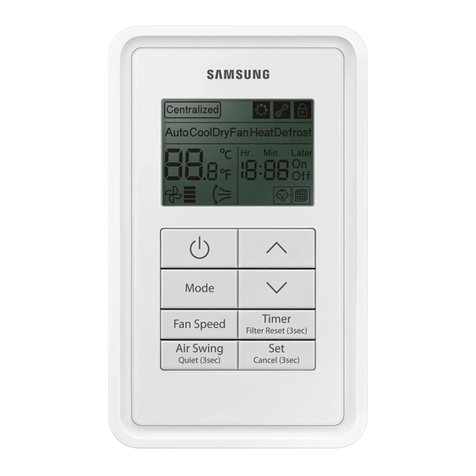
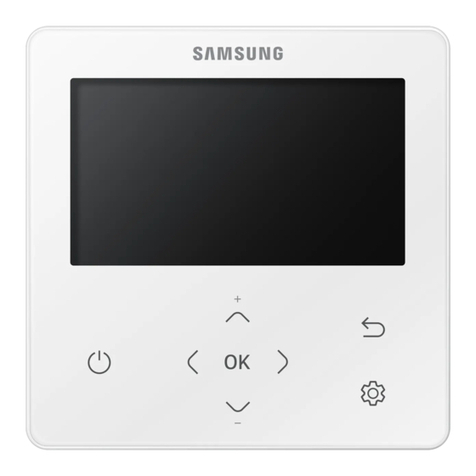
ENGLISH-7
02 INSTALLATION
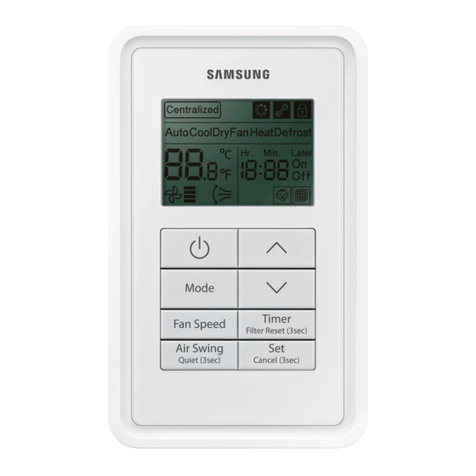
4. Reassemble your wired remote controller.
•
A
lign the controller with the upper groove rst, and insert it by turning it downward as
shown in the gure.
After assembly, check and conrm that no wires are stuck in the gap between the rear and
front cover.
•
When installing a wired remote controller by using a cable longer than 10 m(32.80 ft), you must install the communication cable
and the power cable separately. (Electrical interference can cause your wired remote controller to malfunction.)
• Wheninstallingyourwiredremotecontrolleronthewall,considerthesizeofthewirehole,andselectawirewithaproper
thickness.
• IfyouinstallthewiredremotecontrollerbyusingtwopiecesofPVCwire,removethe30cm(12inch)ofthe
sheath of the cable and install it only with the two pieces of wires. (Recommended specication: AWG22)
• Maximumdistanceforconnectingcommunicationandpowercable:100m(328ft).
•
ScrewsonthePCBterminalmustbetightenedwithlessthan6N-cmtighteningtorque.Ifthetighteningtorqueis
greater,itmaydamagethescrewthread.
3. Using more than two screws, rmly ax the rear cover of the remote controller to the wall, and then connect the
communication and power cable [(F3,F4) or (3, 4)], making sure these cables have reasonable length, to the terminal at
the back of the cover.
F1 F2 V1 V2 F3 F4
F3 F4
10mm(0.4inch)ormore
10mm(0.4inch)
ormore
10mm(0.4inch)ormore
10mm(0.4inch)ormore
Screwhole
Rearcover
Frontcover
PCBterminal
Wire(notsupplied)
Beforefixingtherearcover,secureatleast
10mm(0.4inch)spaceofupperside,left
side,rightside,andbottomside.
Youmustfitthescrewsinto
thescrewholes.
Indoorunit
Wiredremote
controller
Donottightenthescrewsonthe
PCBterminalwithexcessiveforce.
CAUTION
MWR-SH10N_IM_DB68-05567A-01_EN.indd 7 2015/11/19 19:44:10