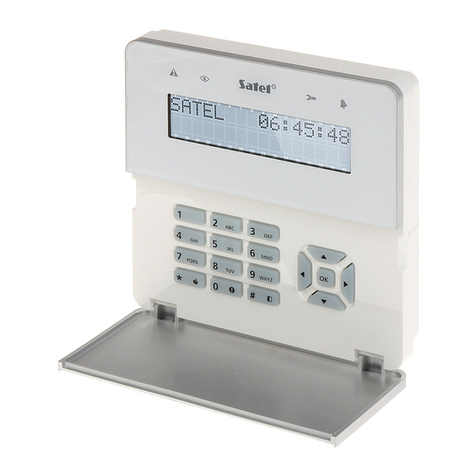
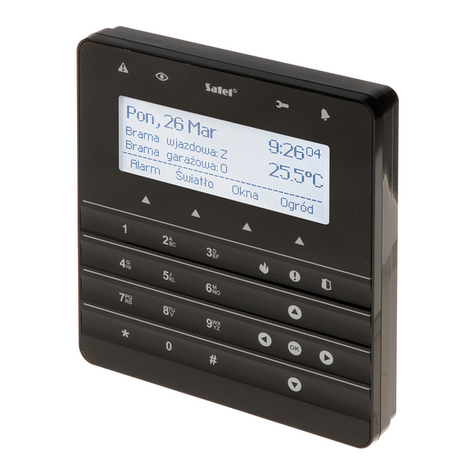
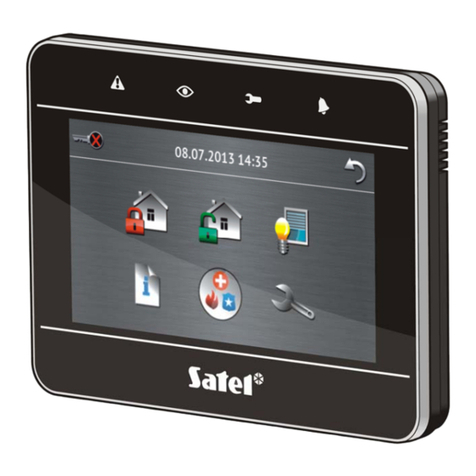
SATEL INT-TSG 3
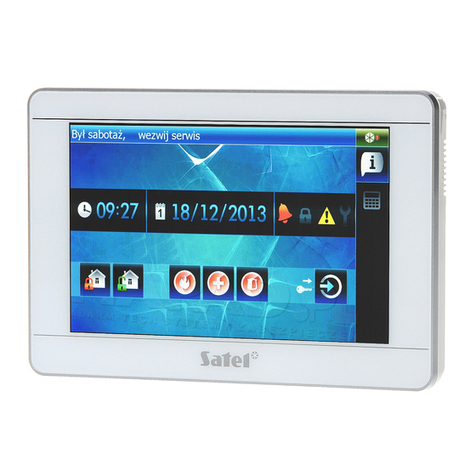
The status screen is displayed 60 seconds after the last operation performed on the keypad
screen, unless the terminal is running (see p. 13). When the terminal is displayed, the status
screen may appear later or even not appear at all (e.g. when the service menu is open).
If the user is logged in, he/she will be automatically logged out a few seconds after the
status screen is displayed.
Information presented on the status screen
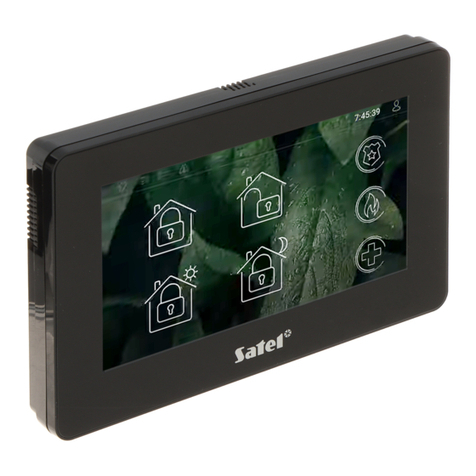
The keypad with factory settings presents the date and time on the status screen. The
installer can customize the information displayed to suit the user needs. Information on the
state of selected partitions, zones or outputs, temperature taken by selected temperature
detectors, date and time, as well as any text, can be presented on the status screen.
Icons illustrating the state of partitions are described in section “Partition status” (p. 8).
Icons illustrating the state of zones are described in section “Zone status” (p. 9).
Icons illustrating the state of outputs are shown in the table below.
Icon Color Output status
grey deactivated
red activated
Additional messages, connected with occurrence of specific events (e.g. arming or disarming,
auto-arming delay countdown, entry / exit delay countdown, alarm, etc.), may also appear on
the status screen.
Functions available from the status screen
Tapping the status screen will display the main screen.
The keypad can be configured by the installer so as to display the macro commands
assigned to a corresponding group on tapping the corner of status screen. The illustration
below shows the screen parts, the tapping of which can display macro commands (the digit
corresponds to the number of macro command group). Icons of macro command groups can
be displayed there.
Pressing any part of the status screen for 3 seconds may trigger the silent panic alarm.
Whether or not this function will be available is to be defined by the installer.