manuals.online logo
Brands
  1. Home
  2. •
  3. Brands
  4. •
  5. SATO KEIRYOKI
  6. •
  7. Thermometer
  8. •
  9. SATO KEIRYOKI MIN-MAX Type I User manual

SATO KEIRYOKI MIN-MAX Type I User manual

Other SATO KEIRYOKI Thermometer manuals

SATO KEIRYOKI BM-T-100P User manual

SATO KEIRYOKI

SATO KEIRYOKI BM-T-100P User manual

SATO KEIRYOKI SK-87002 User manual

SATO KEIRYOKI

SATO KEIRYOKI SK-87002 User manual

SATO KEIRYOKI Jumbo SK-1120 User manual

SATO KEIRYOKI

SATO KEIRYOKI Jumbo SK-1120 User manual

SATO KEIRYOKI SK-100WP User manual

SATO KEIRYOKI

SATO KEIRYOKI SK-100WP User manual

SATO KEIRYOKI SK-8700 User manual

SATO KEIRYOKI

SATO KEIRYOKI SK-8700 User manual
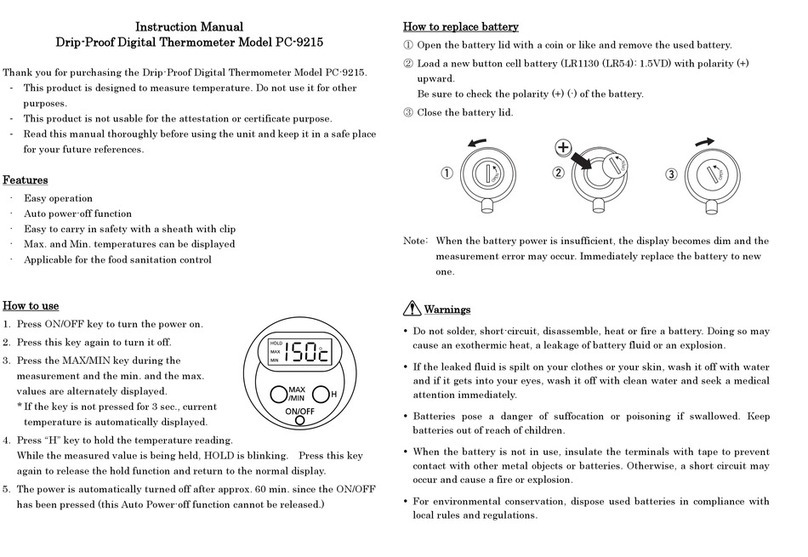
SATO KEIRYOKI PC-9215 User manual

SATO KEIRYOKI

SATO KEIRYOKI PC-9215 User manual
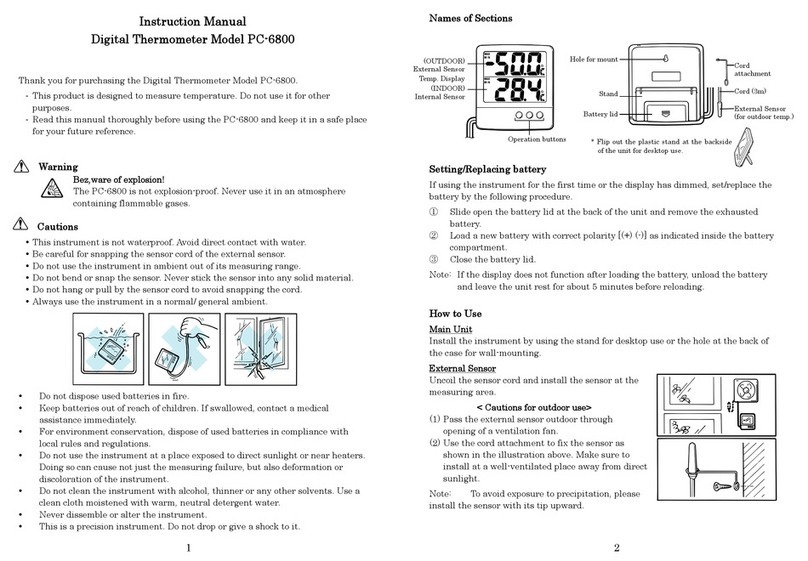
SATO KEIRYOKI PC-6800 User manual

SATO KEIRYOKI

SATO KEIRYOKI PC-6800 User manual

SATO KEIRYOKI PC-8400 II User manual

SATO KEIRYOKI

SATO KEIRYOKI PC-8400 II User manual
SATO KEIRYOKI PC-52D User manual

SATO KEIRYOKI

SATO KEIRYOKI PC-52D User manual

SATO KEIRYOKI SK-1260 User manual

SATO KEIRYOKI

SATO KEIRYOKI SK-1260 User manual

SATO KEIRYOKI PC-3500 User manual

SATO KEIRYOKI

SATO KEIRYOKI PC-3500 User manual

SATO KEIRYOKI BM-T-90S User manual

SATO KEIRYOKI

SATO KEIRYOKI BM-T-90S User manual
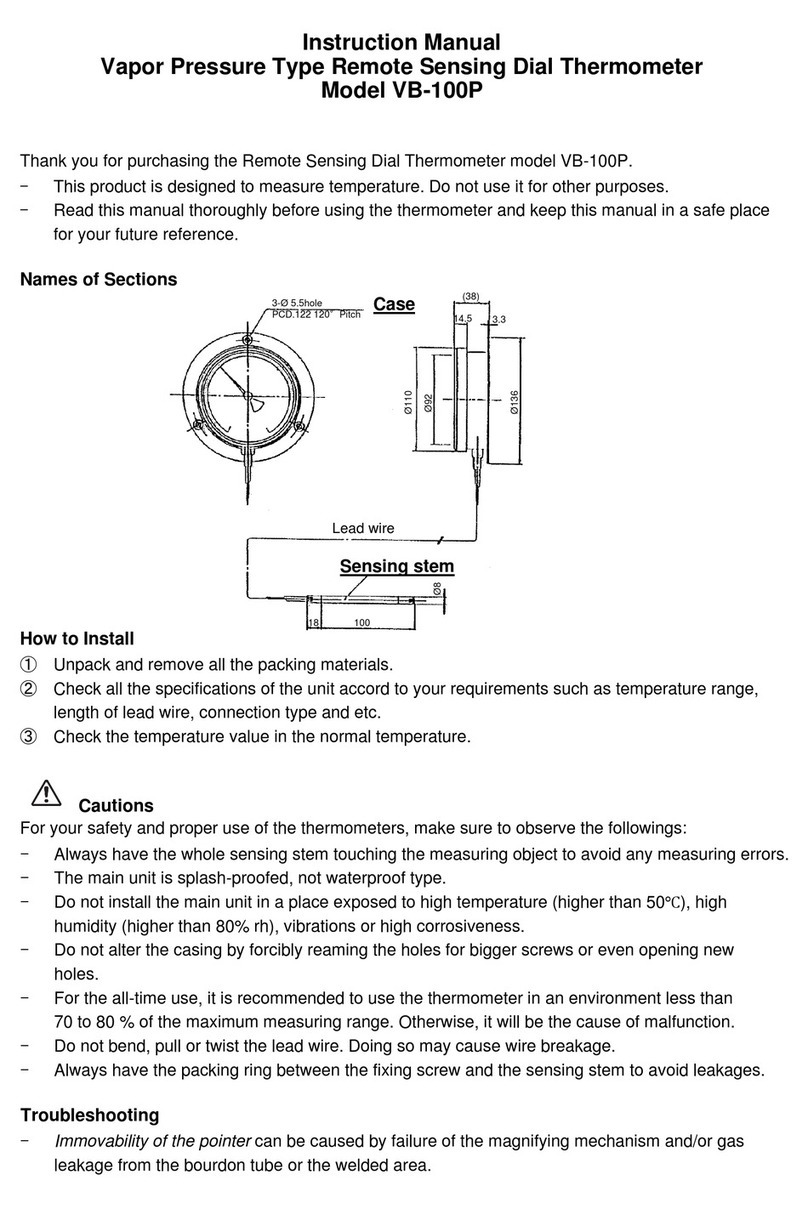
SATO KEIRYOKI VB-100P User manual

SATO KEIRYOKI

SATO KEIRYOKI VB-100P User manual
SATO KEIRYOKI S270WP Series User manual
SATO KEIRYOKI

SATO KEIRYOKI S270WP Series User manual

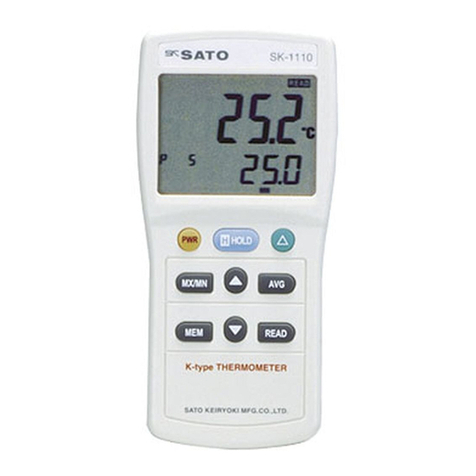
SATO KEIRYOKI SK-1110 User manual

SATO KEIRYOKI

SATO KEIRYOKI SK-1110 User manual
SATO KEIRYOKI 2150-10 User manual

SATO KEIRYOKI

SATO KEIRYOKI 2150-10 User manual
SATO KEIRYOKI SK-250WP II Series User manual
SATO KEIRYOKI

SATO KEIRYOKI SK-250WP II Series User manual

SATO KEIRYOKI PC-9215 User manual

SATO KEIRYOKI

SATO KEIRYOKI PC-9215 User manual

Popular Thermometer manuals by other brands

Benetech GM900 instruction manual

Benetech

Benetech GM900 instruction manual

Parton PTD-400 manual

Parton

Parton PTD-400 manual

GAME 15900 owner's manual

GAME

GAME 15900 owner's manual

scigiene FP-180 instruction manual

scigiene

scigiene FP-180 instruction manual

Ametek Land UNO U1 600/1600C-L user guide

Ametek Land

Ametek Land UNO U1 600/1600C-L user guide

Delton 981A instruction manual

Delton

Delton 981A instruction manual

Taylor 5286498 instruction manual

Taylor

Taylor 5286498 instruction manual

Baker MM2P instruction manual

Baker

Baker MM2P instruction manual

Chino IR-FA Series instructions

Chino

Chino IR-FA Series instructions

Vive DMD1010 user manual

Vive

Vive DMD1010 user manual

Tarmo 320281 manual

Tarmo

Tarmo 320281 manual

Citizen CTD 504 instruction manual

Citizen

Citizen CTD 504 instruction manual

TFA 14.1500 instruction manual

TFA

TFA 14.1500 instruction manual

Gotemp THB4002 user guide

Gotemp

Gotemp THB4002 user guide

GREISINGER G 1202 Quick reference guide

GREISINGER

GREISINGER G 1202 Quick reference guide

Amprobe TMD-53W user manual

Amprobe

Amprobe TMD-53W user manual

Trotec BP10 operating manual

Trotec

Trotec BP10 operating manual

Radiance instruments RT616 Series product manual

Radiance instruments

Radiance instruments RT616 Series product manual

manuals.online logo
manuals.online logoBrands
  • About & Mission
  • Contact us
  • Privacy Policy
  • Terms and Conditions

Copyright 2025 Manuals.Online. All Rights Reserved.

1
INSTRUCTION MANUAL
Min-Max Thermometer with Hygrometer
Model MIN-MAX TypeⅠ
Thank you for purchasing the min-max thermometer Model MIN-MAX TypeⅠ.
- This instrument is designed to measure temperature and humidity being mounted on a wall
Do not use it for other purposes.
- Be sure to read this manual thoroughly before using the min-max thermometer. Keep this manual in
a safety place for future references.
Name of section
Front view
How to use
1. Settings (before use)
- Overlap the red pointer (max. temperature) on the black pointer (current
temperature) by turning the nut counterclockwise.
(refer to A)
- Turn the nut clockwise to overlap the blue pointer (min. temperature) on
the black pointer (current temperature). (refer to B)
-When three pointers are overlapped, settings will be completed.
After completed, be sure to set back the setting needle just under
by turning the nut. (refer to C)
2. How to read min. and max. temperatures
- The value that red pointer indicates is the maximum
temperature and the blue pointer indicates the minimum
temperature during the measurement (from just after the
settings are completed).
B
Setting needle
C
nut
A
D
Blue pointer
black pointer
red pointer
red pointer
(max. temperature)
black pointer
(current temperature)
blue pointer
(min. temperature)
setting needle
nut
2
3. Installation Rear view
Use the hooking hole shown on the rear of the case to
mount the unit perpendicularly on a wall.
Cautions in Installation
- Mount the unit at your eye level on a perpendicular wall that is free from vibrations.
-Do not mount the unit subject to direct air flow from an air conditioner or a heater.
- Do not expose to direct sunlight or splashing water.
Notes on Use
- Do not move the black pointer by turning the setting nut.
- After completed, be sure to set back the setting needle just under by turning the nut.
- It takes about 30 min. to indicate accurate temperature after unpacked.
- This is a precision instrument. Do not drop or apply impact to it. Doing so may result in malfunction.
- Do not use this instrument in an atmosphere out of measuring range (-30 to 50°C).
- Do not use the instrument at a place subject to water splash.
- In dry, cold seasons, the hygrometer may indicate out of measuring range, but this is normal
since it simply means the relative humidity is below 25%.
- If the unit becomes dirty, wipe it with a dry soft cloth.
- This instrument is not suitable to use for certification purpose.
- It is desirable to check the readings (temp./humid.) with the reliable thermometer (hygrometer) once
a year.
Specifications
Temperature
Humidity
Measuring range
–30 to 50℃
25 to 95%RH
Accuracy
±2℃
±5%RH (at 20℃±5℃)
Materials
Case/cover:ABS resin Window:Acryl resin
Dimensions
180(W) mm x 180 (H) mm x 35(D) mm
Weight
approx. 240 g
Made in Japan
3-4, Kanda-kajicho, Chiyoda-ku, Tokyo 101-0045 JAPAN
TEL:+81(0)3-3254-8117 :(0)3-3254-8123
URL: http://www.sksato.co.jp/english/
R.10
hole for hook