manuals.online logo
Brands
  1. Home
  2. •
  3. Brands
  4. •
  5. SATO KEIRYOKI
  6. •
  7. Thermometer
  8. •
  9. SATO KEIRYOKI PC-9215 User manual

SATO KEIRYOKI PC-9215 User manual

Other SATO KEIRYOKI Thermometer manuals

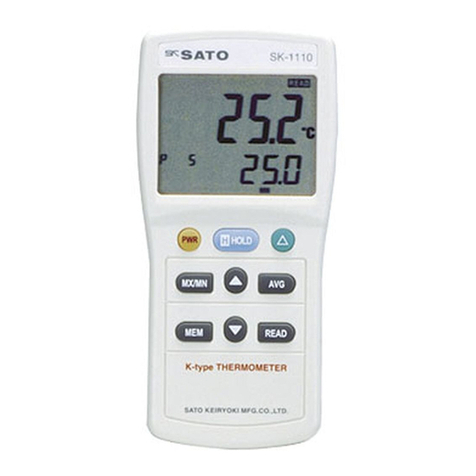
SATO KEIRYOKI SK-1110 User manual

SATO KEIRYOKI

SATO KEIRYOKI SK-1110 User manual

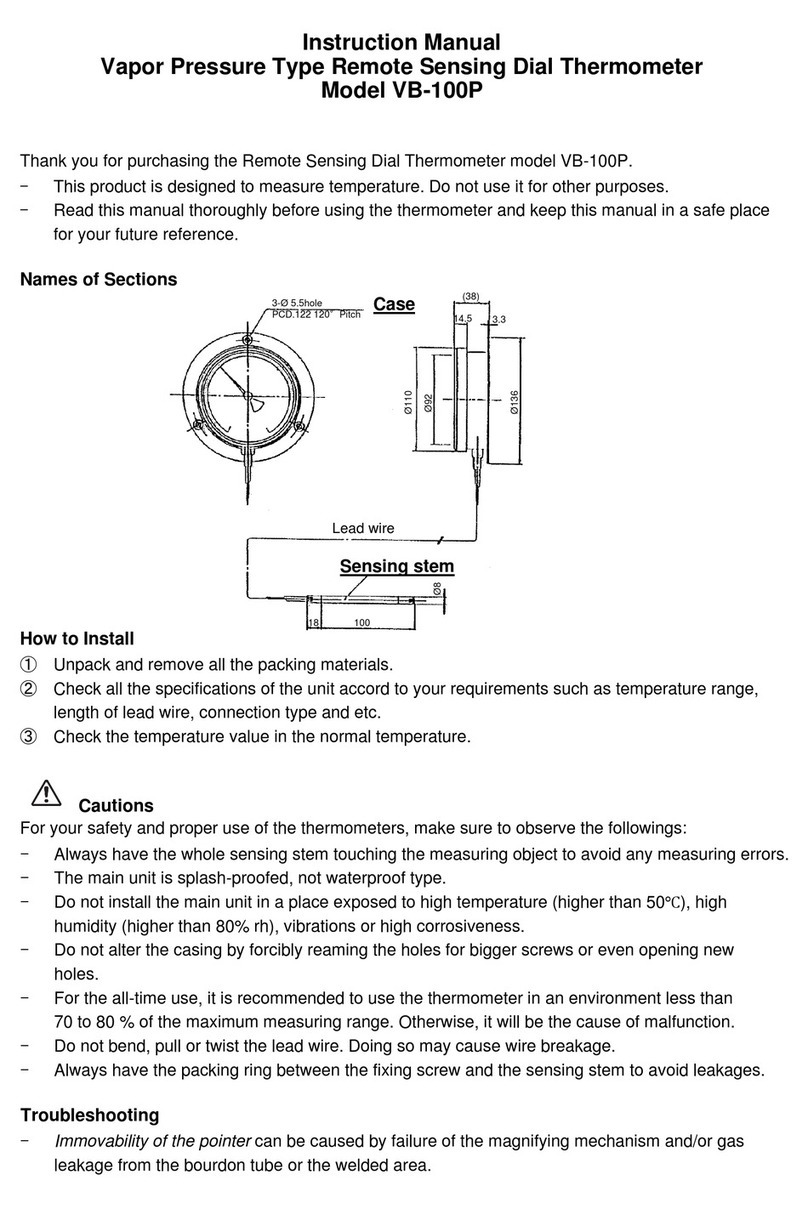
SATO KEIRYOKI VB-100P User manual

SATO KEIRYOKI

SATO KEIRYOKI VB-100P User manual

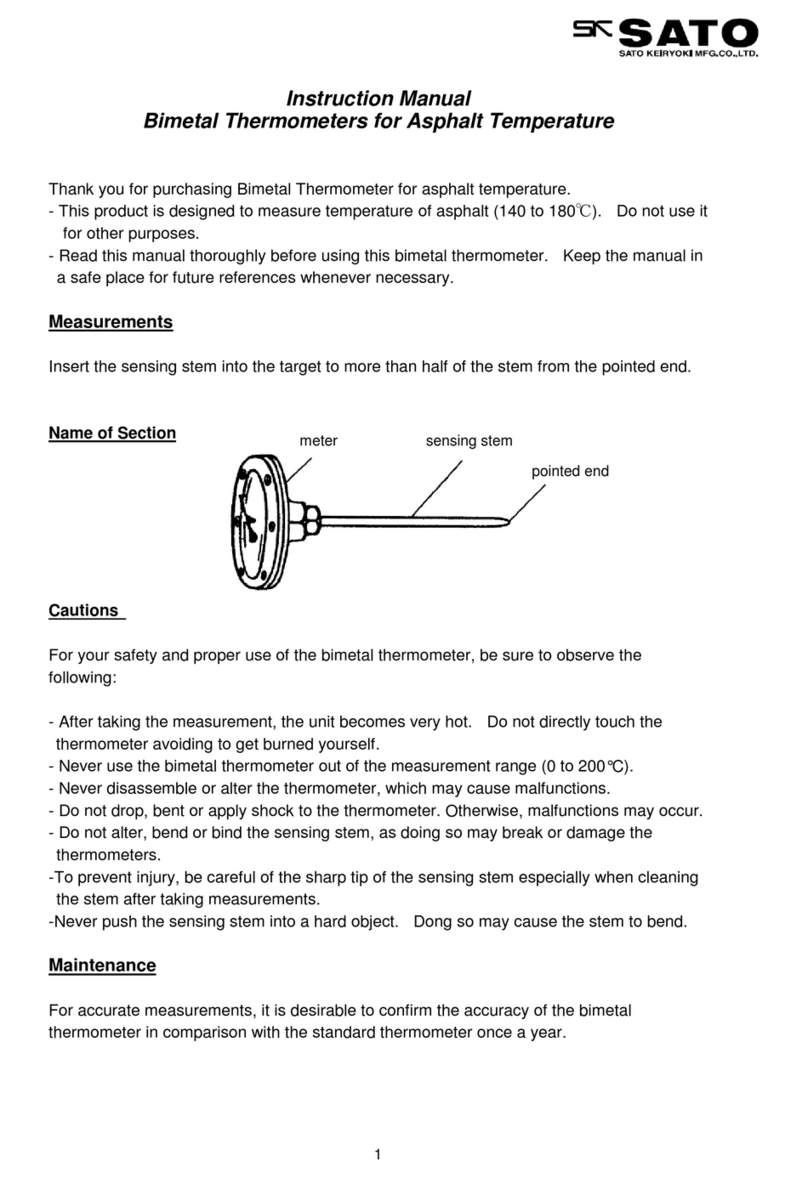
SATO KEIRYOKI 2150-10 User manual

SATO KEIRYOKI

SATO KEIRYOKI 2150-10 User manual

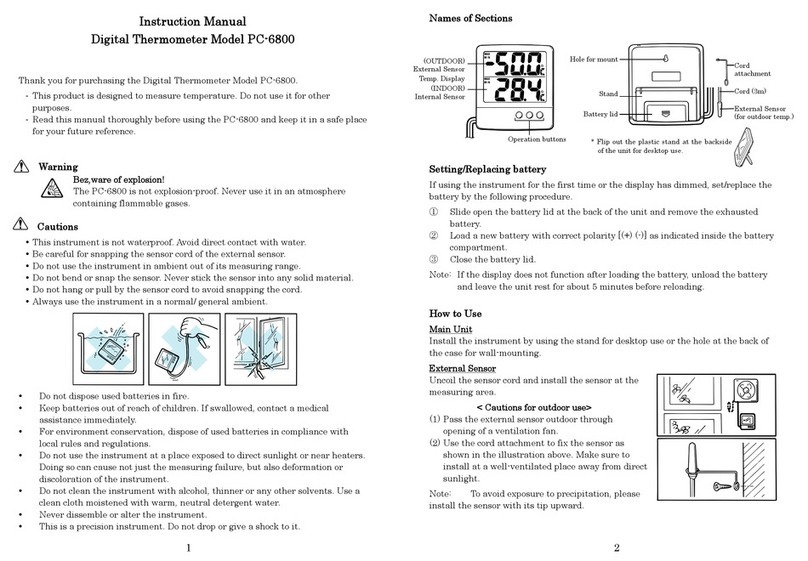
SATO KEIRYOKI PC-6800 User manual

SATO KEIRYOKI

SATO KEIRYOKI PC-6800 User manual

SATO KEIRYOKI Jumbo SK-1120 User manual

SATO KEIRYOKI

SATO KEIRYOKI Jumbo SK-1120 User manual

SATO KEIRYOKI PC-3500 User manual

SATO KEIRYOKI

SATO KEIRYOKI PC-3500 User manual

SATO KEIRYOKI PC-52D User manual

SATO KEIRYOKI

SATO KEIRYOKI PC-52D User manual

SATO KEIRYOKI SK-87002 User manual

SATO KEIRYOKI

SATO KEIRYOKI SK-87002 User manual

SATO KEIRYOKI SK-8700 User manual

SATO KEIRYOKI

SATO KEIRYOKI SK-8700 User manual

SATO KEIRYOKI PC-9215 User manual

SATO KEIRYOKI

SATO KEIRYOKI PC-9215 User manual

SATO KEIRYOKI SK-100WP User manual

SATO KEIRYOKI

SATO KEIRYOKI SK-100WP User manual

SATO KEIRYOKI BM-T-100P User manual

SATO KEIRYOKI

SATO KEIRYOKI BM-T-100P User manual

SATO KEIRYOKI SK-250WP II Series User manual

SATO KEIRYOKI

SATO KEIRYOKI SK-250WP II Series User manual

SATO KEIRYOKI PC-8400 II User manual

SATO KEIRYOKI

SATO KEIRYOKI PC-8400 II User manual

SATO KEIRYOKI S270WP Series User manual

SATO KEIRYOKI

SATO KEIRYOKI S270WP Series User manual

SATO KEIRYOKI BM-T-90S User manual

SATO KEIRYOKI

SATO KEIRYOKI BM-T-90S User manual

SATO KEIRYOKI SK-1260 User manual

SATO KEIRYOKI

SATO KEIRYOKI SK-1260 User manual

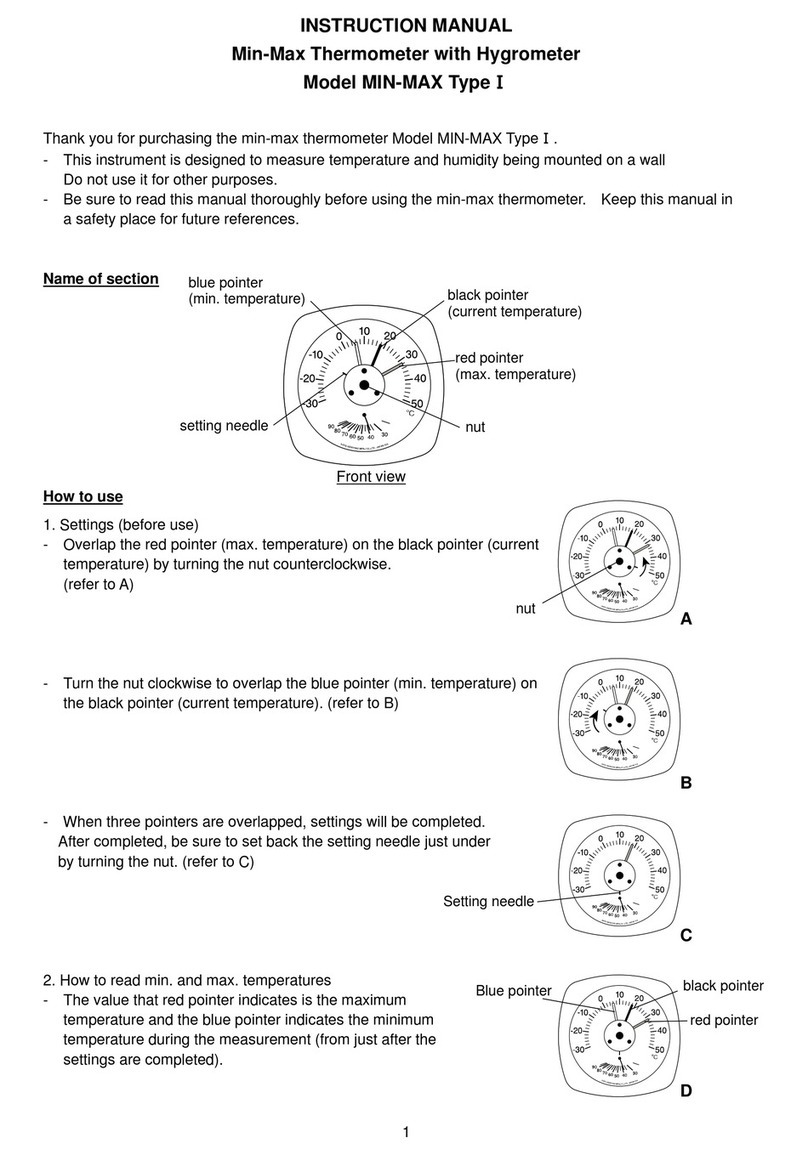
SATO KEIRYOKI MIN-MAX Type I User manual

SATO KEIRYOKI

SATO KEIRYOKI MIN-MAX Type I User manual

Popular Thermometer manuals by other brands

Benetech GM900 instruction manual

Benetech

Benetech GM900 instruction manual

Parton PTD-400 manual

Parton

Parton PTD-400 manual

GAME 15900 owner's manual

GAME

GAME 15900 owner's manual

scigiene FP-180 instruction manual

scigiene

scigiene FP-180 instruction manual

Ametek Land UNO U1 600/1600C-L user guide

Ametek Land

Ametek Land UNO U1 600/1600C-L user guide

Delton 981A instruction manual

Delton

Delton 981A instruction manual

Taylor 5286498 instruction manual

Taylor

Taylor 5286498 instruction manual

Baker MM2P instruction manual

Baker

Baker MM2P instruction manual

Chino IR-FA Series instructions

Chino

Chino IR-FA Series instructions

Vive DMD1010 user manual

Vive

Vive DMD1010 user manual

Tarmo 320281 manual

Tarmo

Tarmo 320281 manual

Citizen CTD 504 instruction manual

Citizen

Citizen CTD 504 instruction manual

TFA 14.1500 instruction manual

TFA

TFA 14.1500 instruction manual

Gotemp THB4002 user guide

Gotemp

Gotemp THB4002 user guide

GREISINGER G 1202 Quick reference guide

GREISINGER

GREISINGER G 1202 Quick reference guide

Amprobe TMD-53W user manual

Amprobe

Amprobe TMD-53W user manual

Trotec BP10 operating manual

Trotec

Trotec BP10 operating manual

Radiance instruments RT616 Series product manual

Radiance instruments

Radiance instruments RT616 Series product manual

manuals.online logo
manuals.online logoBrands
  • About & Mission
  • Contact us
  • Privacy Policy
  • Terms and Conditions

Copyright 2025 Manuals.Online. All Rights Reserved.

Instruction Manual
Drip-Proof Digital Thermometer Model PC-9215
Thank you for purchasing the Drip-Proof Digital Thermometer Model PC-9215.
- This product is designed to measure temperature. Do not use it for other
purposes.
- This product is not usable for the attestation or certificate purpose.
- Read this manual thoroughly before using the unit and keep it in a safe place
for your future references.
Features
- Easy operation
- Auto power-off function
- Easy to carry in safety with a sheath with clip
- Max. and Min. temperatures can be displayed
- Applicable for the food sanitation control
How to use
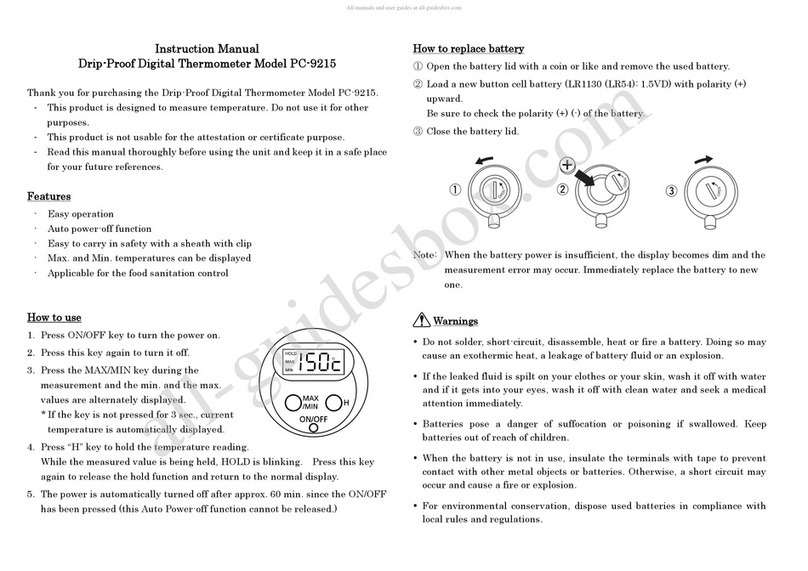
1. Press ON/OFF key to turn the power on.
2. Press this key again to turn it off.
3. Press the MAX/MIN key during the
measurement and the min. and the max.
values are alternately displayed.
* If the key is not pressed for 3 sec., current
temperature is automatically displayed.
4. Press “H”key to hold the temperature reading.
While the measured value is being held, HOLD is blinking. Press this key
again to release the hold function and return to the normal display.
5. The power is automatically turned off after approx. 60 min. since the ON/OFF
has been pressed (this Auto Power-off function cannot be released.)
How to replace battery
①Open the battery lid with a coin or like and remove the used battery.
②Load a new button cell battery (LR1130 (LR54): 1.5VD) with polarity (+)
upward.
Be sure to check the polarity (+) (-) of the battery.
③Close the battery lid.
Note: When the battery power is insufficient, the display becomes dim and the
measurement error may occur. Immediately replace the battery to new
one.
Warnings
Do not solder, short-circuit, disassemble, heat or fire a battery. Doing so may
cause an exothermic heat, a leakage of battery fluid or an explosion.
If the leaked fluid is spilt on your clothes or your skin, wash it off with water
and if it gets into your eyes, wash it off with clean water and seek a medical
attention immediately.
Batteries pose a danger of suffocation or poisoning if swallowed. Keep
batteries out of reach of children.
When the battery is not in use, insulate the terminals with tape to prevent
contact with other metal objects or batteries. Otherwise, a short circuit may
occur and cause a fire or explosion.
For environmental conservation, dispose used batteries in compliance with
local rules and regulations.

5
Cautions
After measurement, put the sensing stem in the sheath attached.
At sheathing, make sure to confirm that the temperature is lower than 40°C.
Do not use the instrument in ambient out of its measuring range.
Do not bend or snap the sensor stem.
Do not drop or give a shock to it.
Be sure to insert the sensing stem into the object 50mm deep from the tip at
the measurement of water, liquid and like.
Do not clean the instrument with alcohol, thinner or any other solvents. Use a
clean cloth moistened with warm, neutral detergent water.
Never dissemble or alter the instrument.
This is not water-proof construction.
Specifications
Name Drip-proof Digital Thermometer
Model PC-9215
Cat. No. 1747-00
Measuring Range -50 to 150ºC
Accuracy ±1°C at 0 to 140ºC
±2°C at other range
Sampling Time every 1 second
Power Requirement 1.5VDC (one LR1130 button cell battery)
Battery Life about 6 months (one hour use in a day)
Dimensions Main Unit: Ø47 × (t) 17 × (L) 180 mm
Materials Main Unit and sheath: ABS resin
Sensing stem: stainless steel
Weight about 20 g
Accessories Sheath with clip (Ø10 x 144mm),
One LR1130 button cell battery
* Heatproof temperature for meter and sheath is -10 to 40ºC
* The battery installed was used for monitoring purpose and its
battery life may be shortened.
* All specifications and appearances subject to change with or without
notice.
3-4, Kanda-kajicho, Chiyoda-ku, Tokyo 101-0045 Japan
URL: http://www.sksato.co.jp/english/ P.10