6
6. How to measure temperature
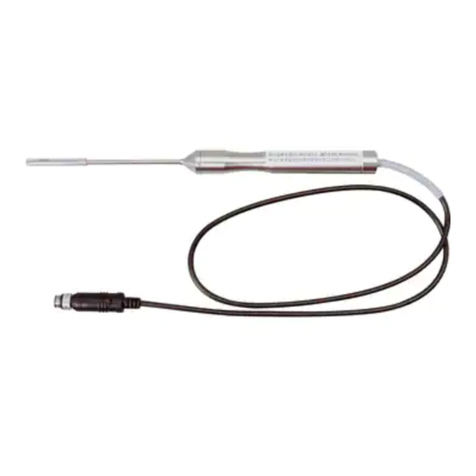
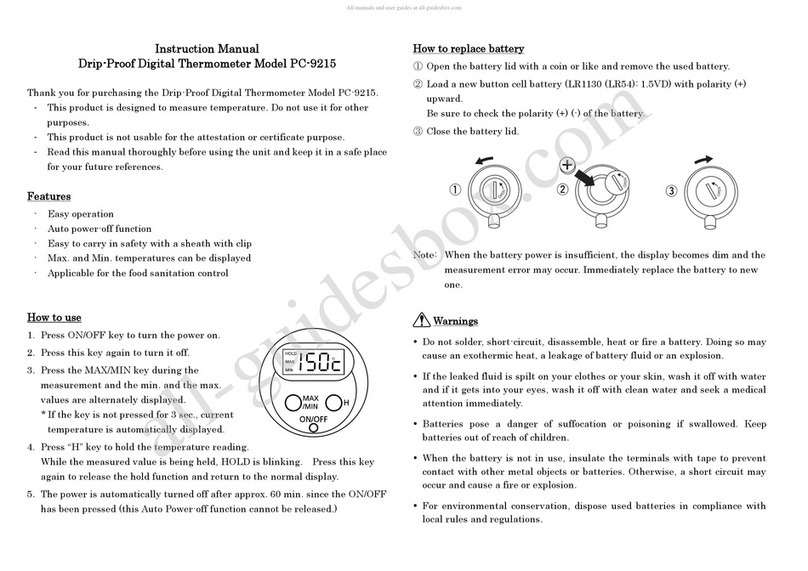
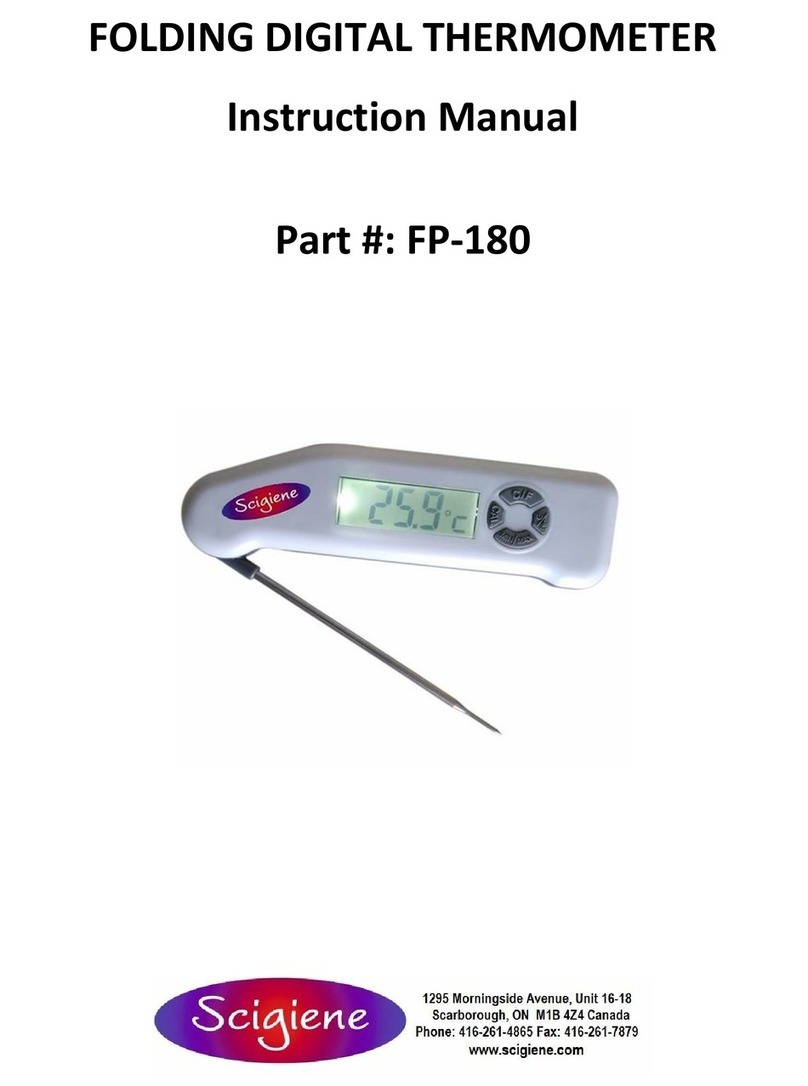
(1) Connect the probe to the main unit
NB. If the probe is disconnected when power is turned on, error message “Er”will be displayed. By
connecting the probe, display changes to measurement mode.
(2) Press the POWER ON/OFF key to turn the power on. The current temperature will display and it will
be in measurement mode. The time will display in bottom section.
* To measure temperature precisely
Insert the sensor stem into the object to be measured whether it is air, liquid or solid, to the depth of
about 15 times as deep as the diameter of stem (ex. deeper than 45 mm in the 3mm dia. probe) by
reason that the sensor will be less affected by the open air around the sensor stem.
(3) Press the POWER ON/OFF key again and the display will disappear and power will be off.
7. Warnings for low battery
When the batteries are exhausted, mark will blink. Place the batteries with new ones.
Otherwise, measured value may display incorrectly.
Cautions!
When measuring high temperature, be careful not to get hurt.
8. HOLD Function
Note: The function cannot be used while the MAX/MIN or timer function is being used.
When the temperature changes too frequently during measurement, press the HOLD key to hold
(freeze) the measured value for easier reading. While the measure value is being hold, HOLD will show
in display section. Press the HOLD key again to return to real-time display.
9. MAX/MIN Function
Note: This function cannot be used while the MAX/MIN or hold function is being used.
The maximum and minimum measured values are kept in the change of measured values. Press the
MAX/MIN key once to display the highest temperature value and press the MAX/MIN key again to
display lowest temperature value. Press the MAX/MIN key to switch back to the real-time display.
The display will be switched cyclically. While the maximum or minimum measured values is displayed,
MAX or MIN will show in display section. The maximum and minimum values are cleared by pressing
the RESET key or turning the power off.
If the multiple highest/lowest temperature are collected, the oldest time at which the highest/lowest value
was measured will be displayed.
10. RESET Function
Press the RESET key to clear the maximum and minimum values stored. While these values are being
cleared, °C will be blinking in display section. Then measured values are newly kept.