17
English
English
16
ALARM
3
9
6
12
55
05
10
15
50
45
30
25
20
35
40
60
B
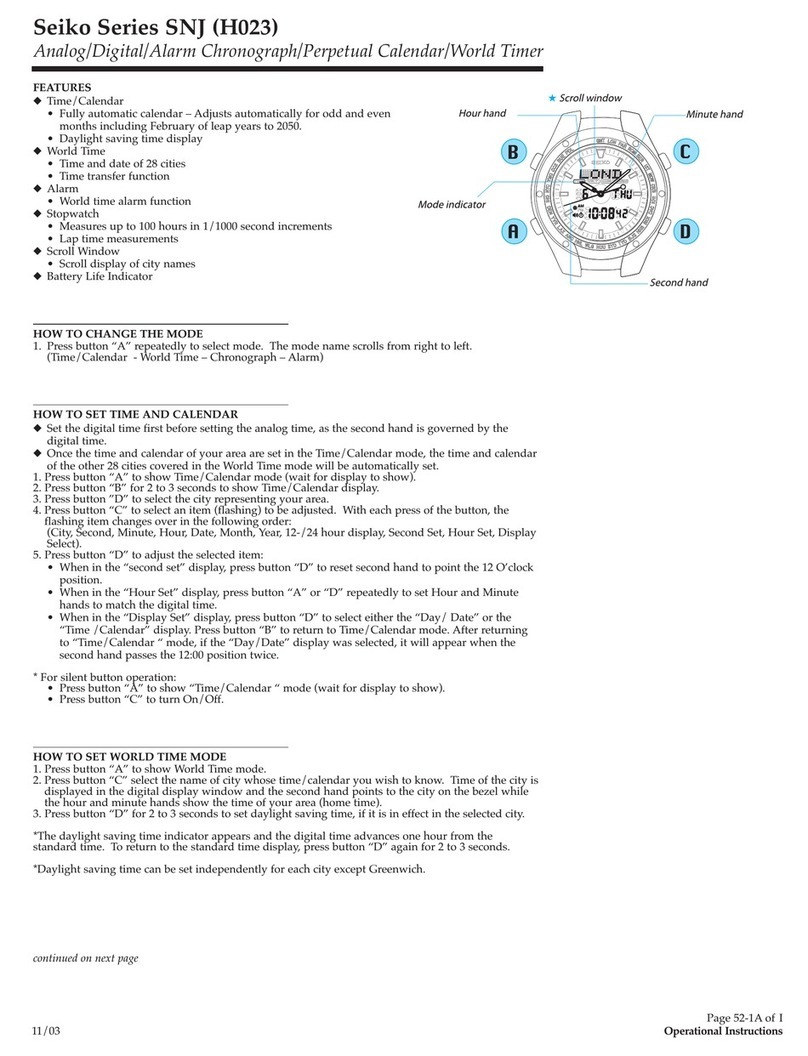
SINGLE-TIME ALARM
lThe alarm can be set to ring only once at a designated time within the
coming 12 hours.
lThe alarm time can be set in one minute increments.
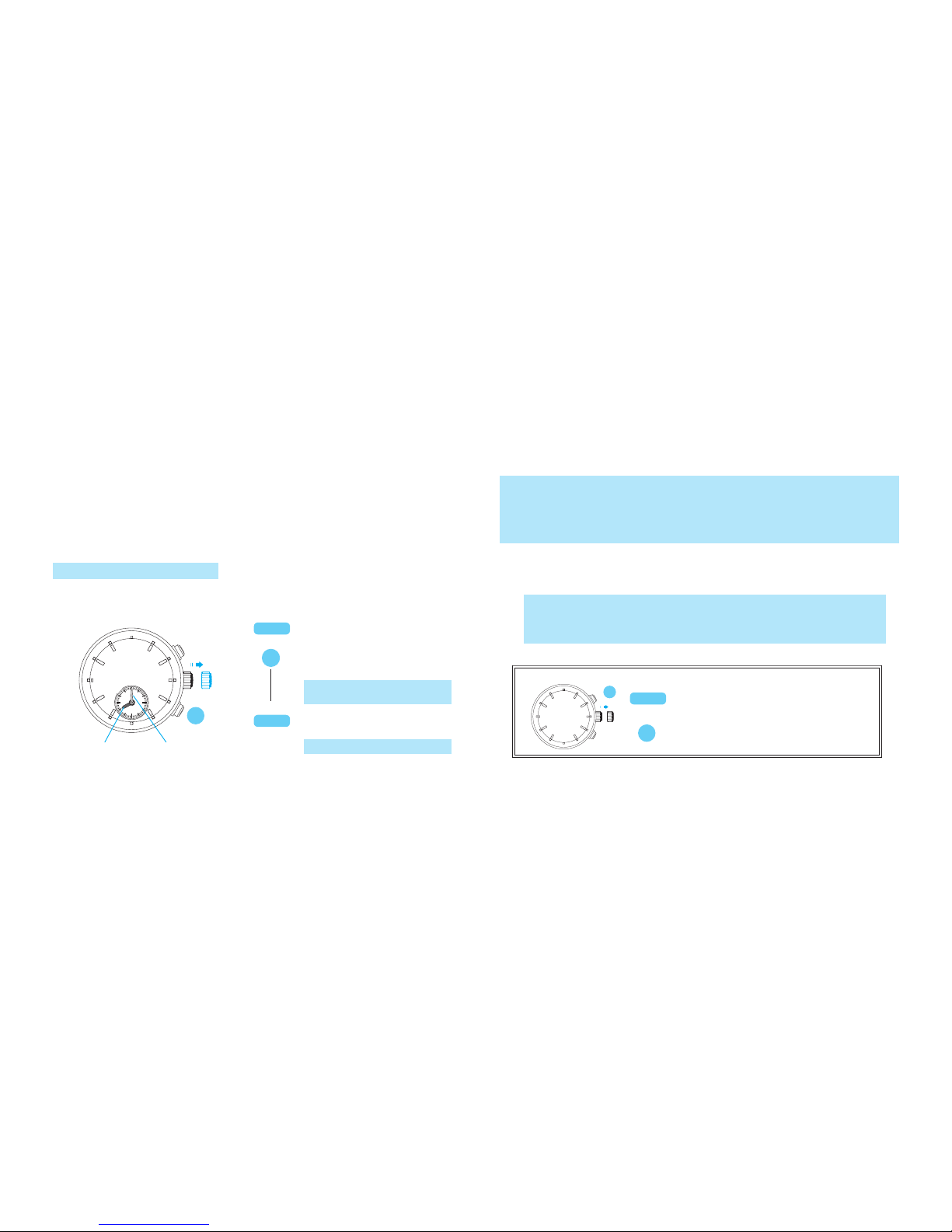
l You can preview the alarm sound by using the sound demonstration
function.
IBefore using the alarm, check that the ALARM hands are adjusted to
the current time. (See "SETTING THE TIME AND ADJUSTING THE
STOPWATCH HAND POSITION")
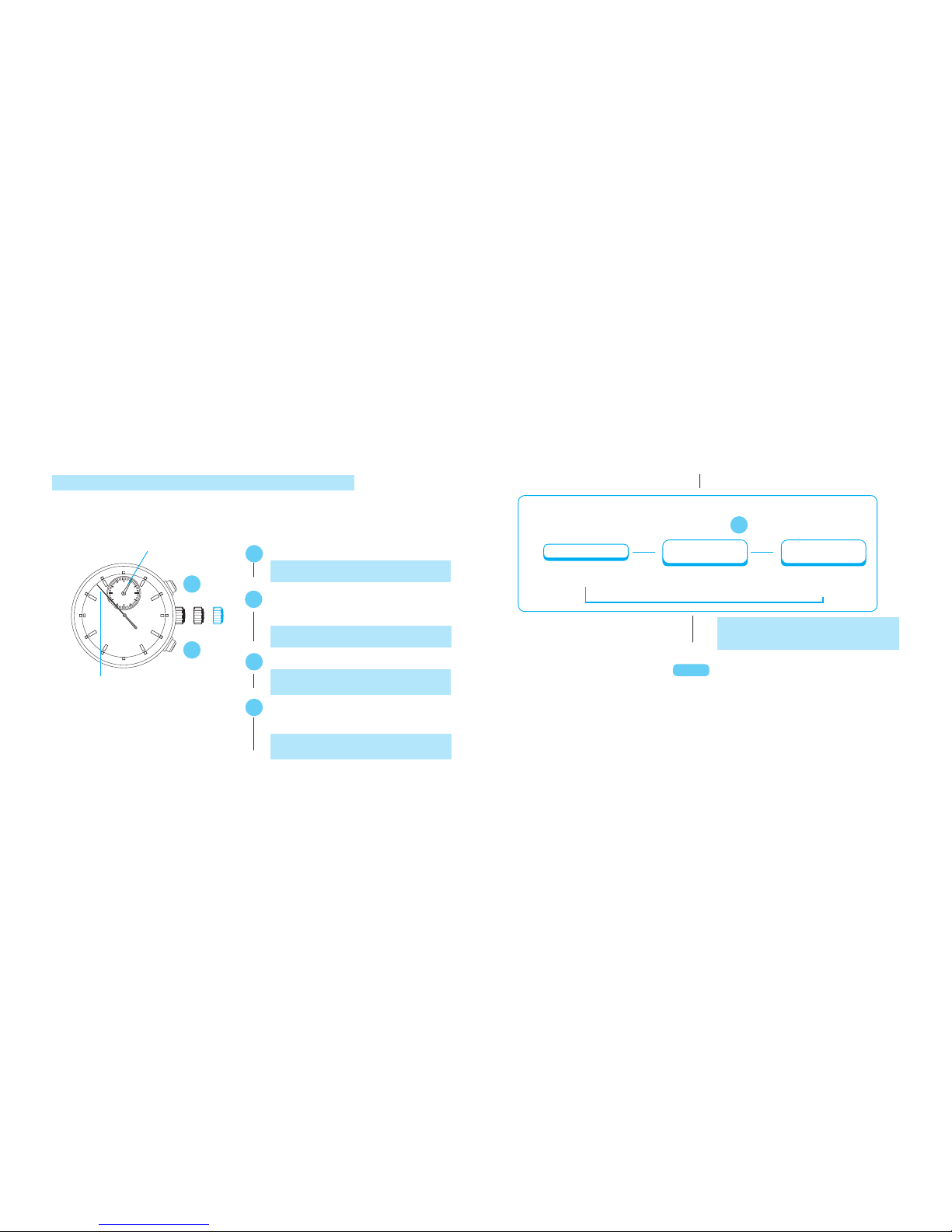
ALARM TIME SETTING
ALARM minute hand
Pull out to the first click.
B
t
t
Press repeatedly to set the
desired alarm time.
Push back into the normal
position.
Thealarmisautomaticallyengaged.
ALARM hour hand
TheALARMhandsmovequicklyif
ButtonBiskeptpressed.
lHOW TO STOP THE ALARM
At the designated time the alarm rings for 20 seconds, and it is automatically
disengaged as it stops. To stop it manually, press Button A or B.
1. Thesingle-timealarmcannotbesetforatimemorethan12hoursaheadofthecurrenttime.While
youkeepButtonBpressedtoadvancetheALARMhandsquickly,theystopwhentheyindicatethe
currenttimeandthealarmisdisengaged.Inthatcase,releaseButtonB,andthen,pressandhold
thebuttonagaintosettheALARMhandstothedesiredtime.
2. Whilethecrownisatthenormalposition,theALARMhandsindicatethecurrenttimewhenthe
alarmisdisengagedandthedesignatedalarmtimewhenitisengaged.
1. Whilethestopwatchismeasuring,thealarmringsdifferentlythanusual.However,thisis
notamalfunction.
2. Whilethealarmisringing,pressingButtonAorBwillonlystopthealarm,andno
stopwatchoperationcanbemade.
CROWN
CROWN
Pull out to first click.
Press for longer than 3 seconds. The
alarm sound can be heard while Button A
is kept pressed.
ALARM SOUND DEMONSTRATION FUNCTION
t
55
05
10
15
50
45
30
25
20
35
40
60
ACROWN
A