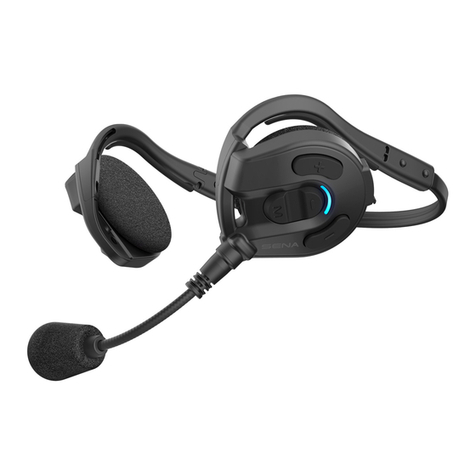
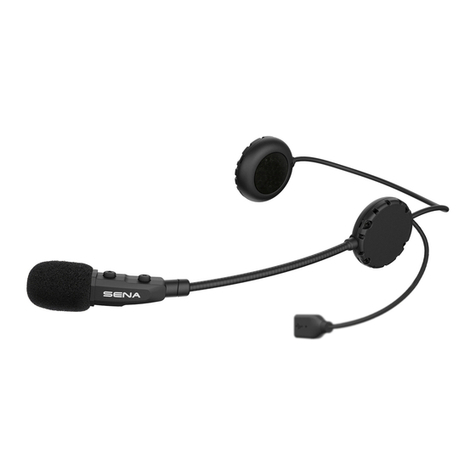
Sena EXPAND User manual

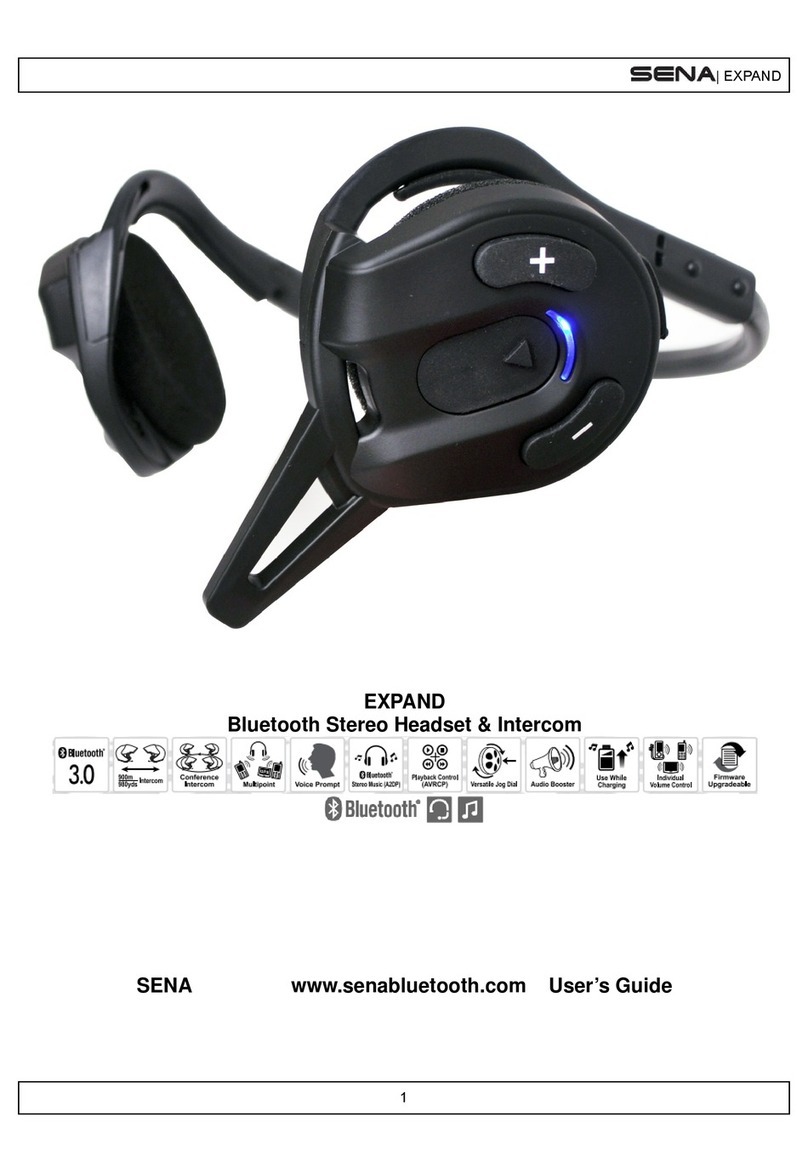
SENA
EXPAND
Bluetooth®Stereo Headset & Intercom
User's Guide
www.sena.com

EXPAND
© 1998-2014 Sena Technologies Inc. All rights reserved.
Sena Technologies Inc. reserves the right to make any changes and improvements to its product without prior
notice.
Sena™ is a trademark of Sena Technologies Inc. or its subsidiaries in the USA and other countries. SMH10™,
SMH10R™, SMH5™, SMH5-FM™, SPH10™, EXPAND™, SPH10H™, SPH10H-FM™, SPH10S™, SR10™,
SR10i™, SM10™ are trademarks of Sena Technologies, Inc. or its subsidiaries. These trademarks may not be
used without the express permission of Sena.
The Bluetooth®word mark and logos are owned by Bluetooth SIG, Inc. and any use of such marks by Sena is
under license. Other trademarks and tradenames are those of their respective owners.

EXPAND
English
CONTENTS
1. INTRODUCTION..................................................... 5
2. PACKAGE CONTENTS .......................................... 6
3. GETTING STARTED .............................................. 7
3.1 Wearing the Sena Expand .................................. 7
3.2 Installing the Microphone Windscreen................. 8
3.3 Powering On ........................................................ 8
3.4 Powering Off......................................................... 8
3.5 Volume Adjustment .............................................. 8
3.6 Function Priority ................................................... 9
3.7 Charging .............................................................. 9
3.8 Low Battery Warning.......................................... 10
3.9 Checking the Battery Level................................ 10
3.10 Fault Reset ......................................................... 10
4. CONFIGURATION SETTING ............................... 11
4.1 Mobile Phone Pairing ......................................... 12
4.2 Multipoint Pairing ............................................... 12
4.3 Phone Selective Pairing ..................................... 12
4.4 Media Selective Pairing ..................................... 13
4.5 Assigning Speed Dial ....................................... 13
4.6 Enabling/Disabling Voice Prompts..................... 14
4.7 Delete All Bluetooth Pairing Information ............ 14
4.8 Reset to Factory Default Setting ........................ 14
4.9 ExitVoiceCongurationMenu ........................... 14
5. PAIRING THE EXPAND WITH BLUETOOTH
DEVICES .............................................................. 15
5.1 Mobile Phone Pairing ......................................... 16
5.2 Multipoint Pairing ............................................... 16
5.3 Bluetooth Stereo Device Pairing ........................ 17
5.4 Pairing with the Sena SR10 Bluetooth Two-way
Radio Adapter.................................................... 17
6. PAIRING WITH SELECTIVE PROFILE: HFP OR
A2DP STEREO ..................................................... 18
6.1 Phone Selective Pairing: HFP for Phone Call
Only ................................................................... 19
6.2 Media Selective Pairing: A2DP Stereo Music
Only ................................................................... 19
7. STEREO MUSIC................................................... 19
8. MOBILE PHONE CALL MAKING AND
ANSWERING ........................................................ 20
8.1 Mobile Phone Call Making and Answering ........ 20
8.2 Speed Dialing .................................................... 20
9. INTERCOM ........................................................... 22
9.1 Pairing with Other Sena Expand Headsets for
Intercom Conversation....................................... 22
9.2 Pairing with Other Sena Headset Models for
Intercom Conversation....................................... 23

EXPAND
9.3 Two-way Intercom .............................................. 23
9.4 Three-way Intercom ........................................... 25
9.5 Four-way Intercom.............................................. 28
9.6 Intercom Failure ................................................. 29
9.7 Intercom Reconnection...................................... 29
10. MUSIC SHARING ................................................. 29
11. UNIVERSAL INTERCOM...................................... 30
11.1 Universal Intercom Pairing................................. 30
11.2 Two-way Universal Intercom .............................. 30
11.3 Three-way Universal Intercom ........................... 31
11.4 Four-way Universal Intercom..............................32
12. FIRMWARE UPGRADE ........................................ 34
13. SENA BLUETOOTH CONNECTION CASE
STUDIES............................................................... 35
Case 1 ................................................................... 35
Case 2 ................................................................... 35
Case 3 ................................................................... 36
14. OPERATION QUICK REFERENCE ..................... 36
CERTIFICATION AND SAFETY APPROVALS.......... 37
• FCC Compliance Statement................................... 37
• FCC RF Exposure Statement.................................. 38
• FCC Caution........................................................... 38
• CE Declaration of Conformity ................................ 38
• Industry Canada Statement .................................. 38
• Bluetooth License .................................................. 39
• WEEE (Waste Electrical and Electronic Equipment) ... 39
SAFETY INFORMATION ........................................... 40
• Product Storage and Management........................ 40
• Product Use............................................................ 40
• Battery .................................................................... 41
PRODUCT WARRANTY AND DISCLAIMER............. 42
• Limited Warranty .................................................... 42
• Warranty Exclusions ............................................... 43
• Warranty Service .................................................... 45
• Return for Full Refund ............................................ 45

5
EXPAND
English
1. INTRODUCTION
The Sena Expand is a Bluetooth Stereo headset
with long-range Bluetooth intercom designed
specically for outdoor sports activities. With the
Sena Expand, you can listen to stereo music, call
handsfree on their Bluetooth mobile phone, and
have intercom conversations in full duplex with up
to four companions. Also, the easy-to-access and
intuitive headset makes the Sena Expand a perfect
companion for outdoor sports.
The Sena Expand is compliant with Bluetooth
3.0 supporting the following proles: Headset
Prole, Hands-Free Prole (HFP), Advanced Audio
DistributionProle(A2DP),andAudioVideoRemote
Control Prole (AVRCP). Please check with the
manufacturers of other devices to determine their
compatibility with this headset. Please read this
user’s guide carefully before using the headset. Also
check www.sena.com for the latest version of the
user’s guide and additional information related to
Sena Bluetooth products.
The Sena Expand features:
•Bluetooth3.0
•Stableandsecuretforactivecondition
•Durable,sweatandwaterresistantforactivecondition
•AdvancedNoiseControl™
•
Long-range Bluetooth intercom up to 300 meters (330 yards)*
•Four-wayconferenceintercom
•UniversalIntercom™
•MultipointBluetoothfordualmobilephone
•Crystalclearandnaturalsoundquality
•Voiceprompts
•BluetoothstereoheadsetforBluetoothaudiodevices
such as MP3 players
•BluetoothmusicplaybackcontrolbyAVRCP
•Richsoundlevelwithintegratedaudiobooster
•BluetoothhandsfreeforBluetoothmobilephones
•Individualvolumecontrolforeachaudiosource
•Firmwareupgradeable
•Peaceofmind–thankstothetwo-yearwarranty
KeySpecications:
•Bluetooth3.0
•Supportingproles:HeadsetProle,Hands-FreeProle
(HFP), Advanced Audio Distribution Prole (A2DP),
AudioVideoRemoteControlProle(AVRCP)
* in open terrain

EXPAND
6
2. PACKAGE CONTENTS
•
Headset
<Right side>
(+) Button / (-) Button
• Volume adjustment
• Navigate through configuration menu
• MP3 Track-forward and track-back
<Left side>
DC Power Charging &
Firmware Upgrade Port
Status LED
Microphone
• Play and pause Bluetooth stereo device
• Answer and end a mobile phone call
• Reject an incoming mobile phone call
• Start and end intercom conversation
• Enter configuration menu
• Enter phone pairing mode
• Enter intercom pairing mode
Center Button
Speakers
Speakers
Charging LED

7
EXPAND
English
USB Power & Data Cable
Speaker Pads
Microphone Windscreens
3. GETTING STARTED
3.1 Wearing the Sena Expand
Propertonyourearandheadisimportantbothfor
comfort and optimal noise-reduction performance.
The speaker with microphone should be placed
on the left ear. Then you can place earhooks over
ears and pull the microphone in toward your lips as
positioning the microphone with its talk side facing in
as shown below.
<Left Side> <Right Side>

EXPAND
8
3.2 Installing the Microphone Windscreen
The microphone windscreen helps you to cut down
incoming microphone wind noise by protecting
the microphone from the wind and provide clearer
voice audio sound under the circumstances where
the winds be very strong. Insert the microphone
windscreen at the end of the left side of the
microphone as shown below.
3.3 Powering On
Press and hold the Center Button and the (+) Button
at the same time for 1 second to power on. The blue
LED turns on and you will hear ascending beeps and
“Hello”.
3.4 Powering Off
Press the Center Button and the (+) Button
simultaneously (you don’t need to press and hold in
order for the system to power off). The red LED turns
on for about 2 seconds until it turns off completely
and you will hear “Goodbye” and descending beeps.
3.5 Volume Adjustment
You can easily adjust the volume by pressing the (+)
Button or the (-) Button. You will hear a beep when
the volume reaches maximum or minimum level.
The volume is set and maintained independently at
different levels for each audio source even when you
turn the headset off and on. For example, once you
set the volume for mobile phone handsfree, it will not
change even if you adjust the volume when you hear
Bluetooth MP3 music. So you can always maintain
the preferred optimum volume level for each audio
source.

9
EXPAND
English
3.6 Function Priority
The Sena Expand operates in the following order of
priority:
(highest) Mobile phone,
Intercom,
Music sharing by Bluetooth stereo music,
(lowest) Bluetooth stereo music
A lower priority function is always interrupted by a
higher priority function. For example, stereo music
is interrupted by an intercom call, and intercom
conversation is interrupted by an incoming mobile
phone call.
3.7 Charging
The charging LED beside the charging port turns red
while charging, and turns to blue when the headset
is fully charged. It takes about 2.5 hours to be
completely charged. You can use the Sena Expand
while it is charging.

EXPAND
10
3.8 Low Battery Warning
When the battery is low, the blinking blue LED in
stand-by mode turns to red and you will hear mid-
tone triple beeps and a voice prompt, “Low battery”.
3.9 Checking the Battery Level
You can check the battery level in two different ways
when the headset is powering on.
3.9.1 LED Indicator
When the headset is powering on, the red LED
ashesrapidlyindicatingthebatterylevel.
4ashes=High,70~100%
3ashes=Medium,30~70%
2ashes=Low,0~30%
3.9.2 Voice Prompt Indicator
When you power on the headset, keep pressing the
Center Button and the (+) Button simultaneously
for several seconds until you hear high tone triple
beeps. Then you will hear a voice prompt indicating
the battery level. However, if you release the buttons
as soon as the headset turns on, you will not hear the
voice prompt giving the battery level indication.
3.10 Fault Reset
When the Sena Expand is not working properly or
is faulty for any reason, you may reset it by pushing
the pinhole reset button at the back of the headset
main unit.
1. Rotate the speaker pad of the left headset counter-
clockwise to detach it.
Other manuals for EXPAND
3
Table of contents
Other Sena Headset manuals