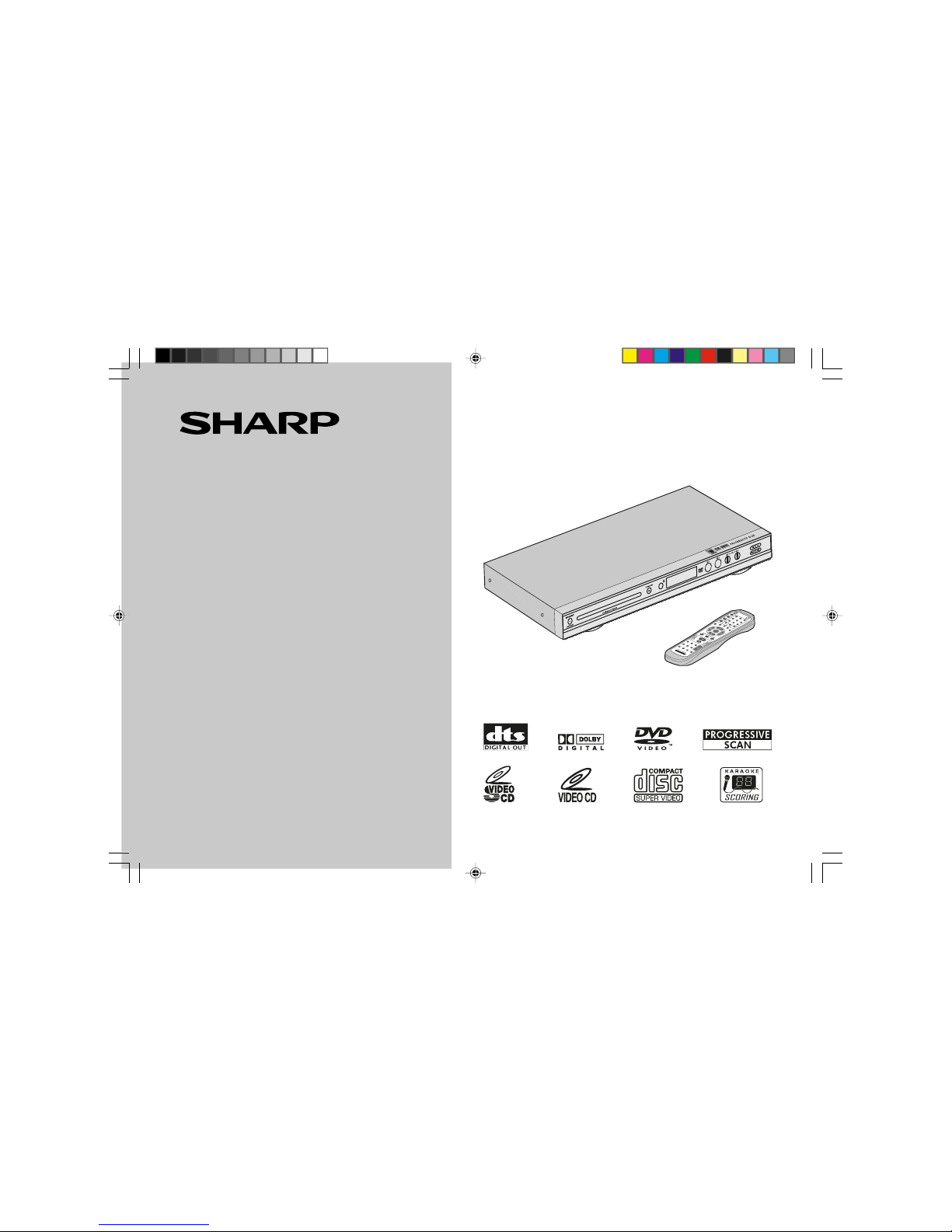
DV-SL1500W
2
General Information
Contents
HGeneral Information Page
Precautions ................................................................................... 3
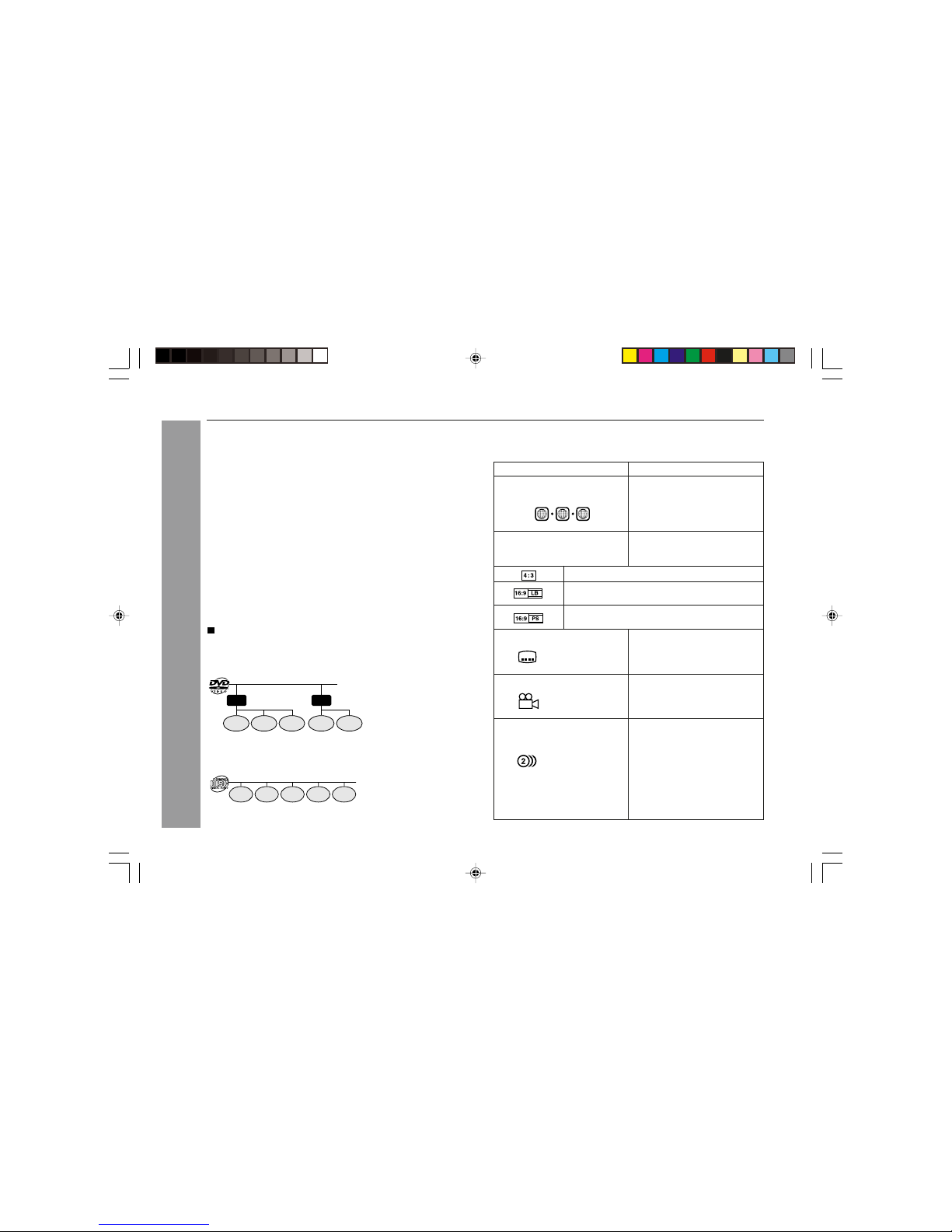
Types of playable discs ............................................................... 4
Description of discs ..................................................................... 5
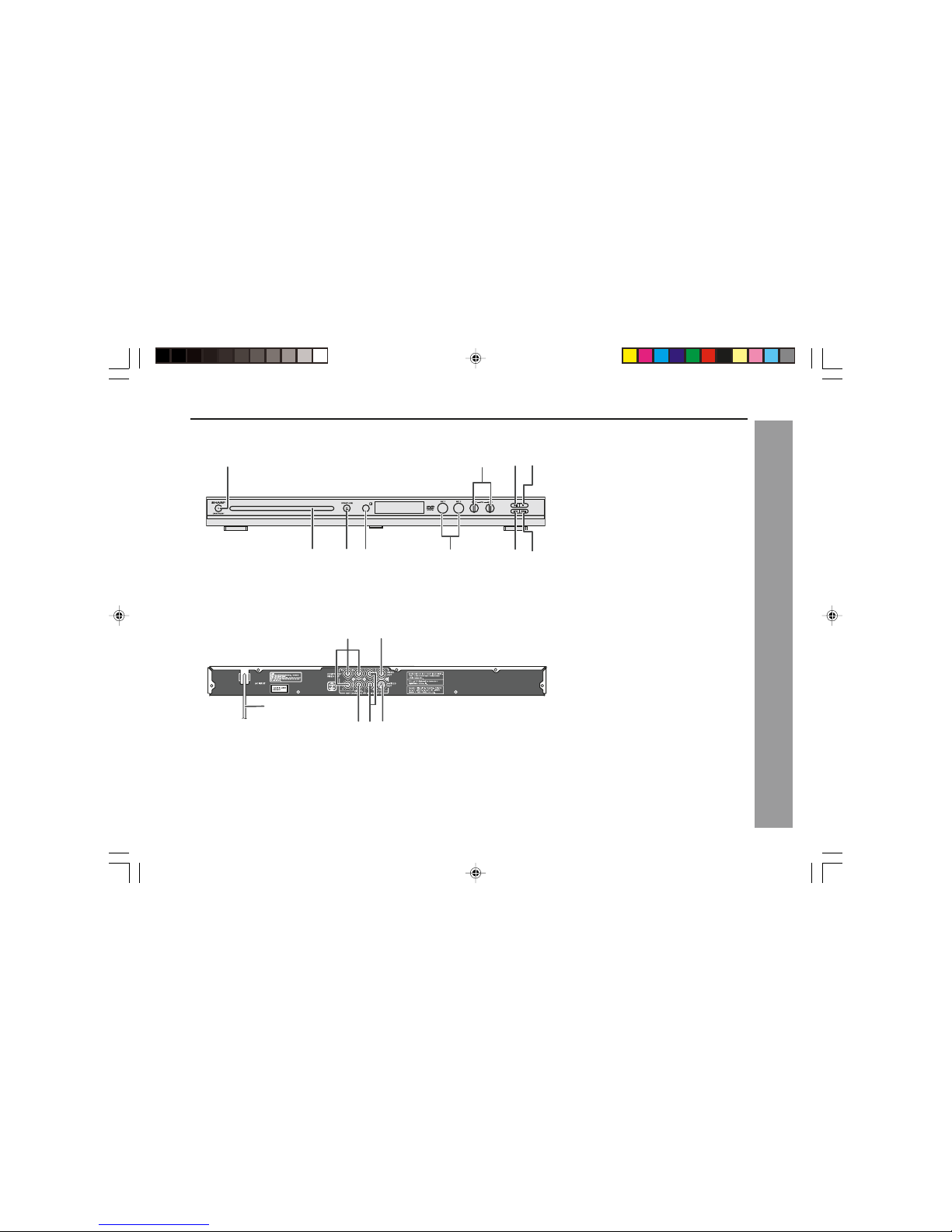
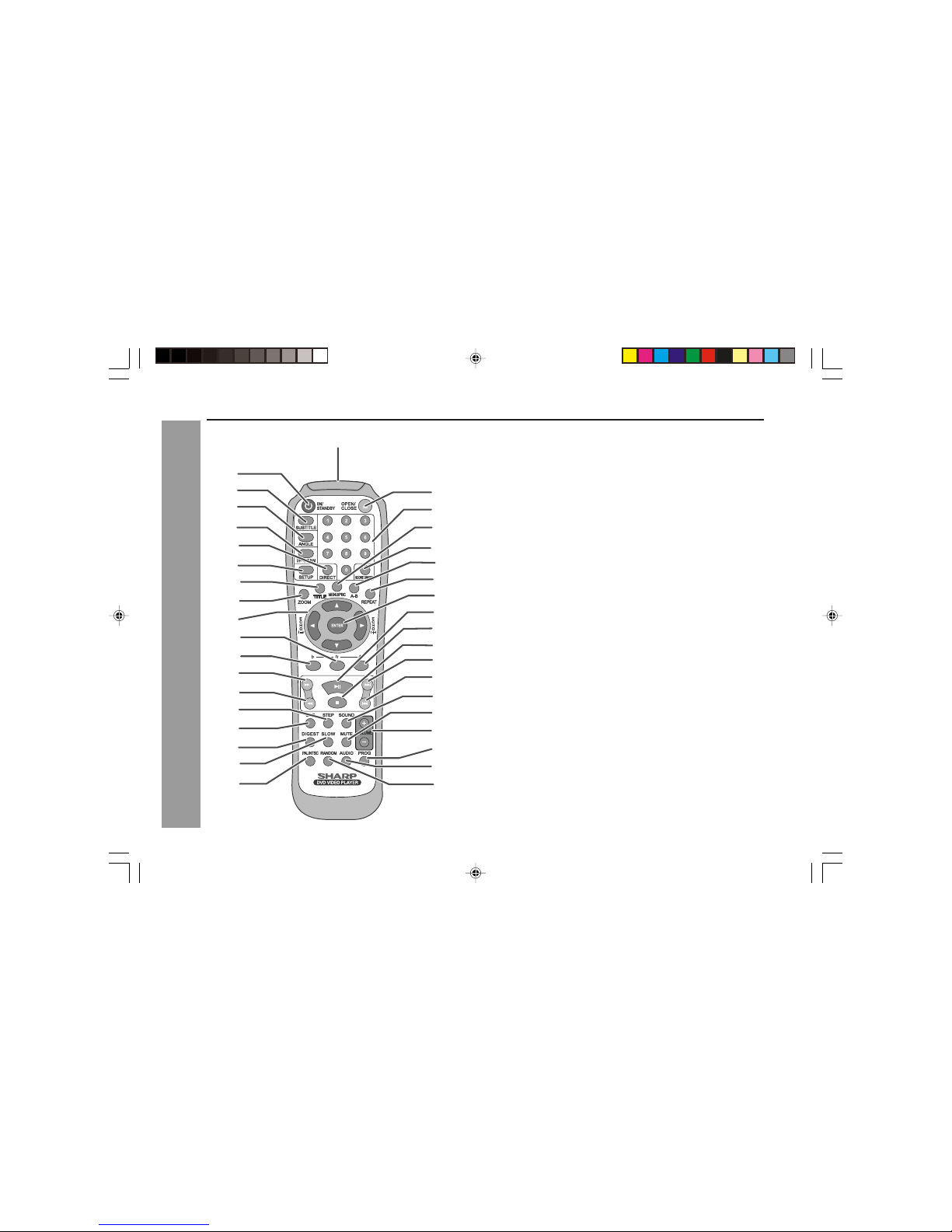
Controls and indicators ......................................................... 6 - 7
HSystem Connections
Connecting to a conventional TV ......................................... 8 - 11
Connecting to a TV with Progressive-Scan Capability ... 12 - 13
Additional connections ...................................................... 14 - 18
HPreparation for Use
Battery installation ..................................................................... 19
Turning the power on ................................................................. 19
Changing the system setup ............................................... 20 - 27
General control ........................................................................... 28
HDVD Operation
DVD playback
Playback .............................................................................. 29 - 30
To resume playback after stopping (resume play) .................. 30
DVD mode operation indicators ................................................ 30
Basic operation
To locate the beginning of a chapter (track) (skip) ................. 31
Fast forward/Fast backward (search) ....................................... 31
To start playback from the desired point (direct play) ............ 32
Useful operation
Still picture .................................................................................. 33
Slow-motion play ........................................................................ 33
To change the angle ................................................................... 34
To zoom images (zoom) ............................................................. 34
To play repeatedly (repeat play) ................................................ 35
To play the contents between the specified points repeatedly
(A-B repeat) ................................................................................. 36
To select a title from the top menu of the disc ........................ 36
To select a subtitle or audio language from the disc menu ... 36
Page
Various settings
To change the subtitle language ............................................... 37
To change the audio language (audio output) ........................ 37
HVideo CD and Super Video CD Operation
Video CD and Super Video CD operation
Playback of a video CD (super video CD) with P.B.C. ON ...... 38
Digest selection of discs and tracks ........................................ 39
Disc digest selection .................................................................. 39
Track digest selection ................................................................ 39
Random play ............................................................................... 40
To change the TV type ............................................................... 41
To change the audio channel .................................................... 41
To change the display on TV screen ........................................ 41
To play without activating the playback control function ...... 42
To start playback from the desired point (direct play) ............ 42
HCD, CD-R and CD-RW Operation
CD operation
To play in the desired order (programmed play) ..................... 43
JPEG disc operation
Playback on the JPEG menu screen ................................ 44 - 45
Zoom function ............................................................................. 46
HAdvanced Features
Enjoying various sounds ........................................................... 47
Playing karaoke .......................................................................... 48
Karaoke scoring ......................................................................... 48
HReferences
Troubleshooting chart ........................................................ 49 - 50
Error indicators and warnings .................................................. 51
Maintenance ................................................................................ 51
Specifications ............................................................................. 51
Copyright ..................................................................................... 52
DV-SL800W 01-16 2/9/06, 2:53 PM2