3
Package Includes
Installation CD(Optional), USB Cable, Line-In Cable, Earphone, User Guide
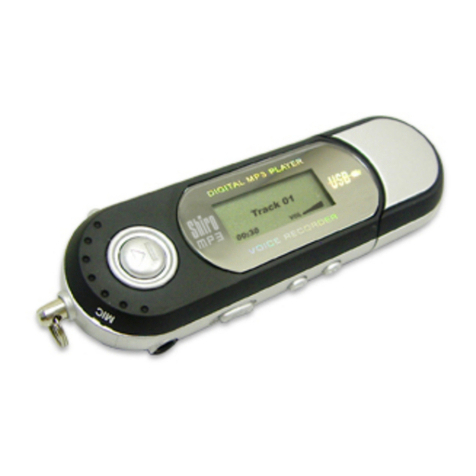
Power On & Off
To power on the player, press Play/Pause. To power off the player, press
and hold Play/Pause.
Minimum System Requirements
• Operating System: Windows® 98/98SE/ME/2000/XP or Macintosh™ OS
10.x
• Hardware: 20MB of free disk space, 4x CD-ROM or higher, USB port
Menu Functions
1. Press Menu to go to Main Menu. Pressing Menu again will go to Music
mode.
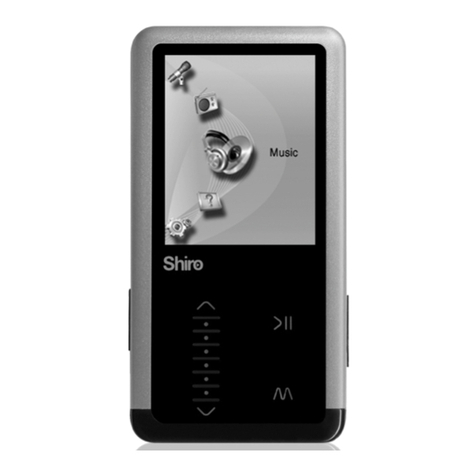
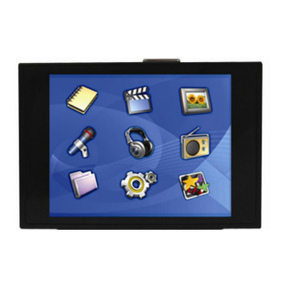
2. You can select Music, FM Tuner, Record, Images, Video, Text, Folder,
Settings and About.
3. You can navigate Main Menu by pressing Vol+/Vol-. Press Play/Pause to
enter.
4. Choose Music will go to music mode to enjoy your MP3/WMA songs.
5. Choose FM Tuner will go to radio mode.
6. Choose Record will go to voice recording mode.
7. Choose Images will go to picture viewing mode for JPG/BMP format only.
8. Choose Video will go to video mode to view movie of SMV format only.