manuals.online logo
Brands
  1. Home
  2. •
  3. Brands
  4. •
  5. Siemens
  6. •
  7. Temperature Controllers
  8. •
  9. Siemens RDH10RF/SET User manual

Siemens RDH10RF/SET User manual

Other manuals for RDH10RF/SET

1

Other Siemens Temperature Controllers manuals
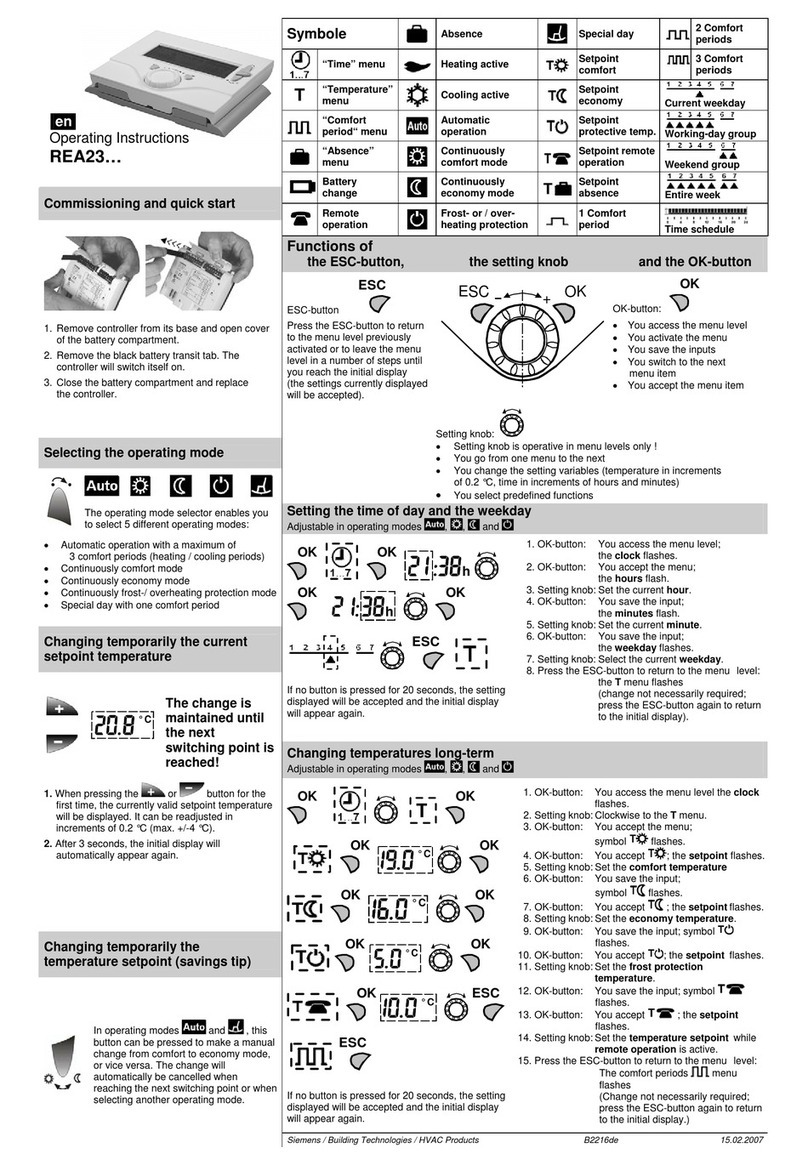
Siemens RDD310 User manual

Siemens

Siemens RDD310 User manual

Siemens REV24RF Installation instructions

Siemens

Siemens REV24RF Installation instructions

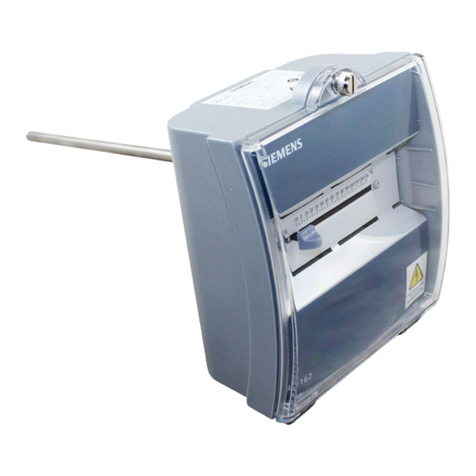
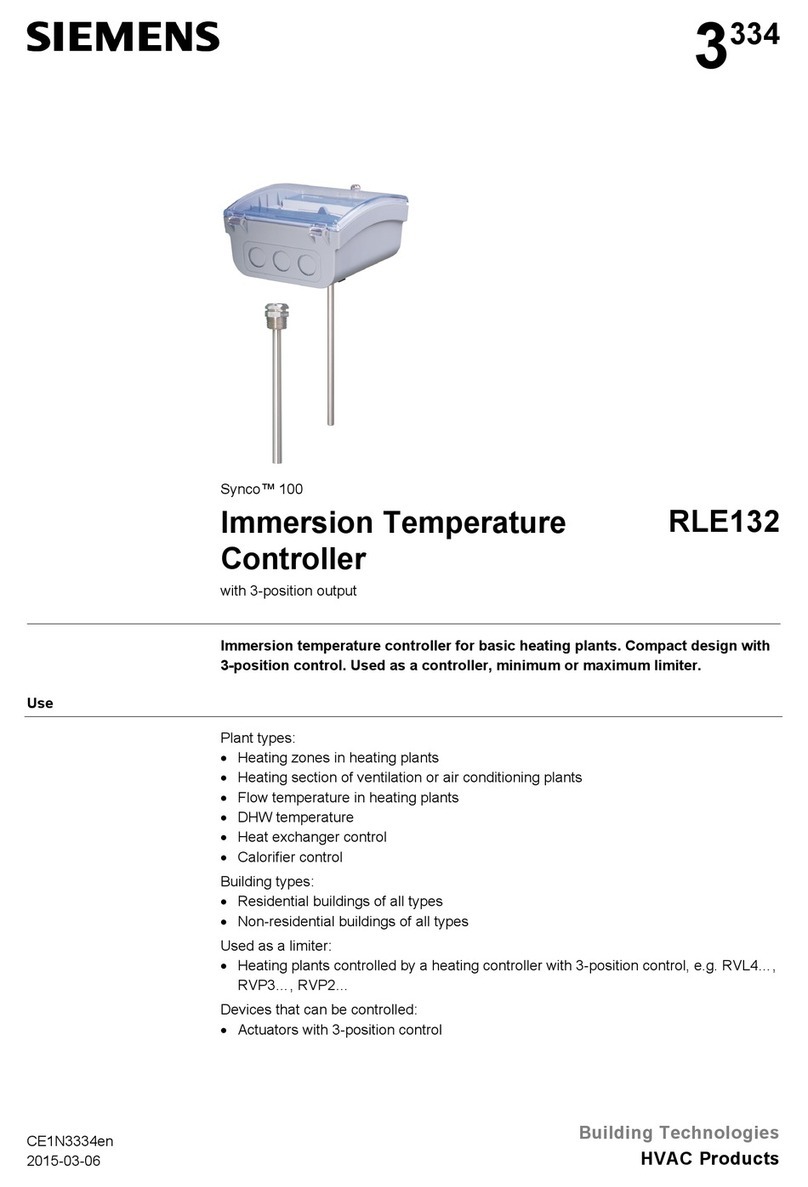
Siemens RLE132 User manual

Siemens

Siemens RLE132 User manual

Siemens 1000 Series User manual

Siemens

Siemens 1000 Series User manual

Siemens QAA73.110 User manual

Siemens

Siemens QAA73.110 User manual

Siemens QAA2290.EWSC User manual

Siemens

Siemens QAA2290.EWSC User manual

Siemens 2200 Series User manual

Siemens

Siemens 2200 Series User manual

Siemens HZ39050 User manual

Siemens

Siemens HZ39050 User manual

Siemens RDH10RF/SET User manual

Siemens

Siemens RDH10RF/SET User manual

Siemens QAA24 User manual

Siemens

Siemens QAA24 User manual
Siemens SITRANS TS100 Administrator guide

Siemens

Siemens SITRANS TS100 Administrator guide

Siemens RLA162 User manual

Siemens

Siemens RLA162 User manual

Siemens RDE10.1DHW User manual

Siemens

Siemens RDE10.1DHW User manual
Siemens 2000 Series User manual

Siemens

Siemens 2000 Series User manual

Siemens QAA910 User manual

Siemens

Siemens QAA910 User manual

Siemens REV34 User manual

Siemens

Siemens REV34 User manual

Siemens SITRANS TS Series User manual

Siemens

Siemens SITRANS TS Series User manual

Siemens Polygyr-Compact Owner's manual

Siemens

Siemens Polygyr-Compact Owner's manual

Siemens REV23 User manual

Siemens

Siemens REV23 User manual

Siemens REV24 User manual

Siemens

Siemens REV24 User manual

Siemens Synco 900 Guide

Siemens

Siemens Synco 900 Guide

Siemens TALON User manual

Siemens

Siemens TALON User manual

Siemens AVS13.399 User manual

Siemens

Siemens AVS13.399 User manual

Siemens RVL470 Operator's manual

Siemens

Siemens RVL470 Operator's manual

Popular Temperature Controllers manuals by other brands

Brookfield TC Series Operator's manual

Brookfield

Brookfield TC Series Operator's manual

Nibe HPAC 45 Installer manual

Nibe

Nibe HPAC 45 Installer manual

Auber TD100 instruction manual

Auber

Auber TD100 instruction manual

IntelliSense INTELLITEMP T-1000 installation instructions

IntelliSense

IntelliSense INTELLITEMP T-1000 installation instructions

Swegon LUNAd MB Instructions for use

Swegon

Swegon LUNAd MB Instructions for use

Lucky Reptile Thermo Control II Operation instructions

Lucky Reptile

Lucky Reptile Thermo Control II Operation instructions

SMC Networks Thermo-con INR-244-639 Operation manual

SMC Networks

SMC Networks Thermo-con INR-244-639 Operation manual

SENSORMETRIX Argon 100 manual

SENSORMETRIX

SENSORMETRIX Argon 100 manual

Fuji Electric PXE4 instruction manual

Fuji Electric

Fuji Electric PXE4 instruction manual

Yuyao gongyi XMT-808 series Operation manual

Yuyao gongyi

Yuyao gongyi XMT-808 series Operation manual

eltherm Ex-TC It Series operating instructions

eltherm

eltherm Ex-TC It Series operating instructions

Selec TC544C user guide

Selec

Selec TC544C user guide

P.W. KEY rt-208gt operating manual

P.W. KEY

P.W. KEY rt-208gt operating manual

Omron C200H-TV Series Operation manual

Omron

Omron C200H-TV Series Operation manual

BH Thermal BriskONE owner's manual

BH Thermal

BH Thermal BriskONE owner's manual

West Control Solutions KS 45 Operation Notes

West Control Solutions

West Control Solutions KS 45 Operation Notes

Opt Lasers TEC-8A-24V-PID-HC operating manual

Opt Lasers

Opt Lasers TEC-8A-24V-PID-HC operating manual

Vaillant VR 92/3 Operating and installation instructions

Vaillant

Vaillant VR 92/3 Operating and installation instructions

manuals.online logo
manuals.online logoBrands
  • About & Mission
  • Contact us
  • Privacy Policy
  • Terms and Conditions

Copyright 2025 Manuals.Online. All Rights Reserved.

CE1B3070en / 01.03.2010 Subject to alteration Siemens Building Technologies / HVAC Products
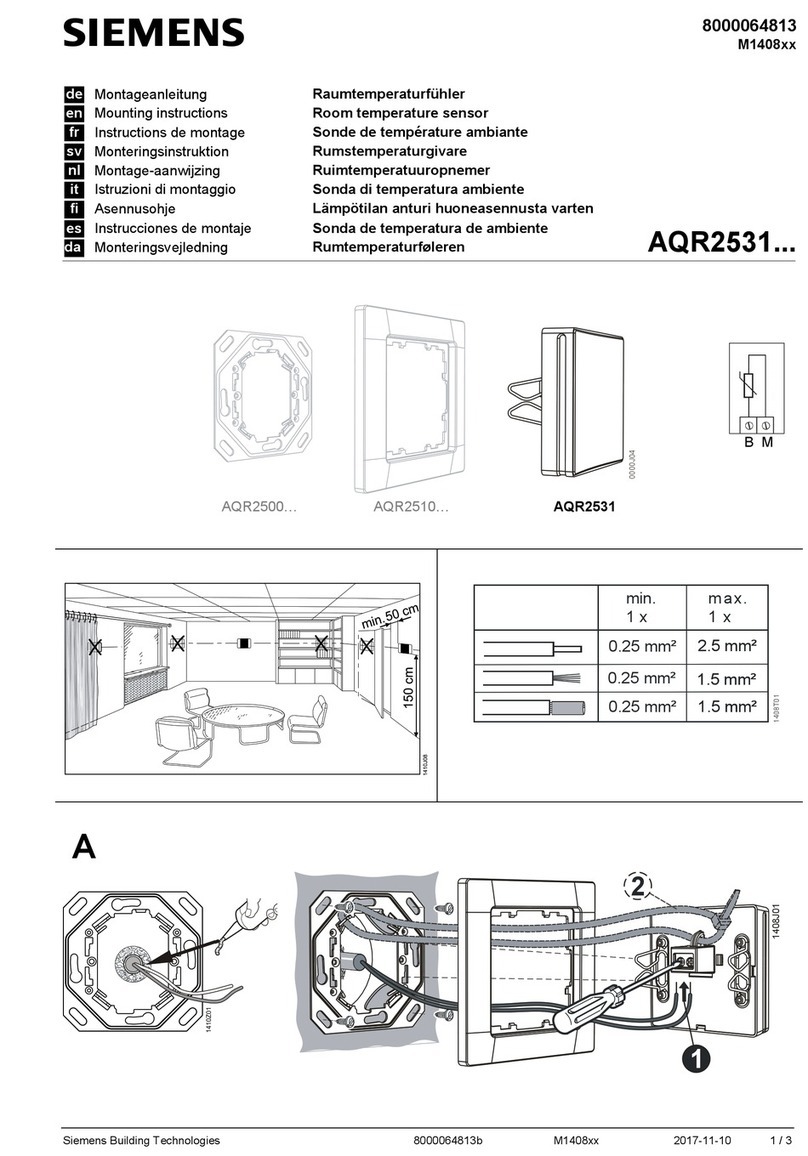
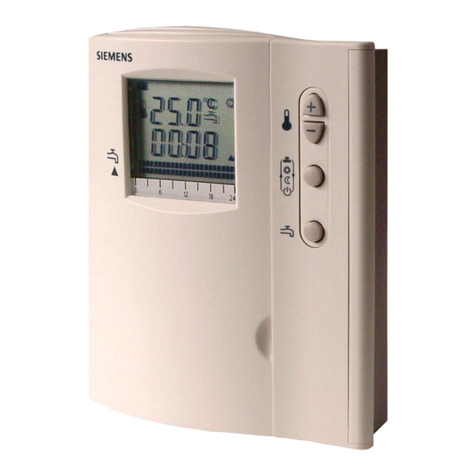
Operating instructions RDH10RF/SET
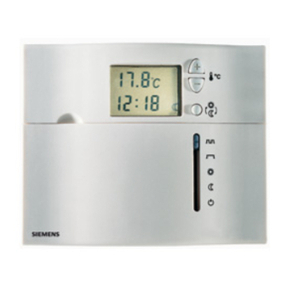
RDH10RF/SET consists of a RDH10RF wireless temperature controller and a RCR10/433 receiver. The RDH10RF
allows you to set the desired room temperature (setpoint) at the time you want. The unit features an ergonomic
setting knob for ease of temperature control.
Display
Actual room temperature in ºC
The unit is controlling to the selected
comfort temperature
Indicates when there is demand for
heat
Replace batteries
RF
TEST
Appears on the screen when the
transmitter is being tested.
Setting knob
Warmer/colder knob for
selecting the temperature
setpoint
Battery compartment
Two alkaline batteries type AA, 1.5 V
Commissioning before start-up
Commissioning
•Remove the black transit tabs from the alkaline batteries.
•Check to see if the battery holder is in the correct position.
•If no batteries are inserted, fit 2 alkaline batteries type AA in the battery compartment.
Initial power-up
Once batteries are fitted, all symbols will appear on
the display as shown for about two seconds.
Selecting the required temperature
•Turn the setting knob counter clockwise to
decrease the setpoint, or clockwise to increase the
setpoint in increments of 0.5 °C
•The required temperature is displayed next to
the comfort temperature symbol
Changing the batteries
1. Get two new batteries of type AA alkaline, 1.5 volts.
2. Remove the battery holder, then the batteries, insert new batteries and
replace the battery holder.
The old, set values must be checked!
3. Make certain the old batteries are disposed of properly, in
compliance with environmental requirements.
Energy saving tips without sacrificing comfort
●Never allow room temperatures to exceed 21˚C.
●Air out rooms: Air out rooms for short periods with open windows and
doors.
CE1B3070en / 01.03.2010 Subject to alteration Siemens Building Technologies / HVAC Products
NOTE:
You can press the OVERRIDE button on the receiver to manually switch ON/OFF for a faulty
room unit or transmission protocol.
NOTE:
You must re-execute the workflow for commissioning the set to reestablish a connection between
the room controller and receiver .
Front View Receiver
LED Signal Indicator LED Relay Indicator
Orange LED indicates relay is on.
The signal is good when the
LED flashes green.
A flashing red LED indicates
that there is no signal. OVERRIDE Button
Press this button to overwrite transmitter
values.
RESET: Press the LEARN & OVERRIDE
button for 4 seconds to delete all transmitter
addresses.
LEARN Button
Rear View Room Unit
(Transmitter)
Press the button to learn a transmitter
address.
Learn Button TEST Button
Release learn telegram Used for testing transmission.
Front View Receiver
Configuration instructions for the Siemens RDH10RF/SET
The Transmitter RDH10RF and the receiver RCR10/433 are set to communicate (bonded) with each
other at the factory. If they fail it is necessary to re bond the units due to loss of communication please
follow the following instructions.
1. Reset receiver by simultaneously pressing the LEARN & OVERRIDE button for 4 seconds.
2. Press and release the LEARN button. This set the receiver to learn mode.
3. Press and release the LEARN button on the back of the transmitter.
4. A green flashing or solid LED indicates a good signal, a red flashing or solid LED indicates no
signal.
5. To test transmission, press the TEST button on the transmitter, switches the relay on in
the receiver regardless of temperature. The RF TEST symbol appears on the thermostat display.
6. An orange LED indicates that the relay is on.