APOGEE Wireless User Guide
TLX Commands
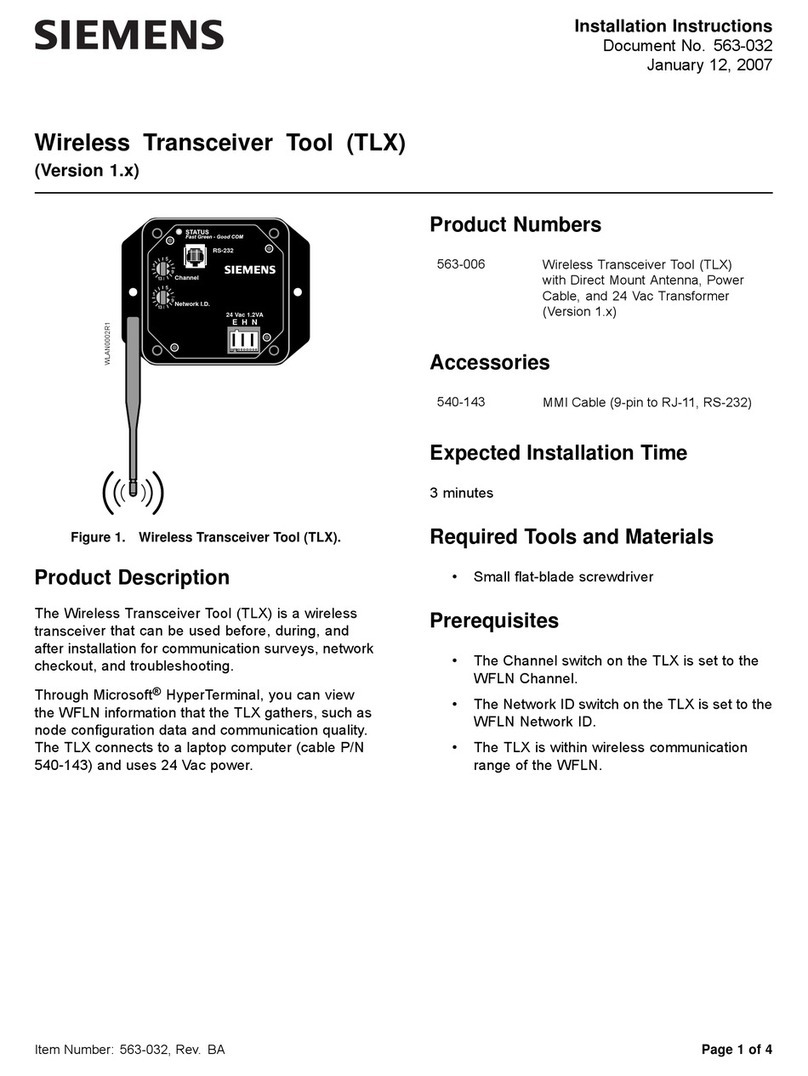
Table 3 shows the command functions that the TLX provides.
To view the list of commands through HyperTerminal, type ?or HELP at the command
prompt, and then press ENTER.
Table 3. Command Summary.
Command Action/Description
?orHELP Displays the command menu.
SCAN Scans the WFLN for all wireless devices.
CONFIG Displays the configuration properties.
DIAG Displays diagnostic information.
CLEAR Resets device diagnostic counts to zero.
BINDING Displays the binding table.
COST Displays the link costs.
LQI Displays the link quality of the last hop of a message path.
RSSI Displays the received signal strength values for the last hop of a
message path.
ENERGY Scans the current RF energy values of the radio channels.
REBOOT Reboots the device.
Command Syntax
For most of the TLX commands, you can apply the command specifically to the TLX, FPX, or FLNX. For
example: CONFIG TLX, CONFIG FPX, CONFIG FLNX #.
When querying an FLNX, you can use either the FLN device address (drop 0 to 98) or the device Ember
User Identification Number (EUID). For example:
•CONFIGFLNXx(where xis the FLN device address (drop)), such as CONFIG FLNX 12.
•CONFIGFLNXy(where yis the FLNX EUID), such as CONFIG FLNX 000D6F0000055F9D.
You can use a partial EUID to query an FLNX (for example, CONFIG FLNX 5F9D).
The TLX will search for a unique match for the character sequence. Generally, use at
least the last four characters of the EUID and use an even number of characters. If you
receive an error, try the command again using additional characters from the EUID.
You can view the EUIDs of all the FLNXs through the SCAN command. Usually, you need to use the EUID
only if the FLNX is attached to an FLN device that has not been addressed (listed as FLNX-99 in the scan
report) or the FLNX does not have an attached FLN device (listed as FLNX-??).
6Revision Date: June 20, 2006
Siemens Building Technologies, Inc. CONFIDENTIAL: For Internal Use Only