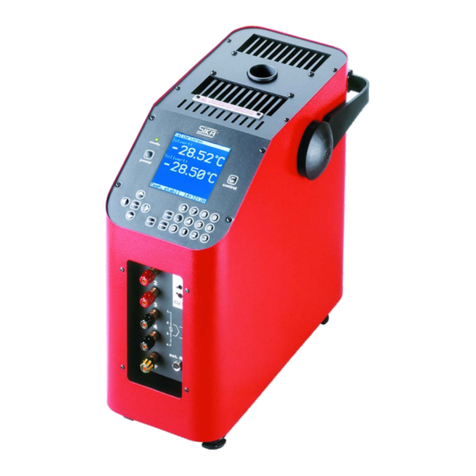
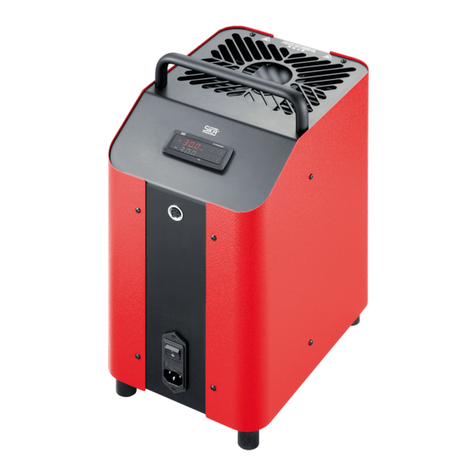
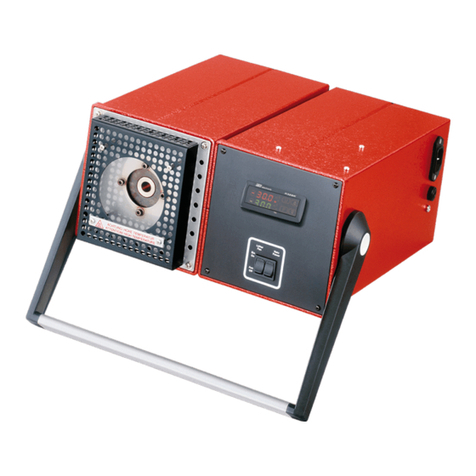
TP37 / TP3M
- 2 - © SIKA • Ba_TP37-TP3M_en • 02/2018
Table of contents page
0About this operating manual.........................................................................................4
1Device description .........................................................................................................5
1.1 Delivery, unpacking and accessories .........................................................................6
1.2 Intended use................................................................................................................7
1.3 Warranty......................................................................................................................7
1.4 Exclusion of liability ....................................................................................................8
2Safety Instructions ........................................................................................................8
2.1 Safety instructions for the application of calibration liquids ...................................10
3Construction, Function and Test Task ........................................................................11
3.1 Construction..............................................................................................................11
3.2 Function.....................................................................................................................12
3.3 Test tasks ..................................................................................................................13
4Commissioning and operation ....................................................................................14
4.1 Operating conditions .................................................................................................14
4.2 Electrical connection ................................................................................................15
4.3Preparing of the calibrator .......................................................................................16
4.3.1 Dry block calibrator ..............................................................................................17
4.3.2 Calibrator for infrared thermometer ...................................................................18
4.3.3 Calibrator for surface temperature sensors .......................................................19
4.3.4 Micro bath calibrator ............................................................................................20
4.4 Switching on, cool down and switching off ...............................................................24
5Operation .....................................................................................................................26
5.1 Main window..............................................................................................................27
5.2 Configuration range ..................................................................................................28
5.3 Window structure, operating elements and icons ...................................................28
5.3.1 Operating elements ..............................................................................................29
5.3.2 Toolbar and icons..................................................................................................30
5.4 Functionality of the calibrator...................................................................................31
5.4.1 Select Function .....................................................................................................31
5.4.2 Manage Function ..................................................................................................31
5.4.3 Configure Function ...............................................................................................32
5.5 Test specimen (DUT - Device under test) .................................................................33
5.5.1 Select DUT ............................................................................................................33
5.5.2 Manage DUT..........................................................................................................34
5.5.3 Configure DUT.......................................................................................................34