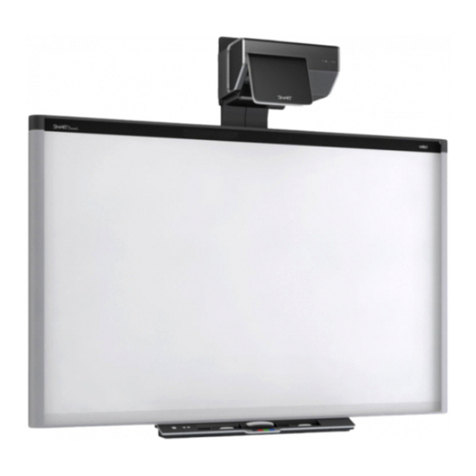
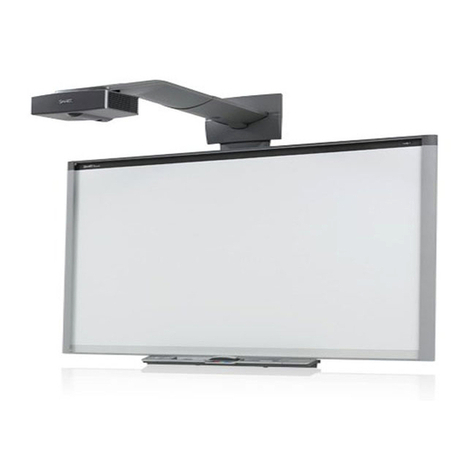
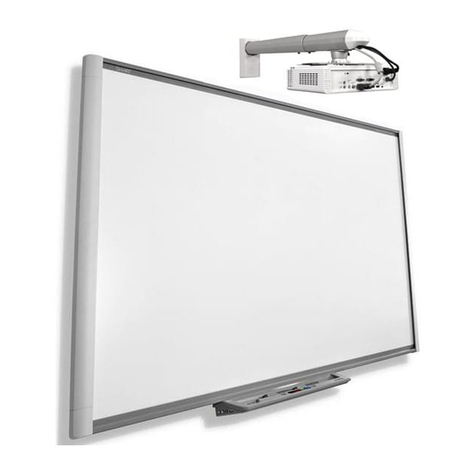
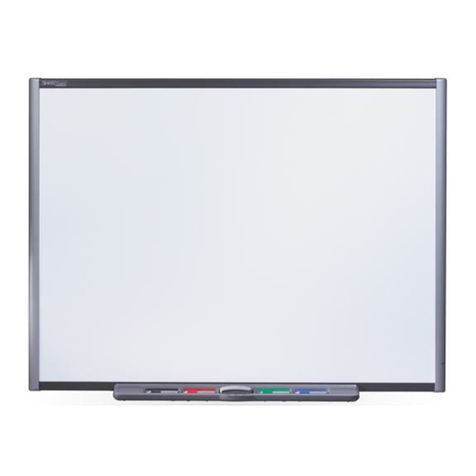
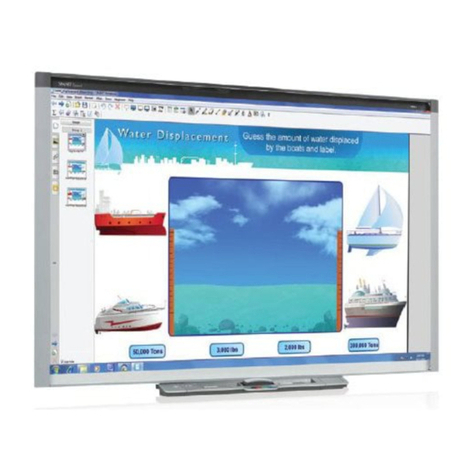
lIf you need to lean the interactive whiteboard against a wall before you mount it, make sure it
remains in an upright position, resting on the pen tray brackets, which can sustain the weight
of the interactive whiteboard.
Do not rest the interactive whiteboard on its side or on the top of the frame.
lYou must connect the USB cable that came with your SMARTBoard interactive whiteboard
to a computer that has a USB compliant interface and that bears the USB logo. In addition,
the USB source computer must be compliant with CSA/UL/EN 60950 and bear the CE mark
and CSA and/or UL Mark(s) for CSA/UL 60950. This is for operating safety and to avoid
damage to the SMARTBoard interactive whiteboard.
lDo not block the projector’s ventilation slots and openings.
lAvoid putting the projector into Standby mode during the lamp ignition phase because this
can lead to premature lamp failure. Keep the projector lamp on for a minimum of 30 minutes
before putting it into Standby mode to preserve the lamp life.
lIn a high altitude location over 6000' (1800 m), where the air is thin and cooling efficiency is
reduced, use the projector with the fan mode set to High.
lCycling power to the projector repeatedly can lock or damage your SMART product. After
you put the product into Standby mode, wait at least 30 minutes for cooling before starting
the product again.
lDo not adjust any settings in the service menu other than those listed in the following
procedures. Changing other settings might damage or affect the operation of your projector
and may invalidate your warranty.
lIf dust or small items prevent pen tray buttons from being pressed or cause constant button
contact, remove the obstructions carefully.
lBefore you clean the SMART V25 projector, press the Power button twice on the
Extended Control Panel (ECP) or remote control to put the system into Standby mode, and
then allow the lamp to cool for 30 minutes.
lDo not spray cleaners, solvents or compressed air near any part of the projector because
they can damage or stain the unit. Spraying the system could spread a chemical mist on
some of the projector’s components and lamp, resulting in damage and poor image quality.
lDo not allow liquids or commercial solvents of any kind to flow into the projector.
I M P O R T A N T I N F O R M A T I O N
iii