5of 35
II. OVERVIEW
SYSTEM REQUIREMENTS
Somfy Connect BMS Interface latest firmware version
For the latest firmware version go to: https://www.somfypro.com/services-support/software
Windows 10 PC or higher
The following web browsers are supported:
Google Chrome Rev. 57 or higher
Mozilla Firefox Rev. 35 or higher
Microsoft Edge Rev. 41 or higher
Safari Rev. 3 or higher
NOTE: Internet Explorer is no longer supported as recommended by Microsoft.
Computer and network firewalls must be opened for Port 80 to allow the Field Server Toolbox to function.
Refer to the Somfy Connect™BMS Interface V2 product page for additional documentation:
https://www.somfypro.com/products/-/e-cat//1871168
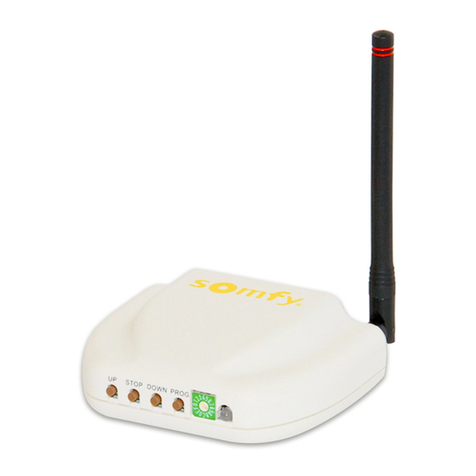
Use the Somfy Connect Field Server Toolbox to discover assigned IP addresses:
For the latest version go to: https://www.somfypro.com/services-support/software
RESOURCES & APPLICATIONS
All motors must be fully operational and programmed with limits prior to BMS Interface programming.
Follow all installation guidelines found in this guide and product documentation.
A fully commissioned SDN or animeo IP system is required.
SYSTEM CONFIGURATION
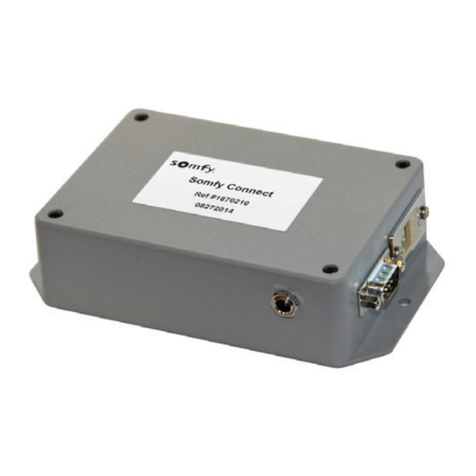
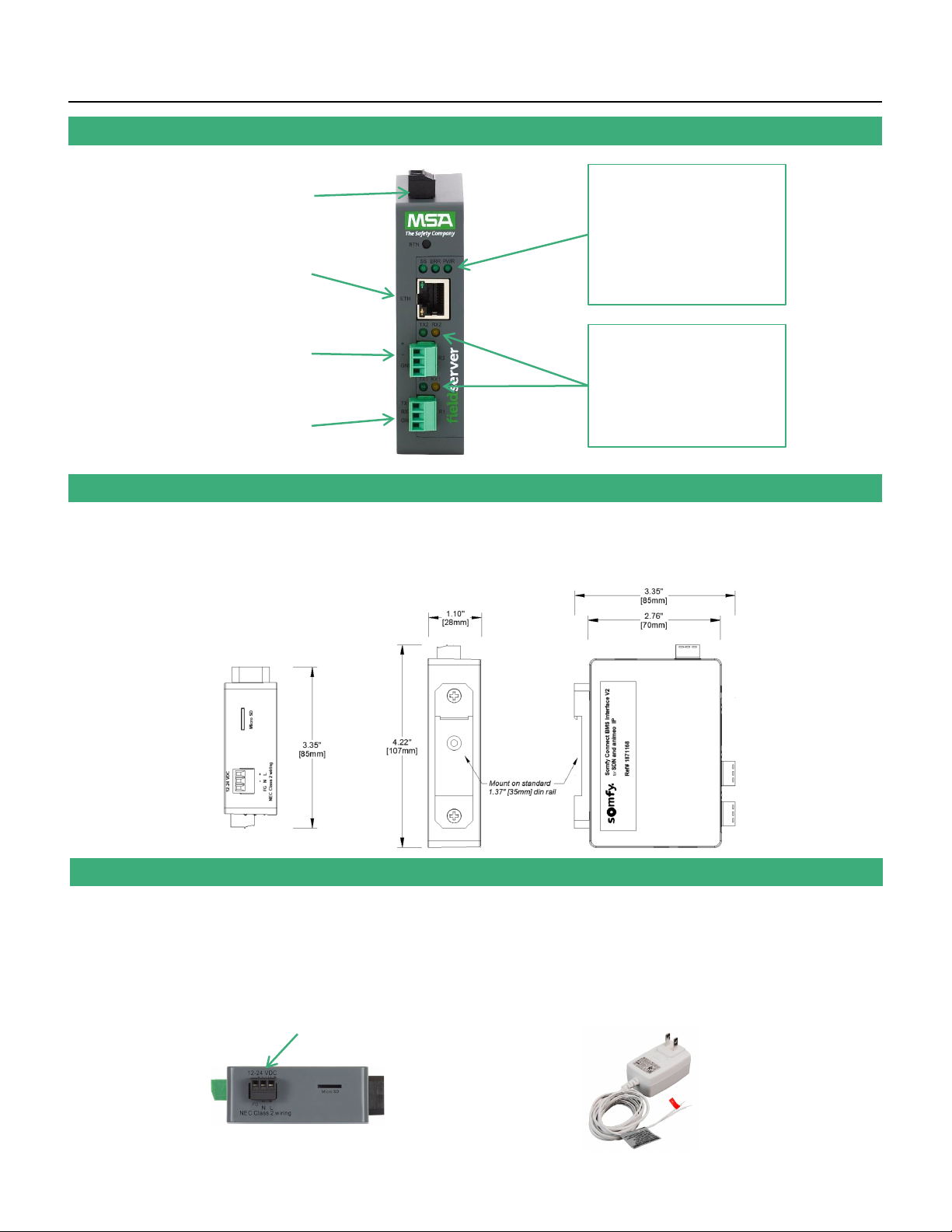
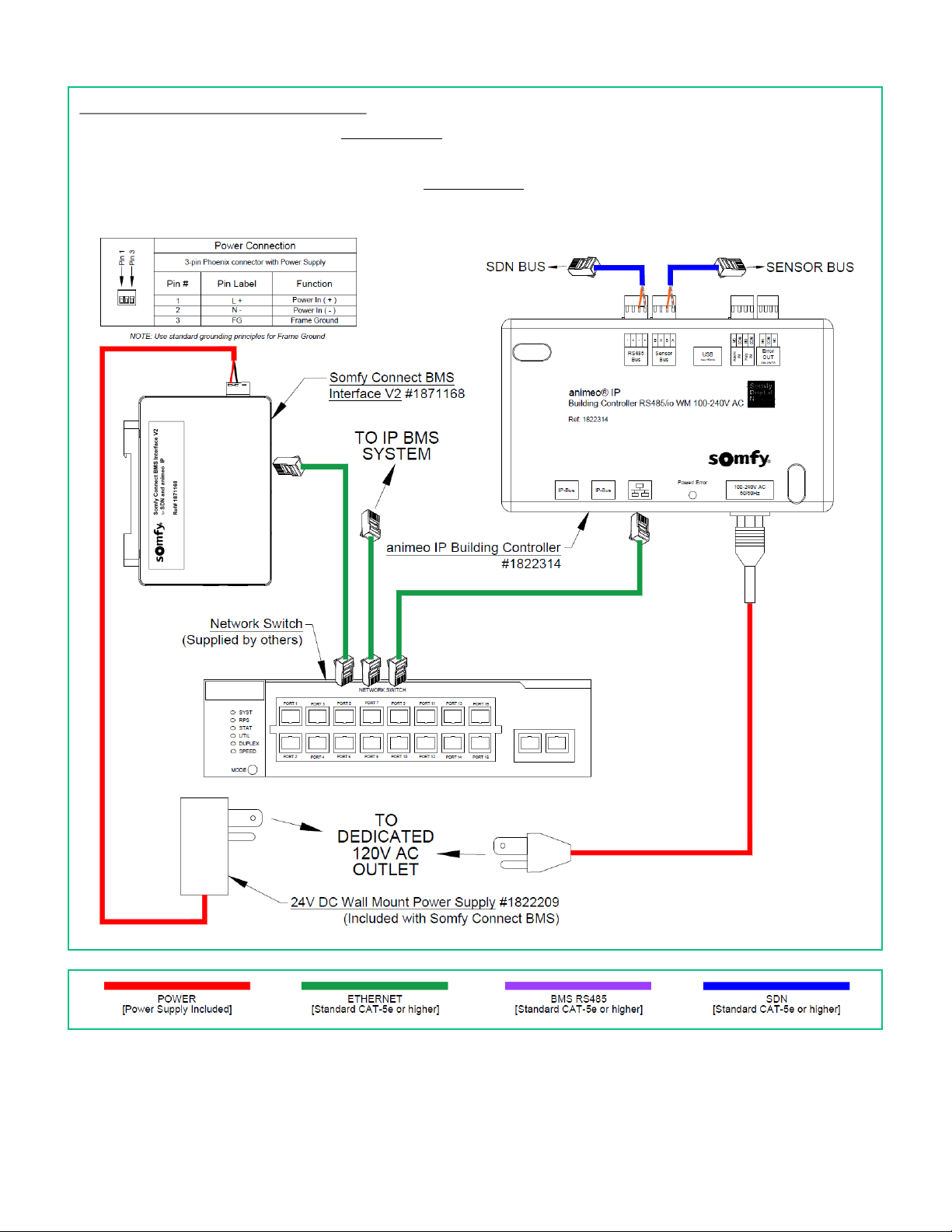
The Somfy Connect™BMS Interface V2 provides communication and control between
Building Management Systems either as a Stand-alone Somfy Digital Network™(SDN)
installation or when part of an animeo® IP system.
The interface communicates through IP or serial connections to the Building Management System
to send and receive signals.
DESCRIPTION
DEVICE OBJECT VALUES
DEVICE
Motor -SDN 3
Group -SDN 3
Sensor -Animeo IP 1.7
Remote -Animeo IP 18.2
Group -Animeo IP 3.5
Actuator -Animeo IP 19.2
SYSTEM LIMITATIONS
•The total number of device objects mapped to the
Somfy Connect BMS Interface cannot exceed 4500
•If exceeding the limitation above, the system must be
split into separate SDN systems, each with a separate
Somfy Connect BMS Interface V2
•Only (1) BMS Interface can connect to Stand-alone
SDN systems
•Multiple BMS Interfaces can connect to animeo IP
Refer to Appendix C of this guide for a complete device object description.
Refer to the Somfy Connect BMS Interface V2 Mapped Device Objects Calculator for device object calculation.