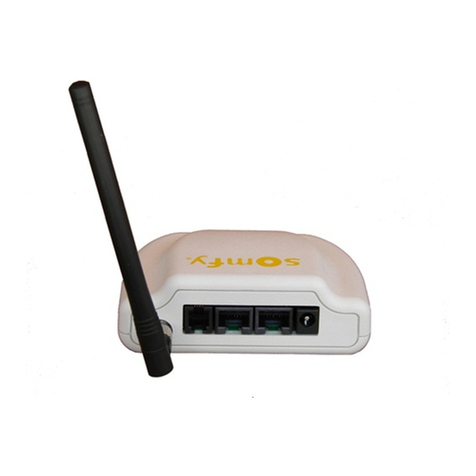
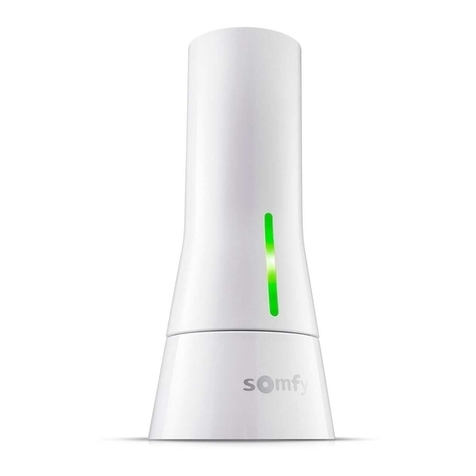
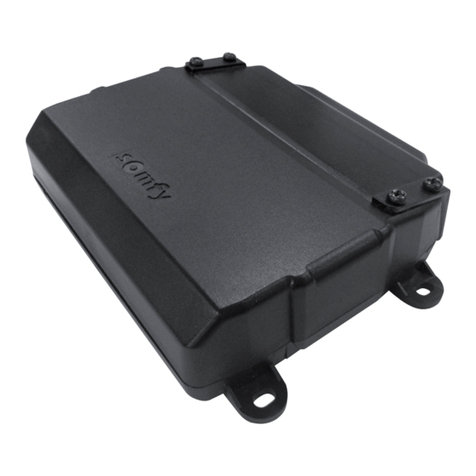
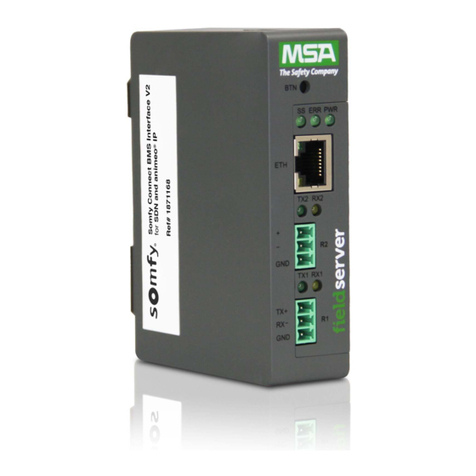
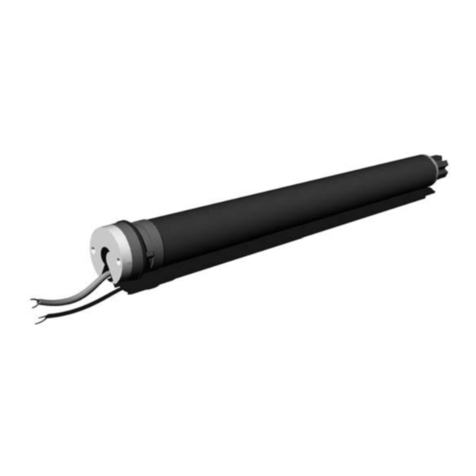
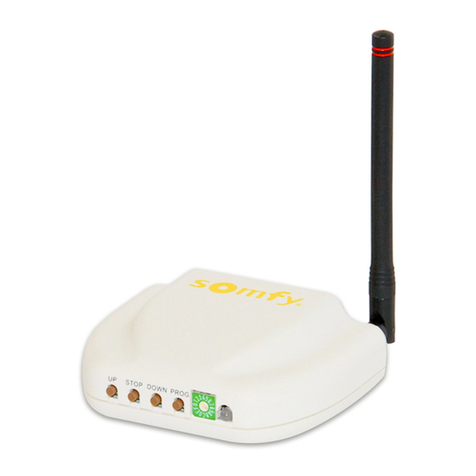
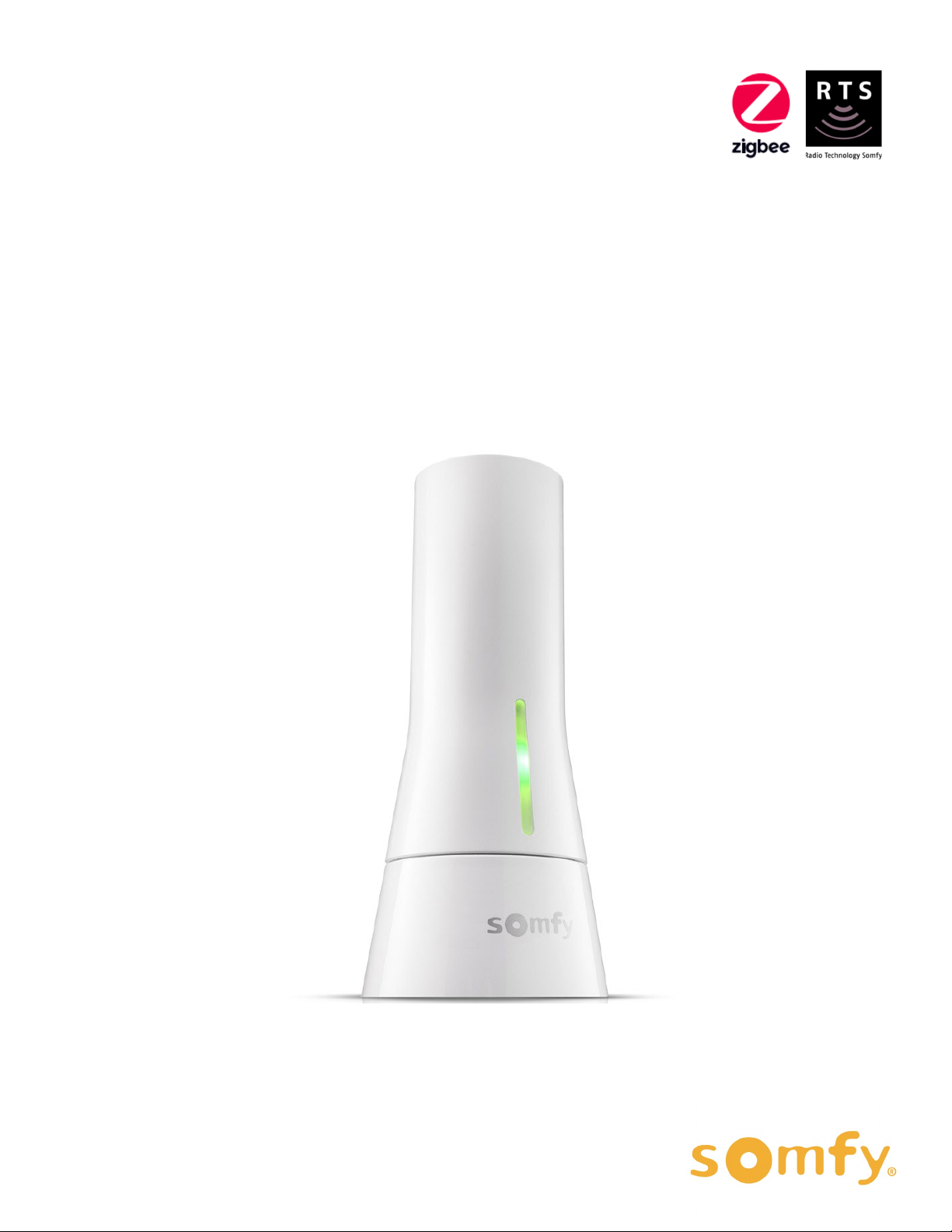
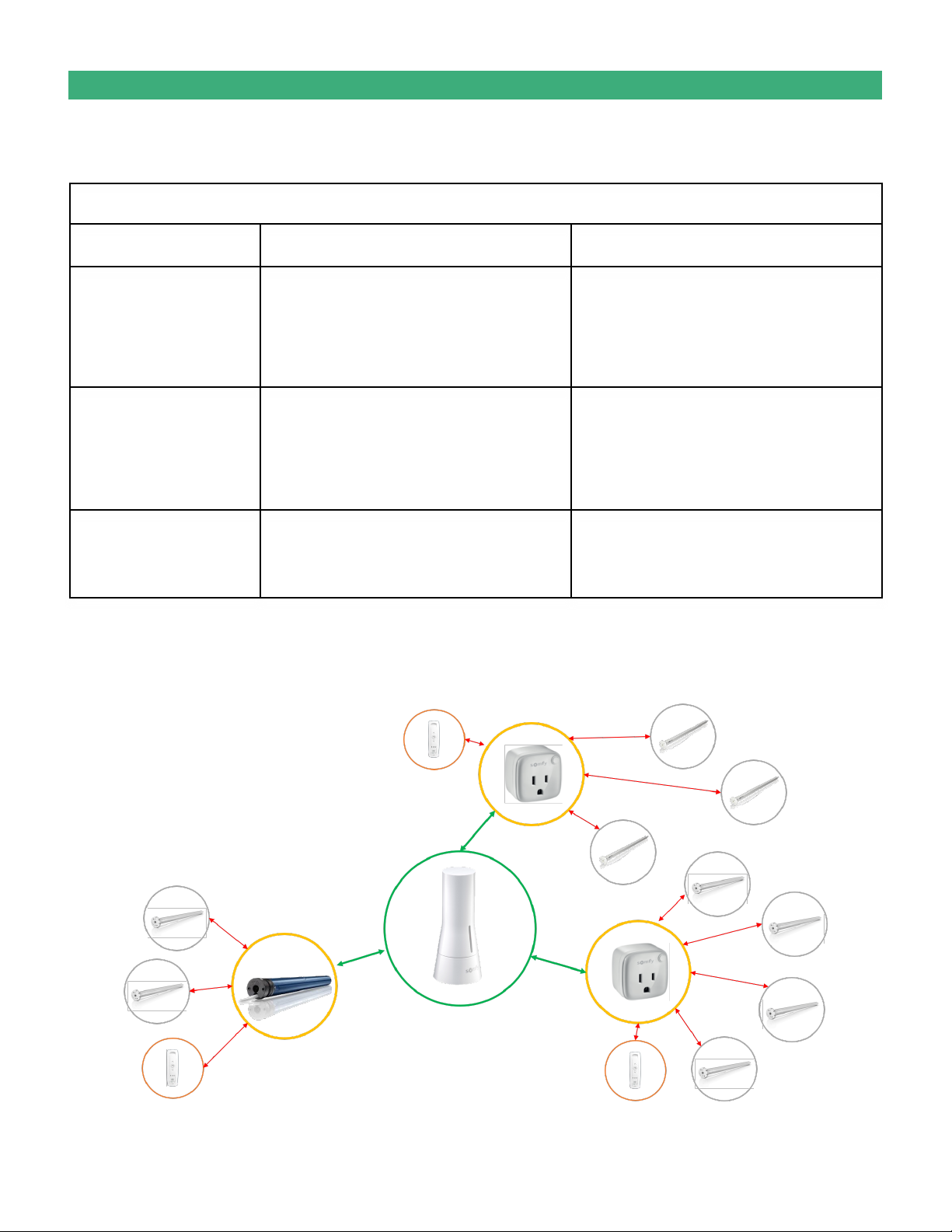
The Somfy TaHoma® Smartphone and Tablet Interface provides a single platform for Somfy Zigbee and RTS with
a wide range of interior and exterior applications.
•The TaHoma system supports up to 50 Zigbee devices and 40 RTS channels
•Install up to 10 TaHoma Interfaces as zone controllers to increase the RTS range (RTS only)
•The TaHoma system can support a maximum of 40 scenes with schedules per installation
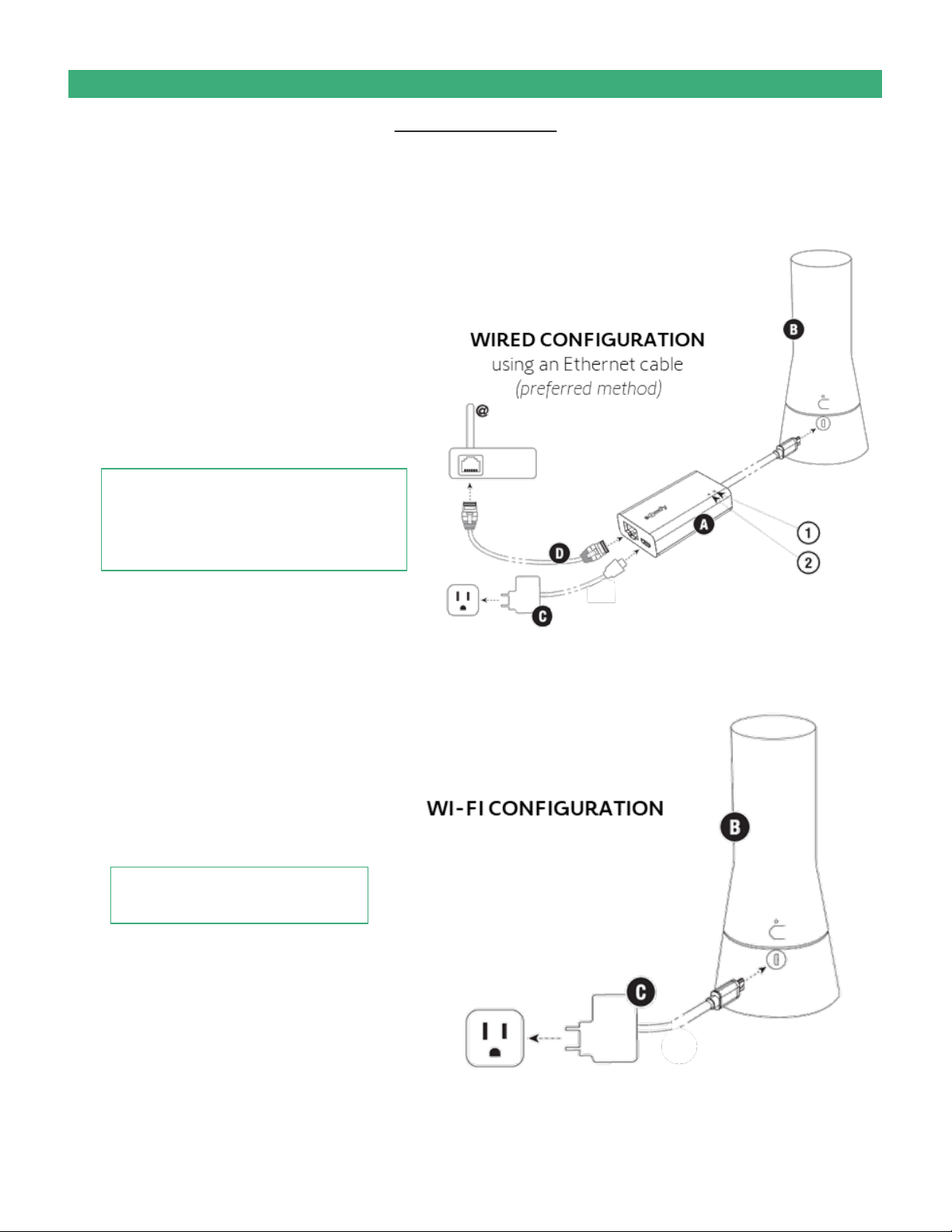
Each TaHoma® Interface is connected to Wi-Fi or directly to the local area network by an optional Ethernet
adaptor for IP Integration with third-party control systems. TaHoma® is compatible with the Somfy Synergy™
API.
All motors must be fully operational and programmed with limits prior to TaHoma programming. The TaHoma system supports up to 50 Zigbee
devices and 40 channels of RTS. RTS devices programmed to an RTS channel will only receive commands from the associated TaHoma Interface.
Interfaces must be placed within 23-35 feet of the devices they control.
•Internet connection required for setting up and controlling Zigbee and RTS products
•Must allow permission for camera, local network, location, and cellular data
•Network Requirement: 2.4 GHz Wi-Fi connection (ONLY) OR Ethernet
connection using the Tahoma® Ethernet Adaptor (preferred)
The TaHoma® app is compatible with the following operating systems and software versions:
IOS 11.0+
Android 7.0+
Ensure the app is up to date for the mobile or tablet device
SYSTEM CONFIGURATION
I. OVERVIEW
SMART PHONE OR TABLET REQUIREMENTS
RESOURCES & APPLICATIONS
Visit www.somfypro.com for the supporting guides:
•TaHoma Quick Start Guide
•The Somfy TaHoma Checklist
Subscribe to the Somfy YouTube Channel www.youtube.com/somfysystems
Visit Somfy U for all the training you need –your pace, your place www.somfyu.com
Visit the Google Play or iOS App Store for the Somfy TaHoma® North America app:
DESCRIPTION
iOS App Store
Google Play Store
5of 48