6
COMPUTER INSTRUCTIONS
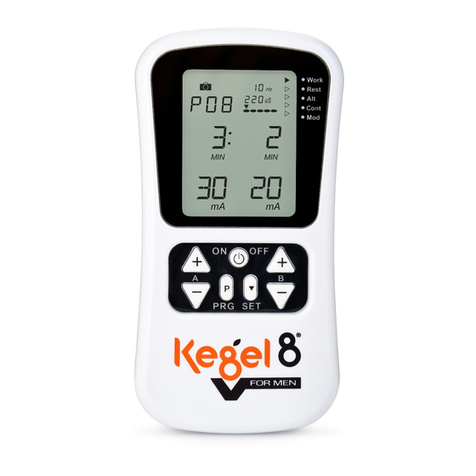
MODE: Press the “RED” MODE button to select one of the
functions (Time, Speed, ODO, Distance, Calorie, and Scan).
If you begin to cycle on the machine or if the MODE button is
pressed on the monitor, the monitor will become active and shall
remain active until you either stop cycling or press the MODE button on the monitor.
Monitor has an auto-shutoff feature after 4 minutes of inactivity.
2. RESET:
The monitor can be reset by pressing and holding the MODE button for three seconds
or by removing the batteries; this will completely reset all of the monitor function settings
back to zero.
3. MODE:
To select the LOCK MODE setting, press the MODE key until the pointer on the function
you wish to select begins to blink (once locked only the selected function will be
displayed).
4. FUNCTIONS:
TIME: Keeps track of the total time of each session.
SPEED: Displays current speed.
ODO (ODOMETER):Displays the total accumulated distance.
DISTANCE:Displays the distance covered for each session.
CALORIES:Displays the amount of calories burned during each session.
SCAN: Press the MODE button until the indicator arrow points to SCAN, once on
SCAN the indicator arrow will continue to flash indicating thatSCAN mode is active.
Afterwards, it willautomatically scan througheach function in sequence.
Battery: This monitor uses two AAAbatteries. If the display appears improper or
becomes difficult to read please try installing new batteries before attempting to contact.
K
M
DIST CAL ODO RPM
SCAN
TIME
H