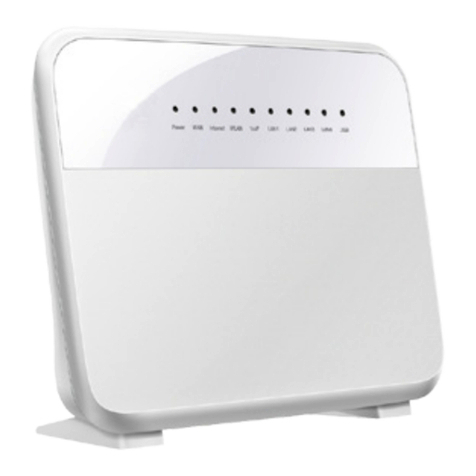
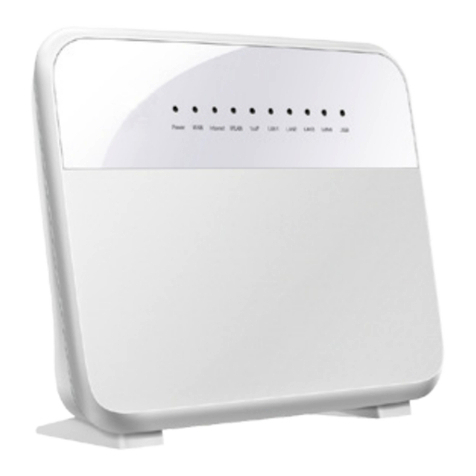
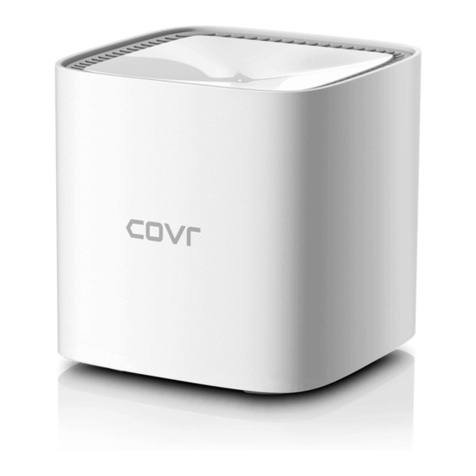
TPG D-Link DSL-2878 User manual

1
Modem Setup Guide –NBN FTTP
D-Link DSL-2878
Please follow the steps below to set up your D-Link DSL-2878.
1. Ensure your NBN Connection Box is turned on.
2. Plug an Ethernet cable from the UNI-D1 port on your NBN Connection Box into the
yellow LAN/WAN port on your D-Link modem.
If UNI-D1 doesn’t work, try each UNI-D port.
3. Plug in the power cable and turn your D-Link modem on using the Power button on the
side.
4. You can connect devices such as PC desktops, laptops or gaming consoles by plugging
Ethernet cables from the device to any of the remaining three yellow LAN ports, or you
can connect devices via WiFi.
5. Go to http://192.168.1.1 in your browser.
6. Log in with your D-Link modem password (if this was not changed, the default password
printed on a label on the back of your modem).

2
Modem Setup Guide –NBN FTTP
7. Select Settings then select Internet.
8. Select Ethernet as Configure your WAN connection.
9. Select Advanced Settings.
10. Select PPPoE as Connection.
11. Enter your TPG username and password.
12. Click Save.
Once you receive notification that your TPG NBN service is active, your D-Link DSL-2878
should now be online. If you are still having issues, please call us on 1300 997 271 for
further assistance.
Table of contents
Other TPG Modem manuals
TPG
TPG WiFi Cube 3 4G User manual

TPG
TPG HG658 User manual

TPG
TPG NBN HFC User manual
TPG
TPG Netgear Nighthawk RAX80 User manual
TPG
TPG HG630 User manual
TPG
TPG USB E1762 User manual
TPG
TPG VR1600v User manual
TPG
TPG TP-Link VX420-G2v User manual
TPG
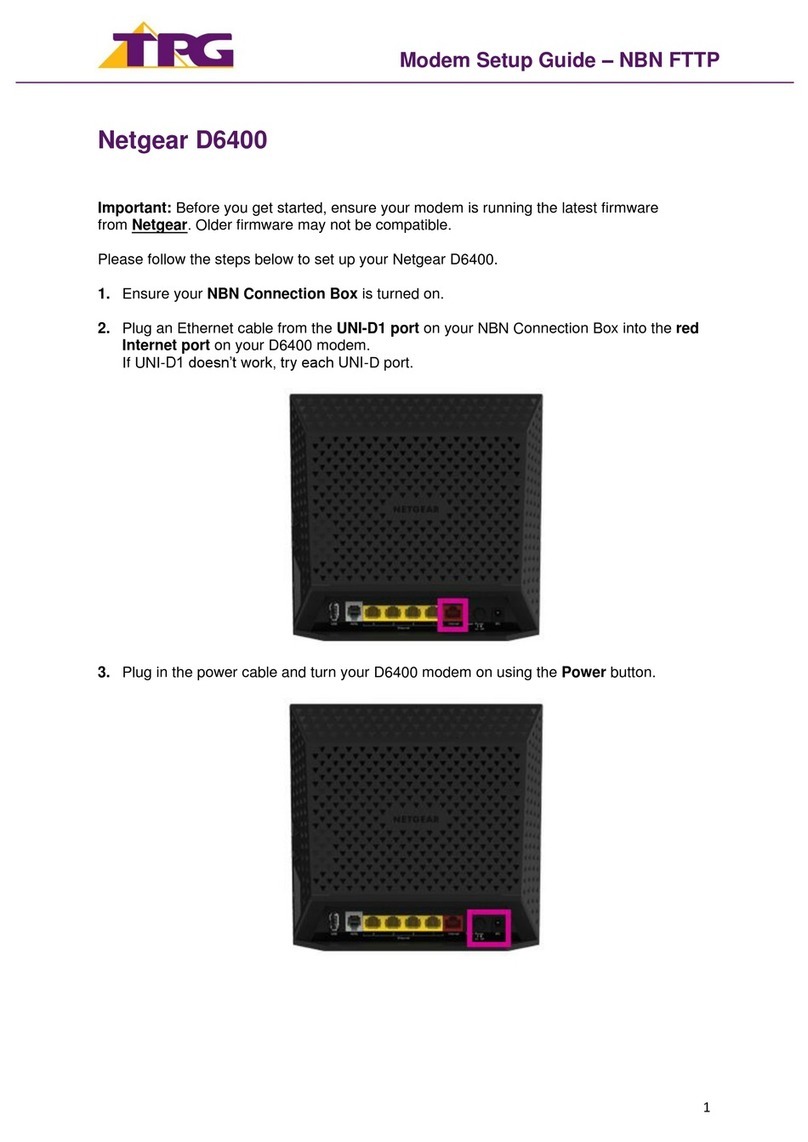
TPG Netgear D6400 User manual
TPG
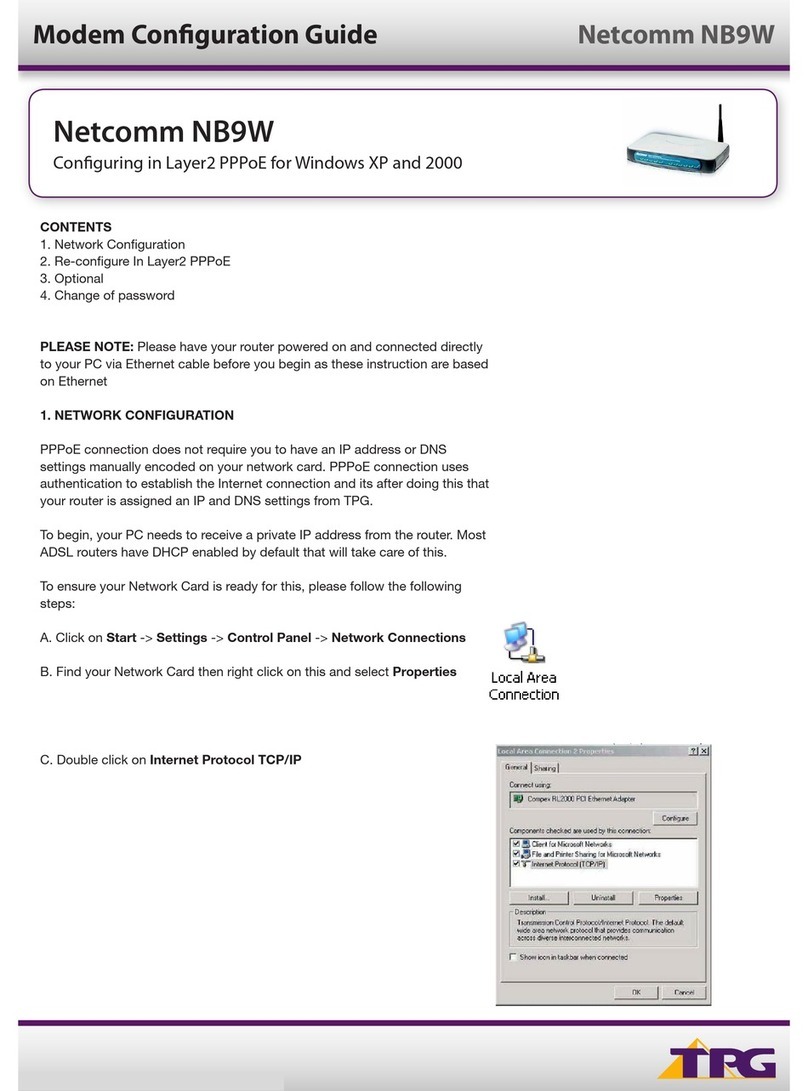
TPG Netcomm NB9W User manual