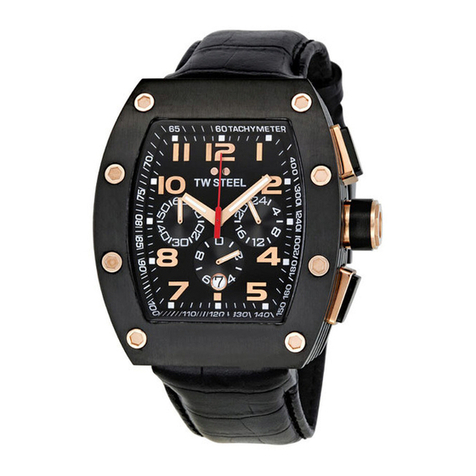
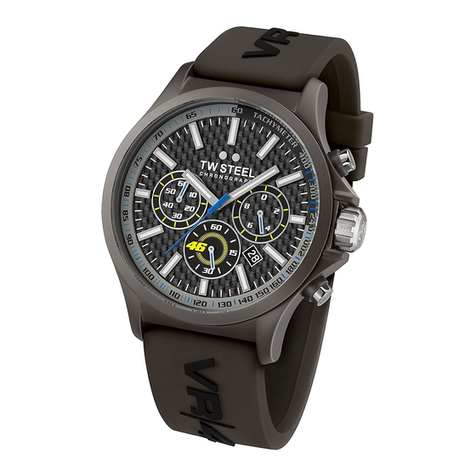
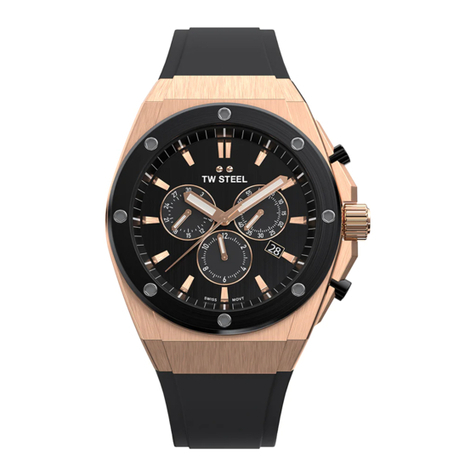
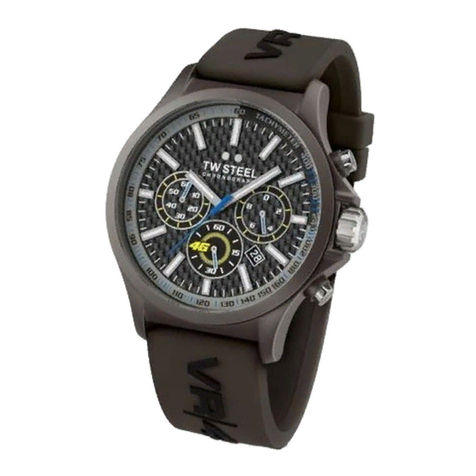
USING THE CHRONOGRAPH
The chronograph is able to measure and display the time accurately
to 1/20th of a second, up to a maximum of 59 minutes and 59
seconds. The retrograde chronograph 1/20 second hand keeps
running continously for 30 seconds after starting and then stops at
the (0) position. The chronograph can be started and stopped each
time button A is pressed. Pressing button B resets the chronograph.
All hands return to their (0) position. If the chronograph second
hand and the chronograph 1/20 second hand do not return to the
(0) second position after the chronograph has been reset or after
replacing the battery, you should do the following:
Pull the crown out to the 2nd position. Press button A to set the
chronograph second hand to the (0) position. Press button B to
set the chronograph 1/20 second hand to the (0) position. The
chronograph second hand can be advanced rapidly by continously
pressing button A or B. Once the hands have returned to the (0)
position, return the crown to its normal position and screw the
crown clockwise back to the case.
CAUTION : IF THE CROWN IS NOT PRESSED IN PROPERLY, THE WATCH IS NO LONGER
WATERPROOF AND THE MOVEMENT CAN BE SERIOUSLY DAMAGED!
USE OF THE CROWN
To adjust the time or set the date, unscrew
the crown by turning it anti-clockwise.
After adjusting, screw the crown back
by turning it clockwise.
ADJUSTING THE TIME
Pull the crown out to the 2nd position.
Turn the crown to set the hour and minute hands.
After the time has been set, push the crown back
to its normal position.
ADJUSTING THE DATE
Pull the crown out to the 1st position.
Turn the crown clockwise to set the date.
After the date has been set, push the crown
back to its normal position.
(0) position
Chronograph 1/20
second hand
Hour hand
Chronograph
minute hand
Chronograph
second hand
Second hand Date
Button B
Crown /normal
crown position
Minute hand
Button A