UBI EasyCoder 501 – Service Manual
3
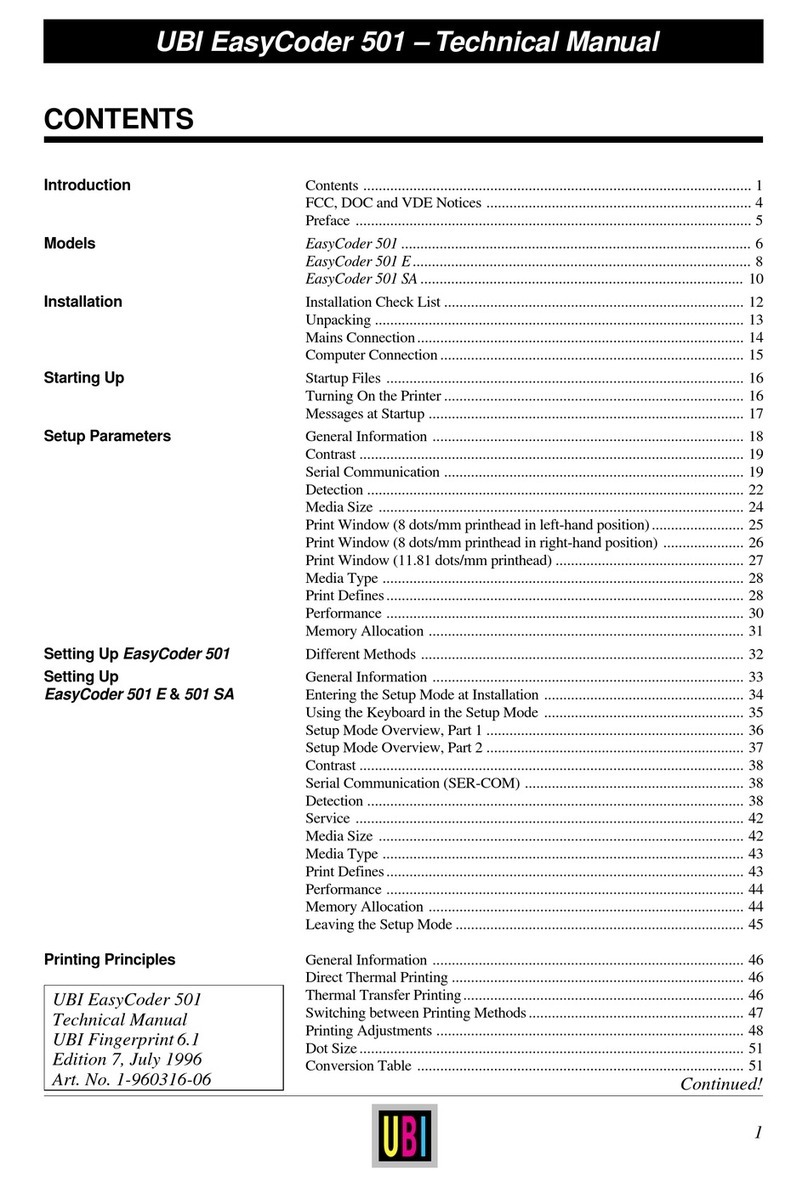
0.1 Contents, cont'd.
Continued!
0. INTRODUCTION, cont'd
18. "UART1:" 18.1 Connector and Cables..................................................................135
18.2 RS 232C......................................................................................136
18.3 RS 422 ........................................................................................138
18.4 20 mA Current Loop ...................................................................140
19. Optional Interface Boards 19.1 Description.................................................................................. 143
19.2 Installation ..................................................................................144
20. Serial Interface Board 20.1 Description.................................................................................. 145
20.2 Straps ..........................................................................................146
20.3 Connector Configuration .............................................................147
20.4 Components Diagram..................................................................148
20.5 Circuit Diagrams .........................................................................149
21. RS 422/485 Interface Board 21.1 Description..................................................................................151
21.2 Straps ..........................................................................................153
21.3 Connector Configuration .............................................................155
21.4 Components Diagram..................................................................156
21.5 Circuit Diagram ..........................................................................157
22. Parallel Interface Board 22.1 Description.................................................................................. 158
22.2 Straps ..........................................................................................159
22.3 Connector Configuration .............................................................160
22.4 Components Diagram..................................................................161
22.5 Circuit Diagram ..........................................................................162
23. Industrial Interface Board 23.1 Description.................................................................................. 163
23.2 Straps ..........................................................................................164
23.3 Connector Configuration .............................................................165
23.4 Components Diagram..................................................................166
23.5 Circuit Diagrams .........................................................................167
24. Print Quality Adjustment 24.1 Test Labels ..................................................................................169
24.2 Possible Printout Troubles ...........................................................172
24.3 Mechanical Adjustments .............................................................173
25. Test Mode 25.1 Description.................................................................................. 178
25.2 EasyCoder/EasyPak 501 .............................................................178
25.3 EasyCoder/EasyPak 501, Test Mode Diagram ............................179
25.4 EasyCoder/EasyPak 501 E & SA ................................................180
25.5 EasyCoder/EasyPak 501 E, Test Mode Diagram.........................182
25.6 EasyCoder/EasyPak 501 SA, Test Mode Diagram.......................183
26. Trouble Shooting 26.1 Printer “Dead”.............................................................................184
- Mains power failure ..................................................................184
- Power supply failure .................................................................184
- Transformer and cabling failure ................................................185
- CPU board failure ..................................................................... 186
26.2 Single Function Failure ...............................................................188
- No display function ...................................................................188
- No keyboard reaction ................................................................188
- Error messages transmitted or displayed....................................189
- No memory backup storage.......................................................190
- No communication (general) .....................................................190
- No communication (standard serial interface) ...........................191
- Label (ticket) gap or black mark not detected ............................192
- Printhead lift sensor out of order ...............................................192
- Ribbon-end sensor out of order .................................................193