Version 01.02.2018 HW: 25-(V92),(V41) CI-VL2-SY2-P
Contents
1. Prior to installation
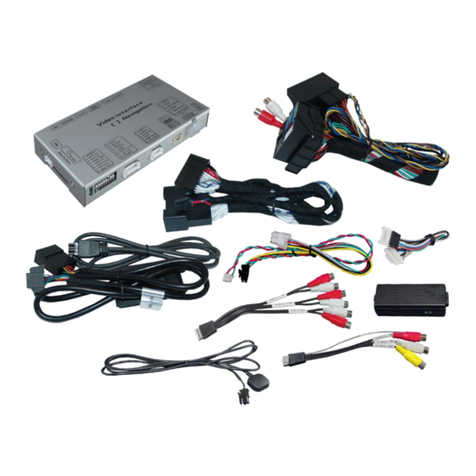
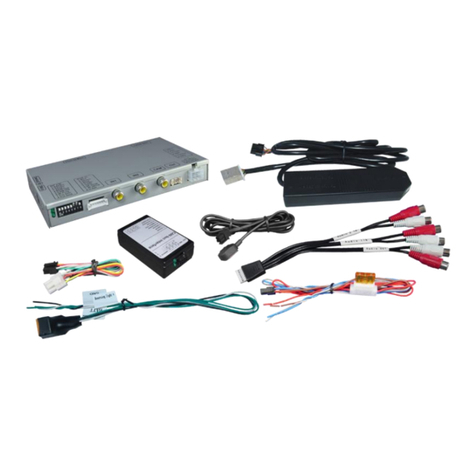
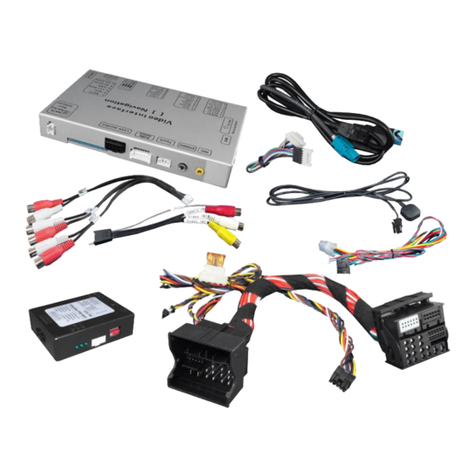
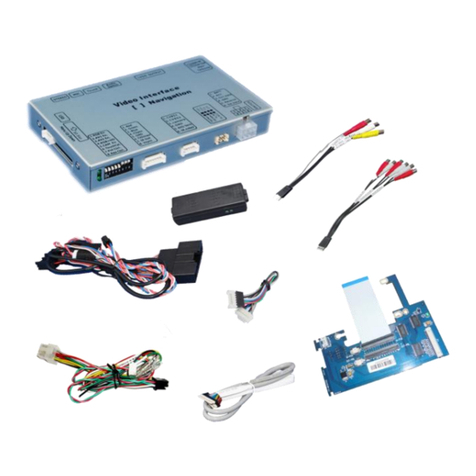
1.1. Delivery contents
1.2. Checking the compatibility of vehicle and accessories
1.3. Boxes and connectors
1.3.1. Video-Interface
1.3.2. CAN-bus box
1.3.2.1. Dip-switch settings
1.3.2.2. Enabling the interface’s video inputs (dip 2-3)
1.3.2.3. Rear-view camera setting (dip 5)
1.4. Dip-switch settings of the CAN-box
2. Installation
2.1. Place of installation
2.1.1. Place of installation –interface
2.1.2. Place of installation –intermediate module
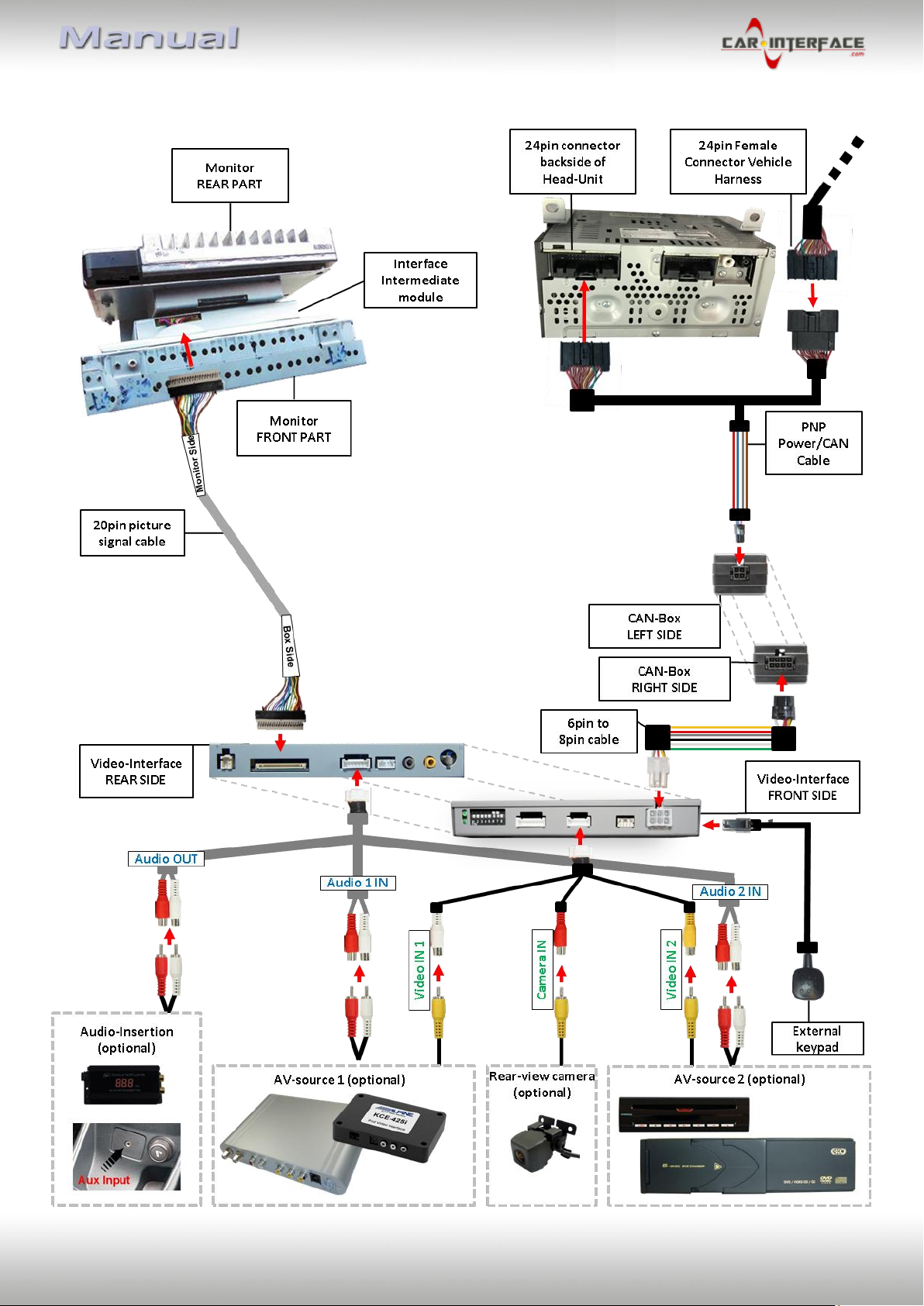
2.2. Connection schema
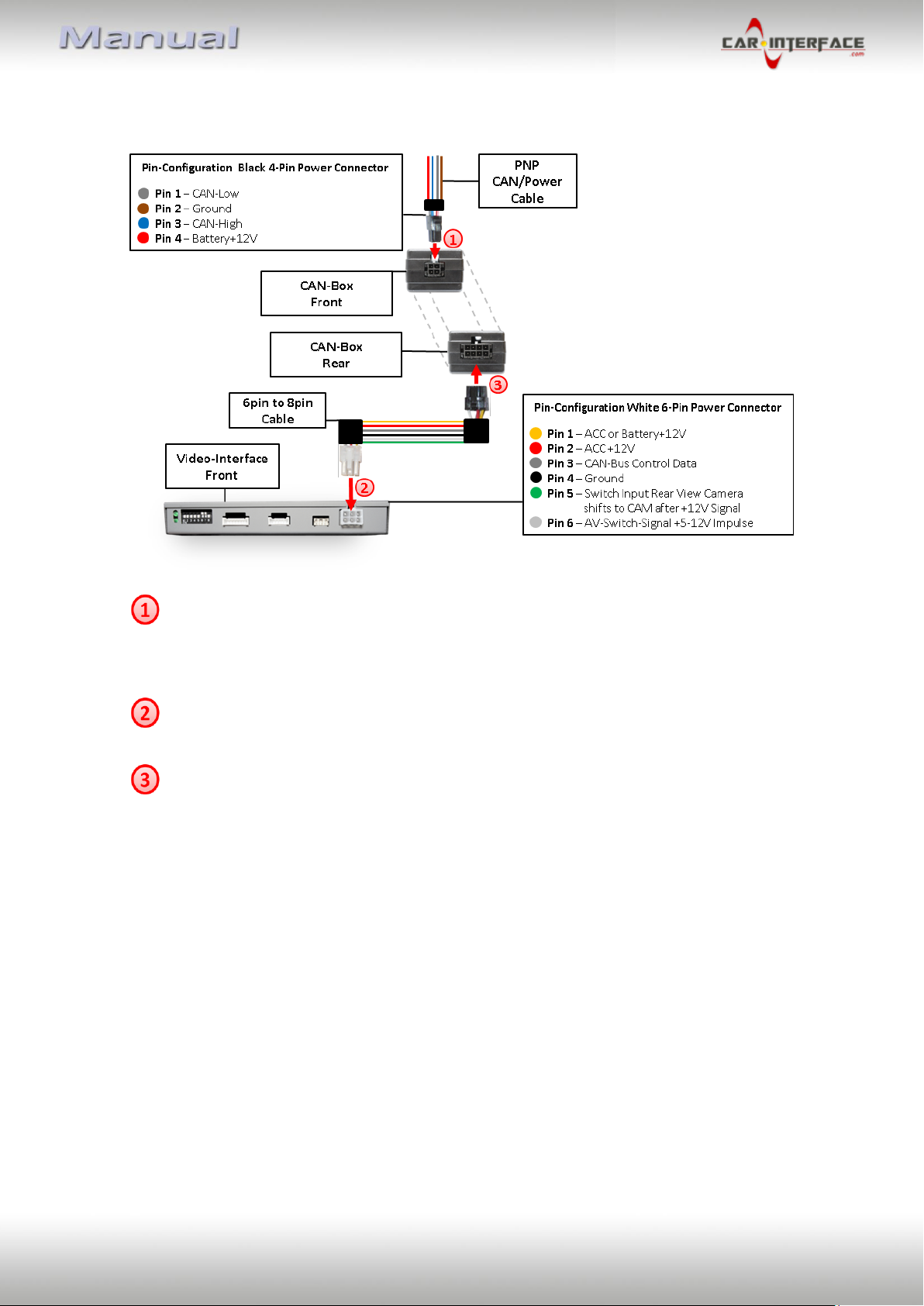
2.3. Connecting video-interface and CAN-box
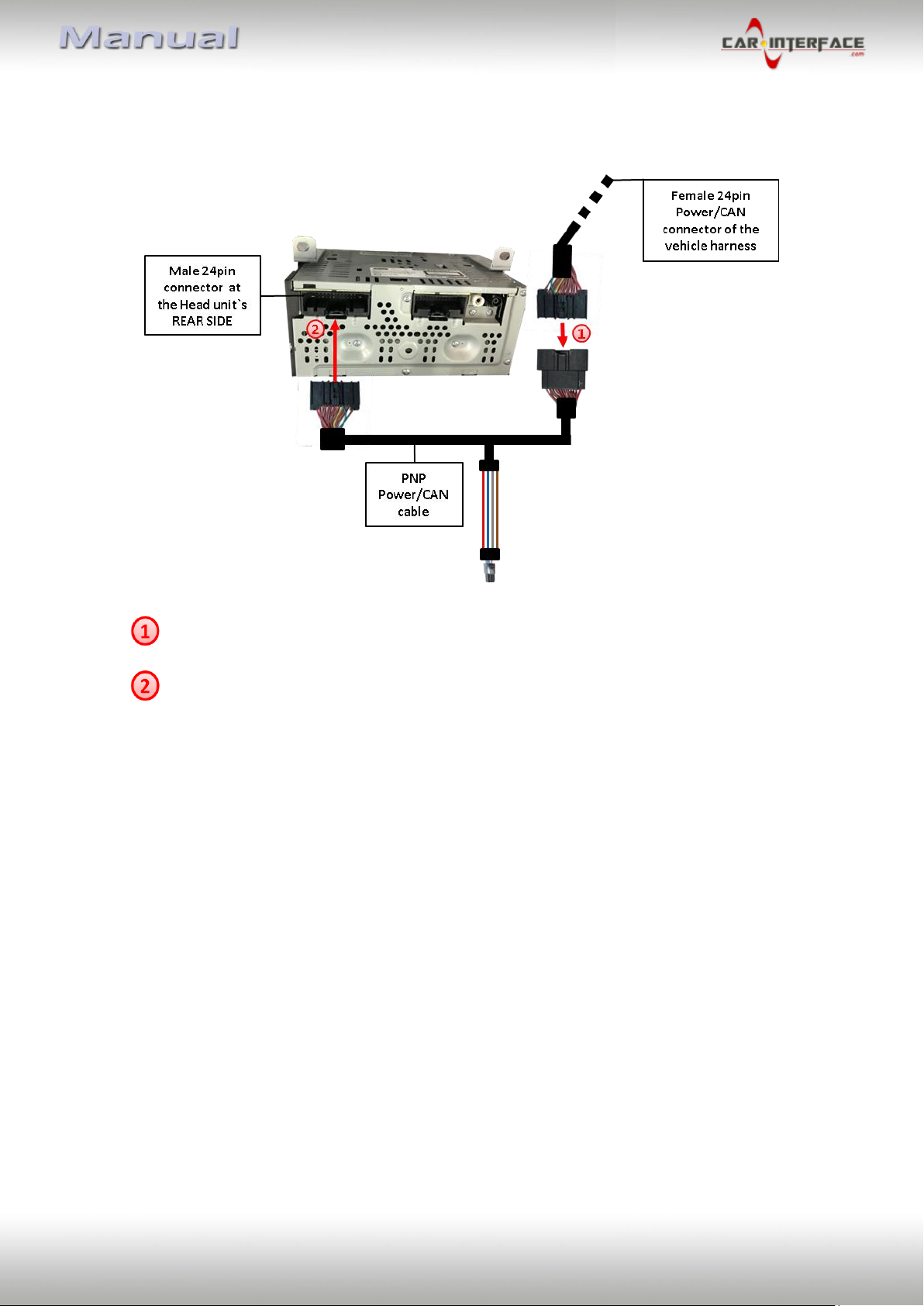
2.4. Connection to the vehicle’s head unit
2.5. Connection to the vehicle’s monitor
2.6. Connecting of peripheral devices
2.6.1. Video-sources to AV1 and AV2
2.6.2. Audio-switch and audio-insertion
2.6.3. After-market rear-view camera
2.6.3.1. Case 1: CAN-box receives the reverse gear signal
2.6.3.2. Case 2: CAN-box does not receive the reverse gear signal
2.6.3.3. Connection Video signal of the rear-view camera
2.7. Connecting video-interface and keypad
2.8. Picture settings and guide lines
3. Interface operation
3.1. By Voice button
3.2. By keypad
4. Specifications
5. FAQ –Trouble Shooting-Interface functions