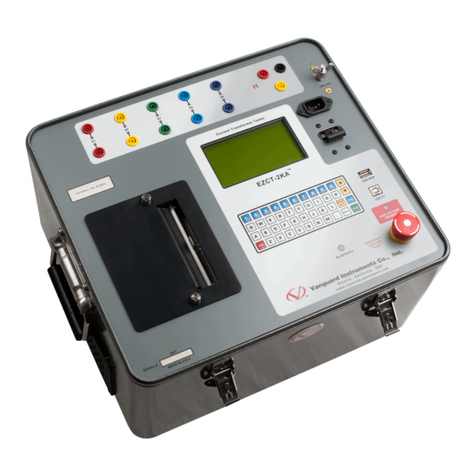
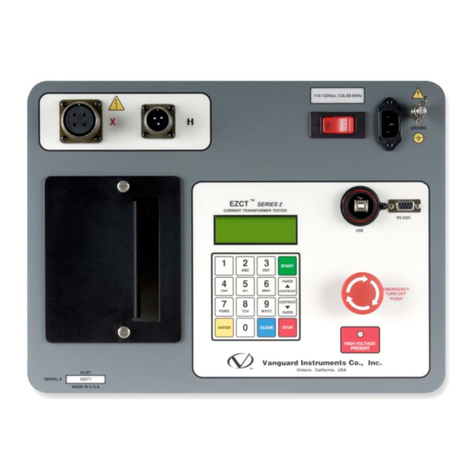
REV 1 EZCT-2000C USER’S MANUAL
ii
TABLE OF CONTENTS
CONVENTIONS USED IN THIS DOCUMENT........................................................................................................................................ 1
1.0 INTRODUCTION .................................................................................................................................................................. 2
1.1 General Description and Features................................................................................................................................. 2
1.2 Common Features (EZCT-2000C and EZCT-2000C Plus)................................................................................................ 2
1.3 EZCT-2000C Plus Features............................................................................................................................................. 4
1.4 Ordering Information.................................................................................................................................................... 5
1.5 Technical Specifications ................................................................................................................................................ 6
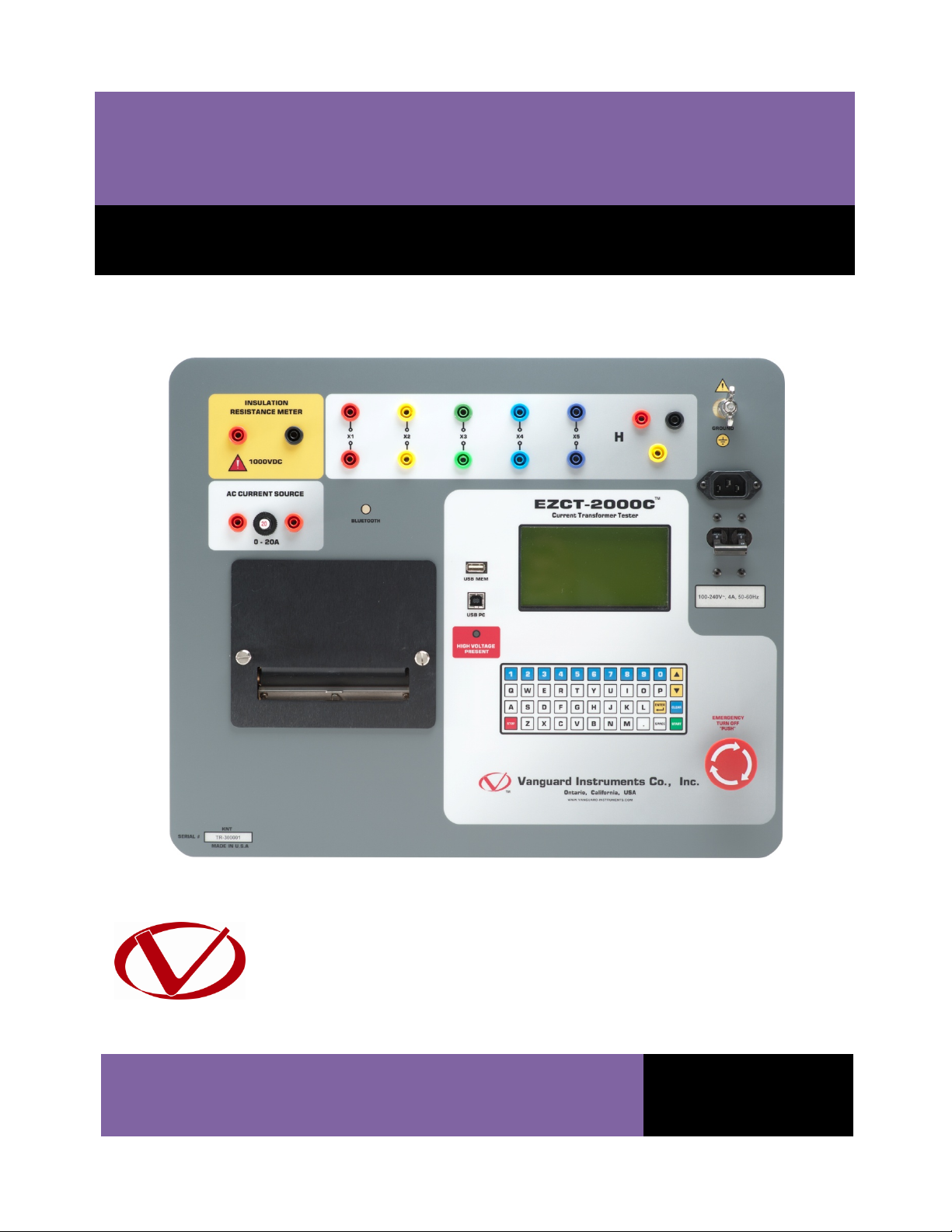
1.6 EZCT-2000C Controls and Indicators ............................................................................................................................. 7
2.0 PRE-TEST SETUP ................................................................................................................................................................. 9
2.1 Operating Voltages ....................................................................................................................................................... 9
2.2 LCD Screen Contrast Control......................................................................................................................................... 9
2.3 Printer Paper Control .................................................................................................................................................... 9
2.4 Printer Paper................................................................................................................................................................. 9
3.0 OPERATING PROCEDURES ................................................................................................................................................ 11
3.1 EZCT-2000C Cable Connections .................................................................................................................................. 11
3.2 EZCT-2000C X Input Voltage Warning ......................................................................................................................... 17
3.3 Performing Tests ......................................................................................................................................................... 18
3.3.1. Entering Test Record Header Information ........................................................................................................ 18
3.3.2. Performing Resistance, Excitation, and Ratio Tests .......................................................................................... 21
3.3.3. Performing a CT Burden Test (EZCT-2000C Plus Only) ...................................................................................... 32
3.3.4. Performing an Insulation Resistance Test ......................................................................................................... 37
3.3.5. Performing a Current Source Test (EZCT-2000C Plus Only)............................................................................... 42
3.4 Working With Test Records ........................................................................................................................................ 44
3.4.1. Restoring and Printing a Test Record From Flash EEPROM............................................................................... 44
3.4.2. Restoring and Printing a Test Record From a USB Flash Drive .......................................................................... 48
3.4.3. Printing a Restored Test Record........................................................................................................................ 50
3.4.4. Printing a Directory of Test Records Stored in the EZCT-2000C’s Memory....................................................... 52
3.4.5. Printing a Directory of Test Records Stored in a USB Flash Drive...................................................................... 55
3.4.6. Copying Test Records to a USB Flash Drive ....................................................................................................... 57
3.4.7. Erasing Test Records From the Flash EEPROM.................................................................................................. 60
3.4.8. Erasing Test Records From a USB Flash Drive ................................................................................................... 63
3.5 Working With Test Plans............................................................................................................................................. 66
3.5.1. Extracting the Test Plan From a Test Record..................................................................................................... 66
3.5.2. Printing a Directory of Test Plans Stored in the EZCT-2000C’s Memory ........................................................... 68
3.5.3. Printing a Directory of Test Plans Stored in a USB Flash Drive .......................................................................... 70
3.5.4. Printing a Test Plan............................................................................................................................................ 72
3.5.5. Erasing Test Plans From the Flash EEPROM ...................................................................................................... 74
3.5.6. Erasing Test Plans From a USB Flash Drive........................................................................................................ 77
3.5.7. Loading a Test Plan from the EZCT-2000C’s Flash EEPROM .............................................................................. 80
3.5.8. Loading a Test Plan from a USB Flash Drive ...................................................................................................... 82
3.5.9. Running a Test Using a Loaded Test Plan .......................................................................................................... 84
3.5.10. Unloading a Test Plan from the Working Memory............................................................................................ 88
4.0 CHANGING SETUP PARAMETERS...................................................................................................................................... 89
4.1 Setting the Knee Point Marker.................................................................................................................................... 89
4.2 Enabling and Disabling the Buried CT in Transformer Delta Option ........................................................................... 91
4.2.1. Enabling the Buried CT in Transformer Delta Option........................................................................................ 91
4.2.2. Disabling the Buried CT in Transformer Delta Option ....................................................................................... 92
4.3 Setting the Clock ......................................................................................................................................................... 96
4.4 Setting the Preferred Interface Language................................................................................................................... 97
4.5 Printing Raw Memory Buffer Data.............................................................................................................................. 99
4.6 Disabling the H Voltage Checking Feature ................................................................................................................ 100
5.0 DIAGNOSTICS, VERIFICATION, AND TROUBLESHOOTING............................................................................................... 102
5.1 Performing a Diagnostics Test................................................................................................................................... 102
5.2 Verifying the EZCT-2000C’s VxSense Circuit Using an External Meter...................................................................... 104
5.3 Verifying the EZCT-2000C’s IxSense Circuit Using an External Meter....................................................................... 105
5.4 Quickly Verifying the EZCT-2000C’s Turns Ratio Circuit ............................................................................................ 106