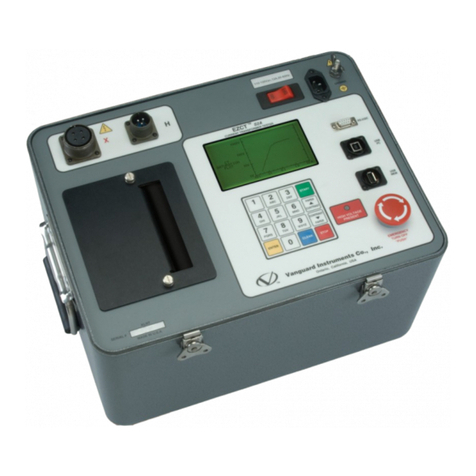
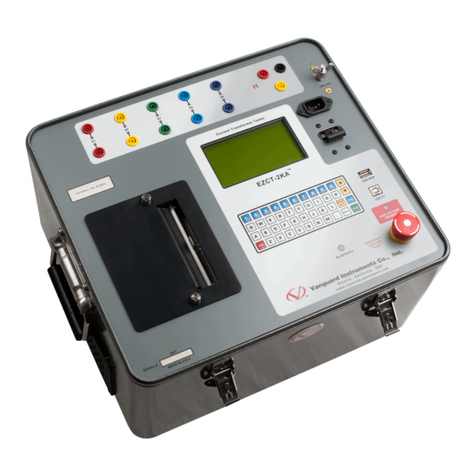
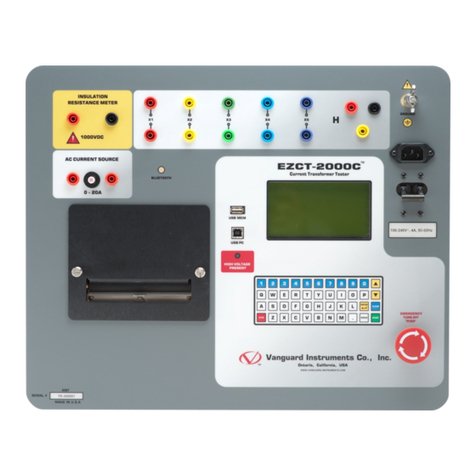
REV 3 EZCT S2 USER’S MANUAL
ii
TABLE OF CONTENTS
CONVENTIONS USED IN THIS DOCUMENT ..................................................................................... 1
1.0 INTRODUCTION.................................................................................................................... 2
1.1 General Description and Features ................................................................................... 2
1.2 Furnished Accessories...................................................................................................... 3
1.3 Technical Specifications ................................................................................................... 4
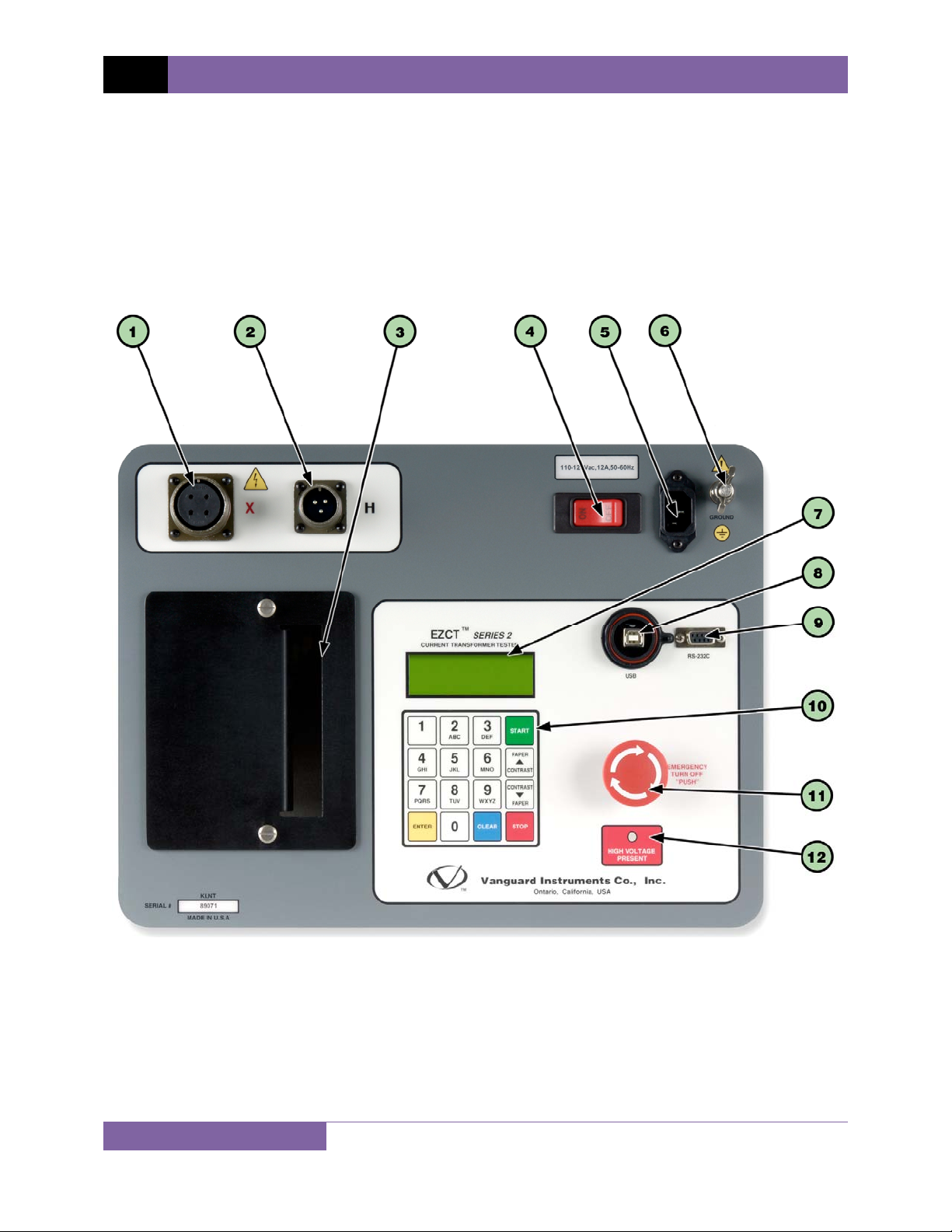
1.4 EZCT S2 Controls and Indicators ...................................................................................... 5
2.0 PRE-TEST SETUP ................................................................................................................... 7
2.1 Operating Voltages .......................................................................................................... 7
2.2 LCD Screen Contrast Control............................................................................................ 7
2.3 Printer Paper Control....................................................................................................... 7
2.4 Printer Paper.................................................................................................................... 7
3.0 OPERATING PROCEDURES ................................................................................................... 9
3.1 EZCT S2 Cable Connections.............................................................................................. 9
3.2 Performing Tests............................................................................................................ 11
3.2.1. Entering Test Record Header Information ............................................................. 11
3.2.2. Performing Excitation and Ratio Tests ................................................................... 14
3.3 Working With Test Records ........................................................................................... 22
3.3.1. Restoring and Printing a Test Record From Flash EEPROM ................................... 22
3.3.2. Printing a Restored Test Record............................................................................. 25
3.3.3. Printing a Directory of Test Records Stored in the EZCT S2’s Memory.................. 26
3.3.4. Erasing Test Records From the Flash EEPROM ...................................................... 28
3.4 Working With Test Plans................................................................................................ 30
3.4.1. Extracting the Test Plan From a Test Record ......................................................... 30
3.4.2. Printing a Directory of Test Plans Stored in the EZCT S2’s Memory ...................... 32
3.4.3. Printing a Test Plan................................................................................................. 34
3.4.4. Erasing Test Plans From the Flash EEPROM........................................................... 36
3.4.5. Loading a Test Plan from the EZCT S2’s Flash EEPROM ......................................... 38
3.4.6. Running a Test Using a Loaded Test Plan............................................................... 39
3.4.7. Unloading a Test Plan from the Working Memory ................................................ 43
4.0 CHANGING SETUP PARAMETERS ....................................................................................... 44
4.1 Setting the Knee Point Marker ...................................................................................... 44
4.2 Selecting the Buried CT in Transformer Delta Option ................................................... 46
4.3 Setting the Clock ............................................................................................................ 49
5.0 DIAGNOSTICS, VERIFICATION, AND TROUBLESHOOTING ................................................. 50
5.1 Performing a Diagnostics Test ....................................................................................... 50
5.2 Verifying the EZCT S2’s VxSense Circuit Using an External Meter ................................ 51
5.3 Verifying the EZCT S2’s IxSense Circuit Using an External Meter.................................. 52
5.4 Quickly Verifying the EZCT S2’s Turns Ratio Circuit....................................................... 53
5.5 Troubleshooting Guide .................................................................................................. 54