manuals.online logo
Brands
  1. Home
  2. •
  3. Brands
  4. •
  5. Von Duprin
  6. •
  7. Door Lock
  8. •
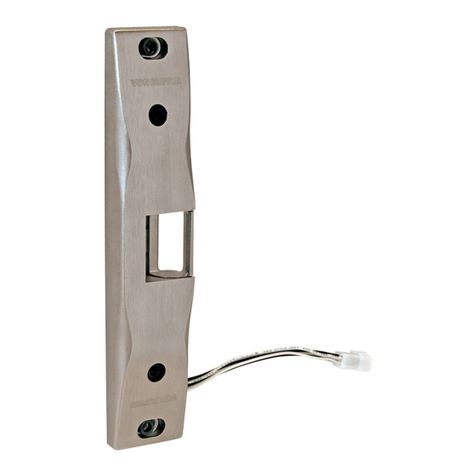
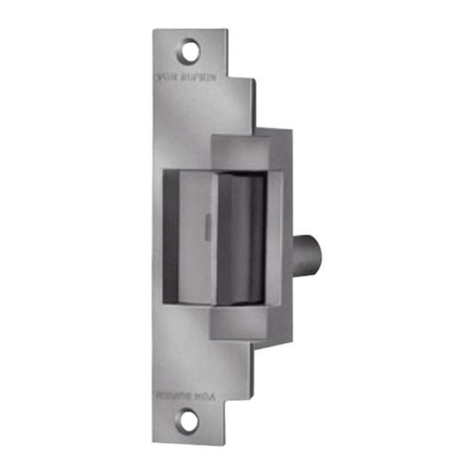
  9. Von Duprin 5100 User manual

Von Duprin 5100 User manual

Other Von Duprin Door Lock manuals
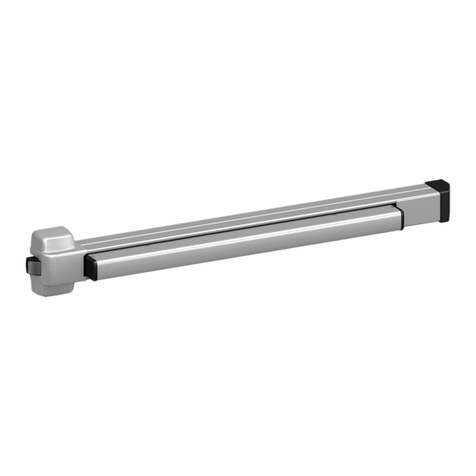
Von Duprin 22 Series User manual

Von Duprin

Von Duprin 22 Series User manual

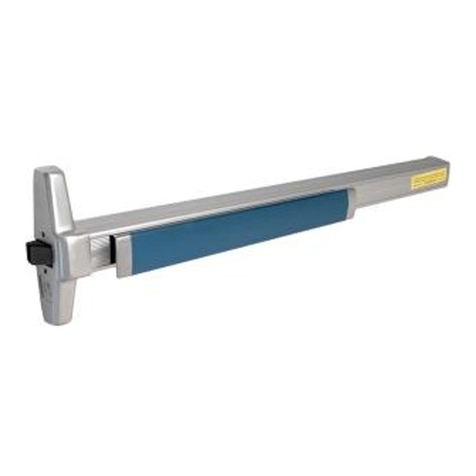
Von Duprin CX33A User manual

Von Duprin

Von Duprin CX33A User manual

Von Duprin 6212WF User manual

Von Duprin

Von Duprin 6212WF User manual

Von Duprin 375-L User manual

Von Duprin

Von Duprin 375-L User manual

Von Duprin 99 User manual

Von Duprin

Von Duprin 99 User manual

Von Duprin 230L-BE User manual

Von Duprin

Von Duprin 230L-BE User manual

Von Duprin 376-T User manual

Von Duprin

Von Duprin 376-T User manual

Von Duprin 33 User manual

Von Duprin

Von Duprin 33 User manual

Von Duprin 940L User manual

Von Duprin

Von Duprin 940L User manual

Von Duprin 377-T User manual

Von Duprin

Von Duprin 377-T User manual

Von Duprin StrikeForce 6210 User manual

Von Duprin

Von Duprin StrikeForce 6210 User manual

Von Duprin 990 series User manual

Von Duprin

Von Duprin 990 series User manual

Von Duprin 6300 User manual

Von Duprin

Von Duprin 6300 User manual

Von Duprin 6225 User manual

Von Duprin

Von Duprin 6225 User manual

Von Duprin M996L Series User manual

Von Duprin

Von Duprin M996L Series User manual

Von Duprin 6226 User manual

Von Duprin

Von Duprin 6226 User manual

Von Duprin 110NL User manual

Von Duprin

Von Duprin 110NL User manual

Von Duprin StrikeForce 6210 User manual

Von Duprin

Von Duprin StrikeForce 6210 User manual

Von Duprin 98 User manual

Von Duprin

Von Duprin 98 User manual

Von Duprin 98 Series User manual

Von Duprin

Von Duprin 98 Series User manual

Von Duprin StrikeForce 6211WF User manual

Von Duprin

Von Duprin StrikeForce 6211WF User manual

Von Duprin 33 User manual

Von Duprin

Von Duprin 33 User manual

Von Duprin Strike Force 6211 User manual

Von Duprin

Von Duprin Strike Force 6211 User manual

Von Duprin (AX) 98/99-2 User manual

Von Duprin

Von Duprin (AX) 98/99-2 User manual
Popular Door Lock manuals by other brands

Dorma MUNDUS PREMIUM US 10 Mounting instruction

Dorma

Dorma MUNDUS PREMIUM US 10 Mounting instruction

Defiant LG600BRA4BGT Instructions for installation

Defiant

Defiant LG600BRA4BGT Instructions for installation

TRU-BOLT M1740024 manual

TRU-BOLT

TRU-BOLT M1740024 manual

Opera ARCA SLIDE installation instructions

Opera

Opera ARCA SLIDE installation instructions

tell CODELOCK CL5500 Series installation instructions

tell

tell CODELOCK CL5500 Series installation instructions

ABH LR6000 installation instructions

ABH

ABH LR6000 installation instructions

Assa Abloy effeff 827A-IP Mounting instructions

Assa Abloy

Assa Abloy effeff 827A-IP Mounting instructions

Iseo MA1A installation guide

Iseo

Iseo MA1A installation guide

ID Lock 150 user manual

ID Lock

ID Lock 150 user manual

Lockly ACCESS TOUCH PRO user manual

Lockly

Lockly ACCESS TOUCH PRO user manual

iLoq G50S user guide

iLoq

iLoq G50S user guide

SDC Z7835 installation instructions

SDC

SDC Z7835 installation instructions

ilco 452 Installation

ilco

ilco 452 Installation

Samsung shs-h705 user guide

Samsung

Samsung shs-h705 user guide

TRU-BOLT 08102017 user manual

TRU-BOLT

TRU-BOLT 08102017 user manual

CDVI 500-LADJ quick start guide

CDVI

CDVI 500-LADJ quick start guide

Igloohome Deadbolt 2S Metal Grey Installer/user guide

Igloohome

Igloohome Deadbolt 2S Metal Grey Installer/user guide

eSSL FL-300 user manual

eSSL

eSSL FL-300 user manual

manuals.online logo
manuals.online logoBrands
  • About & Mission
  • Contact us
  • Privacy Policy
  • Terms and Conditions

Copyright 2025 Manuals.Online. All Rights Reserved.

*931029-00*
931029-00
4-7/8”
Standard ANSI,
Sharp Corner
7-15/16” Long,
Round Corner
Figure 3
Fail-safe (FS) Mode Fail-secure (FSE) Mode
ActuatorActuator
Figure 2
Backbox cover
3. Prepare frame for strike (see page 4 for dimensions).
Note: Prepare room for RCP rectifier if needed.
4. Make sure strike operates in correct mode. Lip of fail-safe (FS) strike can be moved when strike is not powered. Lip of
fail-secure (FSE) strike cannot be moved when strike is not powered. If necessary, remove backbox cover (Figure 2) and
change strike mode by repositioning actuator (Figure 3).
1.
For lock preparation, see lock instructions.
2.
Install correct faceplate onto strike (Figure 1).
Figure 1
Wiring must
stay in slot
4-7/8”
Standard ANSI,
Round Corner
#10-24 flat head
nyloc screws
When using the electric strike in fail-secure mode, the local
authority having jurisdiction shall be consulted to assure
compliance in allowing emergency exit from the secured area.
NOTE
!
Electric Strike
5100
Installation Instructions
Page 2 of 4
Figure 5
12 VDC input
nonpolarized
Red
Red-White
Black
Black-White
Figure 4
24 VDC input
nonpolarized
Red
Black
Red-White
Black-White
12 VDC, 0.38 A
24 VDC, 0.19 A
SOLENOID POWER
REQUIREMENTS
tuptuoCDV21tupniCAV2
1
tuptuoCDV42tupniCAV42
White
White
Yellow for 12 V
Red for 24 V
Black
SO kit
ForDC operation, Von Duprin PS 861 and
Locknetics 593 DC series power supplies
are recommended.
ForAC operation, Von Duprin SO-12 or 24
AC/DC convertor kit (shown below)
is recommended.
12 VDC Strike Wiring
24 VDC Strike Wiring
5.
Check power source voltage (12 or 24 VAC or VDC).
6. When using 12 VAC or 24 VAC power, install SO kit to convert AC power to DC (Figure 4).
7. Wire strike solenoid for proper voltage (Figure 5). Caution: Do not connect 24 VDC to 12 VDC configured strike.
8. Test strike: Apply solenoid power. Fail secure (FSE) lip unlocks. Fail safe (FS) lip locks.
9. If cut-out for strike is too large along edge (Figure 6), cut neoprene filler and stick onto strike as shown (Figure 7).
Note: This could occur in some retrofit applications.
Neoprene filler
Cut to length and
stick on strike
Figure 6Figure 7
Gap filled
5/8” Maximum
latch bolt
projection
Figure 9
Top view;
faceplate not
shown for clarity
1/32”
Strike
lip
Door
Figure 10
Backbox
Faceplate
screws (2)
Backbox
screws (2)
Adjust Strike Lip
Remove two Phillips head
faceplate screws and remove
faceplate.
Loosen two Hex head
backbox screws and
move backbox
sideways as necessary,
then secure screws.
Replace faceplate
and secure faceplate
screws.
A
B
C
Page 3 of 4
11.Install strike with two #12-24 mounting screws. Make sure clearance between latch bolt and strike lip is 1/32” (Figure 9).
If not, remove strike, adjust (Figure 10), and reinstall.
10.
If frame does not have built in mounting tabs, install mounting tabs supplied with strike as shown below (Figure 8).
Attach mounting tabs to
strike with two #12-24
screws and mark 4
mounting tab holes on
frame as shown below.
ABDrill four
mounting holes.
CMount the two
mounting tabs inside
frame using #10-24
screws as shown below.
DShim strike in or out as
needed until faceplate is
flush with frame.
Frame too thick
Add shim(s)
between tabs
and strike
Frame too thin
Add shim(s)
between tabs
and frame
Shim
Shim
Figure 8
Mounting
tabs
1/4” thru hole
countersunk for
#10-24 flat head
screw, 4 places
12.Test door: With strike unlocked, door opens with latch bolt extended. When door closes, latch bolt rides over strike lip
and relatches.
Shim
Mounting
tab
Mounting
tab
Flush
Flush
© Allegion 2014
Printed in U.S.A.
931029-00 Rev. 01/14-c
Strike Dimensions
Suggested
cut-out
LHR shown
RHR opposite
5/32” radius
on 4 corners
Metal: #16 drill
and #12-24 tap
2 places
Wood: 1/8” drill
pilot hole
3/4” deep
2 places
Short Faceplate Suggested Cut-outLong Faceplate Suggested Cut-out
L
C lock and strike
31/32”
4-1/8”
4-7/8”
5/8”
2-7/16”
1-1/4”
2-1/16”
C strike
L
1-1/2”
1-11/16”
5/32” radius
on 4 corners
(Aluminum frame)
1-11/16”
3-3/8”
3/32”
1-1/16”
1”
31/32”
7-15/16”
23/32”
3-31/32”
1-7/16”
5/32” radius
on 4 corners
C lock and strike
L
7-7/16”
3-23/32”
Reinforce for
strike attachment
as required
LHR shown
RHR
opposite
5/32” radius
on 4 corners
(Aluminum frame)
#16 drill and
#12-24 tap
2 places
Suggested
cut-out