ENEN
01 02 03 04 05 06 07 08 09 10 11 12 13 14 15 16 17 18
19 20 21 22 23 24 25 26 27 28 29 30 31 32 33 34 35 36
37 38 39 40 41 42 43 44 45 46 47 48 49 50 51 52 53 54
55 56 57 58 59 60 61 62 63 64 65 66 67 68 69 70 71 72
73 74 75 76 77 78 79 80 81 82 83 84 85 86 87 88 89 90
91 92 93 94 95 96 97 98 99 100 101 102 103 104 105 106 107 108
Warnings
Safety Precautions
Accessories
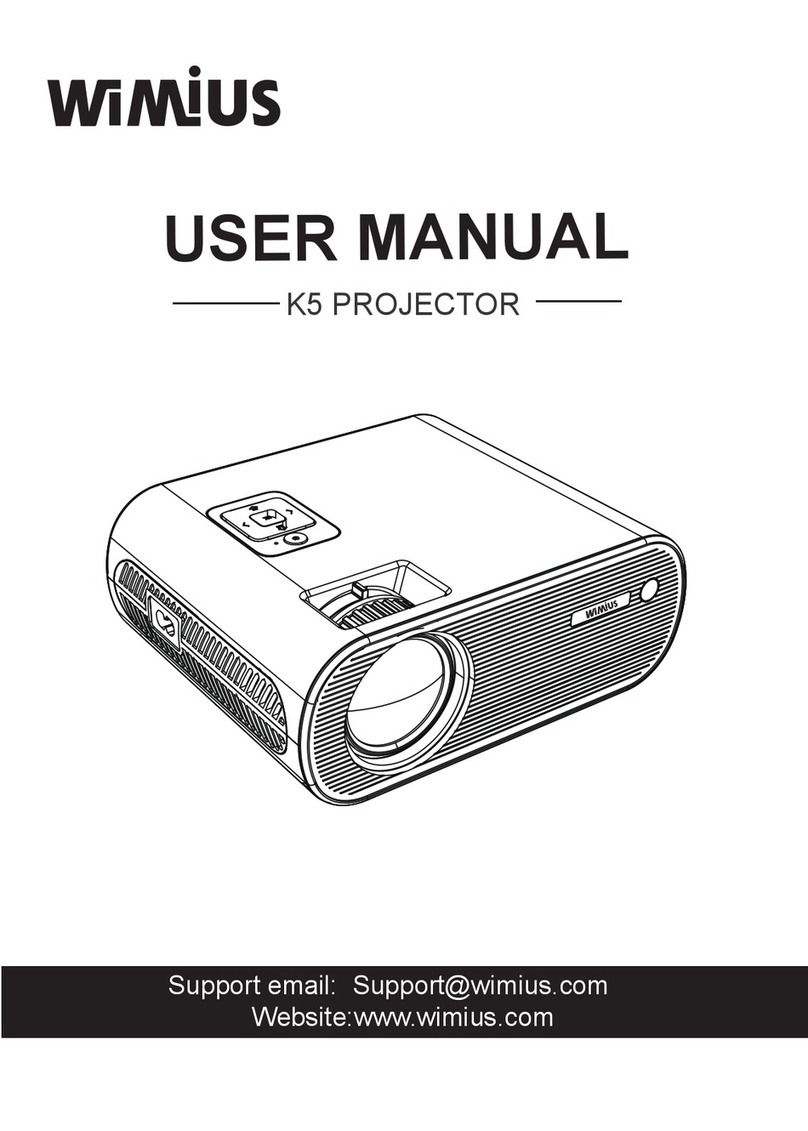
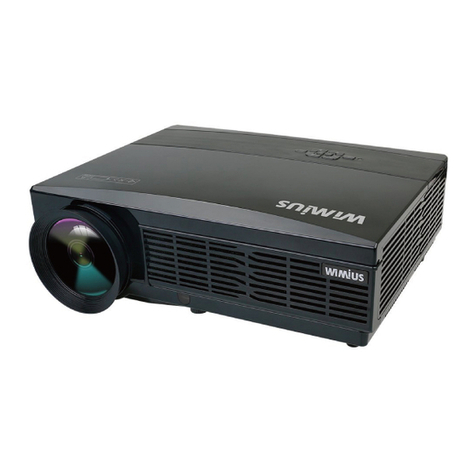
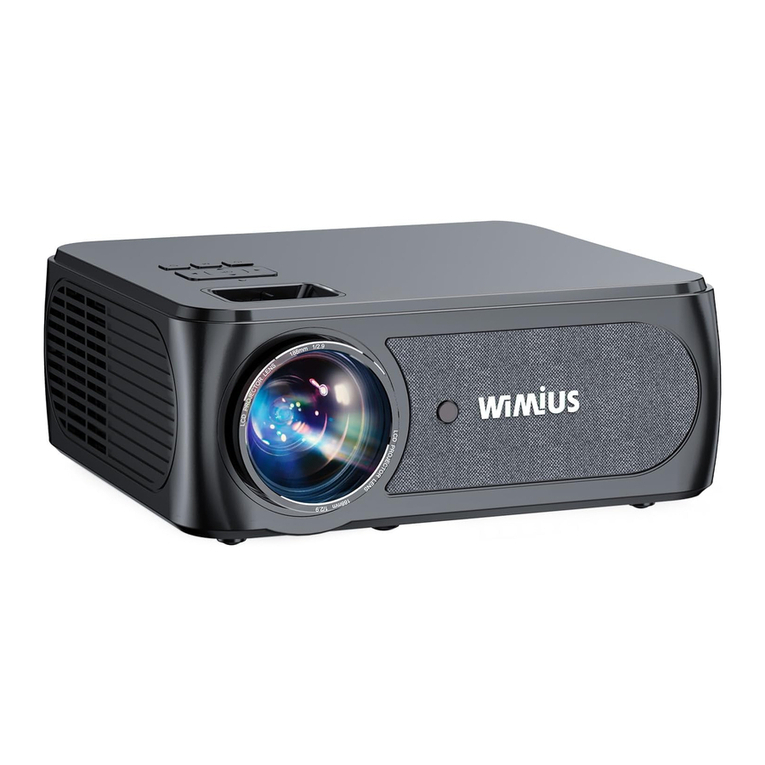
Thank you for purchasing WiMiUS K5 wifi bluetooth video projector. Please read this
manual carefully before you use the projector.
We sincerely hope this projector can make your life more colorful.
1.High brightness lamp! Please don’t look directly into the lamp.
2.Adjusting the contrast, brightness and focal length according to different input signals is
the key to make the picture clear; otherwise, the picture will be blurred.
3.There is high voltage inside the projector. It is forbidden to open the cover and touch the
internal parts of the machine.
1. Clean
When clean this projector, please pull out the power cable. Use a wet cloth to clean, don’t
use any detergent that may damage the unit.
2. Accessory
Please use our recommended accessory. Or it will damage the projector.
3. Correct environment
Do not place the projector in a wet environment, like damp basement or near the swimming
pool, etc.
4. Ventilation
The ventilation is equipped for the projector to work stably. Do not put anything around the
vents. Or it will cause the projector heating up.
5. Power
Please make sure the power is within the required power range.
6. Thunder
For thunder day, please unplug the power cable from the projector.
7. Repair
Due to high voltage inside, please do not open or try to repair the projector by yourself.
Please ask a professional technician to repair the projector.
8. Keep away from heat device
Please make sure the projector is far away from any heat devices which will damage the
projector.
Projector*1
Projector case *1
Lens Cover*1
Remote Controller*1
Power Cable*1
AV Cable*1
Projector Support Base*1
User Manual*1