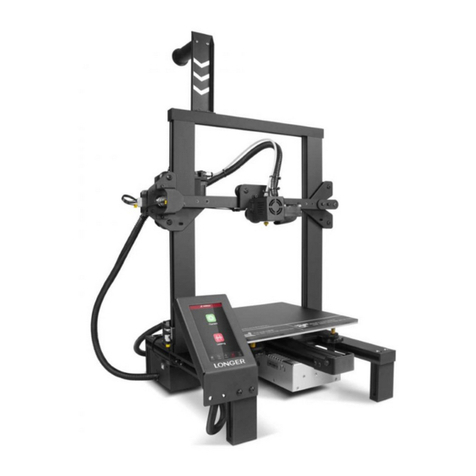
Ackuretta SOL User manual

4
Quick Start Guide
2023/05
User Dashboard Facebook User Group
Technical Specifications
Start Printing
3 4
1 2
1
2
31
4
2
*Minimum 100ml resin required;
shake well before pouring
3
*
Insert USB with IBF fileSelect correct file and press 'Print'
3D Print Technology Monochrome LCD Panel
Dimensions
Weight
29.2 (L) x 27.1 (W) x 41.6 (H) cm
11.5 (L) x 10.7 (W) x 16.4 (H) in
Approx. 18 kg
Approx. 40 lbs
14 (L) x 8 (W) x 12.8 (H) cm
5.5 (L) x 3.1 (W) x 5.04 (H) in
XY Resolution 49 μm
Layer Thickness
Print Area
Resin Wavelength
30-150 μmPower Input
385-405 nm
100-240VAC, 50-60Hz

Product Overview
ALPHA AI Setup
Z-axis
Touch Screen
Vat
Do not allow any resin or residue to come into contact with the print screen.
If resin is cured on the screen it cannot be removed, and the screen must be replaced.
Use UV-filtered lights in your workspace
for printing and cleaning.
Front Back
Power Switch
Cooling Fan
Inlet
Import file (.STL)
Setup Guide
Connect to power source and turn on SOLPull SOL out of the box
Ethernet Port &
USB Ports x4
3 4
1 2
Or
Set up print Create supports
Learn More
Only compatible with Windows 8 and later versions
Hood
Hex Key Holder *
Build Platform
Hood Lock
Vat Lock
Print Screen &
Frame
Heavy! Handle with care
1
2
1
2
123 4
Prepare your computer to download and install
ALPHA AI, our 3D printing slicing software.
Slice and save →
Export file (.IBF) to
a USB
Check IP address and ensure your printer is
using the same network as your computer
Operate SOL in a clean environment that is
well ventilated, with a temperature range of
18°-25°C (64°-77°F).
*Store the Hex Key in the holder located under the SOL hood
Connect to Internet via Wi-Fi or Ethernet cable
Package Contents
Vat &
Vat box Tray x2 Mallet Spatula Clippers Scraper
SOL
( BuildPlatform
& Vat)
Power
Cable
Ethernet
Cable
Spare Vat
Wi-Fi
Dongle
Print
Screen
Hex
Key*
Spare Print ScreenStarter Tool Kit
*Store the Hex Key in the holder located under the SOL hood.
Other manuals for SOL
3
Other Ackuretta 3D Printer manuals
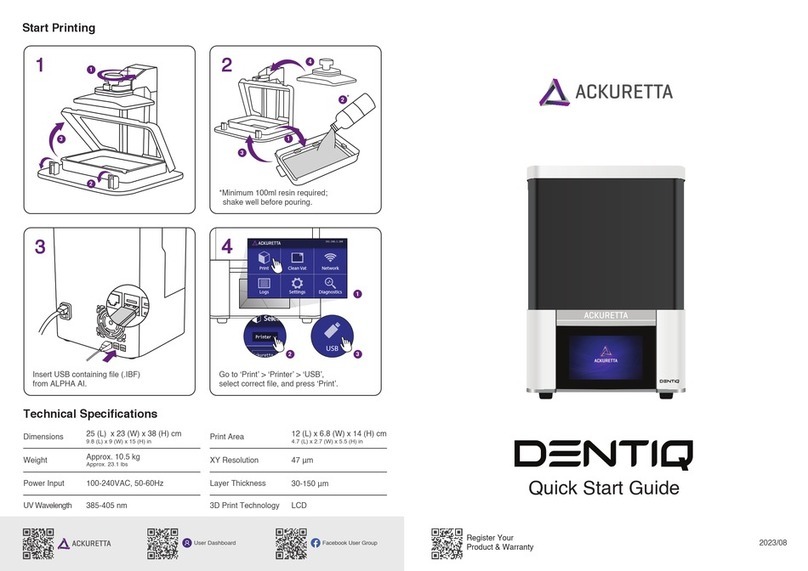
Ackuretta
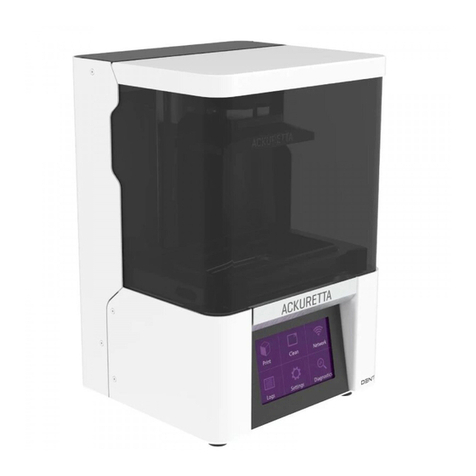
Ackuretta DENTIQ User manual
Ackuretta
Ackuretta FreeShape 120 User manual
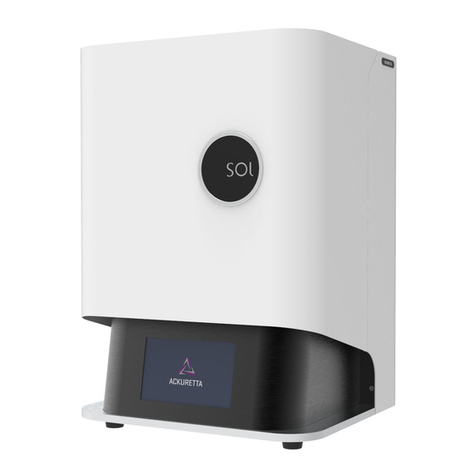
Ackuretta
Ackuretta SOL User manual

Ackuretta
Ackuretta FreeShape 120 User manual

Ackuretta
Ackuretta SOL User manual

Ackuretta
Ackuretta Diplo User manual
Ackuretta
Ackuretta DENTIQ User manual

Ackuretta
Ackuretta FreeShape 120 User manual

Ackuretta
Ackuretta DENTIQ User manual
Ackuretta
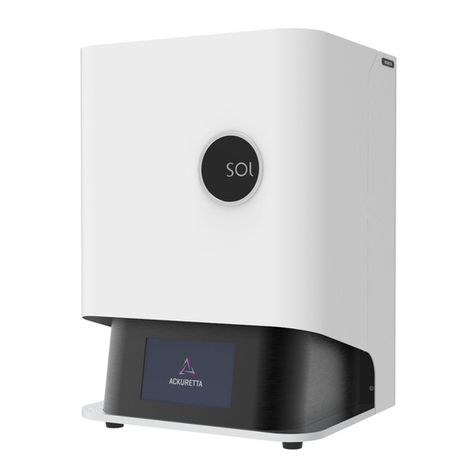
Ackuretta SOL User manual