EnglishDeutsch
 logo
Brands
  1. Home
  2. •
  3. Brands
  4. •
  5. Arjo
  6. •
  7. Medical Equipment
  8. •
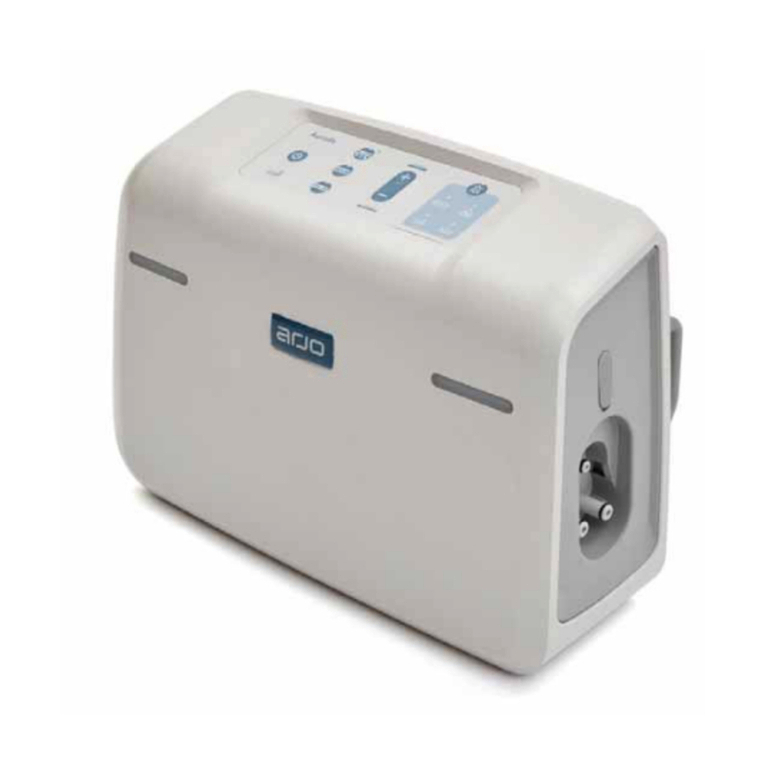
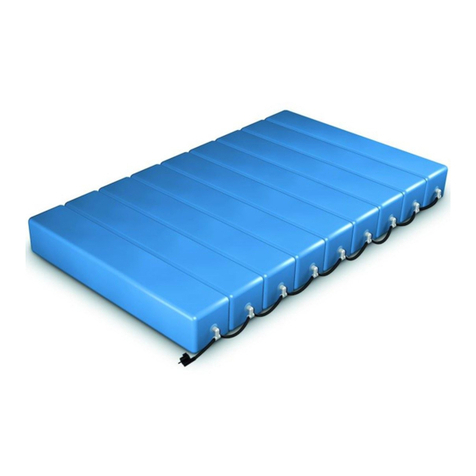
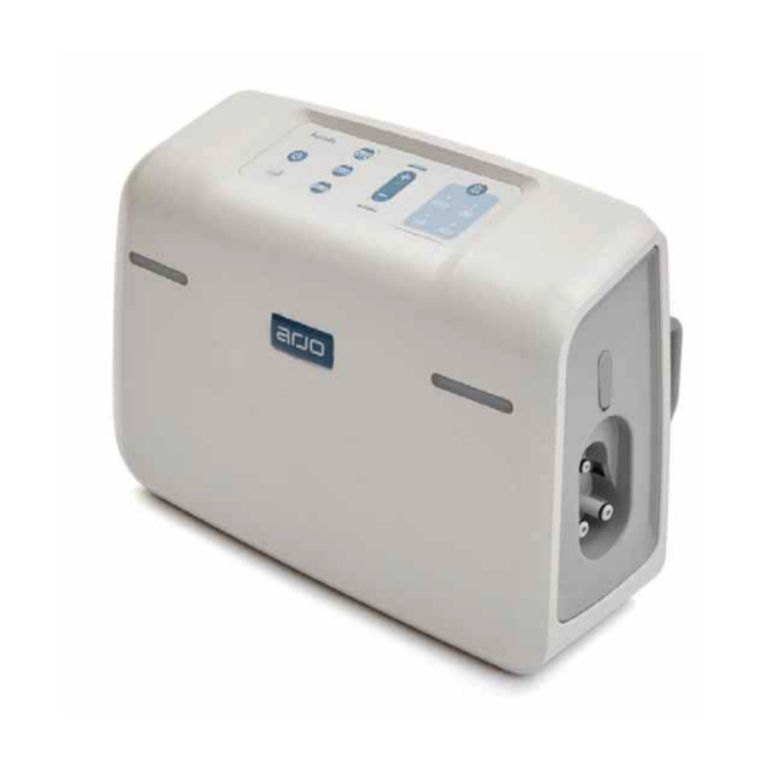
  9. Arjo Auralis User manual

Arjo Auralis User manual

Other manuals for Auralis

5

Other Arjo Medical Equipment manuals

Arjo MAXI MOVE Operating instructions

Arjo

Arjo MAXI MOVE Operating instructions
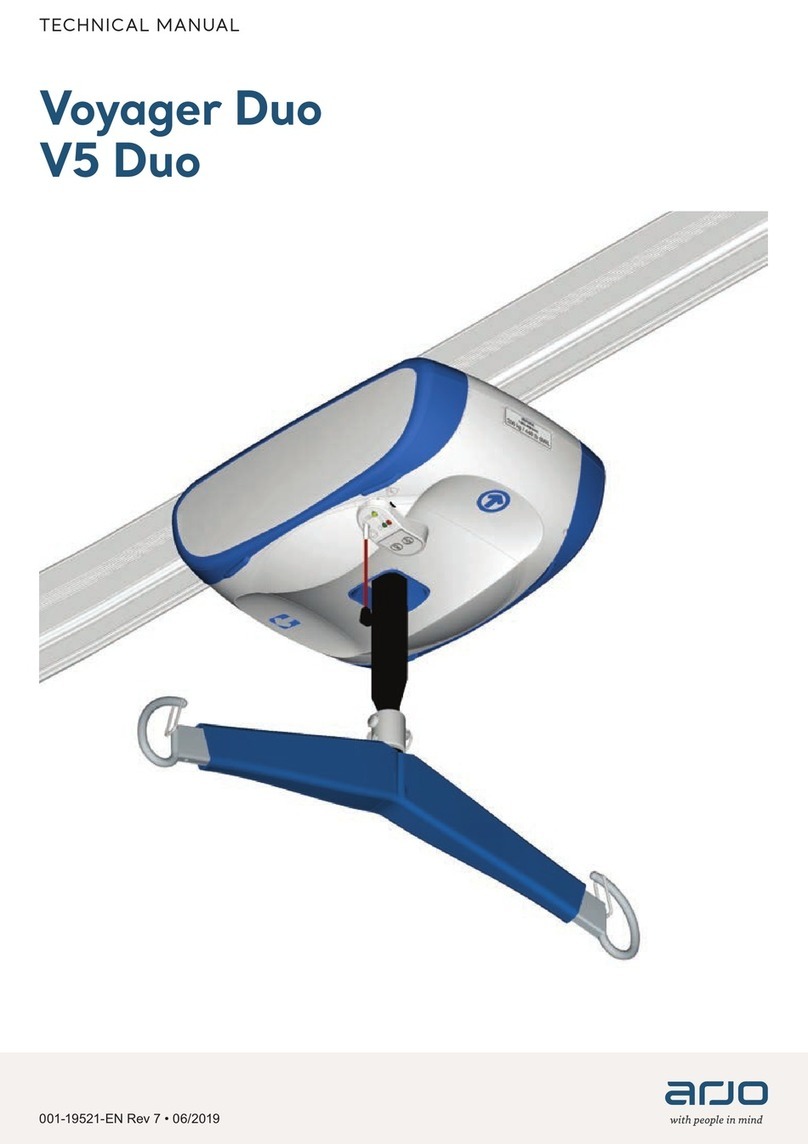
Arjo Voyager User manual

Arjo

Arjo Voyager User manual

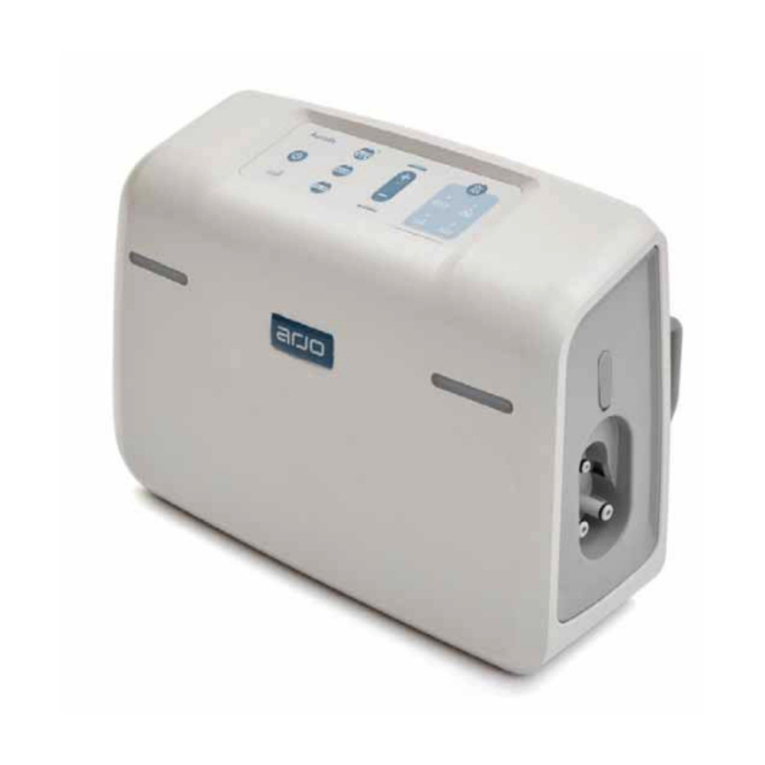
Arjo Auralis User manual

Arjo

Arjo Auralis User manual
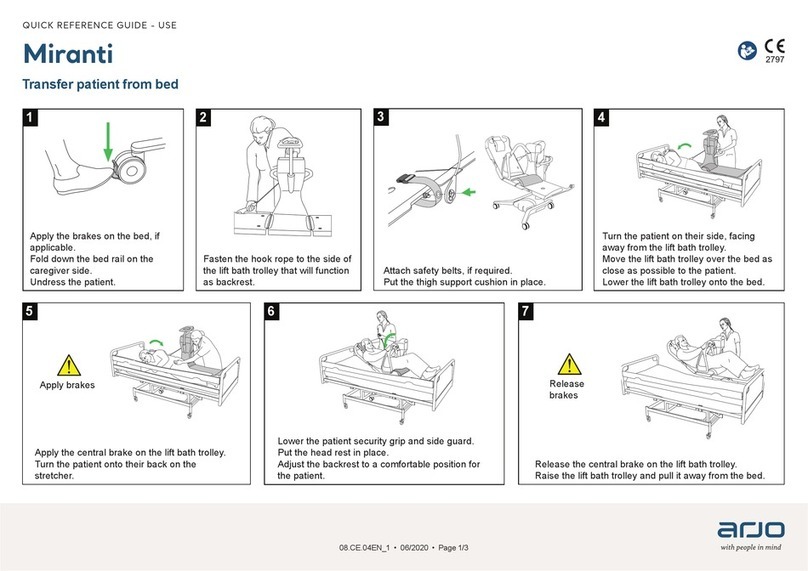
Arjo Miranti User manual

Arjo

Arjo Miranti User manual
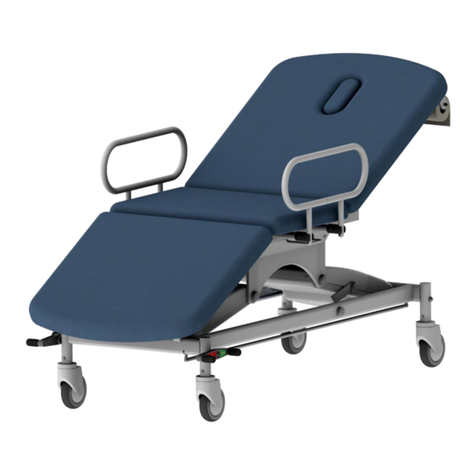
Arjo Prioma Couch Electric User manual
Arjo

Arjo Prioma Couch Electric User manual

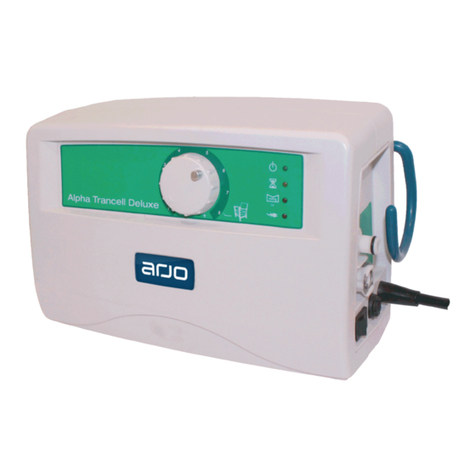
Arjo Alpha Trancell Deluxe User manual
Arjo

Arjo Alpha Trancell Deluxe User manual

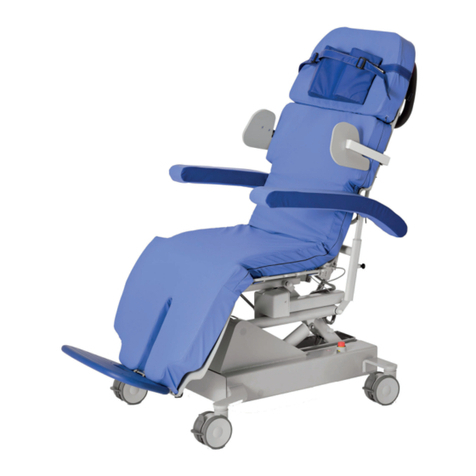
Arjo Sara Combilizer User manual

Arjo

Arjo Sara Combilizer User manual
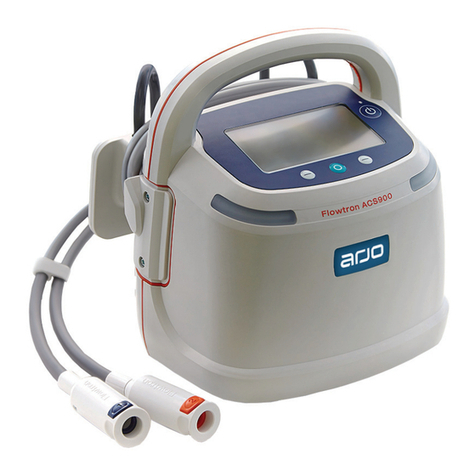
Arjo Flowtron ACS900 User manual

Arjo

Arjo Flowtron ACS900 User manual
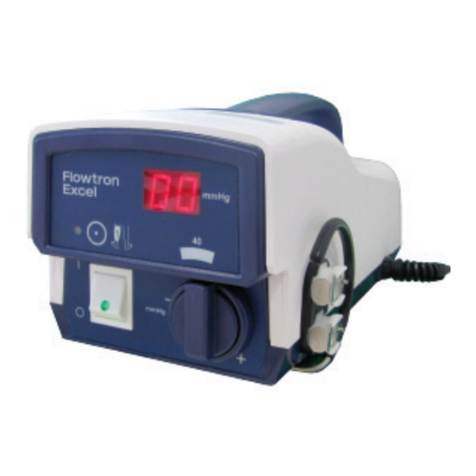
Arjo Flowtron Excel User manual

Arjo

Arjo Flowtron Excel User manual
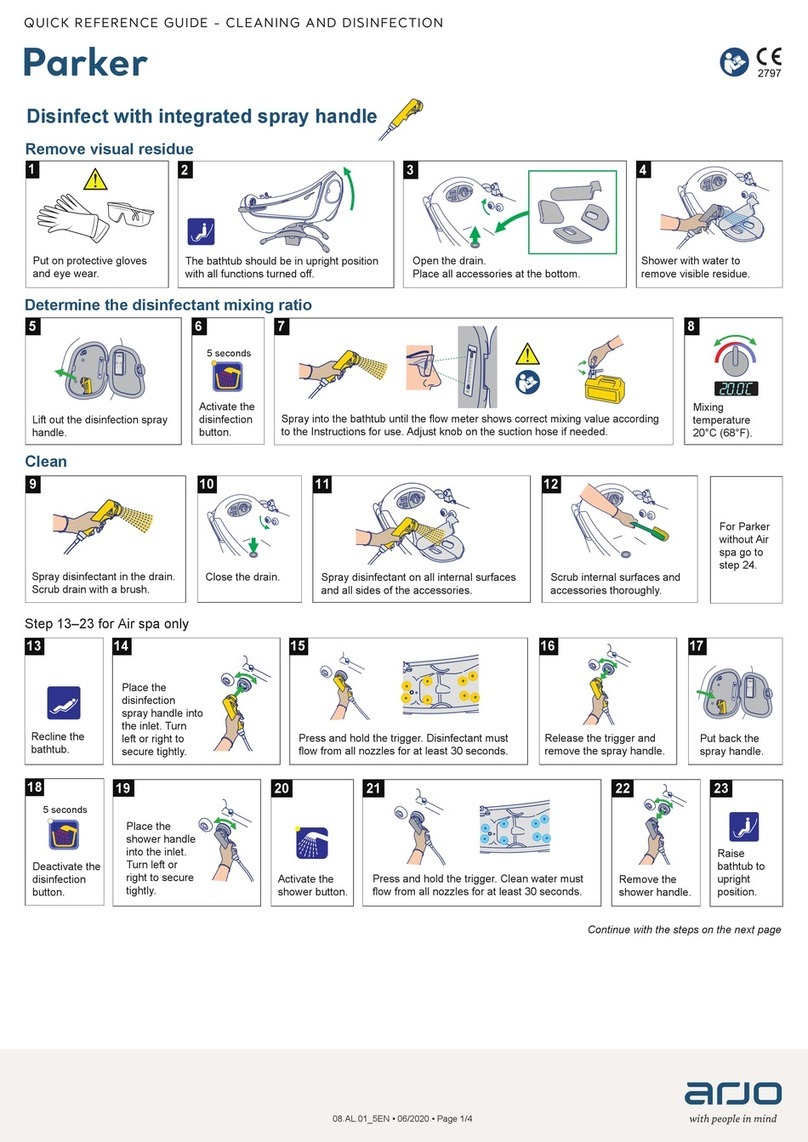
Arjo Parker User manual

Arjo

Arjo Parker User manual
Arjo MAA4020M User manual

Arjo

Arjo MAA4020M User manual
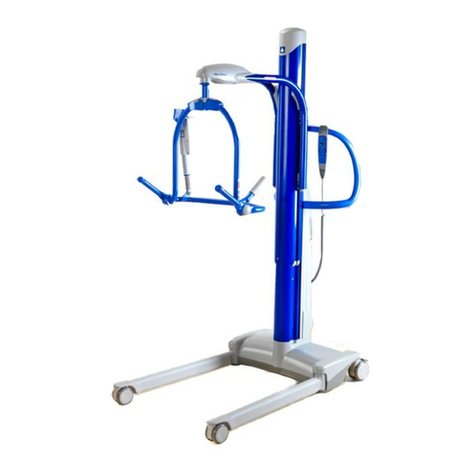
Arjo MAXI MOVE Operating instructions

Arjo

Arjo MAXI MOVE Operating instructions
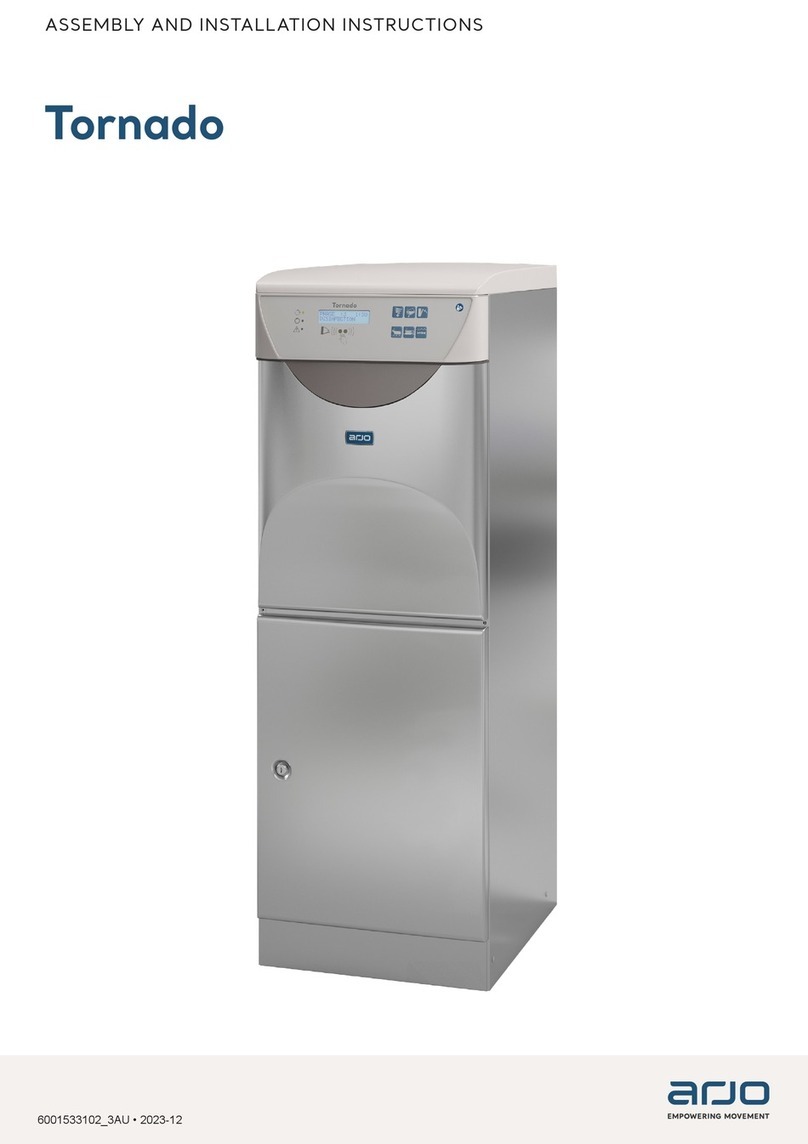
Arjo Tornado Instruction manual

Arjo

Arjo Tornado Instruction manual

Arjo Maxi Sky 2 User manual

Arjo

Arjo Maxi Sky 2 User manual
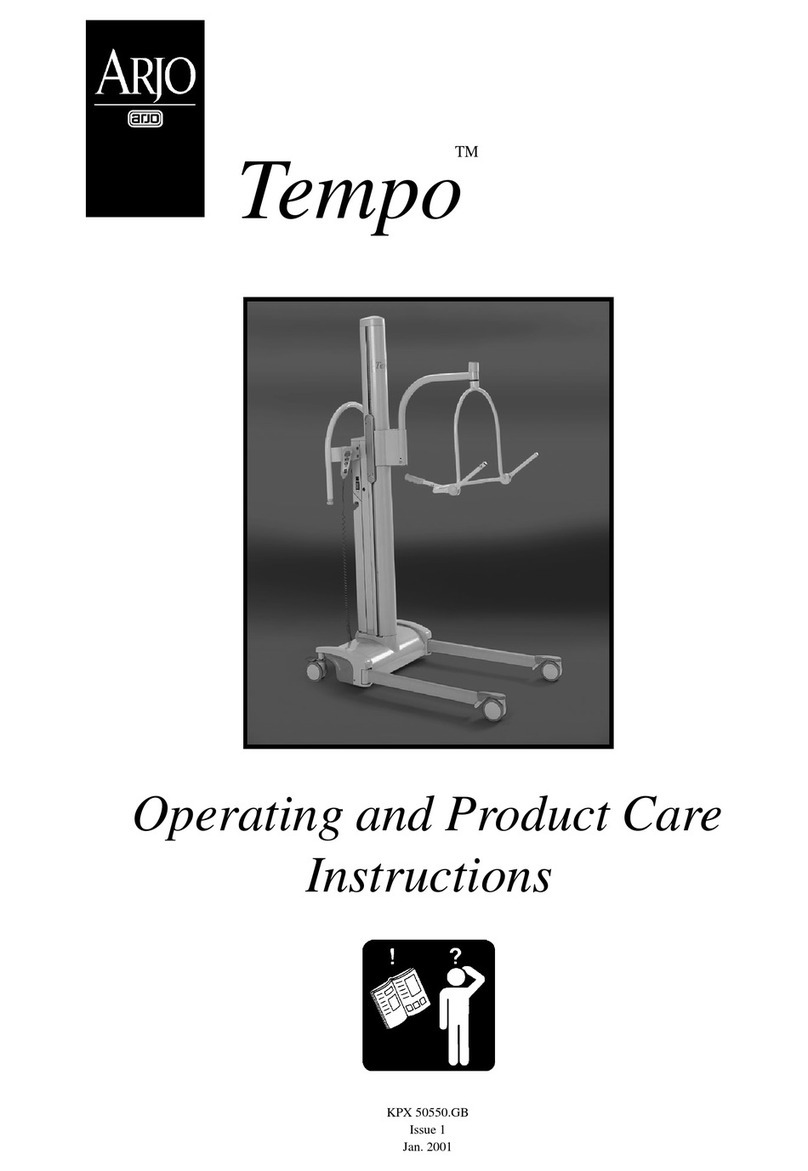
Arjo Tempo Installation guide

Arjo

Arjo Tempo Installation guide

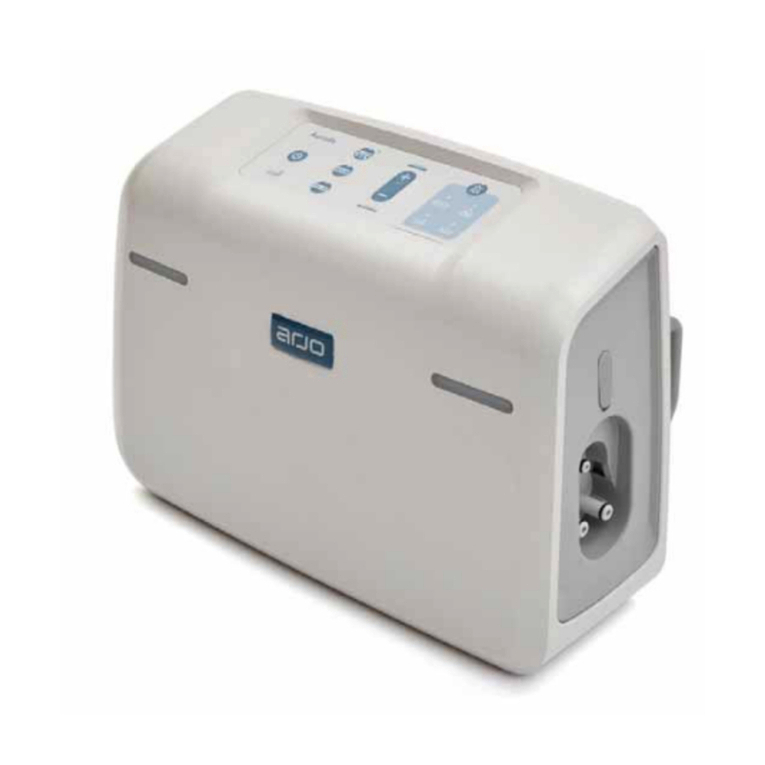
Arjo Auralis User manual

Arjo

Arjo Auralis User manual

Arjo Evenda EV-ACC05 User manual

Arjo

Arjo Evenda EV-ACC05 User manual
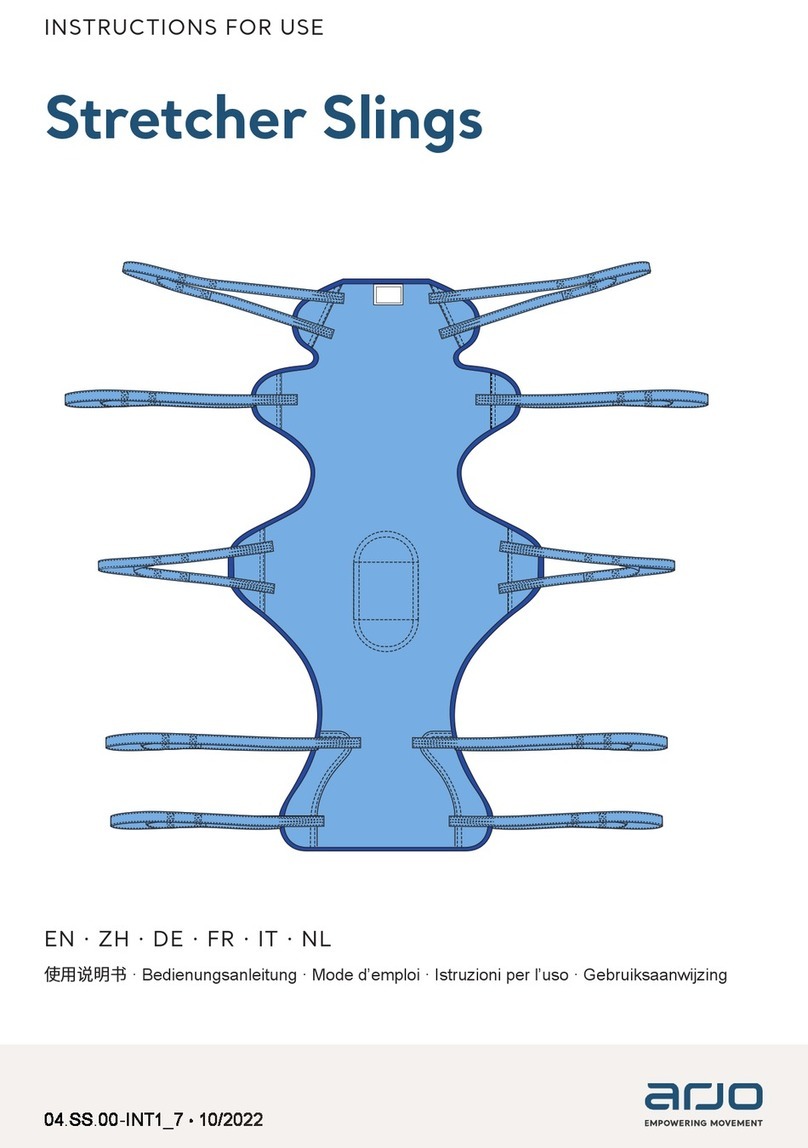
Arjo MAA1150 User manual

Arjo

Arjo MAA1150 User manual
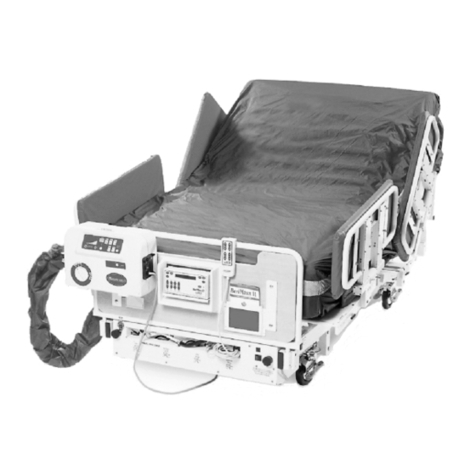
Arjo MaxxAir ETS User manual

Arjo

Arjo MaxxAir ETS User manual
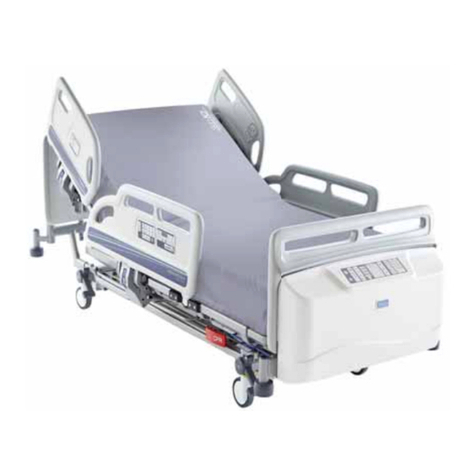
Arjo Citadel User manual

Arjo

Arjo Citadel User manual
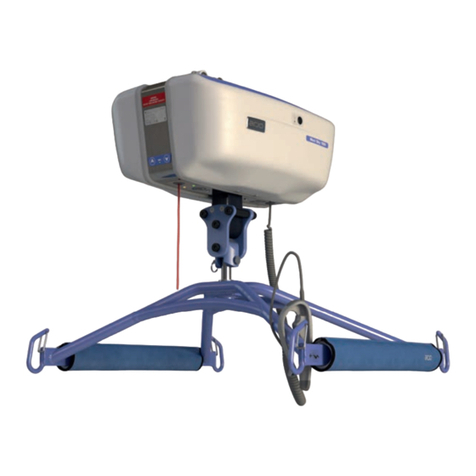
Arjo Maxi Sky 1000 User manual

Arjo

Arjo Maxi Sky 1000 User manual

Arjo Auralis User manual

Arjo

Arjo Auralis User manual

Arjo AtmosAir SAT 4000 Series User manual

Arjo

Arjo AtmosAir SAT 4000 Series User manual

Arjo Auralis User manual

Arjo

Arjo Auralis User manual

Popular Medical Equipment manuals by other brands

TekTone Tek-CARE160 Installation and operation manual

TekTone

TekTone Tek-CARE160 Installation and operation manual

NeuroMetrix Quell 2.0 user manual

NeuroMetrix

NeuroMetrix Quell 2.0 user manual

AMT XLR8 Quick reference guide

AMT

AMT XLR8 Quick reference guide

EDAN SONOTRAX Pro user manual

EDAN

EDAN SONOTRAX Pro user manual

Restorative Therapies RT300 Service guide

Restorative Therapies

Restorative Therapies RT300 Service guide

Gendex Expert DC installation manual

Gendex

Gendex Expert DC installation manual

Dexcowin ADX4000W user manual

Dexcowin

Dexcowin ADX4000W user manual

Libelium MySignals user manual

Libelium

Libelium MySignals user manual

Acelity V.A.C.ULTA 4 user manual

Acelity

Acelity V.A.C.ULTA 4 user manual

Caputron ActivaDose II tDCS quick start guide

Caputron

Caputron ActivaDose II tDCS quick start guide

Plinth 2000 93CDT Service manual

Plinth 2000

Plinth 2000 93CDT Service manual

GE SENOGRAPHE 800T Operator's manual

GE

GE SENOGRAPHE 800T Operator's manual

GE Definium 5000 Operator's manual

GE

GE Definium 5000 Operator's manual

Kanmed GE-1380 user manual

Kanmed

Kanmed GE-1380 user manual

Huntleigh FD1 Instructions for use

Huntleigh

Huntleigh FD1 Instructions for use

Stryker SPR Plus Operation manual

Stryker

Stryker SPR Plus Operation manual

Tobii Dynavox I-Series user manual

Tobii Dynavox

Tobii Dynavox I-Series user manual

S-Capepod Evac Cocoon Step-by-step guide

S-Capepod

S-Capepod Evac Cocoon Step-by-step guide

https://manuals.online logo
https://manuals.online logoBrands
  • About & Mission
  • Contact us
  • Privacy Policy
  • Terms and Conditions

Copyright 2026 Manuals.Online. All Rights Reserved.

Run/Standby button
Run mode – press the button once. The
indicator changes from ashing to constant.
Standby mode – press the button for two
seconds. The indicator changes from constant to
ashing.
Wait indicator
Shown when the mattress or seat cushion is
being inated. Remains on 15 minutes until the
mattress or seat cushion is fully inated.
Autorm mode button
Press and hold 2 seconds for Autorm mode.
Mattress inates to a temporary rm surface.
Autorm mode lasts for 15 minutes but may be
increased in 5 minute steps to a maximum of
30 minutes. Indicator turned on when active.
Not for seat cushion.
Alternating mode button
Press for Alternating mode (default). The
Alternating mode inates or deates di󰀨erent
cells to create a uctuating surface. Indicator
turned on when active.
Front panel
alarm
indicators
Reactive CLP (Constant Low Pressure)
mode button
Press for Reactive CLP mode. Maintains
constant lower pressure in all the cells. Indicator
turned on when active.
Not for seat cushion.
Risk of injury or discomfort
ALWAYS set the comfort level at maximum
for patients weighing over 360 kg (793 lb).
(Auralis Plus only)
Comfort control buttons
Press to adjust the pressure in the support
surface to set the comfort level. The indicators
show the comfort setting.
Mute alarm button
Press to silence the audible alarm for
15 minutes, the indicator is turned on.
The alarm is cancelled when the alarm condition
has been corrected.
08.AI.01EN_03 • 09/2022 • Page 1/2
QUICK REFERENCE GUIDE - CONTROLS
Auralis
Mains power failure indicator
Mains power failure has been detected.
Information only, the pump continues to operate
normally by using the battery. There is no
audible alarm.
Low pressure indicator
• The indicator is shown, there is a single
warning tone – the pump detects low pressure
within mattress or seat cushion.
• The indicator is shown, there is an
audible alarm – mattress or seat cushion
disconnected while in use. The alarm can be
muted.
• The indicator is shown, there is a single
warning tone – the pump detects that a
mattress is not connected at start up.
Low battery indicator
Indicator yellow and audible alarm – 1 hour
battery life left. The alarm can be muted.
When less than 15 minutes battery life left,
the pump enters the Reactive CLP mode. The
audible alarm can no longer be muted.
Battery charge indicators
Blue indicators show the charge level of the
battery. Flashing indicator – battery is charging.
Service indicator
• Service indicator yellow, front panel alarm
indicators green – the pump is ready for
service. Information only, not an alarm.
• Service indicator yellow, front panel alarm
indicators yellow, audible alarm – the pump
has an internal fault or error. The alarm can be
muted.
ArjoHuntleigh AB
Hans Michelsensgatan 10
211 20 Malmö, Sweden
www.arjo.com 08.AI.01EN_03 • 09/2022 • Page 2/2