EnglishDeutsch
 logo
Brands
  1. Home
  2. •
  3. Brands
  4. •
  5. Arjo
  6. •
  7. Medical Equipment
  8. •
  9. Arjo Maxi Sky 2 User manual

Arjo Maxi Sky 2 User manual

Other manuals for Maxi Sky 2

1

Other Arjo Medical Equipment manuals

Arjo MAA8000 User manual

Arjo

Arjo MAA8000 User manual

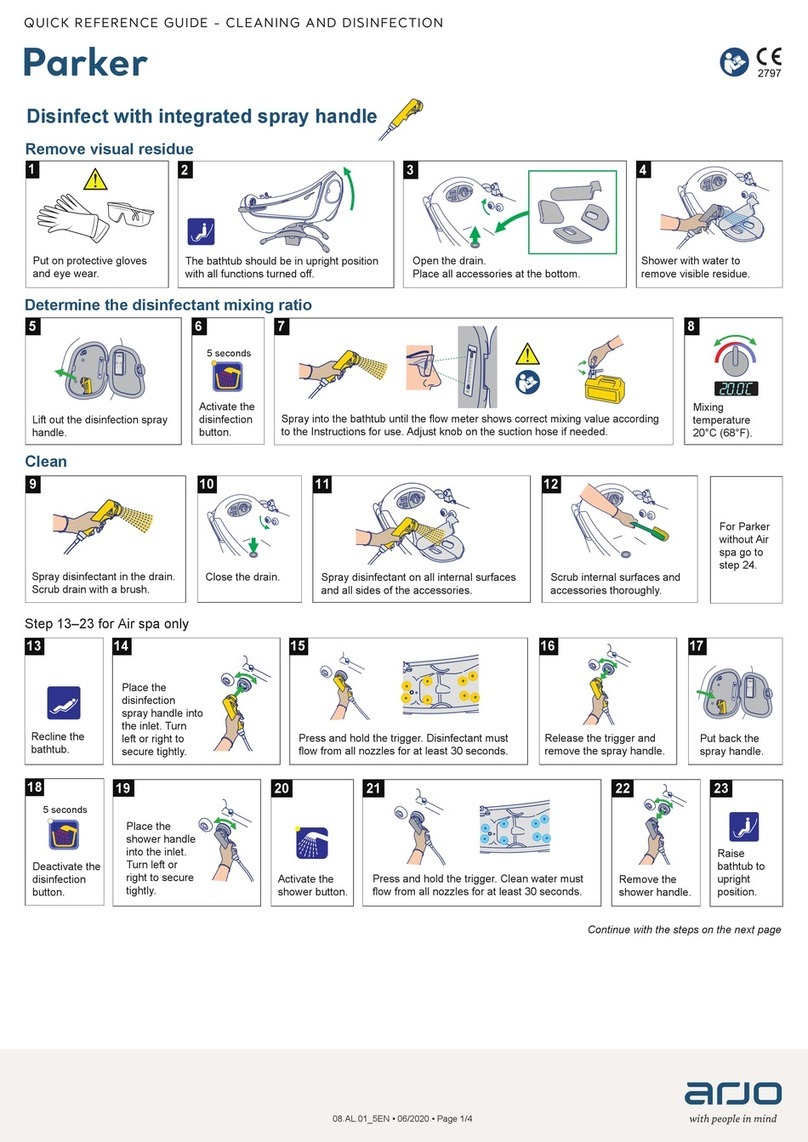
Arjo Parker User manual

Arjo

Arjo Parker User manual

Arjo MAA2070M User manual

Arjo

Arjo MAA2070M User manual

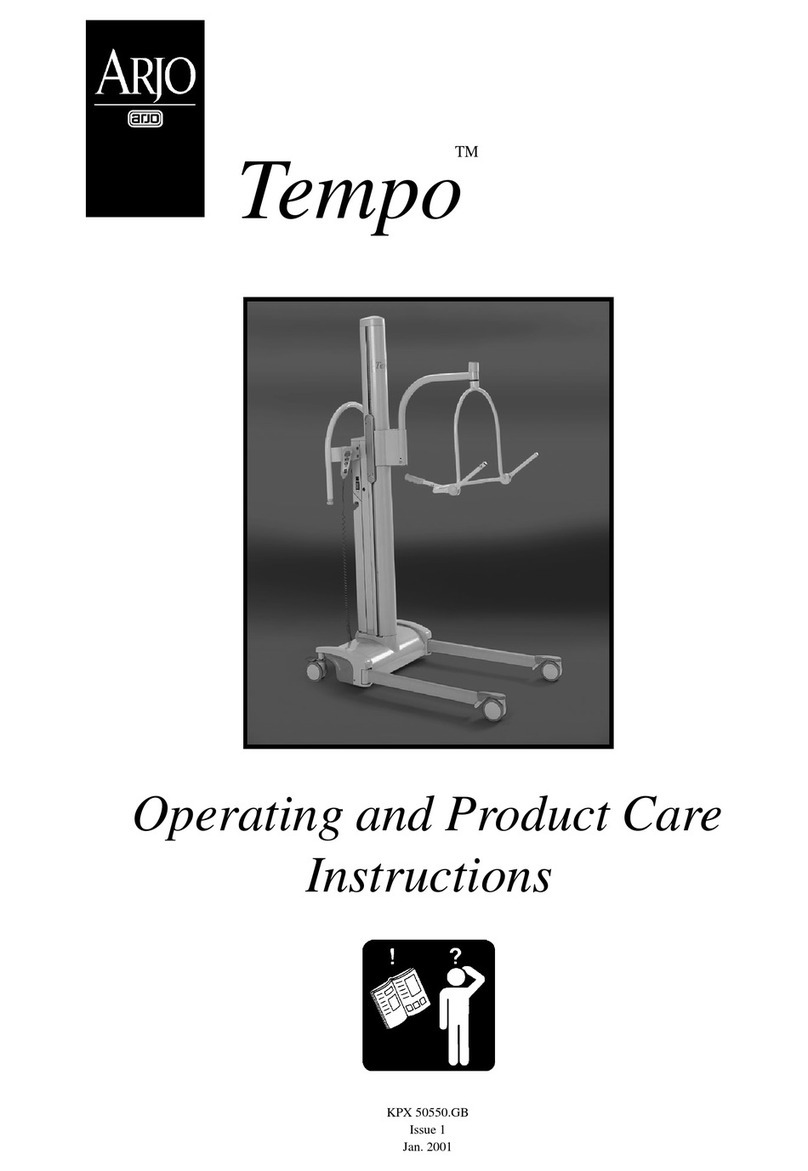
Arjo Tempo Installation guide

Arjo

Arjo Tempo Installation guide

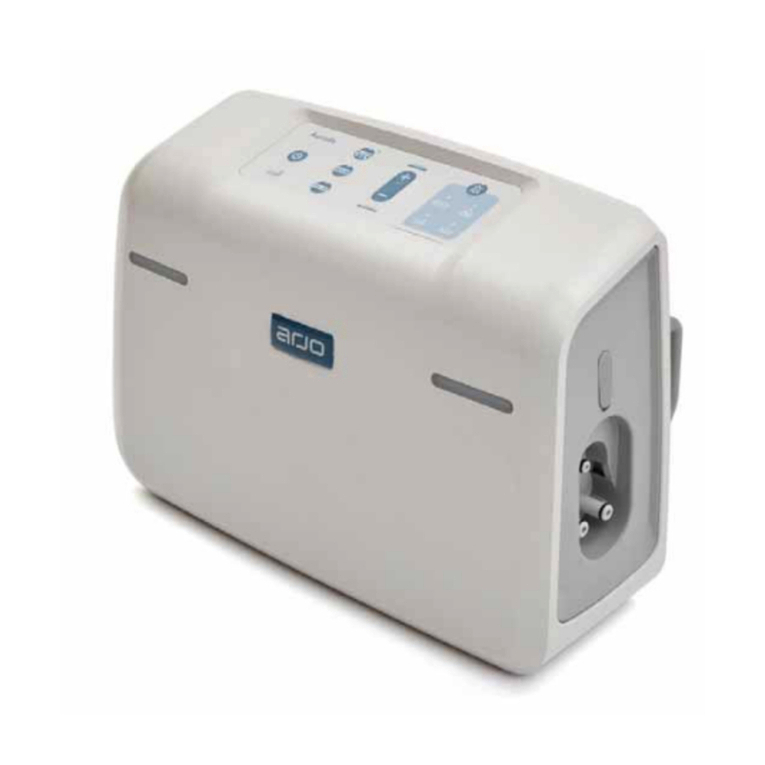
Arjo Auralis User manual

Arjo

Arjo Auralis User manual

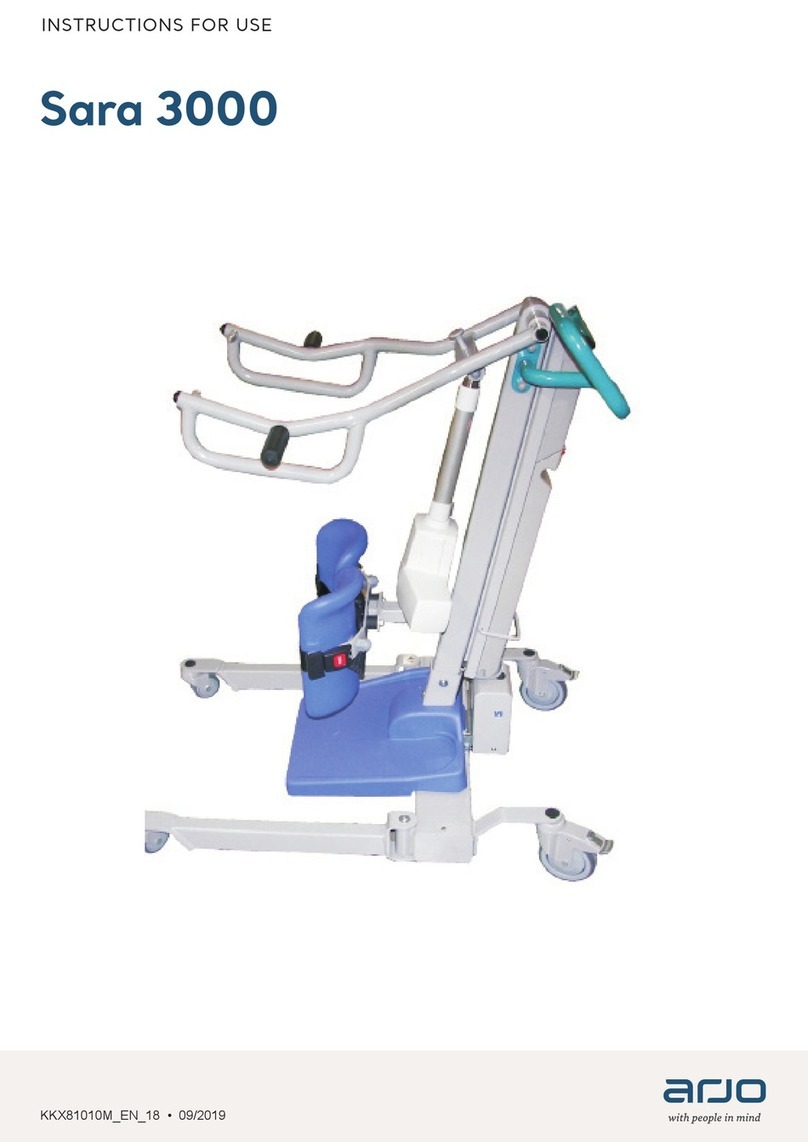
Arjo Sara 3000 User manual

Arjo

Arjo Sara 3000 User manual

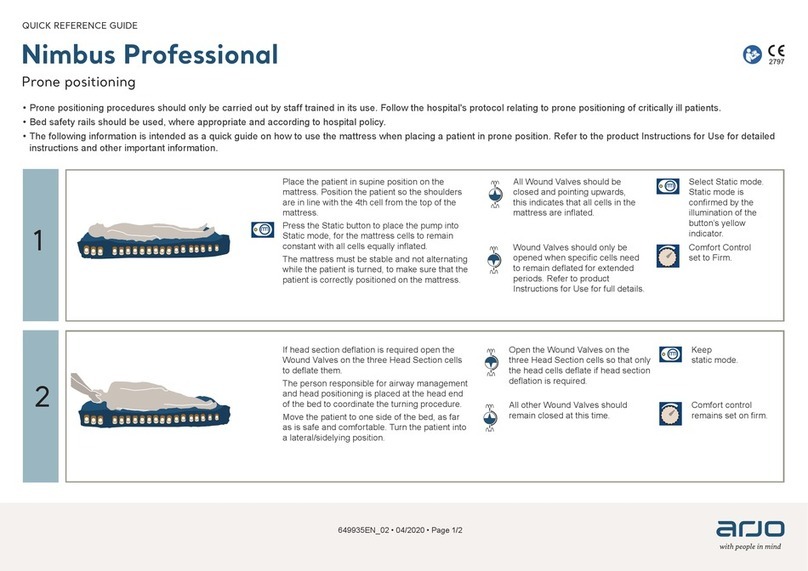
Arjo Nimbus Professional User manual

Arjo

Arjo Nimbus Professional User manual

Arjo Skin IQ 1000 User manual

Arjo

Arjo Skin IQ 1000 User manual

Arjo CARENDO Operating instructions

Arjo

Arjo CARENDO Operating instructions

Arjo Sara Combilizer User manual

Arjo

Arjo Sara Combilizer User manual

Arjo AtmosAir Velaris User manual

Arjo

Arjo AtmosAir Velaris User manual

Arjo Citadel User manual

Arjo

Arjo Citadel User manual

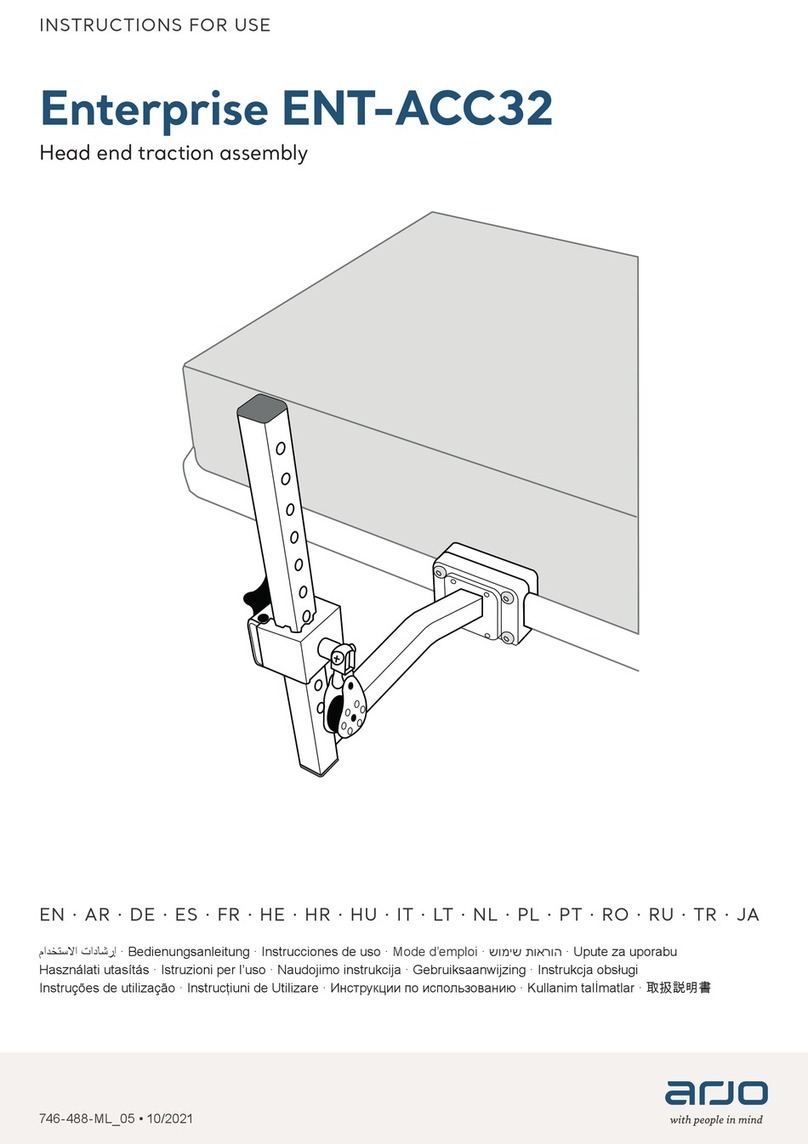
Arjo Enterprise ENT-ACC32 User manual

Arjo

Arjo Enterprise ENT-ACC32 User manual

Arjo MAA4020M User manual

Arjo

Arjo MAA4020M User manual

Arjo Enterprise 9600X User manual

Arjo

Arjo Enterprise 9600X User manual

Arjo Prioma Couch Electric User manual

Arjo

Arjo Prioma Couch Electric User manual

Arjo Alpha Active 5 User manual

Arjo

Arjo Alpha Active 5 User manual

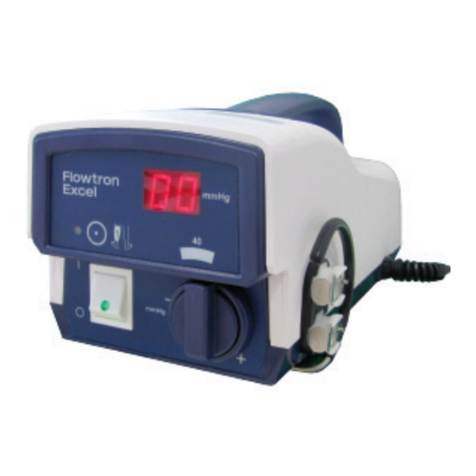
Arjo Flowtron Excel User manual

Arjo

Arjo Flowtron Excel User manual

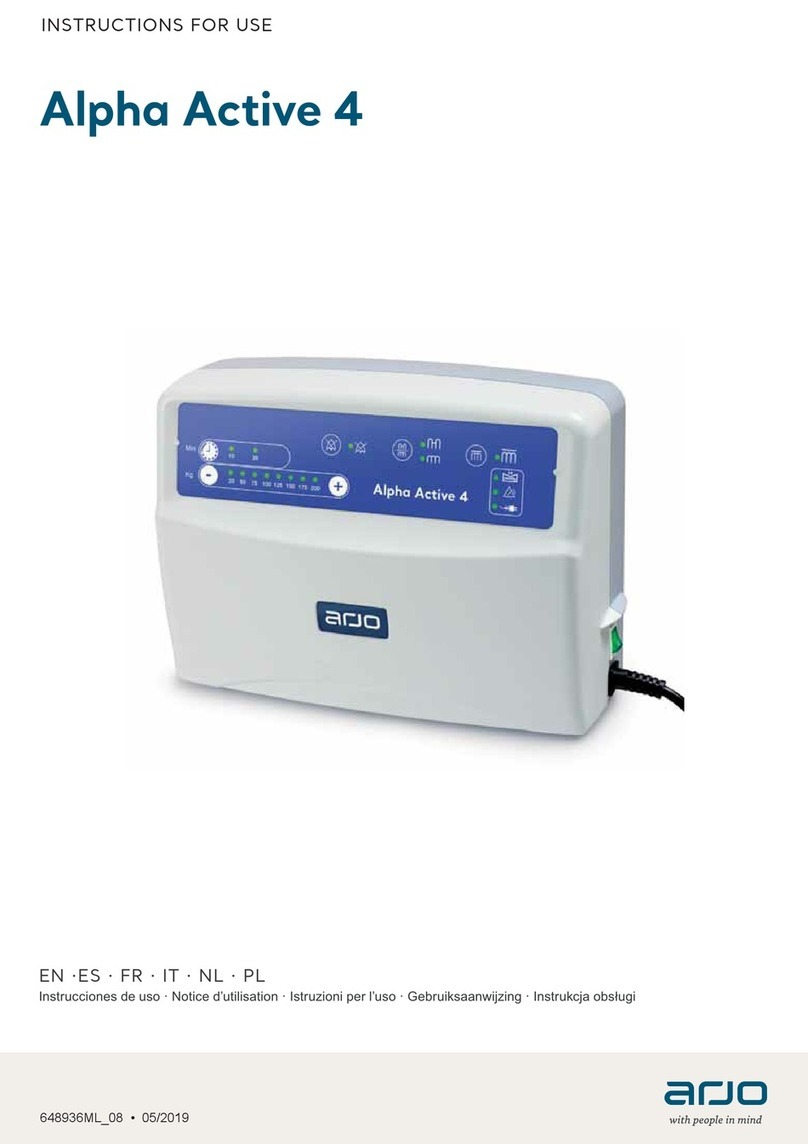
Arjo Alpha Active 4 User manual

Arjo

Arjo Alpha Active 4 User manual

Arjo MAA2080M User manual

Arjo

Arjo MAA2080M User manual

Arjo Enterprise E8000X User manual

Arjo

Arjo Enterprise E8000X User manual

Arjo Provizio SEM Scanner User manual

Arjo

Arjo Provizio SEM Scanner User manual

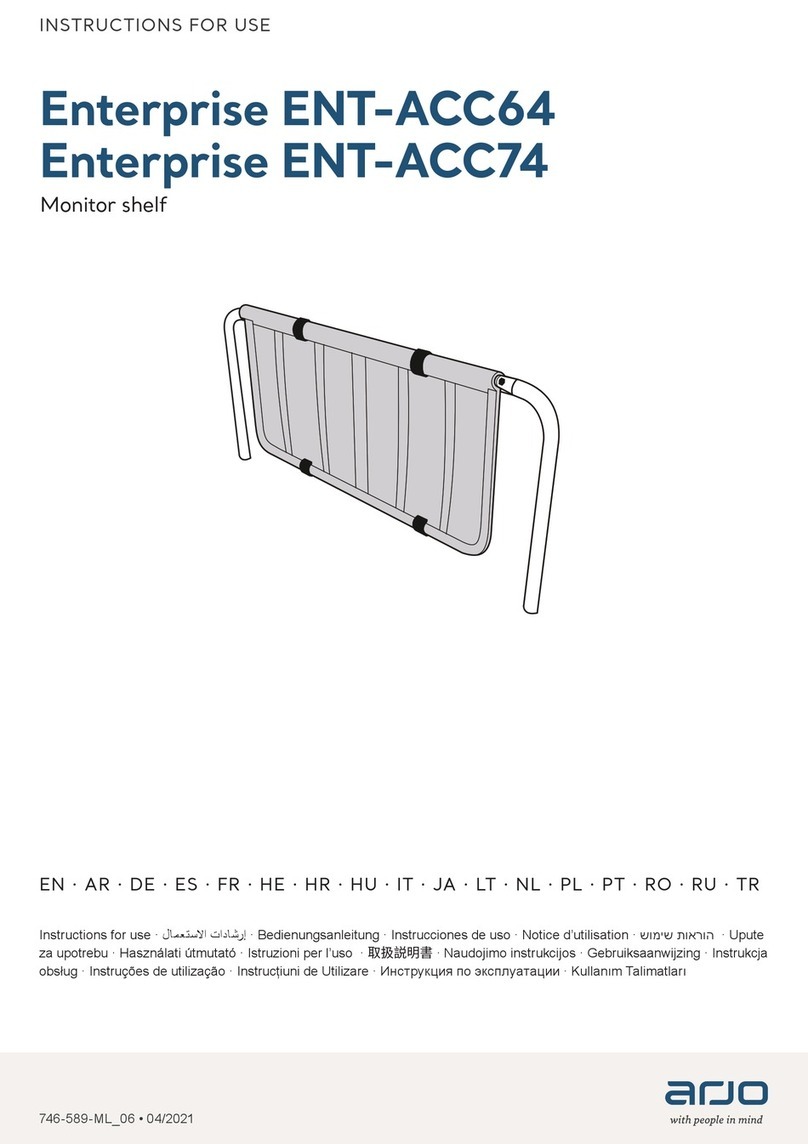
Arjo Enterprise ENT-ACC64 User manual

Arjo

Arjo Enterprise ENT-ACC64 User manual

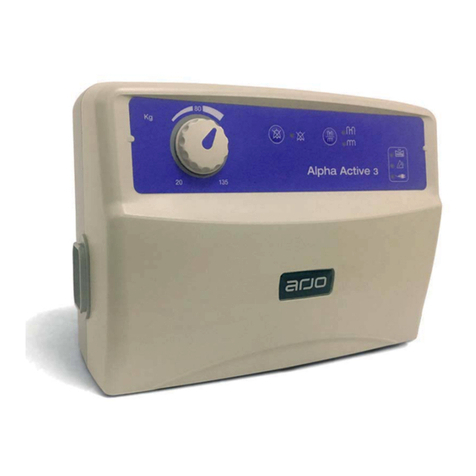
Arjo Alpha Active 3 User manual

Arjo

Arjo Alpha Active 3 User manual

Popular Medical Equipment manuals by other brands

TekTone Tek-CARE160 Installation and operation manual

TekTone

TekTone Tek-CARE160 Installation and operation manual

NeuroMetrix Quell 2.0 user manual

NeuroMetrix

NeuroMetrix Quell 2.0 user manual

AMT XLR8 Quick reference guide

AMT

AMT XLR8 Quick reference guide

EDAN SONOTRAX Pro user manual

EDAN

EDAN SONOTRAX Pro user manual

Restorative Therapies RT300 Service guide

Restorative Therapies

Restorative Therapies RT300 Service guide

Gendex Expert DC installation manual

Gendex

Gendex Expert DC installation manual

Dexcowin ADX4000W user manual

Dexcowin

Dexcowin ADX4000W user manual

Libelium MySignals user manual

Libelium

Libelium MySignals user manual

Acelity V.A.C.ULTA 4 user manual

Acelity

Acelity V.A.C.ULTA 4 user manual

Caputron ActivaDose II tDCS quick start guide

Caputron

Caputron ActivaDose II tDCS quick start guide

Plinth 2000 93CDT Service manual

Plinth 2000

Plinth 2000 93CDT Service manual

GE SENOGRAPHE 800T Operator's manual

GE

GE SENOGRAPHE 800T Operator's manual

GE Definium 5000 Operator's manual

GE

GE Definium 5000 Operator's manual

Kanmed GE-1380 user manual

Kanmed

Kanmed GE-1380 user manual

Huntleigh FD1 Instructions for use

Huntleigh

Huntleigh FD1 Instructions for use

Stryker SPR Plus Operation manual

Stryker

Stryker SPR Plus Operation manual

Tobii Dynavox I-Series user manual

Tobii Dynavox

Tobii Dynavox I-Series user manual

S-Capepod Evac Cocoon Step-by-step guide

S-Capepod

S-Capepod Evac Cocoon Step-by-step guide

https://manuals.online logo
https://manuals.online logoBrands
  • About & Mission
  • Contact us
  • Privacy Policy
  • Terms and Conditions

Copyright 2026 Manuals.Online. All Rights Reserved.

Hand control
Control panel
Auxiliary Up-Down Button
The up and down buttons are used to
complete a transfer if a problem occurs
with the hand control during the operation.
Status LED
The LED is a complement to the display to
draw attention that a message is being
displayed on the screen.
SWL
The label indicates the maximum lifting
capacity of the lift.
USB Access Port
The USB port is intended for
MAXISMART users only.
200 440
Up Button
Down Button
Right Button
Left button
Reclined Button (Only Powered DPS)
Sit Button (Only Powered DPS)
RTC (Return to Charge)
RTH (Return to Home) Button
Programming / Information Button
001-15783-EN Rev 0 • 05/2020 • Page 1/3
Maxi Sky 2
QUICK REFERENCE GUIDE - FUNCTIONS
Normal operating range
Low
Accompanied with a short beep when a button is pressed
Critical
Icons alternate with two short beeps every 10 seconds
< 5%
25%
100%
75%
50%
Display symbols
08
ABC
Battery Charge Level
Enhanced Charging System (ECS) Indicator
Displayed when charging units with ECS.
Return To Charge (RTC)
Indicates that the RTC function is activated by the hand control.
Return to Home (RTH)
Indicates that the RTH function is activated by the hand control.
Pre-Programmed Position (PPP)
Indicates that the PPP function is activated by the hand control.
Over Duty Cycle
Flashes when the lift is used for a long period without allowing it to cool down.
The overheat protection is activated when a function exceeds its duty cycle, is becomes disabled
while all other functions remain active.
The red light stays on during the cooling period and a single beep is heard.
The symbol disapears when the function has cooled down and it is ready for use again.
Maintenance Required (Wrench symbol accompanied with a letter character)
Shows for 7 seconds (accompanied with 2 beeps) when the lift goes from sleep mode and flashes
each 5 seconds to draw user's attention.
The unit can be used but maintenance shall be done as soon as possible by an Arjo technician.
General Malfunction (Warning symbol accompanied with a numeric character)
Flashes when the lift encounters a malfunction.
The lift needs to be inspected or repaired by a qualified service technician.
The red light stays on and a single beep is heard.
Overweight
Flashes when a transfer is attempted with a load exceeding the lift's capacity.
The red light stays on (accompanied with 4 rapid beeps) until the patient is lowered.
The function is disabled while all other functions remain active.
PPP
001-15783-EN Rev 0 • 05/2020 • Page 2 /3

Align the spreader bar Quick-Connect latch at a 90
degree angle to hook. Insert the hook into the
Quick-Connect.
Latch
Move spreader bar to engage hook into the pivot.
Rotate the spreader bar into position.
Make sure that the Quick-Connect latch is closed.
Spreader Bar and Scale Attachment or Removal (Basic Ceiling Lifter model only)
Spreader Bar and Scale Attachment
Insert the strap end onto the spreader bar attachment.
Insert the clevis pin through the attachment and the loop at
the end of the strap.
Secure the clevis pin with the split ring.
12
12
Spreader Bar and Scale Removal
Move the spreader bar at a 90 degree angle to
disengage the hook away from the pivot.
Pull the spreader bar downwards at a 90 degree
angle, out of the Quick-Connect.
12
001-15783-EN Rev 0 • 05/2020 • Page 3 /3

ArjoHuntleigh AB
Hans Michelsensgatan 10
211 20 Malmö, Sweden
www.arjo.com