6
To install batteries, first remove Battery Pack Cover by de ressing the buttons
on the to and bottom of the case, then gently remove cover.
Insert 4 good quality alkaline AA batteries into the Battery ack as shown.
2 in the u er battery com artment and two in the lower battery com artment.
Batteries must be new good quality alkaline and not be mixed between new and old.
Caution: Dis ose of them res onsibly and do not throw batteries in fire.
Product Definition
EZ Mode: (Factory default) In this mode you are able to enrol one User PIN code as well as
20 additional key cards.
This mode is normally used for a residential homes.
Advanced Mode: This mode can be selected at oint of installation. Advanced mode
enables you to have a master
code, the master code is able to add 20 different users with a PIN code and 20 Users with a
Key Card (40 users in
total). Only the master can add or delete users using their PIN. This is normally used to
control access or where
users may be removed when required.
U er PIN Code: Is a ersonalised identification number that consist of 4-12 digits
Ma ter Code: Is a ersonalised identification number that consist of 6 digits and is only
required when in
advanced mode. The Master code has the ability to add and delete users.
Key Card: Is a unique card that can be used like a key. The Key Card can be reused as
many times as you want.
The Key Card can be used as a backu if you forget your in code or used instead of your
in. To use the Key Card
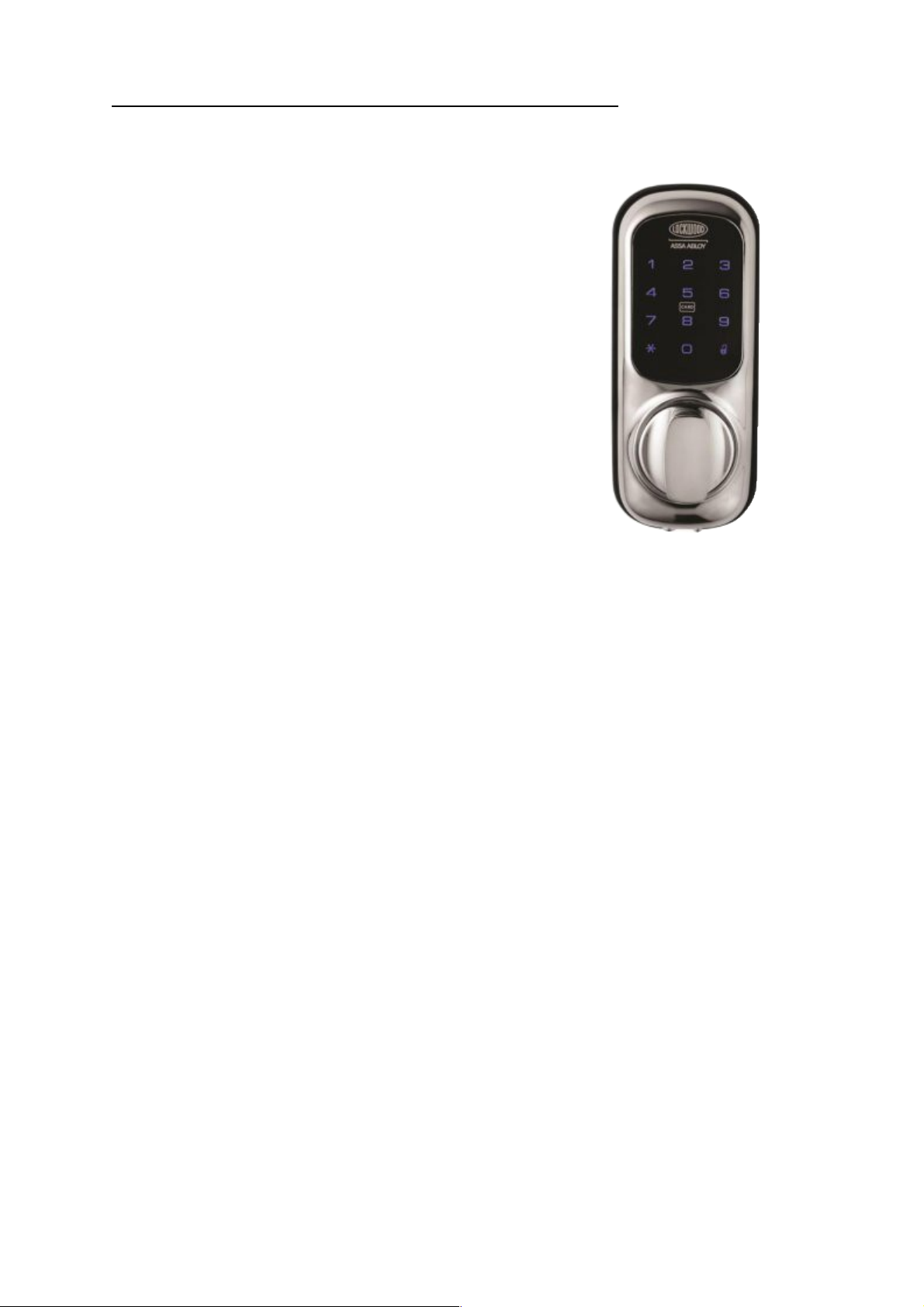
resent it near the centre of the Touch screen for 1-2 seconds, the Key Card does not have
to touch the key ad and
can be 2cm away from the lock.
Confirm button: The button is used to com lete verification after user PIN code is entered.
Wrong Code/card Entry Limit: After 5 unsuccessful attem ts at entering a valid user PIN
code or Valid Key Card the
unit will shut down for 3 minutes and not allow o eration during this time. The lock will
dis lay how many minutes
are left in this lock down mode, as er age 6.
Regi tration Button: Located on the battery ack mounting Plate, the Registration button is
used for changing the
user PIN code or enrolling new Key Cards (Only in EZ mode).
Low Battery: When the battery ower is low, the low battery icon will a ear. Further more
the lock will bee
5 times when unlocked. If battery ower is com letely lost, the emergency ower su ly can
be used.
Low Battery check: The battery level can be checked without removing the batteries. With
a sim le sequence of
buttons you can check your battery level (Between 100%-30%). Refer to age 10 For more
details.
Emergency Power Supply: 9V battery connections are located under the front of the
outside escutcheon. In the
event that the four AA alkaline batteries are com letely discharged, a 9V battery can be
used to su ly ower to the
lock. While connecting the 9V battery, the lock can be o erated as normal, thus granting
access so the four AA
alkaline batteries can be re laced.
Soft re et: Located in between the Emergency 9V Power socket this small hidden button is
used to refresh the