2 Installing Fusion Block System accessory
56
5. Press the clip and connect the assembled tube to the waterblock. When
done, release the clip to tighten the two together.
6. Repeat Step 1 to 5 for another tube. Make sure that both tubes are well
connectedtopreventleak,andthenllthecoolantintothereservoir.The
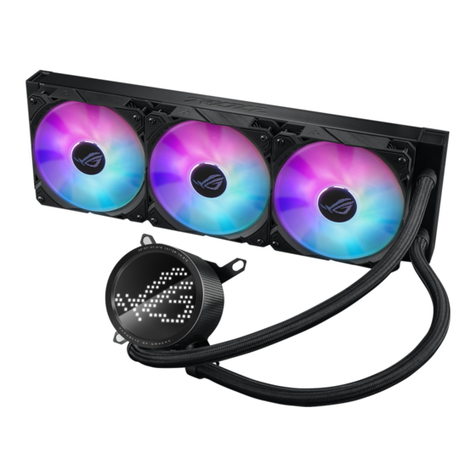
picture shows a watercooling system installed to the motherboard.
3
2
14
For watercooling system with 1/2” or 10mm ID tubes
1. Insertatting(1/2”to3/8”IDor10mmto3/8”ID)intothetube.
Your watercooling system may come with tube clips. Use the clips to fasten the
ttingsandthetubestogether.
2. Connectasupplied3/8”IDtubetothetting.
3. Firmly press a tube clip and hitch it to the bottom end of the 3/8” ID tube.
4. Press another clip and hitch it to the top end of the 3/8” ID tube.