EnglishDeutsch
 logo
Brands
  1. Home
  2. •
  3. Brands
  4. •
  5. Audi
  6. •
  7. Automobile Accessories
  8. •
  9. Audi AIH-RNS User manual

Audi AIH-RNS User manual

This manual suits for next models

1

Other Audi Automobile Accessories manuals

Audi 4G0051435C User manual

Audi

Audi 4G0051435C User manual

Audi 4K8.071.126 User manual

Audi

Audi 4K8.071.126 User manual

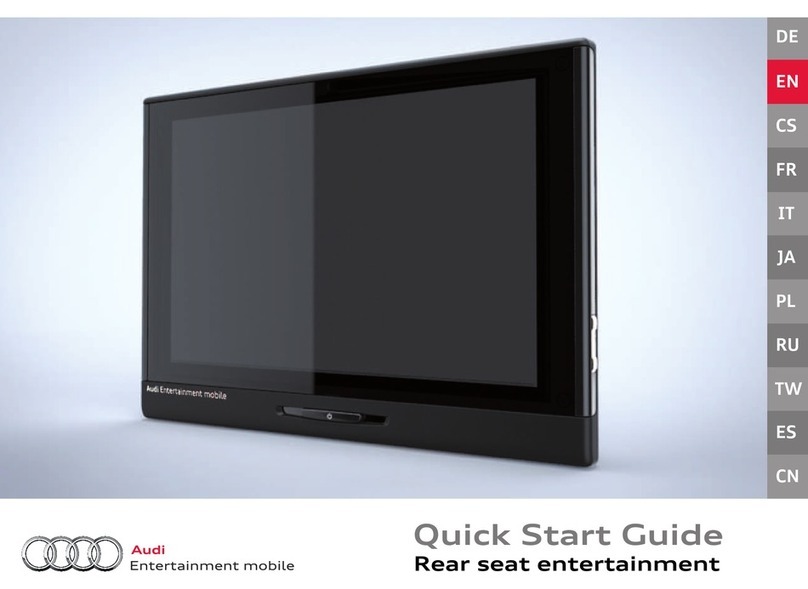
Audi 4F9 071 151 666 User manual

Audi

Audi 4F9 071 151 666 User manual

Audi 89E.071.126 User manual

Audi

Audi 89E.071.126 User manual

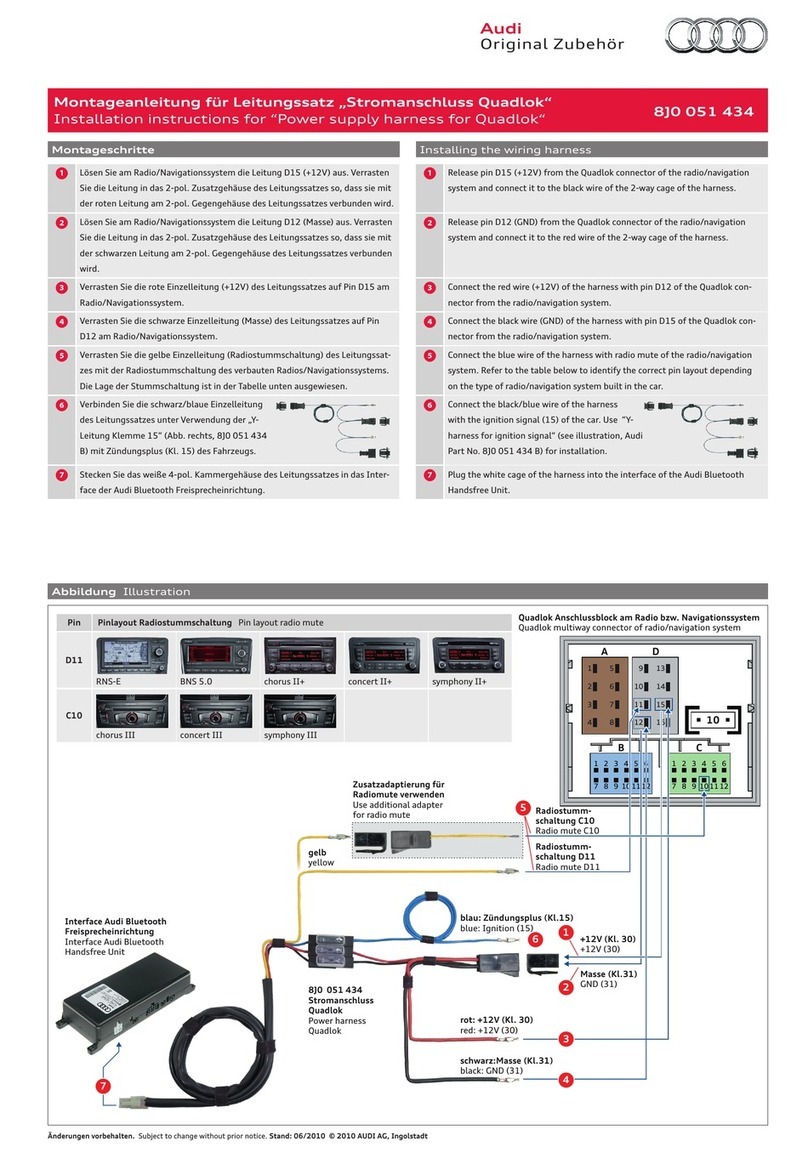
Audi 8J0 051 434 User manual

Audi

Audi 8J0 051 434 User manual

Audi 8K5.071.126 User manual

Audi

Audi 8K5.071.126 User manual

Audi 8W9.017.221 User manual

Audi

Audi 8W9.017.221 User manual

Audi A4 User manual

Audi

Audi A4 User manual

Audi Genuine Accessories 8T0.071.128 User manual

Audi

Audi Genuine Accessories 8T0.071.128 User manual

Audi 8RO 071 065 User manual

Audi

Audi 8RO 071 065 User manual

Audi A6 Reference guide

Audi

Audi A6 Reference guide

Audi e-tron Sportback (GE) 2020 User manual

Audi

Audi e-tron Sportback (GE) 2020 User manual

Audi A4 B8 Parts list manual

Audi

Audi A4 B8 Parts list manual

Audi 8T0.071.126 User manual

Audi

Audi 8T0.071.126 User manual

Audi RSE III User manual

Audi

Audi RSE III User manual

Audi 4M8.065.402 User manual

Audi

Audi 4M8.065.402 User manual

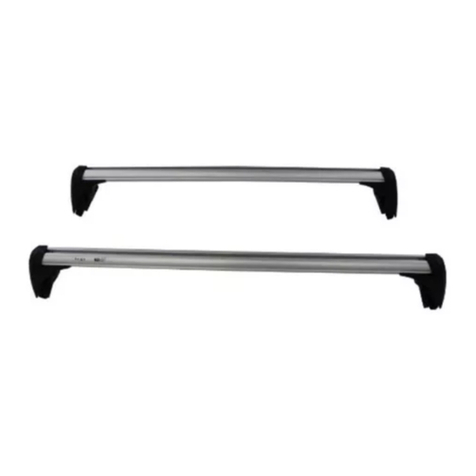
Audi 4KE.071.151 User manual

Audi

Audi 4KE.071.151 User manual

Audi SPORTBACK 05 8P9 071 126 User manual

Audi

Audi SPORTBACK 05 8P9 071 126 User manual

Audi P2000-2G26MD Instruction manual

Audi

Audi P2000-2G26MD Instruction manual

Audi 8XA.071.609 User manual

Audi

Audi 8XA.071.609 User manual

Audi Volkswagen PXDXVW2 User manual

Audi

Audi Volkswagen PXDXVW2 User manual

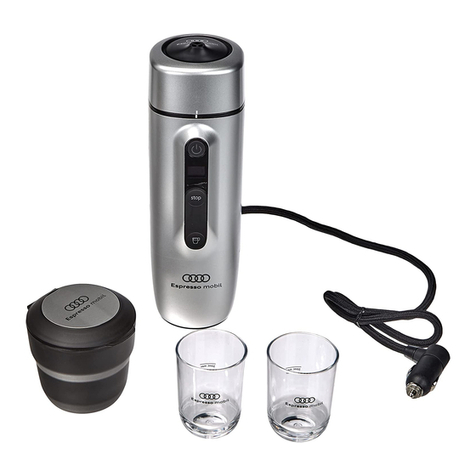
Audi Espresso mobil 4G0069641A User manual

Audi

Audi Espresso mobil 4G0069641A User manual

Audi 89A.071.151 User manual

Audi

Audi 89A.071.151 User manual

Audi PXDXVW3 User manual

Audi

Audi PXDXVW3 User manual

Popular Automobile Accessories manuals by other brands

James Baroud Odyssey user guide

James Baroud

James Baroud Odyssey user guide

Motorola i50sx owner's manual

Motorola

Motorola i50sx owner's manual

Yakima 9MM STANDARD BIKE MOUNT instructions

Yakima

Yakima 9MM STANDARD BIKE MOUNT instructions

Feniex T3 instruction manual

Feniex

Feniex T3 instruction manual

Kia E8300-4D000 manual

Kia

Kia E8300-4D000 manual

Brink 756843 installation instructions

Brink

Brink 756843 installation instructions

Whispbar K085W Fitting instructions

Whispbar

Whispbar K085W Fitting instructions

v.link CI-VL2-PC-HSD manual

v.link

v.link CI-VL2-PC-HSD manual

Viking Stack-Rack Assembly and use instructions

Viking

Viking Stack-Rack Assembly and use instructions

Aries 203015 installation manual

Aries

Aries 203015 installation manual

Choetech AT0005 user manual

Choetech

Choetech AT0005 user manual

ZZ2 ZZAIR-PRO instruction manual

ZZ2

ZZ2 ZZAIR-PRO instruction manual

Holman 4A80L installation guide

Holman

Holman 4A80L installation guide

Thule 2075 parts manual

Thule

Thule 2075 parts manual

Motorola T325 quick start guide

Motorola

Motorola T325 quick start guide

TAUBENREUTHER 16-3950 FITTING INSTRUCTION

TAUBENREUTHER

TAUBENREUTHER 16-3950 FITTING INSTRUCTION

DV8 FBJL-02 Product installation manual

DV8

DV8 FBJL-02 Product installation manual

Prorack K1163 manual

Prorack

Prorack K1163 manual

https://manuals.online logo
https://manuals.online logoBrands
  • About & Mission
  • Contact us
  • Privacy Policy
  • Terms and Conditions

Copyright 2026 Manuals.Online. All Rights Reserved.

Courtesy of: DiscountCarStereo.com
Serving the internet community since 1995
AIH-RNS(B)
ADD-AN-AMP INSTALLATION GUIDE FOR SELECT 2006+AUDI
Created: November 19, 2019
Revised: May 25, 2023
PRODUCT SAFETY & DISCLAIMER
READ ALL INSTRUCTIONS CAREFULLY BEFORE INSTALLING, FAILURE TO DO SO MAY CAUSE
PERSONAL INJURY OR DAMAGE TO PRODUCT AND/OR PROPERTY
This installation guide is provided as a GENERAL installation guide, some vehicles vary and
may require additional steps. We do not accept responsibility for third party labor charges
or modifications. Exercise due-diligence when installing this product.
We do not accept any responsibility for vehicle damage or personal injury resulting from
the installation of this product.
Careless installation and operation can result in equipment damage.
Requirements:
Audi BNS 5.0, RNS-E, Chorus 2+, Concert 2+, Symphony 2+
Introduction:
The audio system in many Audi vehicles is exceptional including BOSE, but for
many younger (and young at heart) drivers, these lack Bass response. Adding an
aftermarket amplifier to these elaborate systems could become a challenge ---
until now. Introducing our AIH-RNS and AIH-RNSB Add-on aftermarket amplifier
harness. These plug-n-play add-an-amp harnesses allow Audi owners to add
aftermarket amplifiers with minimum disruption to the factory wiring integrity.
They provide the aftermarket amplifier with (4) Line Level outputs and remote
turn on from the following Audi radios:
Navigation: BNS 5.0, RNS-E, and non-navigation: Chorus 2+, Concert 2+,
Symphony 2+
Purchase our AIH-RNSB for vehicles equipped with BOSE and AIH-RNS for NON-
BOSE.
Note: The AIH-RNSB works in BOSE and Non-BOSE applications including
those needing to retain factory Bluetooth.
Installation: Non-Bose
Remove Audi radio to gain access to the connector
Fig. 1
1. If not equipped with factory Bluetooth (or not retaining it); disconnect 12-
pin GREEN insert from min plug seen in Fig. 2
Fig. 2
2. Connect AIH-RNS 12-pin GREEN plug to radio cavity (C)vacated in step 1

3. If equipped with factory Bluetooth: You are required to transfer wires
from contact carrier on factory GREEN plug to contact carrier
on AIH-RNS --see Fig. 3 OR purchase our AIH-RNSB which does not
require this step.
To remove/release wires from carrier simply press pin locking tab /
and pull from contact carrieras seen in Fig. 4
Fig. 3
Fig. 4
Warning: Prior to re-installing pins to contact carrier; the locking
tabs must be bent upwards so to lock in place after reinsertion.
4. Insert included amp remote turn-on wire (Blue) to slot 13 on factory black
connector (See Fig. 5)
Slot 13 is usually empty in non-BOSE applications. In BOSE application (or if
13 is already in use, simply splice or tap amp remote turn-on wire (BLUE)
to existing wire (usually white) (See Fig. 5).
Fig. 5
5. Connect RCA patch cords (sold separately) to Front (Short) and Rear
(Long) terminals.
6. Route remote wire and RCA patch cords to amplifier location and proceed
with install according to amplifier install guide.
Installation: Bose
Remove Audi radio to gain access to the connector
1. Disconnect 12-pin GREEN plug from main connector in Fig. 6
Fig. 6
2. Connect AIH-RNSB 12-pin GREEN plug to radio cavity (C) vacated in step 1
3. Connect AIH-RNSB 12-pin male (See Fig. 8) to factory 12-pin plug (from
step 2)
See markings at pin 1 and 6 1indicating which side is up. (See Fig. 7/8)
Warning: Pin 1 of 12-pin male plug must be inserted to pin 1 on factory plug

otherwise OE amplifier may malfunction.
Fig. 7
Fig. 8
(two possible 12-pin male plugs)
4. Tap or splice blue amplifier remote turn-on wire (included), to white wire
at pin 13 of factory 8-pin plug.(See Fig.5)
Fig. 5
5. Connect RCA patch cords (sold separately) to Front (Short) and Rear
(Long) RCA terminals.
6. Route remote wire and RCA patch cords to amplifier location and proceed
with install according to amplifier install guide.
Disclaimer
• This product has no affiliation with Audi/VW
• We’re not liable for misuse of this product.
•We recommend professional installation.
Email support@discountcarstereo.com
© 1995-May-23 Discount Car Stereo. All rights reserved. Information in this document
is subject to change without notice. Other products and companies referred to herein
are trademarks or registered trademarks of their respective companies or mark
holders.