English-3
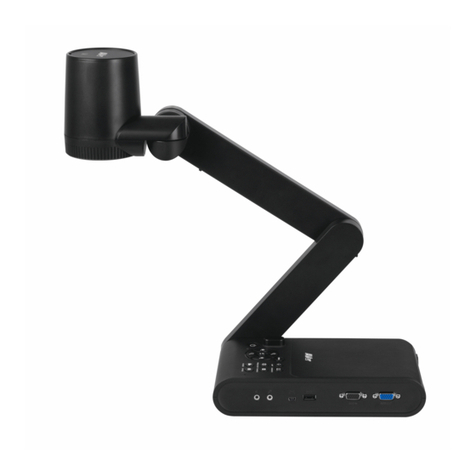
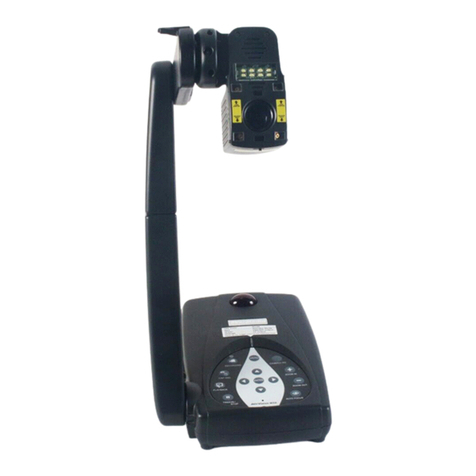
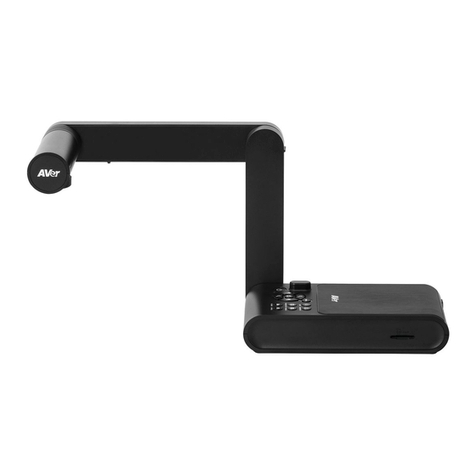
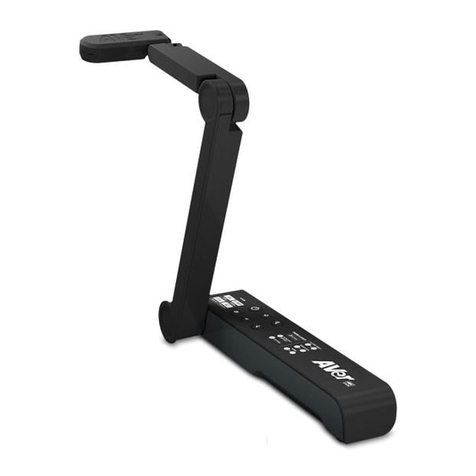
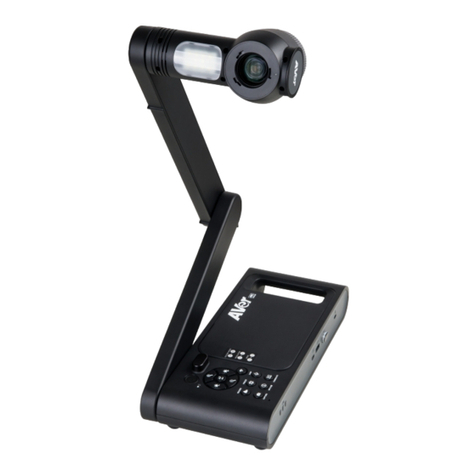
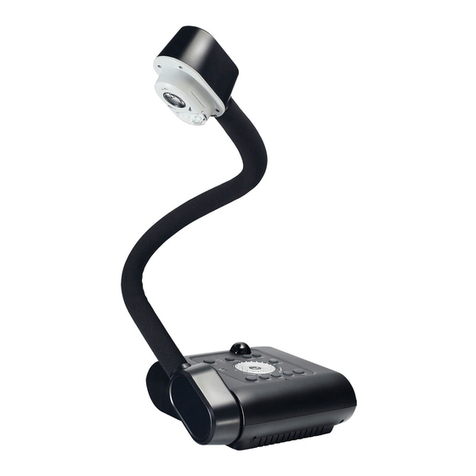
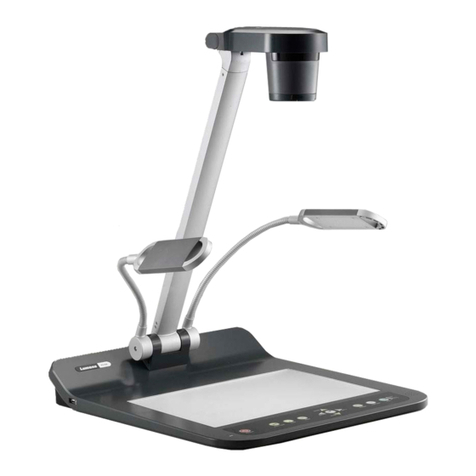
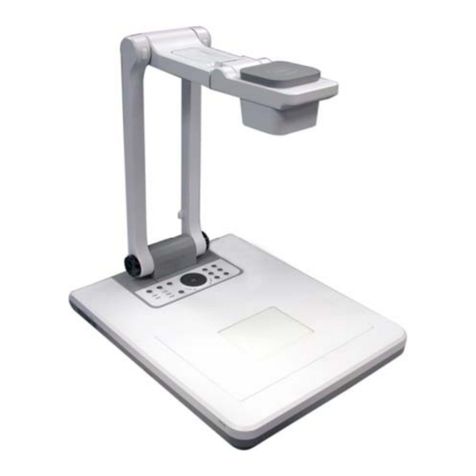
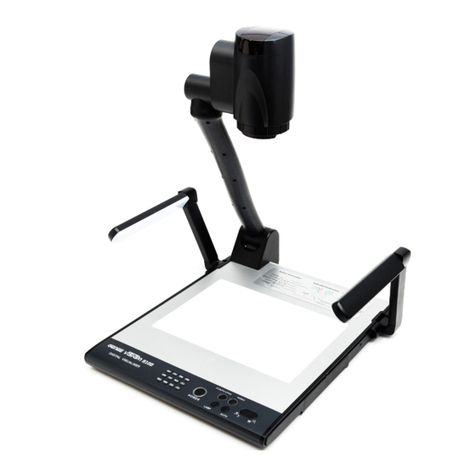
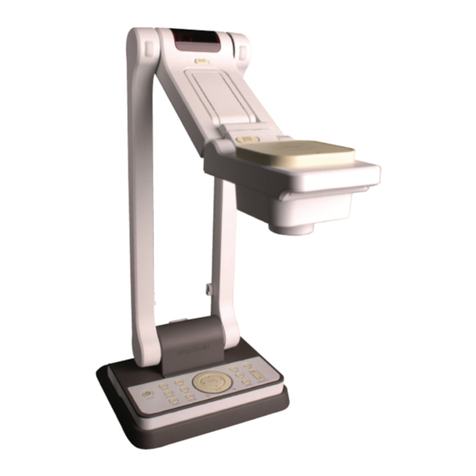
Control Panel
Name Function
1. Turn the unit on/off/standby
2. Decrease the brightness.
3. Increase the brightness.
4. Decrease the image magnification in camera and picture playback
mode.
5. Increase the image magnification in the camera and picture
playback mode.
6. ▲▼◄► -Pan and zoom-in image (above digital zoom level) in live mode.
-Select options in OSD menu.
-Use ▲&▼to increase and decrease the video playback volume.
-Use ◄&►to play the video backward and forward.
7. -Make a selection in Playback mode and OSD menu.
-Start/Pause video playback.
-Adjust the focus automatically.
8. MENU Open and exit the OSD menu and submenu.
9. LAMP Turn the overhead light on/off.
10. CAMERA / PC Switch the video signal between camera or computer from the VGA
or HDMI In port.
11. FREEZE/STOP
-Pause or resume image display in Camera mode.
-Stop audio & video playback in Playback mode.
12. PLAYBACK View & playback captured still images and video files.
13. RECORDING Start/Stop audio & video recording. Audio and video recording can
be saved on an SD card or a USB Flash drive only. See External
Memory Storage section in user manual.