105.2008/24846000
YVL200 UK
1
1
2
3
2
GB INSTRUCTIONS FOR USE
AND INSTALLATION
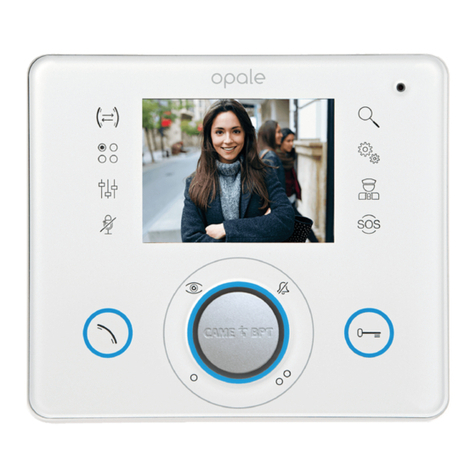
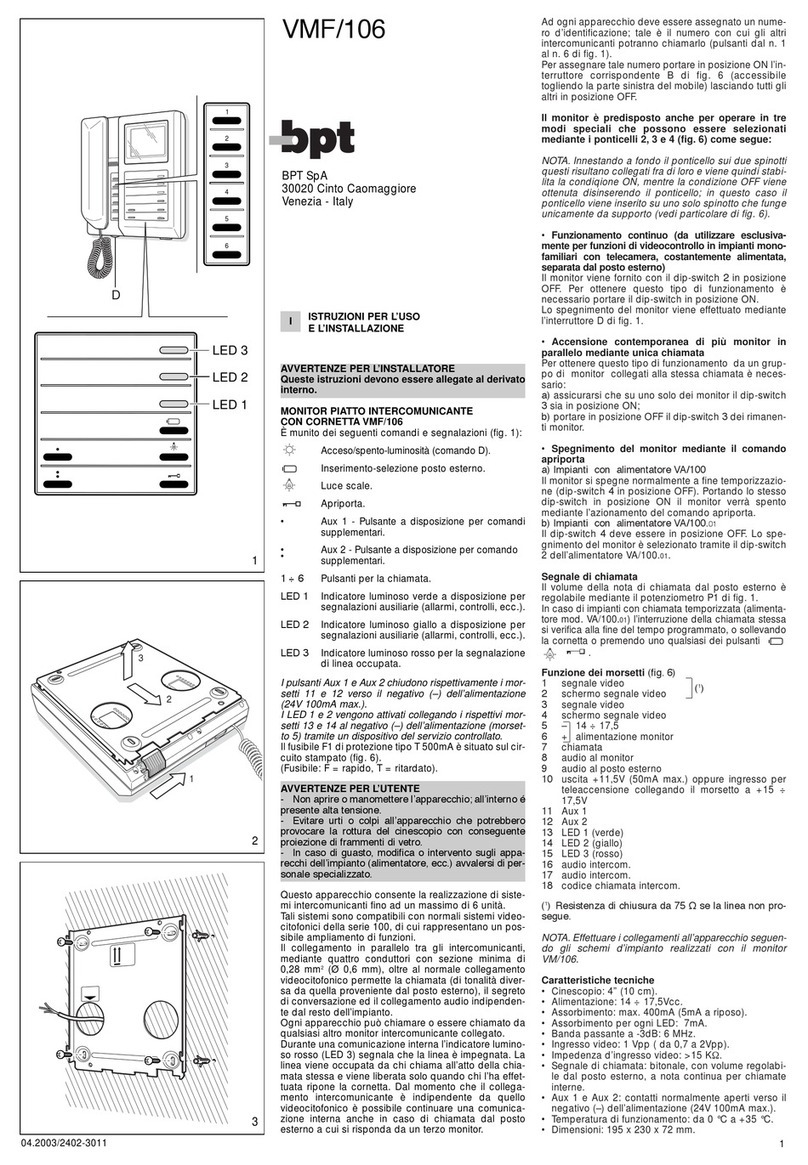
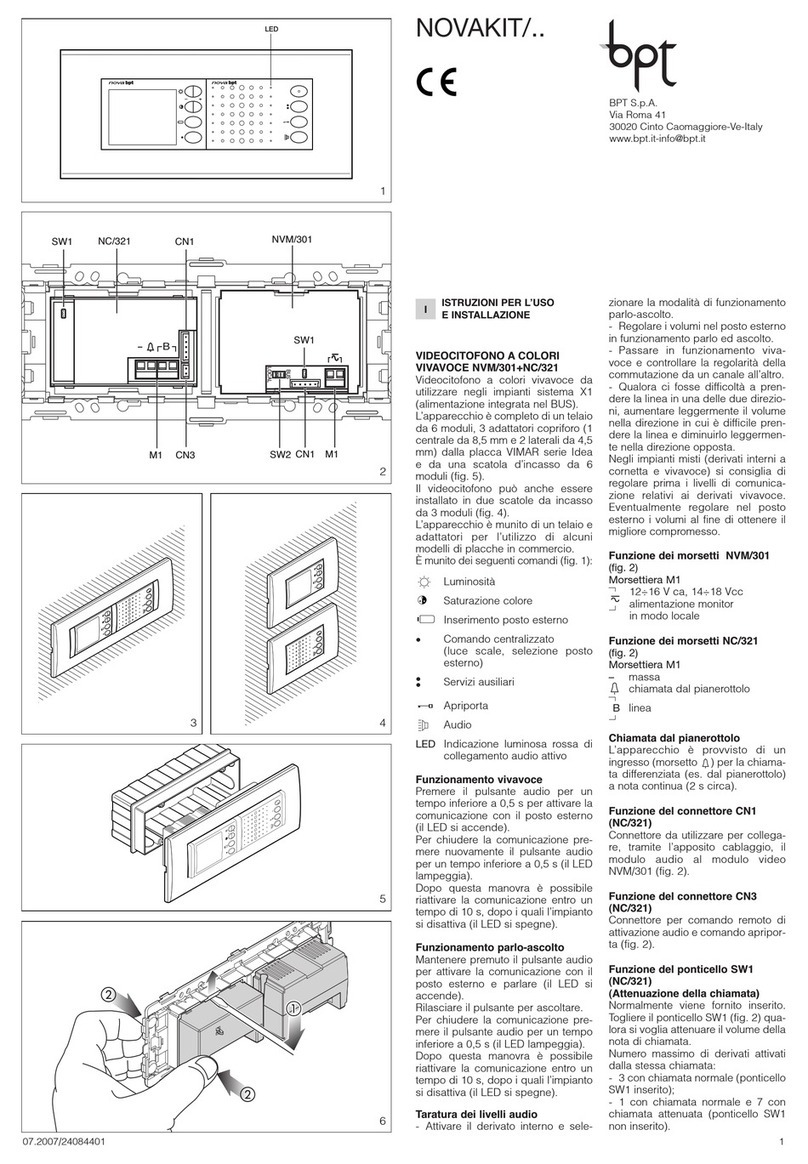
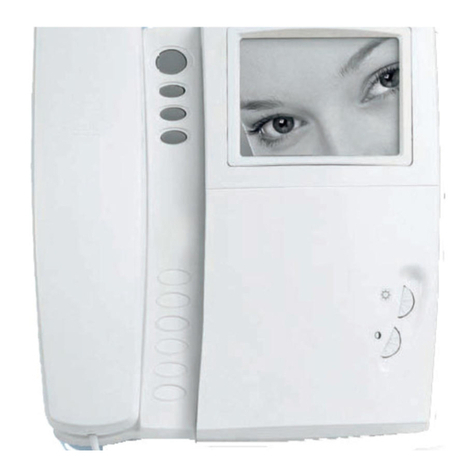
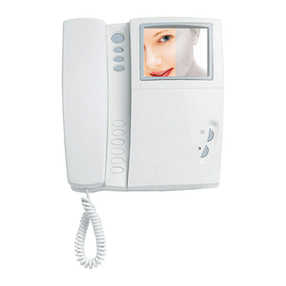
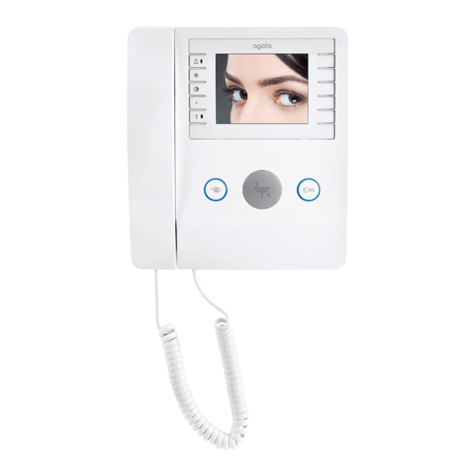
BLACK/WHITE VIDEO ENTRY CONTROL YVL200
Monitor with video and secrecy of speech. With this
monitor, the video signal may be transmitted by either
a coaxial or a twisted pair.
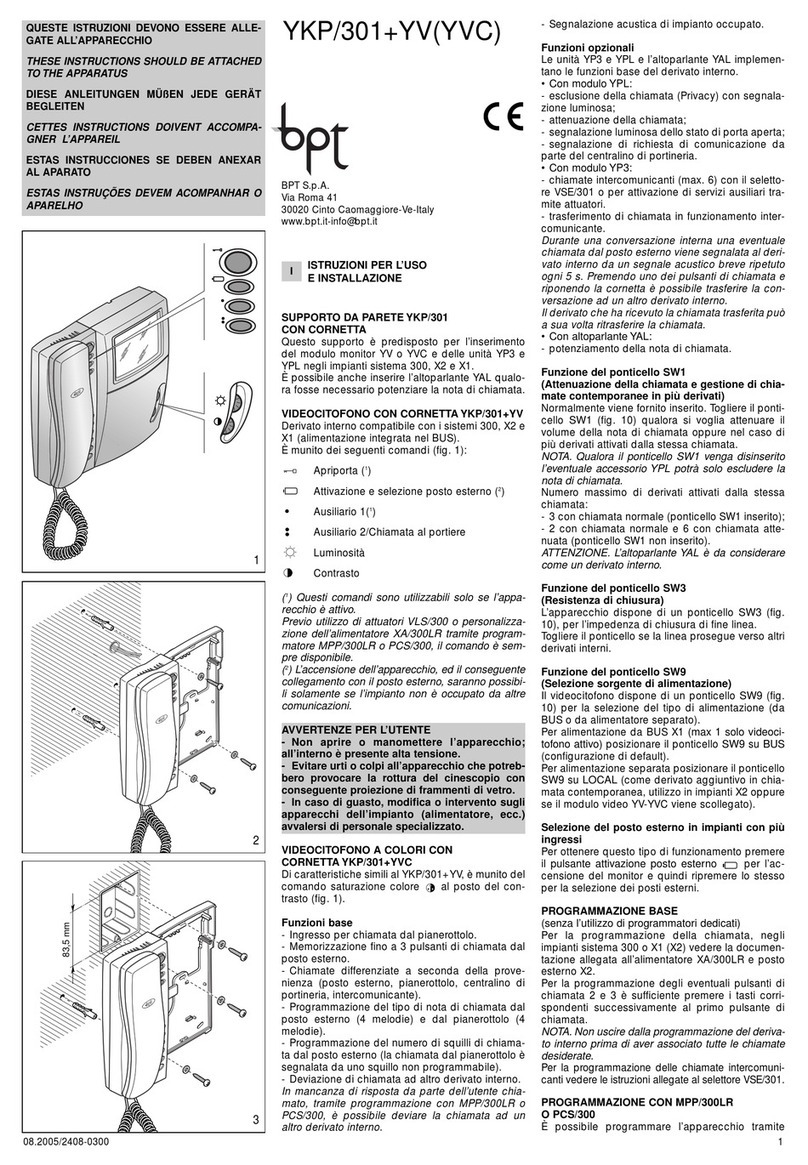
Is equipped with the following controls (fig. 1):
Door release control (1)
Entry panel activation (2)
Centralized auxiliary control (stairs light and
entry panel selection) (1)
Auxiliary control
Brightness
Contrast
(1) The controls may only be activated by the monitor
when it is switched on.
(2) The activation of the monitor and its subsequent con-
nection to the external entry panel, are only possible if the
system is not engaged by other conversations.
WARNINGS FOR THE USER
- Please do not open or tamper the device (high
voltage!).
- Please avoid knocking or bumping the appa-
ratus as it could result in the breakage of the
picture tube and the consequent projection of
glass fragments.
- In the case of breakdown or modification of
the apparatus of the system (such as power sup-
plier...) please contact a specialized maintenance
service.
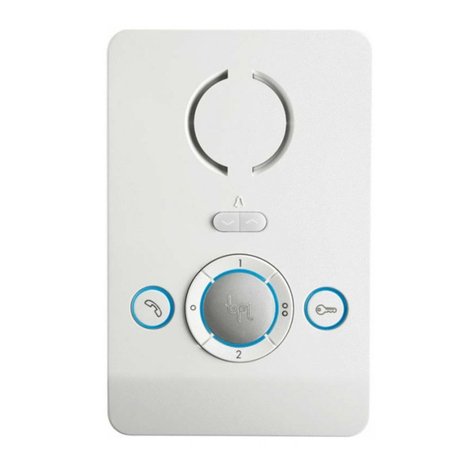
Personal door-bell button
The monitor fits a landing call input with a two-tone
call, fig. 11.
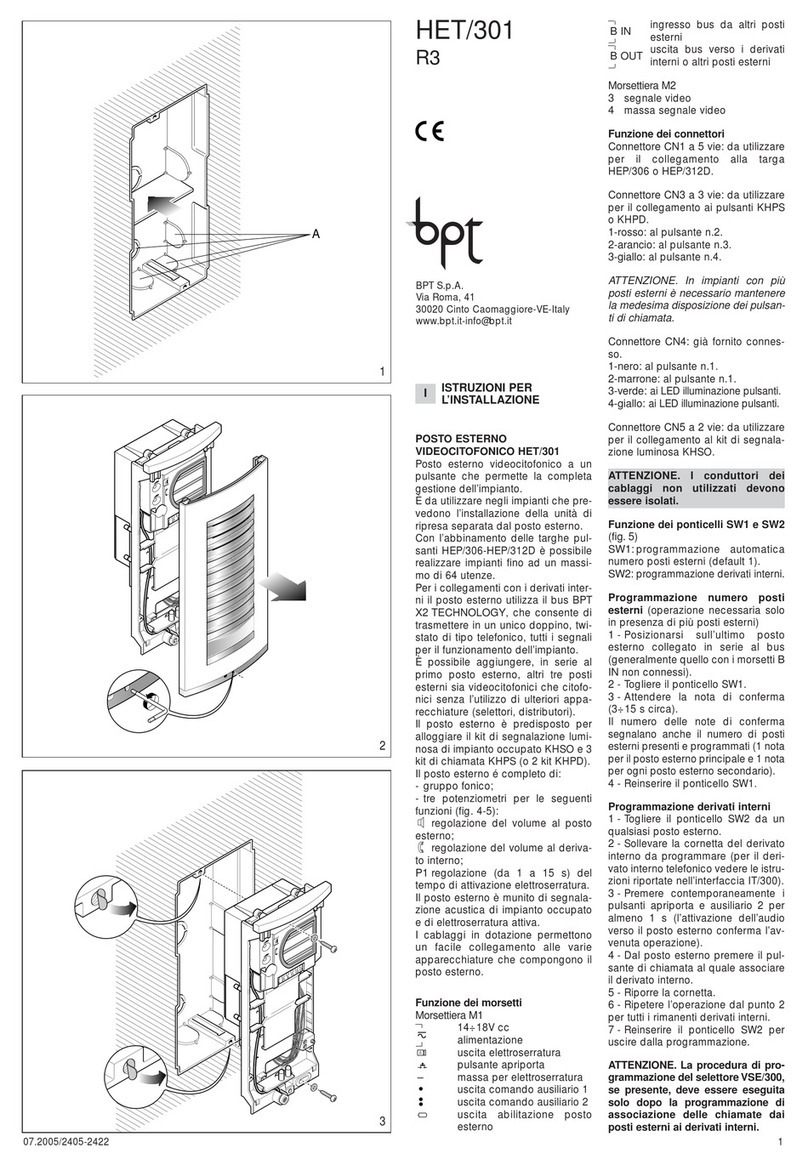
Connecting YPL unit
When the YPL unit is installed in the receiver, wire
jumper BP1 must be cut (fig. 10).
YVL200UK+YP3 INTERCOM MONITOR WITH
HANDSET
Used to manage up to 6 intercom units with 6 call
buttons (two YP3).
The monitor permits to identify the source of a call:
a continuous call tone identifies calls from other in-
tercom units and a two-tone call identifies calls from
the external entry panel (or from the landing). A call
from the entry panel during an internal conversation
between two intercom units is indicated by the activa-
tion of the monitor and the emission of a low acoustic
signal. In this case, communication with the entry
panel (and hence the possibility of activating both
the door release control and the stairs light relay)
may be established by hanging the handset of the
intercom unit currently in use and lifting the handset
of the one signalling a call.
SW1 switch
This switch (fig. 10), normally set to STD (standard
BPT S.p.A.
Via Roma, 41
30020 Cinto Caomaggiore/VE/Italy
THESE INSTRUCTIONS SHOULD BE ATTACHED TO
THE APPARATUS
mode), must be switched to INT when wanting to use
the receiver as an intercom unit.
Entry panel selection in systems
with several entrances
The VSI/200 selector allows you to select the external
entry panel or camera from the monitor in sequential
mode. To operate the selector: press the entry panel
activation button ( ) to turn-on the monitor; and
then press the auxiliary button (•) to select the entry
panels.
NOTE. In the event a call is made from the entry panel, the
selection in progress is interrupted.
If the external call is addressed to the monitor making the
selection, the monitor displays the image filmed at the
external entry from where the call is addressed to another
monitor, the image disappears from the monitor.
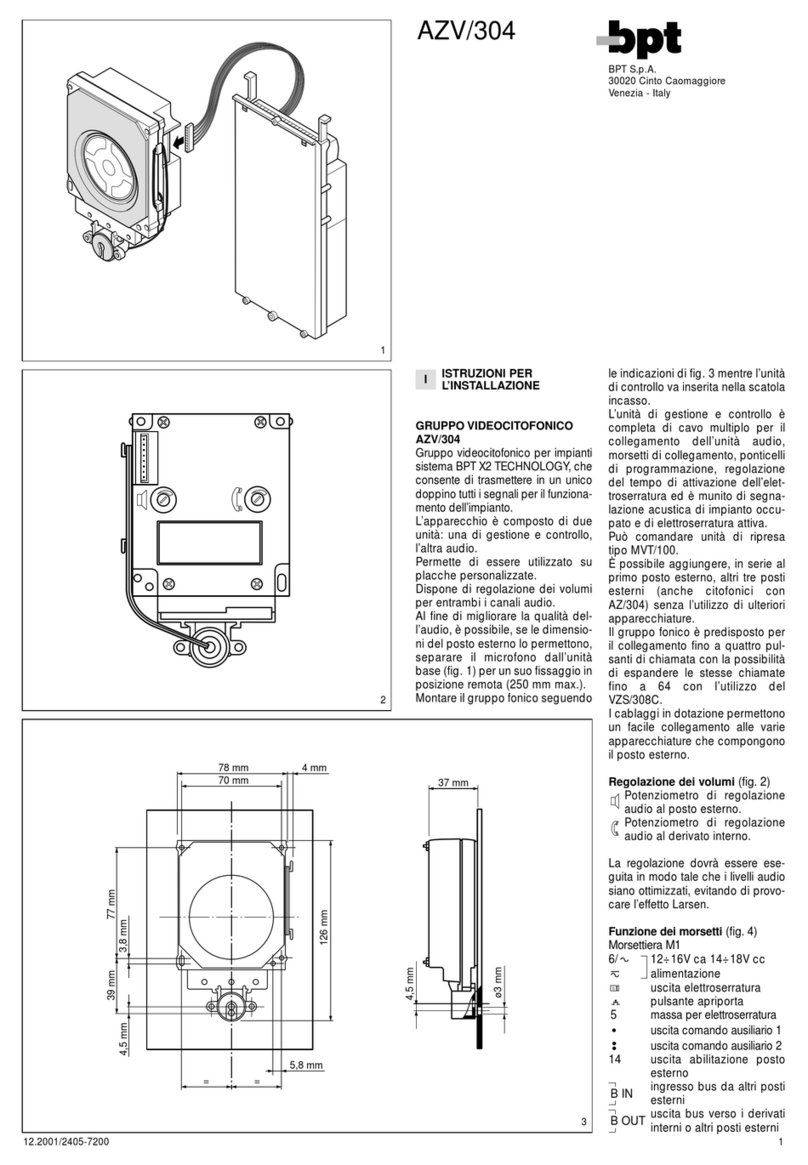
Function of each terminal (fig. 10)
Terminal block M1
3video signal coaxial cable
4video signal shield
If the video line ends at this monitor, connect a 75Ω (violet-
green-black-gold) resistor between terminals 3 and 4.
3pos. video signal twisted pair
4neg. video signal
If the video line ends at this monitor, connect a 56Ω (green-
blue-black-gold) resistor between terminals 3-5 and 4-5.
5– 14÷17,5 V
6+ supply voltage to monitor
7call input from entry panel
8audio to monitor
9audio to entry panel
10 Aux - auxiliary services
11 24V 1A)
12 call input from intercom receiver
18 stairs light
19 auto-switch on
20 call input from landing
Terminal block M2 (accessories)
connection for
YAL loudspeaker
7A connection for YPL module
Function of connector
CN1 to connect to monitor YV.
Technical features
• Supply voltage: 14÷17,5 VDC.
• Current demand: max. 508 mA (<10 mA quiescent).
• Bandwidth response at -3dB: 5MHz.
• Video input: 1Vpp from coaxial line; + video signal
0,6Vpp, - video signal 0,6Vpp from differential line
(twisted pair).
• Video input impedance: ≥22kΩ
• Call signal: two-tone call signal from the entry panel or
from the landing.
• Audio secrecy to entry panel.
• CCIR (EIA) standard.
• Picture screen: 4” (10 cm).
• Horizontal frequency: 15,625 Hz (15,750 Hz EIA).
• Vertical frequency: 50 Hz (60 Hz EIA).
• Working temperature range: from 0 °C to +35 °C.
• Dimensions: 205x215x63mm.
The monitor is protected by the slow blow fuse F1 - T
630mA - located on monitor’s printed card, fig.10.
INSTALLATION
WARNING. It is recommended to install the monitor
in a dry place.
Open the video entry control as shown in figures 2
and 3. Remove the connector (fig. 4) and install the
video entry control as shown in figures 5, 6.
For even more secure fastening, remove the receiver
support with a screwdriver through the slot (fig. 7) and
fasten the video entry control as shown in figure 8.
Connect (fig. 4) an re-install the video entry control as
shown in figure 9.
DISPOSAL
Do not litter the environment with packing material: