6
SETTING EXTRA SUCTION TIME
1. Again, make sure machine is switched On [l] and the lid is raised
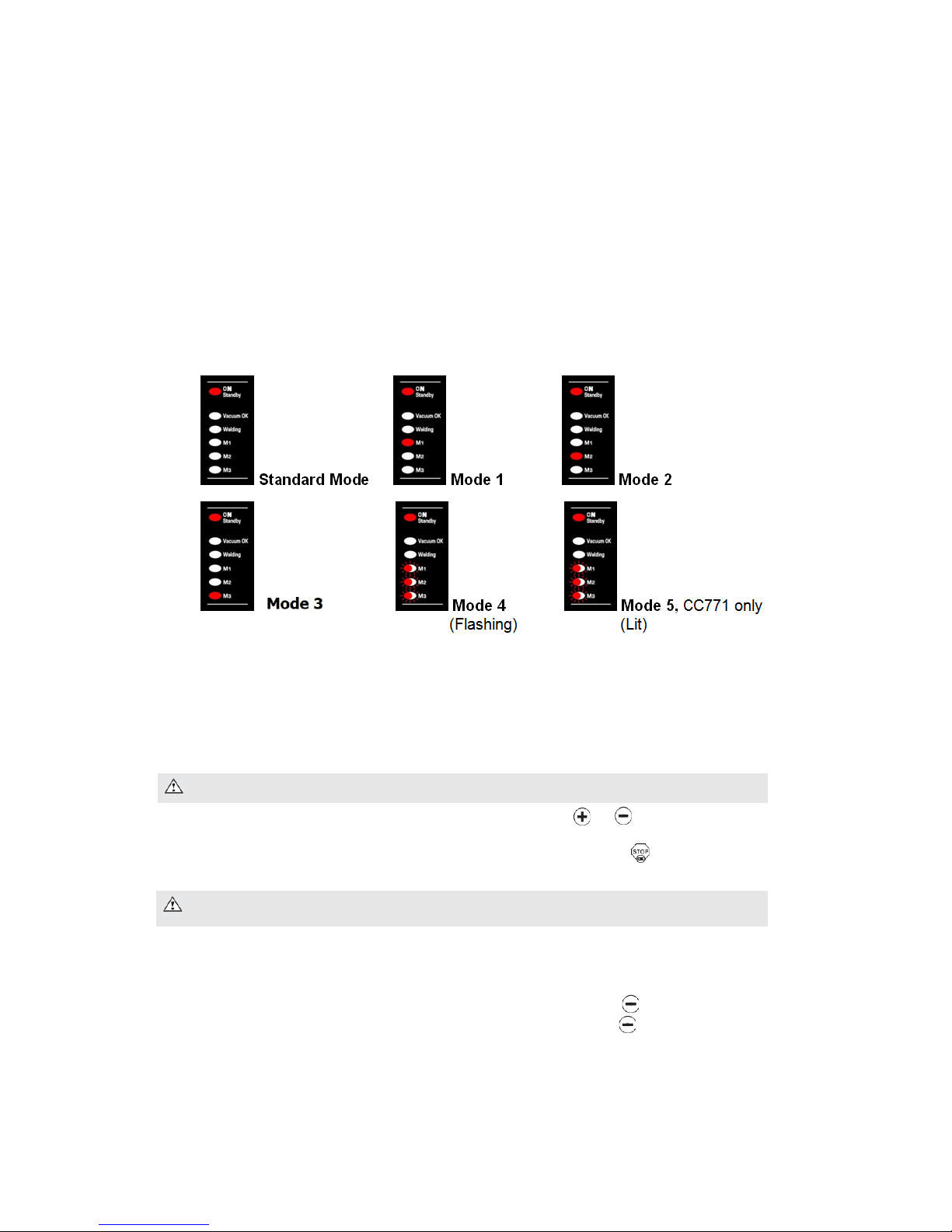
2. Simultaneously press the and ‘Welding M1-M2-M3’ buttons for 3 seconds
3. To adjust the Extra Suction time, press and hold the or buttons
4. Press and hold the ‘STOP/OK’ button to save the suction time and exit
5. You are now back to the operating mode selected with its default Sealing Time being
displayed
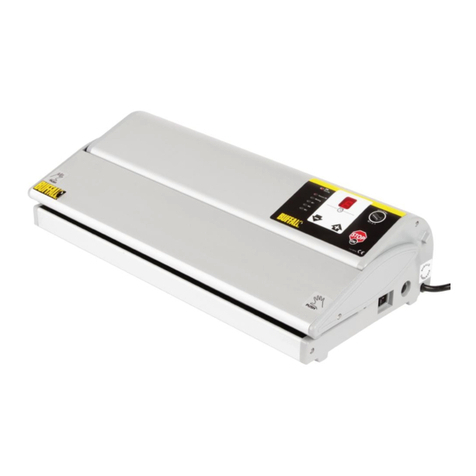
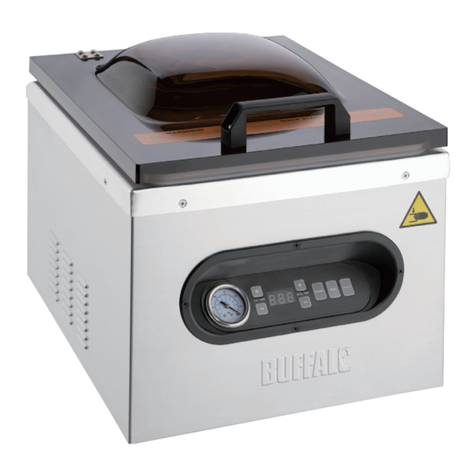
VACUUM PACKING FOOD
1. Place the food in the bag
Note: never fill bag over 70% capacity
2. Remove any excess liquid or food residue
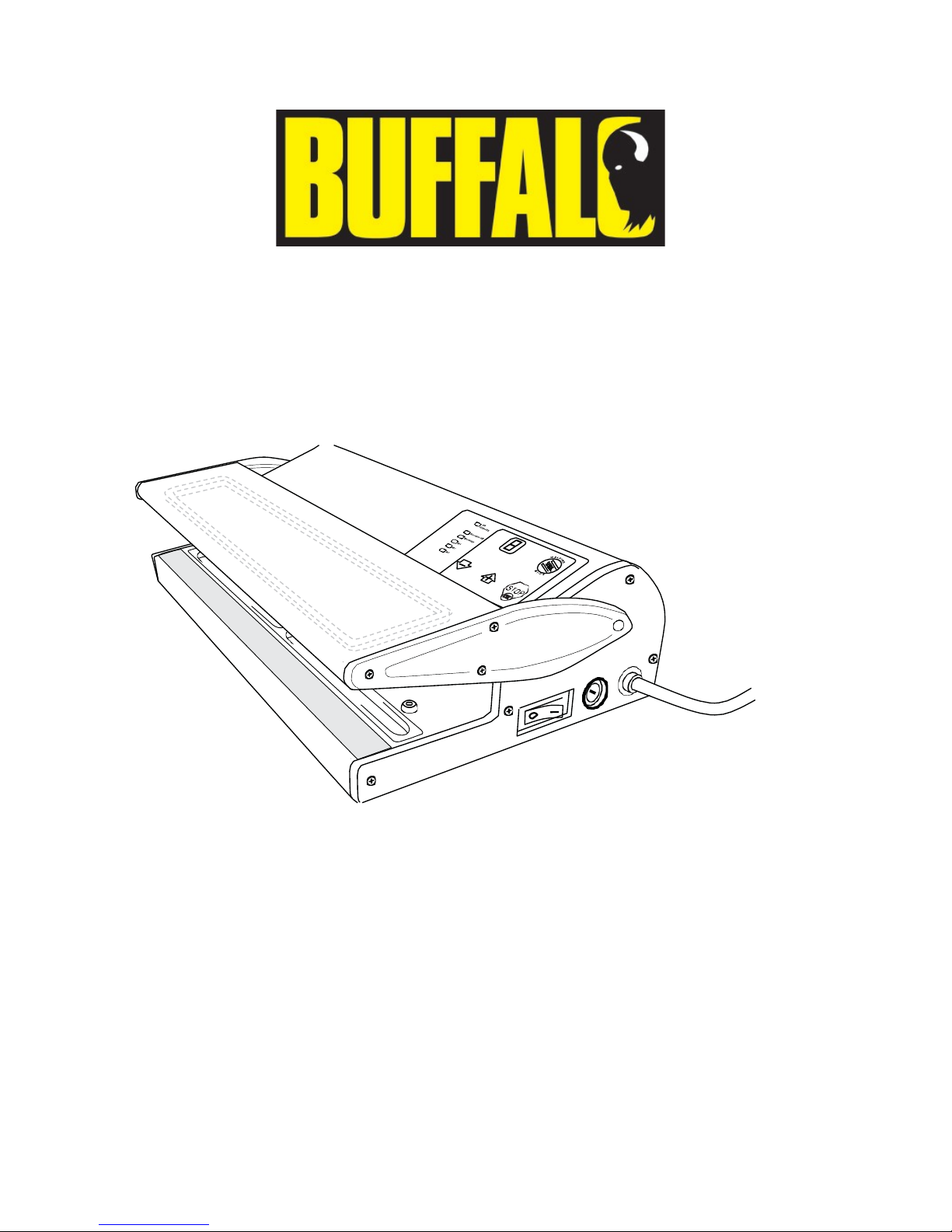
3. Lift the into locked position
4. Place the open end of the bag over
the Channel
5. Lower the lid and press down to start
the suction process
6. Maintain pressure on the lid for best results
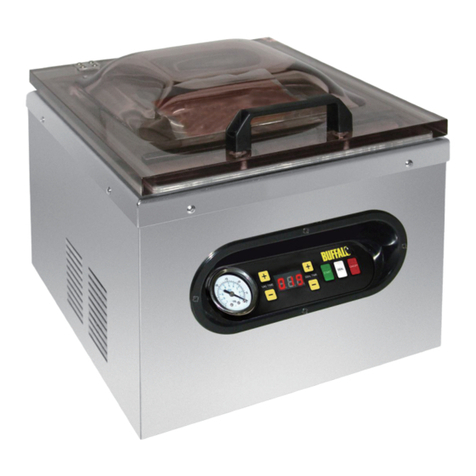
7. CC771 only – pressure is displayed before
sealing countdown begins
8. Once the suction time is reached, the sealing process begins
9. CC770 – ‘E’ for End is displayed once process is completed, remove bag
CC771 – ‘END’ is displayed once process is completed, remove bag
SAFETY FEATURES
Safety Cut-out: this appliance is fitted with an automatic safety system to help prevent
any damage from misuse – if during the suction process the pressure gets too great (no air
left in the bag) the appliance automatically switches to the sealing process.
Anti-stress Safety: this appliance is also fitted with an automatic anti-stress safety system
to help prevent any damage from overuse – if machine alternatively displays ‘E’ followed by
‘A’, leave the machine on for 10 minutes as it will then automatically turn off the machine
and reset the counter.
E.g. the Anti-stress Safety kicks in after M1 or M2 (extreme modes)
have been used 5 times consecutively
AUTO-STANDBY
This appliance will automatically go into Standby Mode if unused for 4½ minutes. In order
to switch the unit back on, simply press any button for 1 second and wait 10 seconds for the
machine to turn itself back on.