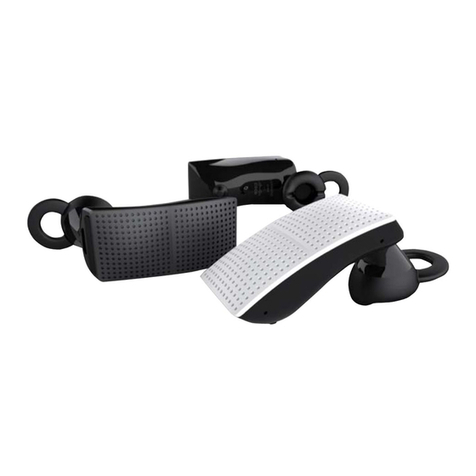
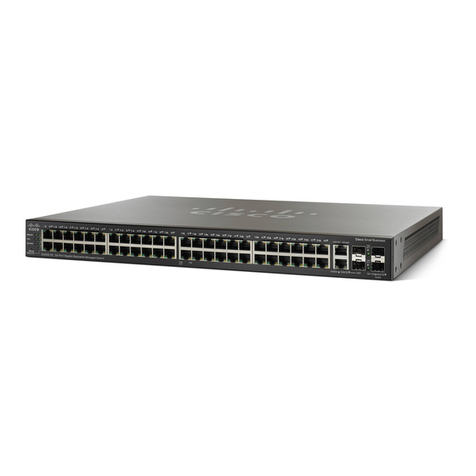
Cisco 520 Series User manual

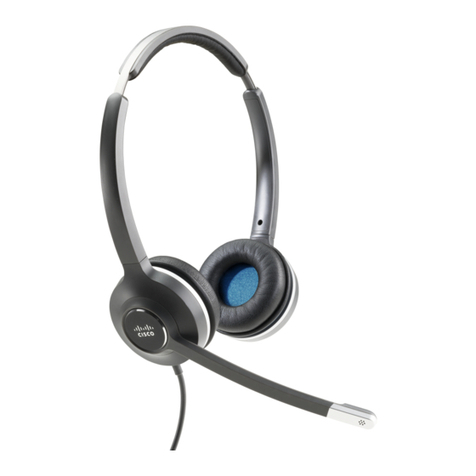
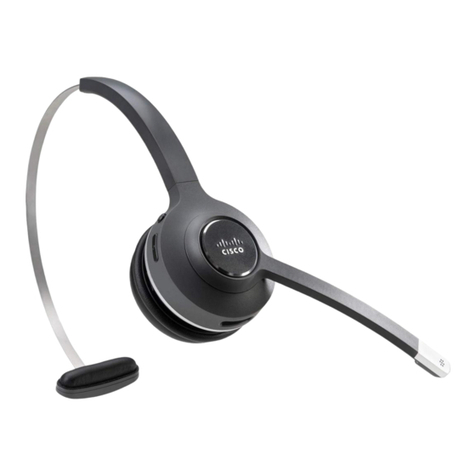
Cisco Headset 520 Series Quick Reference Guide
High Sound Pressure—Avoid listening to high volume levels for long periods to
prevent possible hearing damage.
When you plug in your headset, lower the volume of the headset speaker before
you put the headset on. If you remember to lower the volume before you take
the headset o, the volume will start lower when you plug in your headset again.
Be aware of your surroundings. When you use your headset, it may block out
important external sounds, particularly in emergencies or in noisy environments.
Don’t use the headset while driving. Don’t leave your headset or headset cables
in an area where people or pets can trip over them. Always supervise children
who are near your headset or headset cables.
Incoming call Blinking green
Active call Steady green
Muted call Steady red
Incoming call Blinking red
Active call Steady red

Cisco Headset 520 Series Quick Reference Guide
Answer a call
Press on the in-line controller.
End a call
Hold on the in-line controller for 2 seconds.
Reject a call
Press twice on the in-line controller.
Adjust your volume
Press and on the in-line controller.
Mute yourself on a call
Press on the in-line controller.
Unmute yourself on a call
Press on the in-line controller
End a call and answer an incoming call
1. Hold until you hear a tone.
2. Press .
End a call and resume a held call
3. Hold until you hear a tone.
4. Select the call you would like to resume.
5. Press .
Put a call on hold and resume a call
1. Press on the in-line controller.
2. Optional: Select the call you’d like to resume.
3. Press on the in-line controller.
Cisco and the Cisco logo are trademarks or registered trademarks of
Cisco and/or its affiliates in the U.S. and other countries. To view a list
of Cisco trademarks, go to this URL: www.cisco.com/go/trademarks.
Third-party trademarks mentioned are the property of their respective
owners. The use of the word partner does not imply a partnership
relationship between Cisco and any other company. (1110R)
Copyright. © 2018 Cisco Systems, Inc. All rights reserved.
June 2019
For more information, visit:
http://www.cisco.com/go/headsets
Other Cisco Headset manuals
Cisco
Cisco 500 Series User manual
Cisco
Cisco Headset 560 Series User manual

Cisco
Cisco 500 Series User manual
Cisco
Cisco 730 User manual

Cisco
Cisco 500 Series User manual
Cisco
Cisco 730 User manual
Cisco
Cisco 730 User manual

Cisco
Cisco 500 Series User manual
Cisco
Cisco 500 Series Instruction Manual
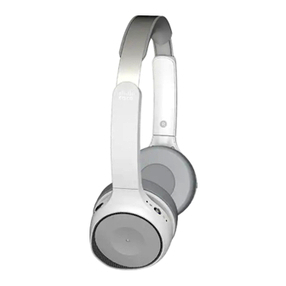
Cisco
Cisco 700 series Instruction Manual
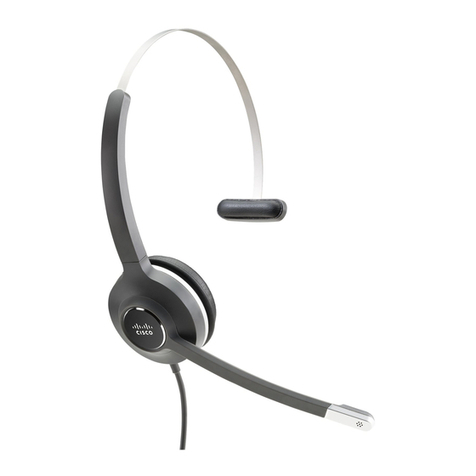
Cisco
Cisco 531 User manual
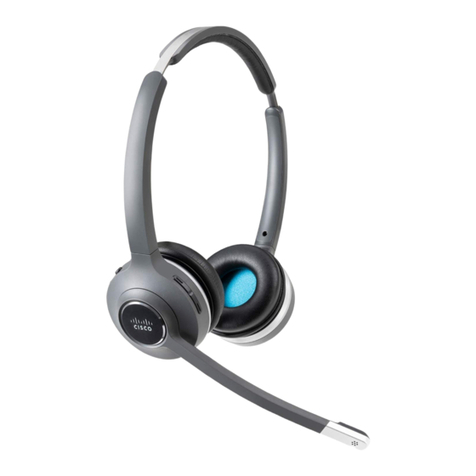
Cisco
Cisco Cisco Headset 562 User manual
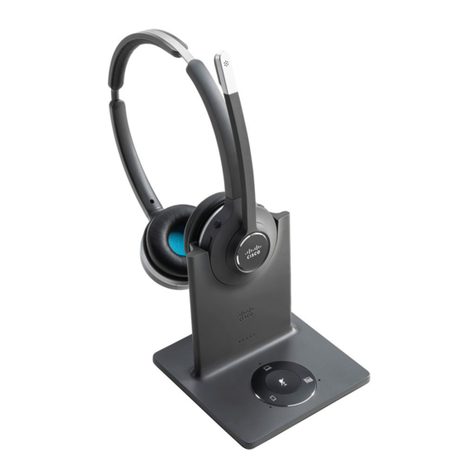
Cisco
Cisco Cisco Headset 561 User manual

Cisco
Cisco Cisco Headset 561 User manual
Cisco
Cisco Aironet 521 User manual
Cisco
Cisco 232D User manual
Cisco
Cisco Cisco Headset 561 User manual
Cisco
Cisco 730 User manual
Cisco
Cisco Headset 530 Series User manual
Cisco
Cisco Cisco Headset 561 User manual