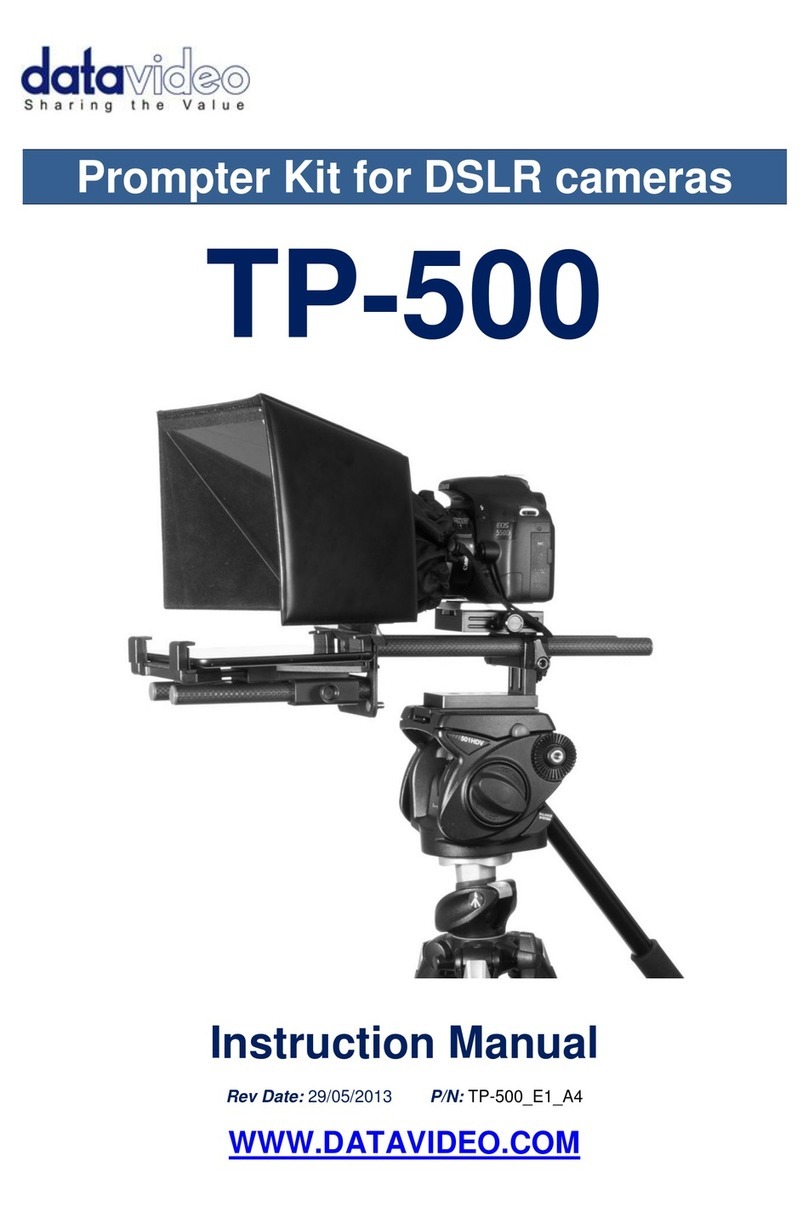
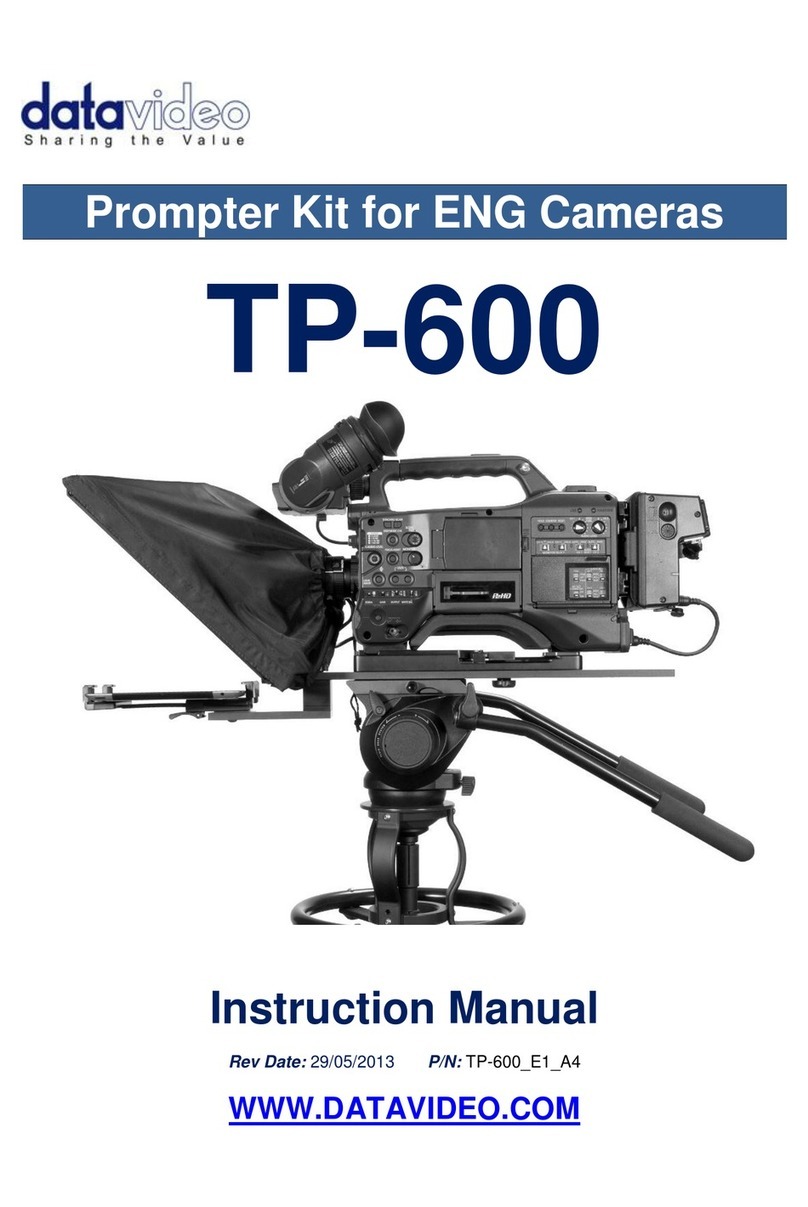
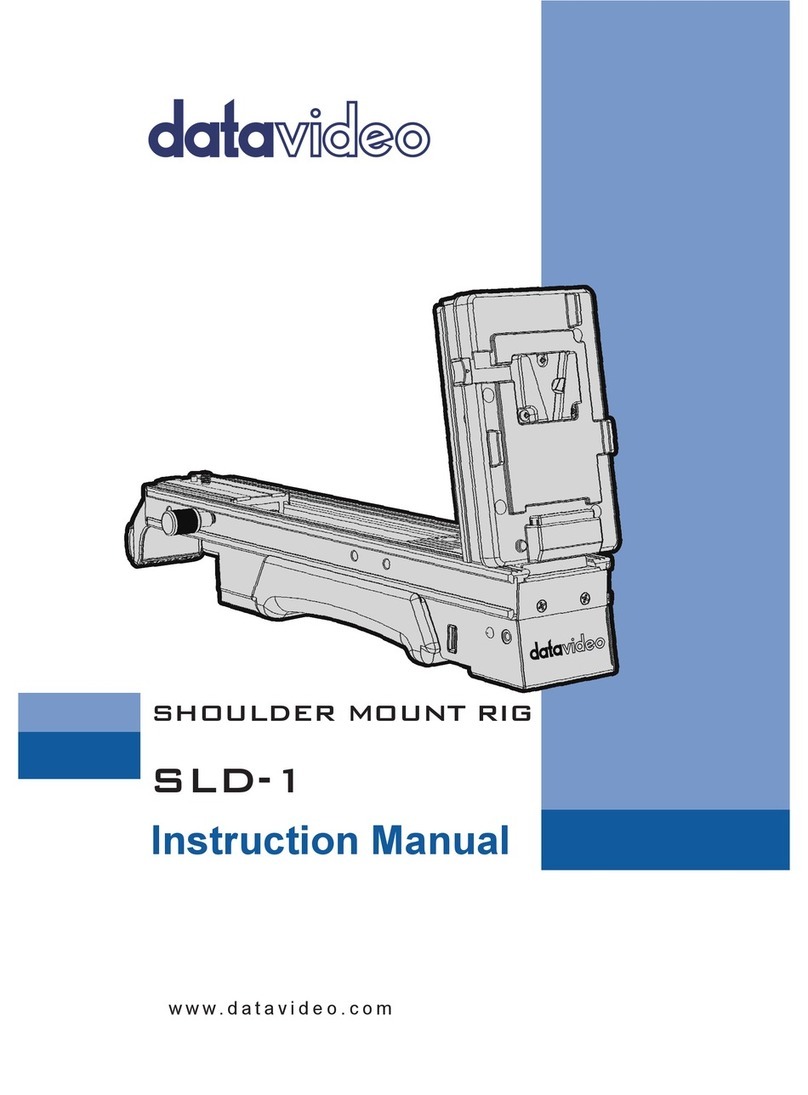
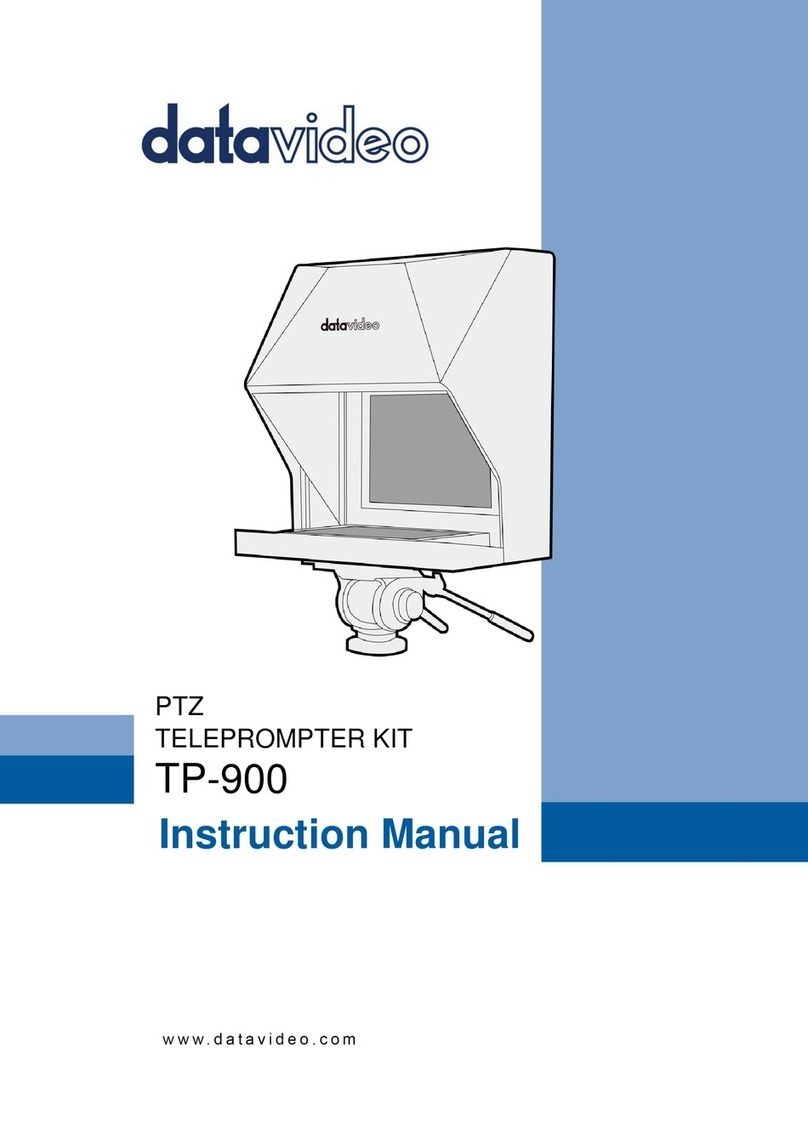
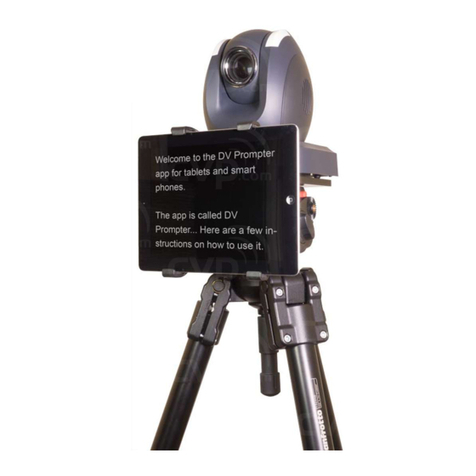
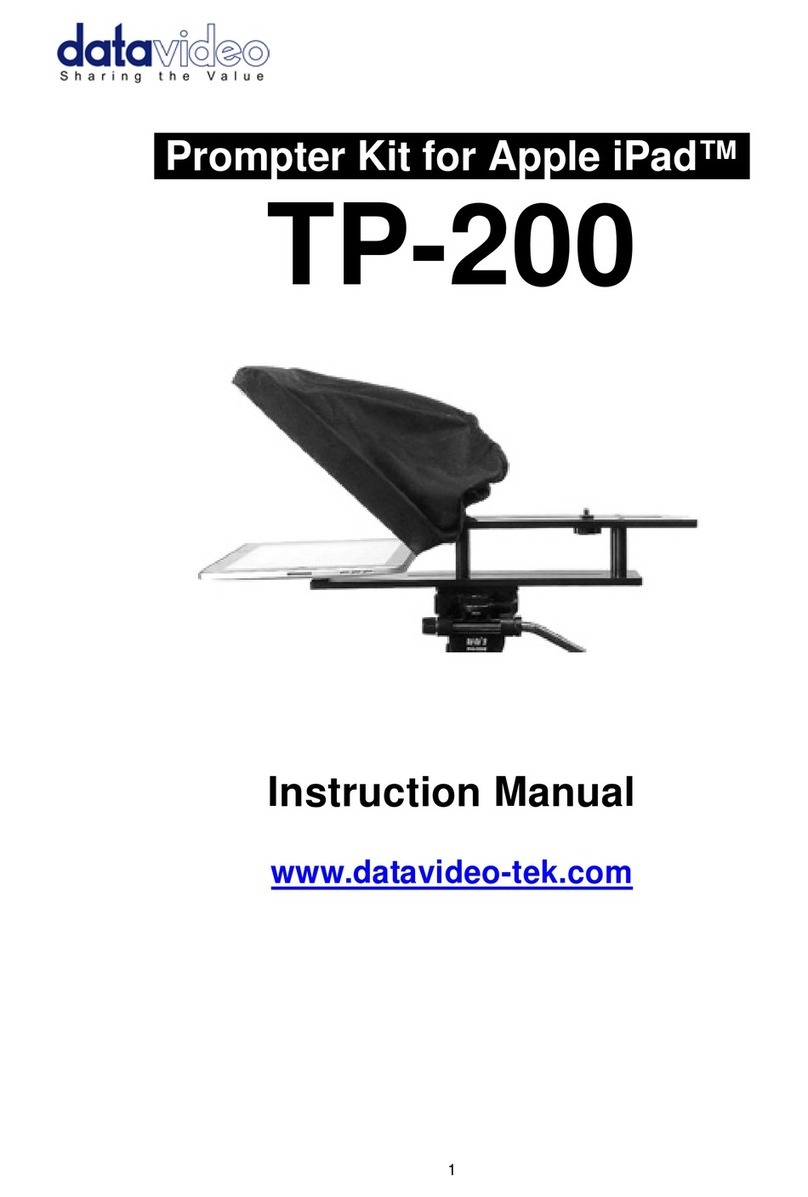
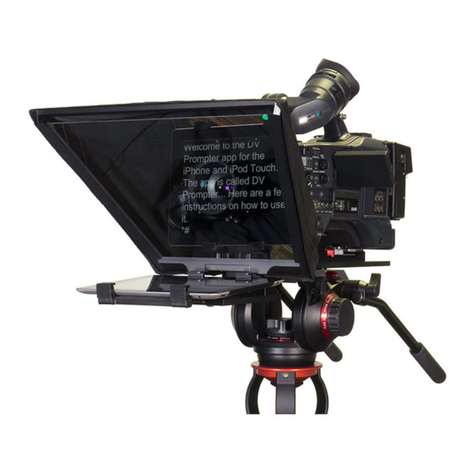
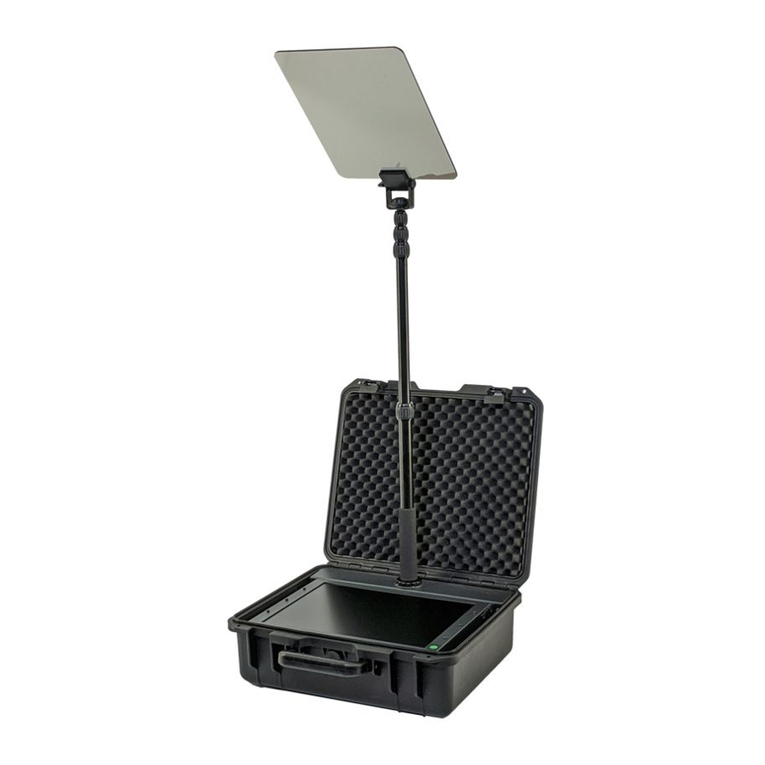
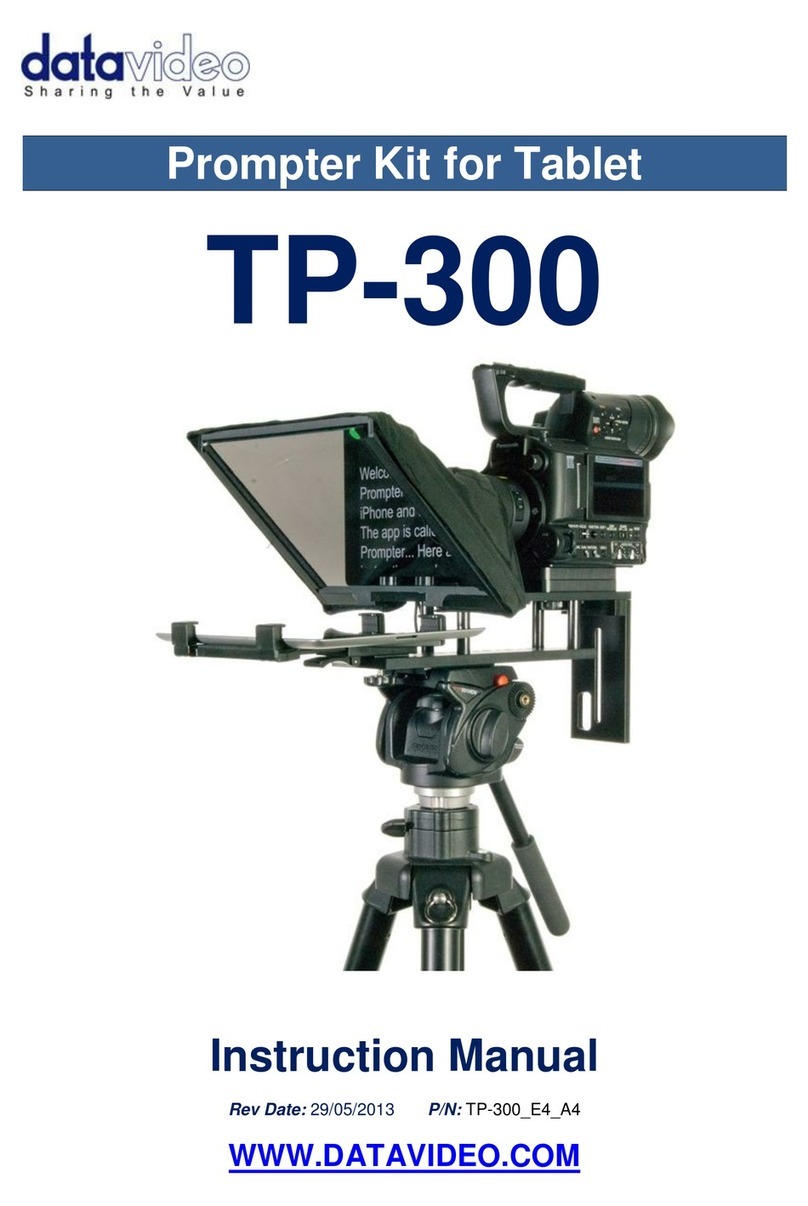
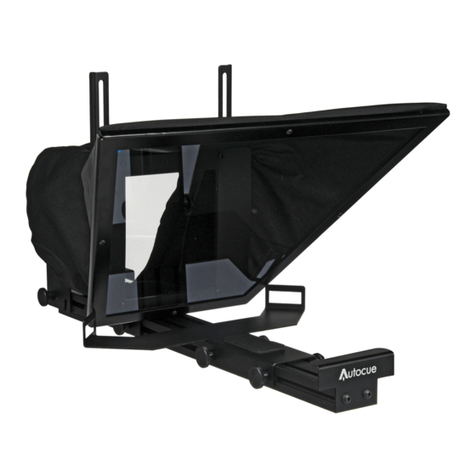
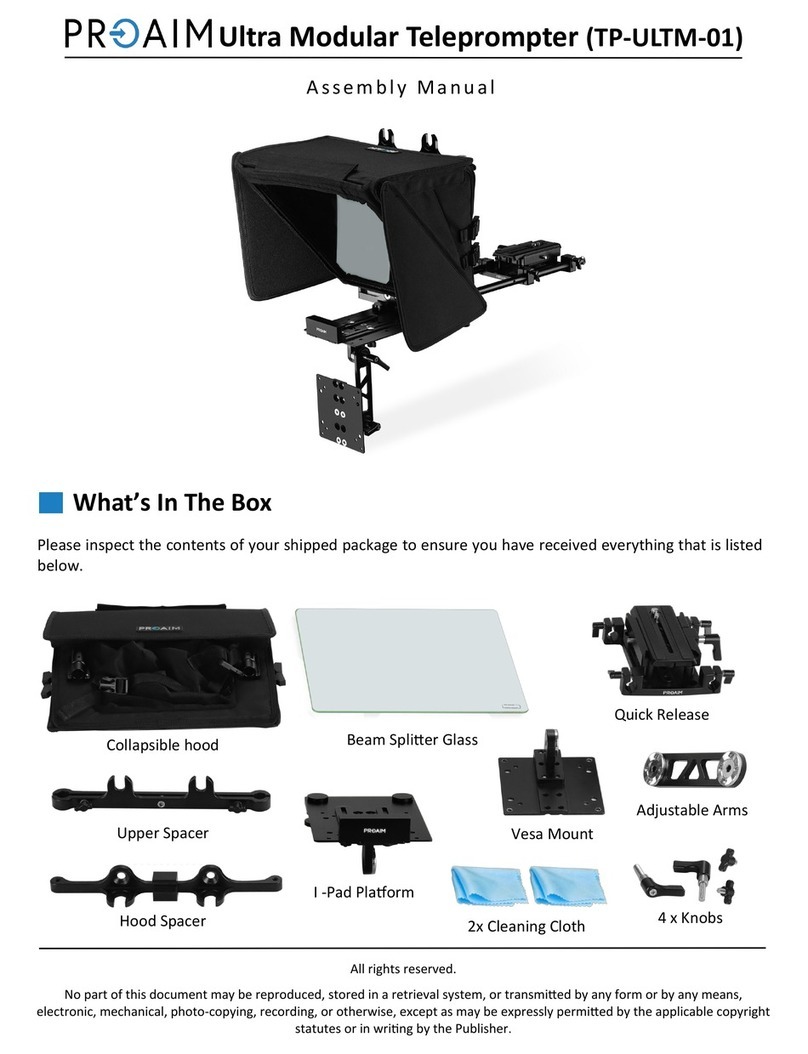
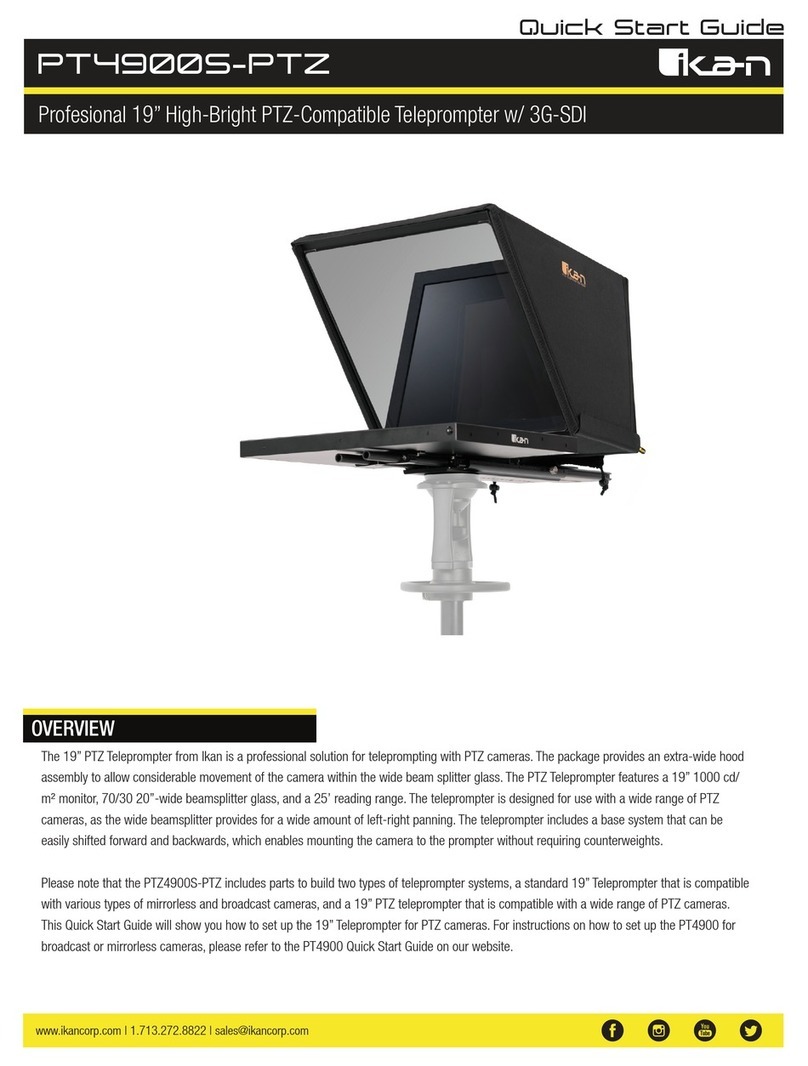
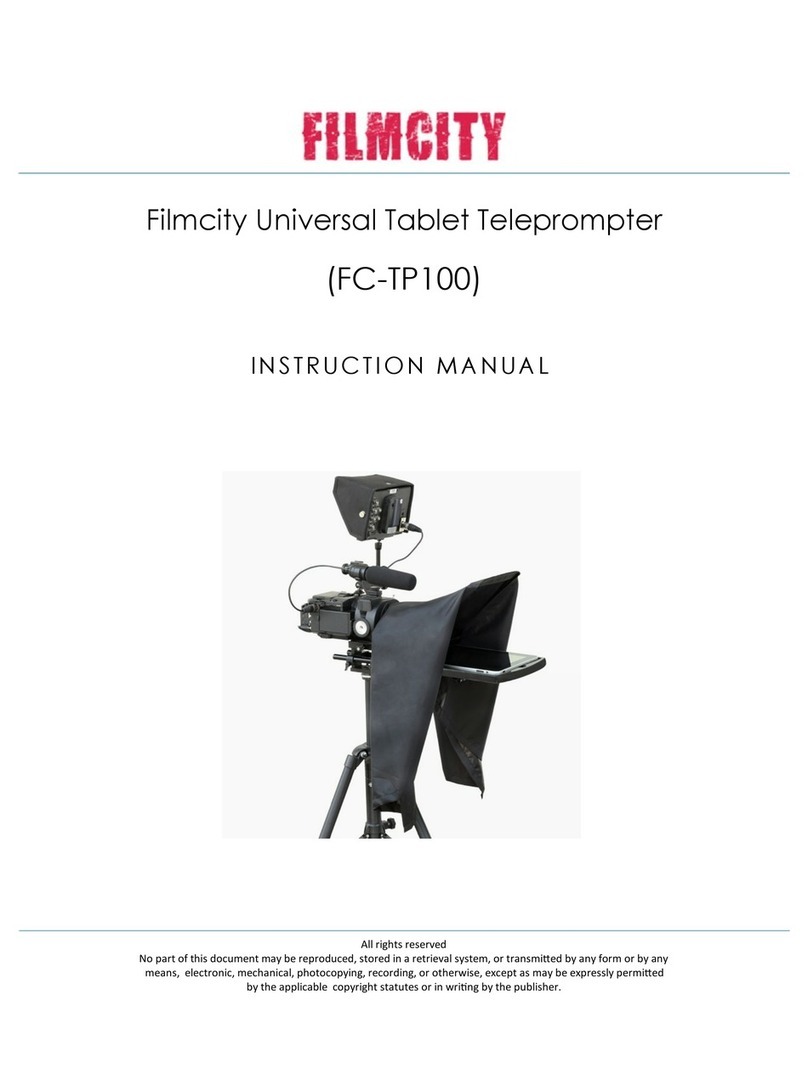
PROMPTER KIT FOR TABLET TP-300
1
Contents
FCC COMPLIANCE STATEMENT ..................................................................................................................................... 2
WARNINGS AND PRECAUTIONS.................................................................................................................................... 2
GLASS –HANDLE WITH CARE .................................................................................................................................................. 2
WARRANTY .................................................................................................................................................................. 3
STANDARD WARRANTY ........................................................................................................................................................... 3
REGISTER FOR 3YEAR WARRANTY............................................................................................................................................. 3
DISPOSAL ............................................................................................................................................................................. 3
PACKING LIST........................................................................................................................................................................ 4
PRODUCT OVERVIEW ................................................................................................................................................... 5
FEATURES............................................................................................................................................................................. 5
ASSEMBLY – NORMAL TRIPOD SET UP.......................................................................................................................... 6
ASSEMBLY – BELOW LENS SET UP ................................................................................................................................10
CAMERA EXPOSURE AND THE 60/40 GLASS.............................................................................................................................. 11
USING THE RISER BLOCKS ...................................................................................................................................................... 11
FREE APP DOWNLOAD FROM THE APP STORE™ ..........................................................................................................12
FREE ANDROID APP DOWNLOAD FROM GOOGLE PLAY™ ............................................................................................12
OPTIONAL REMOTE CONTROL MANUAL .................................................................................................................................... 12
OPTIONAL BLUETOOTH TELEPROMPTER REMOTE CONTROL .......................................................................................13
REMOTE STARTS IN WIRED MODE........................................................................................................................................... 13
BLUETOOTH MODE –PAIRING TO YOUR TABLET DEVICE............................................................................................................... 13
RESET – Return the Remote to Wired Mode ............................................................................................................... 14
CONTROL BUTTONS.............................................................................................................................................................. 15
REMOTE ACCESSORIES .......................................................................................................................................................... 15
Lanyard Necklace........................................................................................................................................................ 15
CR2032 Battery ........................................................................................................................................................... 15
ADJUSTING THE LOWER RAIL OF THE PROMPTER FRAME ............................................................................................17
CLEANING THE 60/40 GLASS ................................................................................................................................................. 17
OPTIONAL HC-300 HARD CASE.....................................................................................................................................19
HC-300 FEATURES .............................................................................................................................................................. 19
HC-300 SPECIFICATIONS....................................................................................................................................................... 19
SPECIFICATIONS...........................................................................................................................................................20
SERVICE AND SUPPORT ...............................................................................................................................................21
Disclaimer of Product and Services
The information offered in this instruction manual is intended as a guide only. At all times, Datavideo Technologies will
try to give correct, complete and suitable information. However, Datavideo Technologies cannot exclude that some
information in this manual, from time to time, may not be correct or may be incomplete. This manual may contain
typing errors, omissions or incorrect information. Datavideo Technologies always recommend that you double check
the information in this document for accuracy before making any purchase decision or using the product. Datavideo
Technologies is not responsible for any omissions or errors, or for any subsequent loss or damage caused by using the
information contained within this manual. Further advice on the content of this manual or on the product can be
obtained by contacting your local Datavideo Office or dealer.