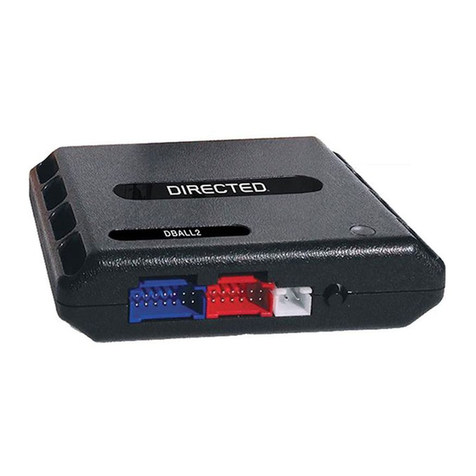
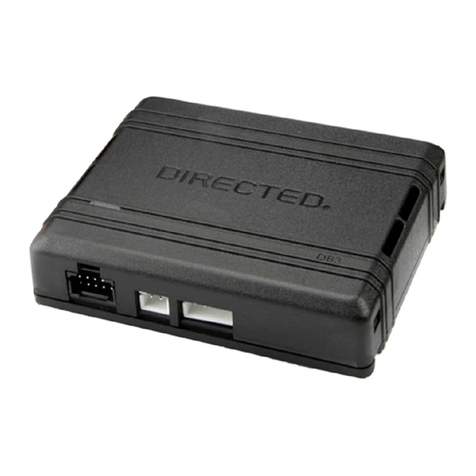
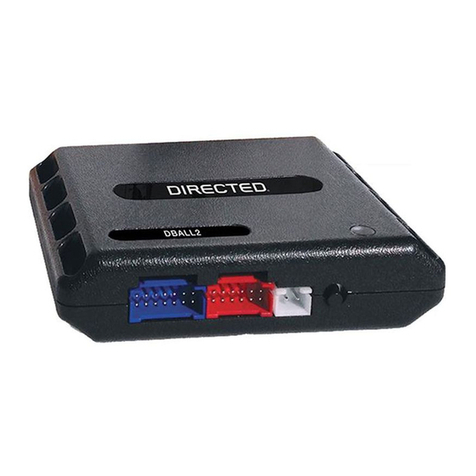
10 Directed Digital System CHRYSLER9
© 2015 Directed. All rights reserved.
Ready mode
To successfully remote start a vehicle equipped with a manual transmission, the Ready Mode feature must be
enabled before exiting the vehicle. Please refer to the Owner’s Guide for more details on this required process.
Additional connections required for vehicles equipped with a manual transmission (if not supported by firmware)
Connection Description
(-) Emergency Brake Input
(black/white, pin 2)
Must be connected to a working emergency brake in the vehicle. Although most vehicles have simple
(-) trigger emergency brake circuits note some vehicles do not and may require unique integration
methodologies.
(-) Door Input (white/green,
pin 10) OR (+) Door Input
(yellow/green, pin 11)
Must be connected to a working door trigger in the vehicle, which monitors all doors. The unit must monitor
the door pins to allow the Ready Mode process to be enabled.
Note: Some vehicles may require unique integration methodologies for this circuit.
(AC) Tachometer Input
(violet/white, pin 6)
Must be connected to a working tachometer signal in the vehicle (fuel injector, ignition coil, true tach, etc.)
and learned successfully to the Directed Digital System.
Note: Refer to www.directechs.com for more information.
Optional sensors
Note: The sensor port is only active on hybrid systems.
The 4-pin sensor port is compatible with a number of different Directed sensors including, but not limited to:
• Shock Sensor – 504D
• Field Disturbance Sensor – 508D
• Ultrasonic Sensor – 509U
Note: In the case of 508D, power and ground must be hardwired to the vehicle – power and ground should
NOT be obtained from the 4-pin sensor port.
Each sensor will have its own instructions, which must be followed for installation and adjustment.
RF kits
An RF kit consists of one or multiple remotes, a Control Center (antenna), and an antenna cable – various
combinations exist. An RF kit allows the vehicle owner to control the system with enhanced range. Please follow
the instructions included with the kit for appropriate installation and programming information.
When flashing the Directed Digital System, make sure to pick the remote you will be using. This way the main
module will have the necessary firmware to interact with the remote and Control Center (antenna) combination.
When used in conjunction with SmartStart
The Directed Digital System main module must be disconnected from any power source before SmartStart can be
connected to it. Failing to do so could damage main module.
To ensure that the D2D communication between the Directed Digital System and SmartStart works properly, one
of the following actions must be executed, depending on the hardware you are using:
• Rev ASmartStart – The brown or blue loop must be cut.
• Rev BSmartStart – The gray wire must be connected to a ground source.
Do NOT connect the SmartStart 2-pin power harness. Power and ground will be provided by the D2D connector
on main module.