4
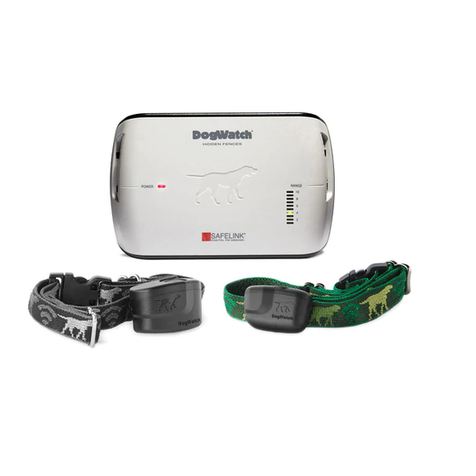
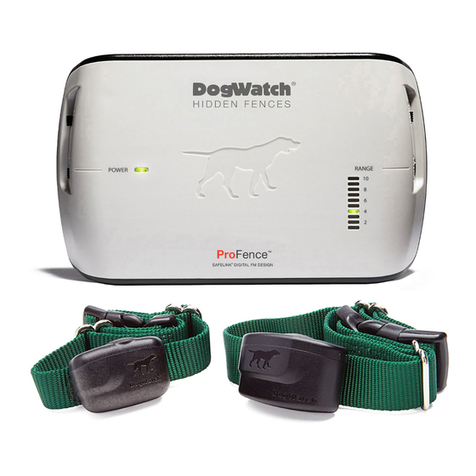
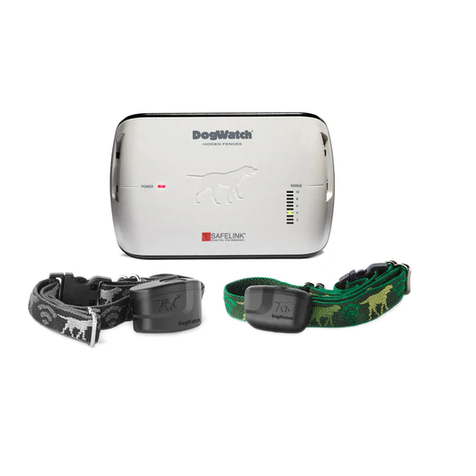
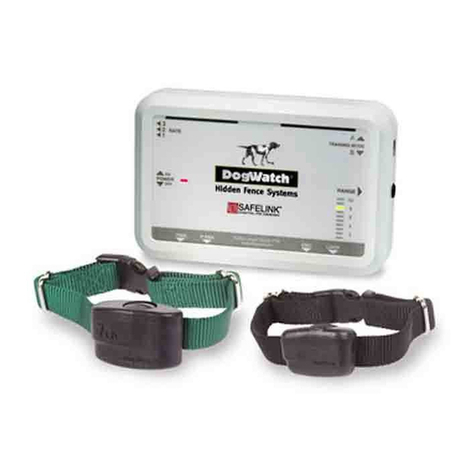
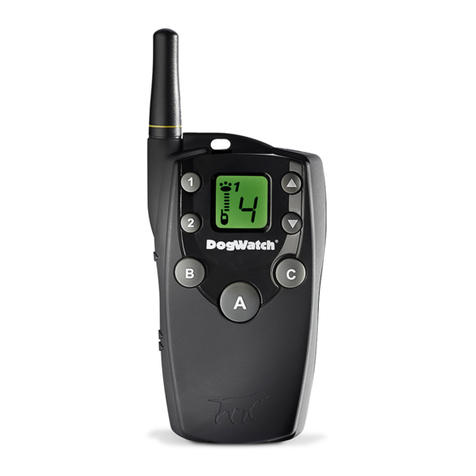
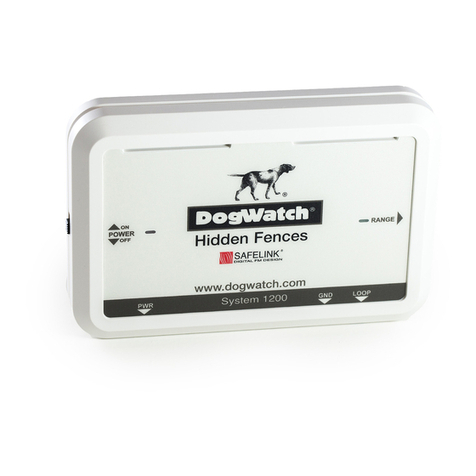
6. Loop Monitor Display (LMD): The Loop Monitor Display provi es a visual
in ication of the status of your boun ary signal. On tra itional boun ary wire
configurations each number on the scale represents the boun ary signal istance
in feet, that is being broa cast from each si e of the wire. A significant change
( rop) in signal range coul in icate a partial wire break or other boun ary wire
problem. Contact your ealer for troubleshooting tips or to sche ule an
appointment.
Note: For non-tra itional wire configurations where the boun ary wires may be
close to one another, the LMD may not measure the boun ary signal accurately in
feet, but is a visual setting reference point. Your DogWatch ealer will explain the
LMD setting an your actual signal range.
7. Range: The ra io signal is transmitte from the boun ary wire in all irections. The
signal is a juste by the range control on the transmitter to create a signal fiel on
each si e of the wire. The recommen e signal fiel wi th is 6-10 feet. Your
DogWatch Dealer will a just the ra io signal istance accor ing to the personality
an traits of your og. Consult your DogWatch Dealer first before making any
a justments yourself.
Signal Field: The signal fiel has two areas. When your og first enters the signal
fiel , he will receive an au ible warning. If he continues further into the signal fiel ,
he will receive a correction. The au ible area is approximately the first 13% of the
total signal fiel . To prevent your og from entering the signal fiel an remaining in
the au ible area causing epletion of the battery, the receiver will transition from an
au ible warning to a short warning correction after a perio of 15 secon s. This will
activate regar less of the mo e switch setting, but will not activate if the receiver is
in the “Au ible Only” Training Level (see Phase 1: page 15).
. Training Mode: The training mo e switch allows you to choose between two pet
frien ly training options: Basic (Mo e A) an QuickAlertTM (Mo e B). When in the
Basic setting, your pet will receive an au ible warning followe by a correction. For
har er to train ogs, when set to QuickAlert, your pet will receive a very quick
“alert” correction followe by the normal au ible warning an correction.
If you have multiple ogs on the system, when you set the training mo e on the
transmitter, it will effect all receivers.
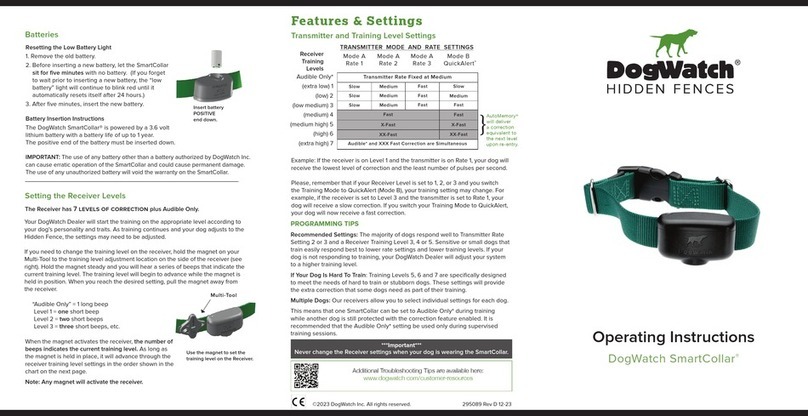
9. Rate: This a justs to three levels (1 = slow, 2 = me ium, 3 = fast). When your og
gets a correction, he receives it in a series of pulses. Increasing the Rate means
that he will receive a greater number of pulses per secon . The Rate feature
--operates when your Receiver Training Level is set to Level 1, 2, or 3.
See the Receive Levels and T ansmitte Settings cha t on page 9.
Note: On the back of the transmitter are four small switches. These switches
set your transmitter to the correct broa cast frequency. Your ealer will set
these switches for your system.
Do NOT change these settings. They are for DEALER USE ONLY.