manuals.online logo
Brands
  1. Home
  2. •
  3. Brands
  4. •
  5. EasyStand
  6. •
  7. Mobility Aid
  8. •
  9. EasyStand StrapStand User manual

EasyStand StrapStand User manual

Other manuals for StrapStand

1

This manual suits for next models

1

Other EasyStand Mobility Aid manuals

EasyStand Bantam Y5500 Medium User manual

EasyStand

EasyStand Bantam Y5500 Medium User manual

EasyStand Zing User manual

EasyStand

EasyStand Zing User manual

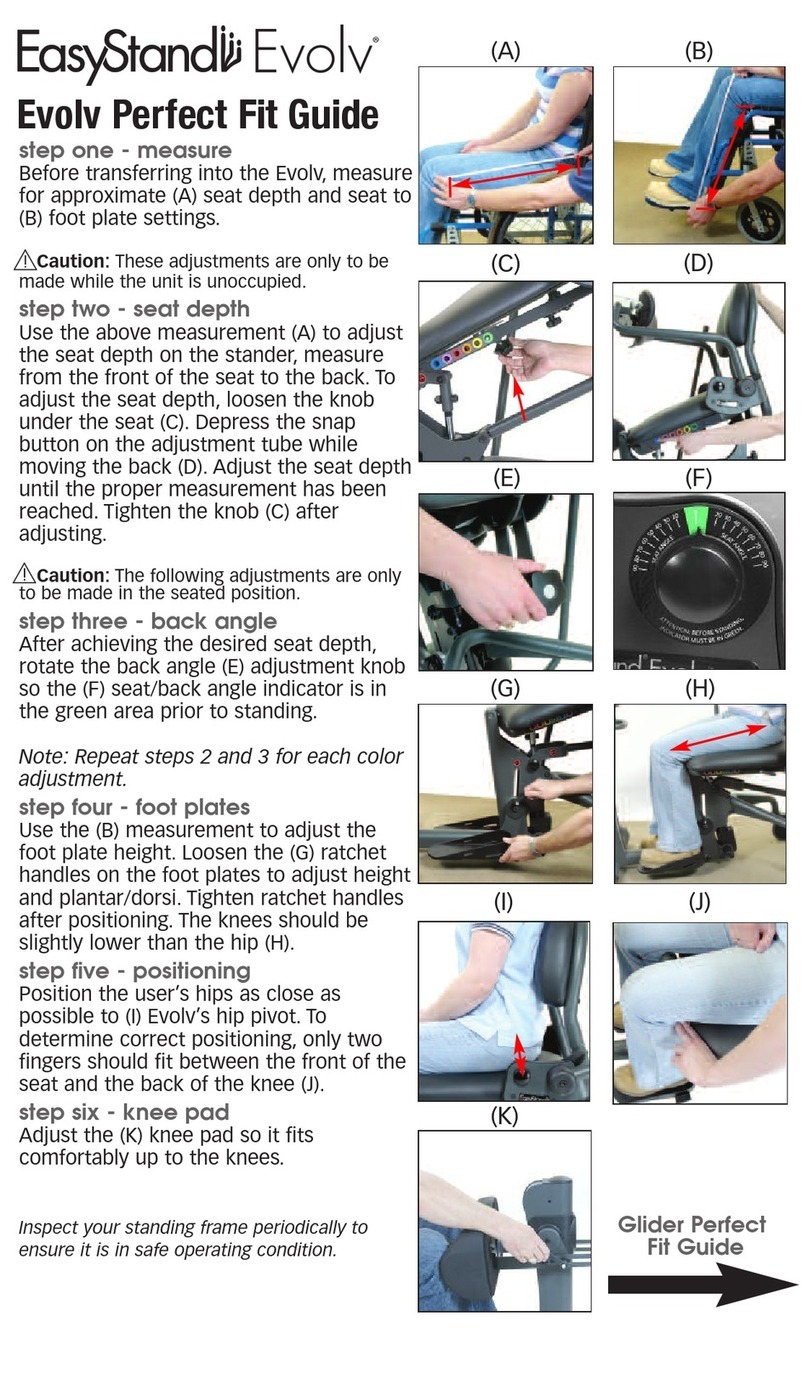
EasyStand Evolv Youth User manual

EasyStand

EasyStand Evolv Youth User manual

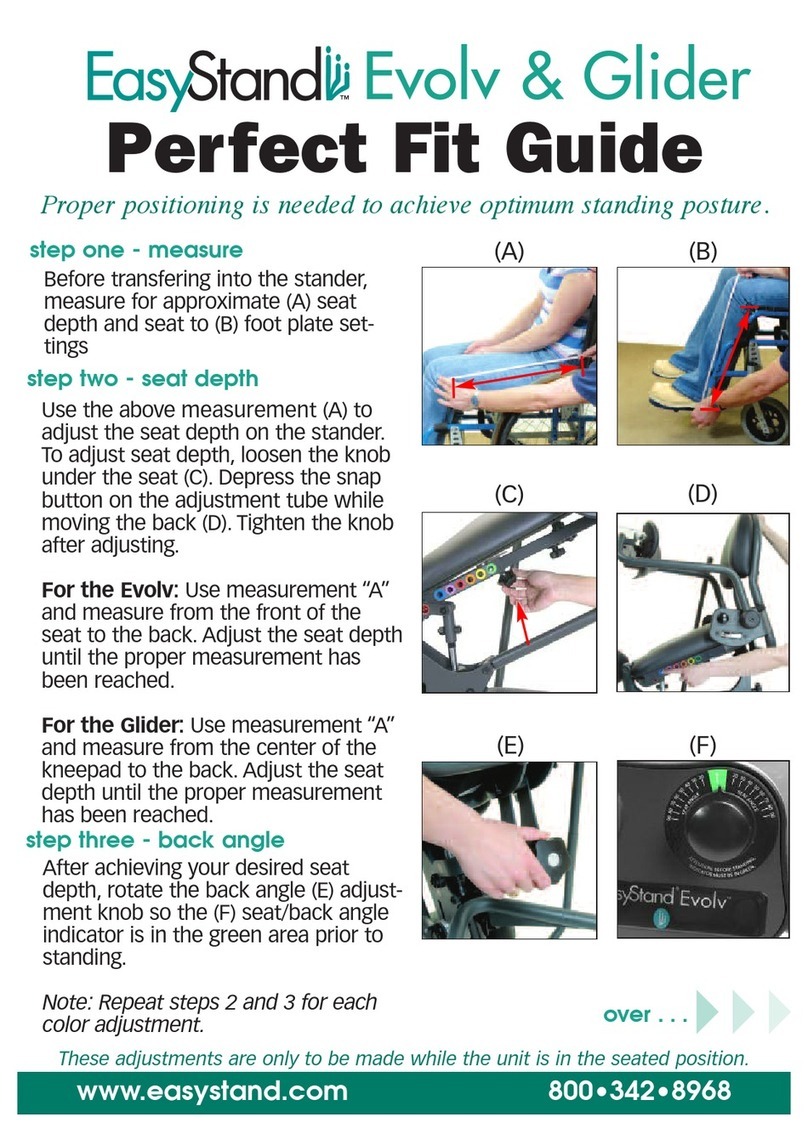
EasyStand Evolv User manual

EasyStand

EasyStand Evolv User manual

EasyStand Zing size2 User manual

EasyStand

EasyStand Zing size2 User manual

EasyStand Glider PNG50187 Medium User manual

EasyStand

EasyStand Glider PNG50187 Medium User manual

EasyStand 5000 YOUTH User manual

EasyStand

EasyStand 5000 YOUTH User manual

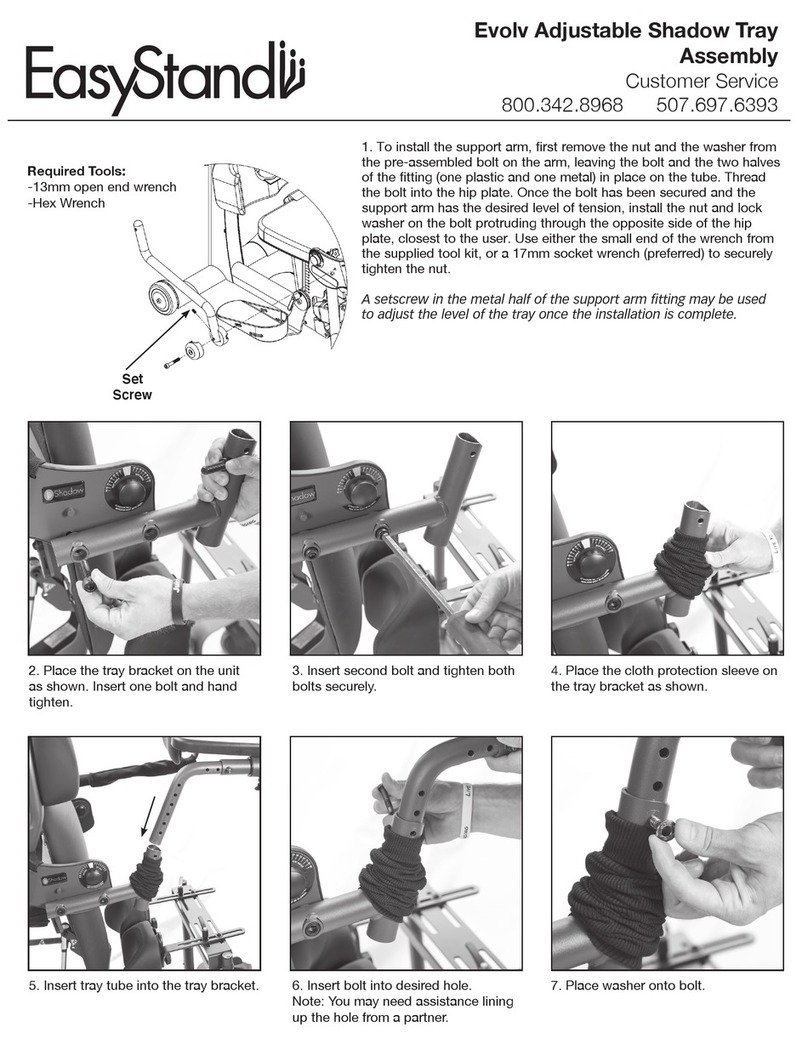
EasyStand Evolv Adjustable Shadow Tray User manual

EasyStand

EasyStand Evolv Adjustable Shadow Tray User manual

EasyStand Bantam User manual

EasyStand

EasyStand Bantam User manual

EasyStand Altimate Medical Zing User manual

EasyStand

EasyStand Altimate Medical Zing User manual

EasyStand Bantam Medium User manual

EasyStand

EasyStand Bantam Medium User manual

EasyStand Bantam User manual

EasyStand

EasyStand Bantam User manual

EasyStand Bantam User manual

EasyStand

EasyStand Bantam User manual

EasyStand Evolv PNG50162-1 User manual

EasyStand

EasyStand Evolv PNG50162-1 User manual

EasyStand Bantam PT50001-1 User manual

EasyStand

EasyStand Bantam PT50001-1 User manual

EasyStand Evolv User manual

EasyStand

EasyStand Evolv User manual

EasyStand Bantam Medium User manual

EasyStand

EasyStand Bantam Medium User manual

EasyStand Bantam Extra Small User manual

EasyStand

EasyStand Bantam Extra Small User manual

Popular Mobility Aid manuals by other brands

Drive DeVilbiss GoLite 200 operating instructions

Drive DeVilbiss

Drive DeVilbiss GoLite 200 operating instructions

Invacare 8153-J user manual

Invacare

Invacare 8153-J user manual

Clearwell Mobility Brandon User instructions

Clearwell Mobility

Clearwell Mobility Brandon User instructions

Handicare 1100 user manual

Handicare

Handicare 1100 user manual

NRS Healthcare M11090 User instructions

NRS Healthcare

NRS Healthcare M11090 User instructions

Alber Scalamobil iQ operating instructions

Alber

Alber Scalamobil iQ operating instructions

Ferno CCT-PX user manual

Ferno

Ferno CCT-PX user manual

Medline MDS86835DSHEC User Instructions & Warranty

Medline

Medline MDS86835DSHEC User Instructions & Warranty

Guldmann Twin Turner II user manual

Guldmann

Guldmann Twin Turner II user manual

Ferno 35-ITA user manual

Ferno

Ferno 35-ITA user manual

Drive ROOMBA Operation manual

Drive

Drive ROOMBA Operation manual

Gate Balder operating instructions

Gate

Gate Balder operating instructions

Decon wheel TNS Notos Assembly instructions

Decon wheel

Decon wheel TNS Notos Assembly instructions

ExoAtlet ExoAtlet-II user manual

ExoAtlet

ExoAtlet ExoAtlet-II user manual

Invacare Storm Series parts catalog

Invacare

Invacare Storm Series parts catalog

Rhythm Healthcare B3800F manual

Rhythm Healthcare

Rhythm Healthcare B3800F manual

AMF-BRUNS PROTEKTOR installation manual

AMF-BRUNS

AMF-BRUNS PROTEKTOR installation manual

Drive DeVilbiss Healthcare OTTER Instructions for use

Drive DeVilbiss Healthcare

Drive DeVilbiss Healthcare OTTER Instructions for use

manuals.online logo
manuals.online logoBrands
  • About & Mission
  • Contact us
  • Privacy Policy
  • Terms and Conditions

Copyright 2025 Manuals.Online. All Rights Reserved.

Please ensure the Assembly Manual stays with the unit at all times.
Assembly Manual
P2100-1
SYMBOL/LABEL LEGEND
CAUTION/WARNING/ATTENTION
PINCHPOINT
SERIAL NUMBER
SN
TEMPERATURE
DATE OF MANUFACTURE
Waste of electrical and electronic equipment must not be disposed as unsorted municipal waste. It must be
collected separately, and must be disposed as per local regulations. Contact your authorized representative
for information concerning the decommissioning of your equipment.
SEE INSTRUCTIONS FOR USE
TYPE BF APPLIED PART
MANUFACTURER
HUMIDITY ATMOSPHERIC PRESSURE
MEDICAL DEVICE
CONFORMITÈ EUROPËENNE PRESCRIPTION ONLY
POTENTIALLY HOT SURFACE
Accessible surfaces which may
exceed 105˚F/41˚C and could be a
hazard to persons with skin damage
or not having sensation.
CERTIFICATION LABEL/UNIQUE DEVICE IDENTIFICATION LABEL
Serial Number
Item Number
Item Description
Unique Identier
Assembly .................................1
Options & Parts Detail...................... 11
Table of Contents
Date Purchased:
Serial #:
Contact Altimate Medical for any information required prior to purchase. This owner’s manual along
with other information is freely available by request or by downloading from easystand.com.
IMPORTANT
EasyStand Warranty Registration
FREE GIFT Upon Completion
(warranty & oer valid in the United States only)
To register online go to easystand.com/warranty
or Scan the
QR Code
IMPORTANT! Please complete and return within 30 days. To receive the free gift,
please ll out all information. Thank You.
Note: The serial number is
located on the side of the base.
FIG. 2
FIG. 3
FIG. 4
FIG. 1A
Base Unit
Rubber
Cover
EasyStand StrapStand Assembly
Videos on EasyStand assembly & tting can be viewed at www.easystand.com/videos
®
FIG. 1B
1
FIG. 1A
FIG. 1A- For the standard foot plate, place the base unit at, as
shown. Remove the rubber cover on the lower part of the base
to expose the inside of the unit and remove bolts from the foot
plate bracket. Place foot plate onto the base and insert bolts,
tighten nuts securely. Flip the base unit back upright.
FIG. 1B- For the multi-adjustable foot plates, insert ratchet
handle into hole and tighten securely. Repeat step for other
side.
FIG. 2- Using the bolts provided, place the legs on each side of
the base and tighten bolts securely.
For Swing-Out Leg assembly, see p. 5.
FIG. 3- Remove bolts from the lifting rods, place the arms onto
the lifting rod on the base, insert bolts and tighten securely.
FIG. 4- Remove the yellow shipping tab that is placed onto
the tray column. Insert the tray post into the front
column with the mounting holes toward the top. Place the tray
assembly onto the tray post, insert nut into slot and bolt into
hole, tighten securely. The tray clamp on the front frame may
need adjustment to t the tray post into the frame.
FIG. 2
FIG. 3
FIG. 4
Leg
Arm
Clear Tray
Option Shown
Rubber
Cover
Tray Assembly
FIG. 1B
2
FIG. 4
FIG. 5
FIG. 5- Attach the pump handle to the pump on
the base with bolts and nuts, tighten securely.
FIG. 5
Pump Handle
3
FIG. 6- Remove all hardware from the knee bracket. Make
sure the 2 nuts are in the back side of the clamp, place the
clamp into the knee slot on the unit. Place the knee
bracket and the spacer into the slot making sure the
spacer is between the knee bracket and knee slot, lining up
with the clamp.
Note the curve of the knee bracket is up.
FIG. 7- Place washer onto the ratchet handle insert handle
through the knee bracket, spacer and into the clamp.
Place washer onto the bolt, insert bolt through the knee
bracket, spacer and into the clamp. Tighten snug, but allow
knee assembly to slide freely.
FIG. 8- For standard knee pads, remove the three bolts from
the knee pad, making sure the plastic insert stays in place.
Place the knee pad onto the bracket and insert top two bolts
before inserting the middle bolt. Tighten
securely.
For independent knee pads, place the knee pads onto the
knee pad brackets, tighten knobs securely. The narrow end
of the slotted washer for the knee pads will be inserted into
the bracket.
REFERENCE DRAWING ON P. 11.
FIG. 6
FIG. 8
Spacer
Clamp
FIG. 7
FIG.8
Knee Pad
Plastic Insert
Slotted Washers
Knee Slot
4
Standard
Knee Pads
Independent
Knee Pads
FIG. 9
Swing-Out Leg Assembly
FIG. 9
Leg
Bracket
FIG. 9- Place the leg bracket onto the base with the single
hole towards the bottom and the slotted hole toward the back.
Apply provided loctite to bolts before inserting and tightening
securely.
5
FIG. 10
Handle
Assembly
FIG. 11
FIG. 11
FIG. 10- Place the leg inside the leg bracket. Insert the
ratchet handle into the slotted hole and tighten securely.
Insert the bolt into the hole in the bracket and through the leg.
Attach nut and tighten securely.
FIG. 11- Assemble handle assembly as shown, place the
handle assembly onto the caster brackets as shown. Make
sure the washers are placed between the caster bracket and
the handle arm. Place nut onto the bolt and tighten securely.
FIG. 11
Caster
Brackets
FIG. 5
FIG. 10
Ratchet Handle
6
Option Assembly
Lifting Strap-9"Wx25"L
80811
Lifting Strap-12"Wx28"L
80719
Lifting Strap-14"Wx32"L
80962
Adjustable Lifting
Strap-10"Wx26"L
80882
Adjustable Lifting
Strap-12"Wx29"L
80881
Adjustable Lifting
Strap-14"Wx32"L
80963
Adjustable Sling
Strap-9"Wx25"L
82205
Adjustable Sling
Strap-12"Wx28”L
82206
Adjustable Sling
Strap-14"Wx32"L
82207
Knee Assembly
Adjustable Lifting
Harness-10"Wx26"L
82280
Adjustable Lifting
Harness-12"Wx29"L
82281
Adjustable Lifting
Harness-14"Wx32"L
82282
7