Page iii
Contents
Compliance Statement........................................................ ii
Chapter 1: Introduction ............................................... 1
About this guide .......................................................... 1
Part-setting and partitioned modes ................................ 1
Part-setting mode .............................................................. 1
Partitioned mode................................................................ 2
System Components.................................................... 3
The control unit ................................................................. 3
Detectors (zones) .............................................................. 4
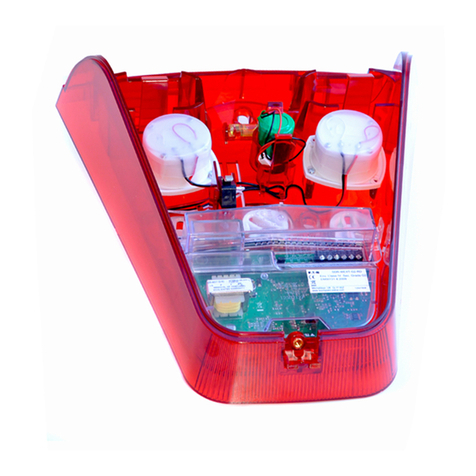
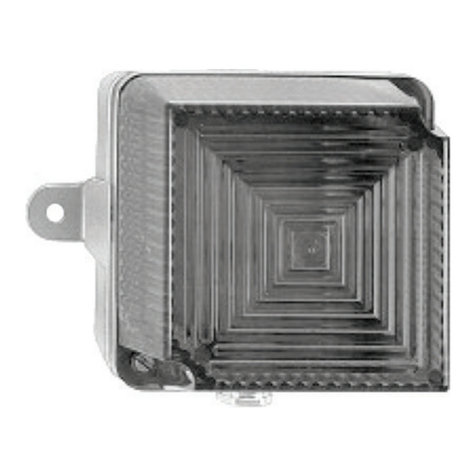
Outputs ............................................................................ 5
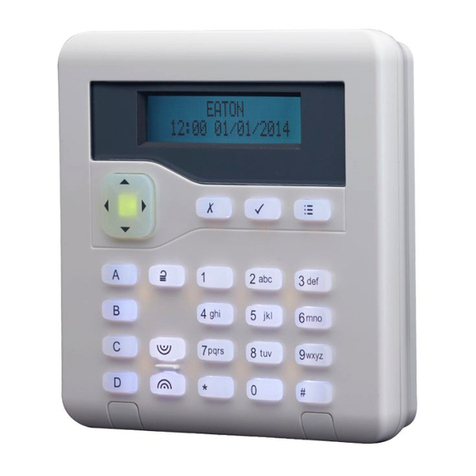
Keypads............................................................................ 5
Proximity Tags................................................................... 9
Remote controls................................................................. 9
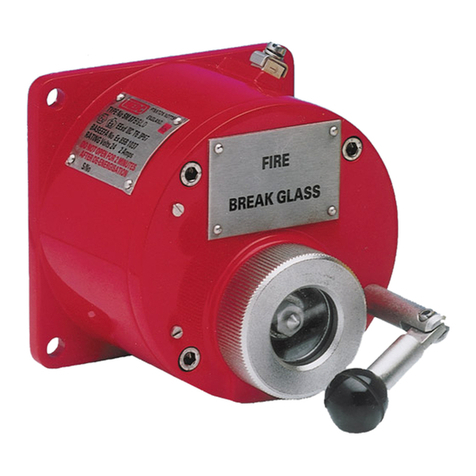
Radio Hold Up Alarms (HUA) ............................................... 9
About Users...............................................................10
User access codes ............................................................ 12
Installer access................................................................ 13
Eaton SecureConnect™ ...............................................13
Chapter 2: Setting and Unsetting ............................... 14
Introduction...............................................................14
Using a keypad ..........................................................14
Setting the system ........................................................... 14
Quick-setting the system using a keypad ............................ 17
Unsetting the system using a keypad ................................. 18
Using a two-way keyfob-style remote control.................19
Setting the system ........................................................... 20
Unsetting the system........................................................ 20
Querying the set/unset status............................................ 20
Starting a Hold Up Alarm (HUA)......................................... 21
Using a one-way remote control ...................................21
Setting the system ........................................................... 22
Unsetting the system........................................................ 22
Using a one-way radio keypad .....................................23
Setting the system ........................................................... 23
Unsetting the system........................................................ 24
Using SMS command messaging ..................................24
Chapter 3: Managing Alarms ...................................... 25
Alarm types and sounds ..............................................25
Other alarm actions ....................................................26
Speech messages ............................................................ 27
Silencing, acknowledging and resetting alarms...............27
Installer resets ................................................................ 29
Accidental alarms .......................................................29
Viewing alerts ............................................................29
Chapter 4: User Menu Options.................................... 31
User Menu Map ..........................................................31