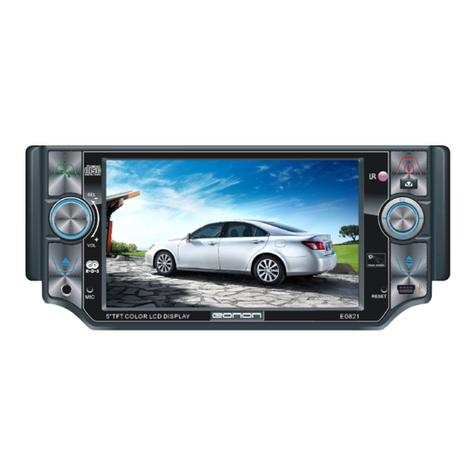
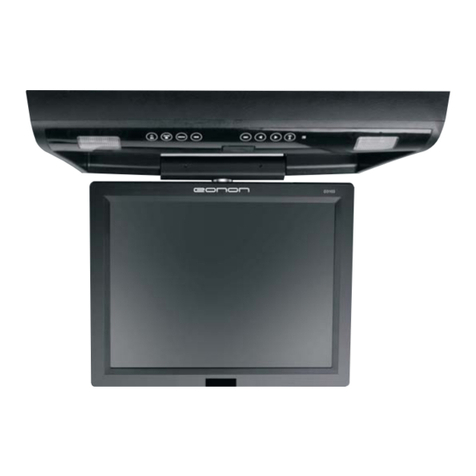
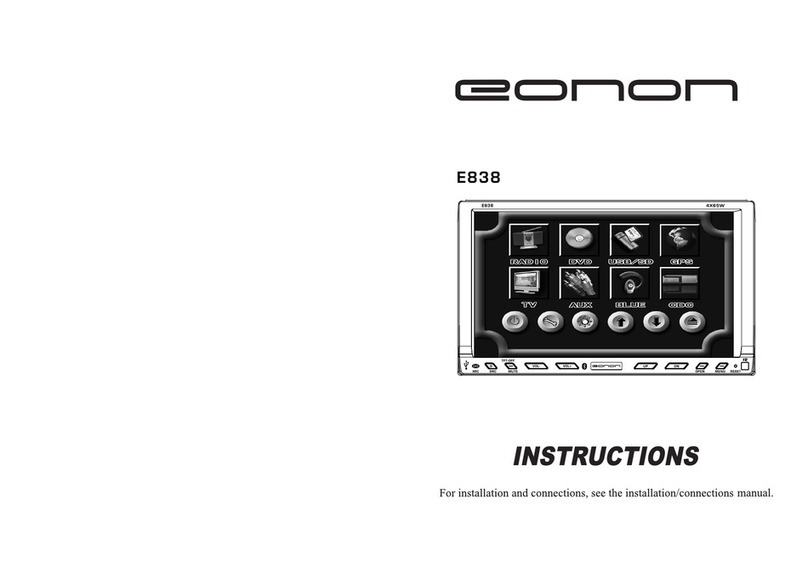
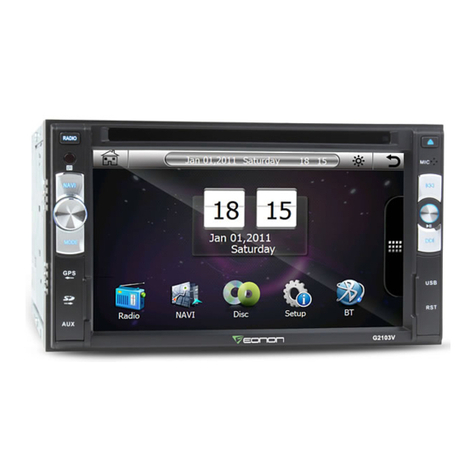
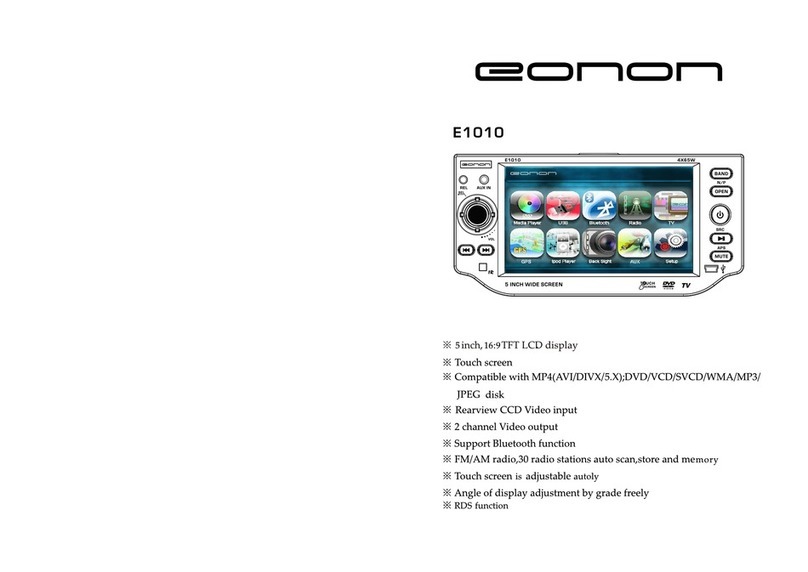
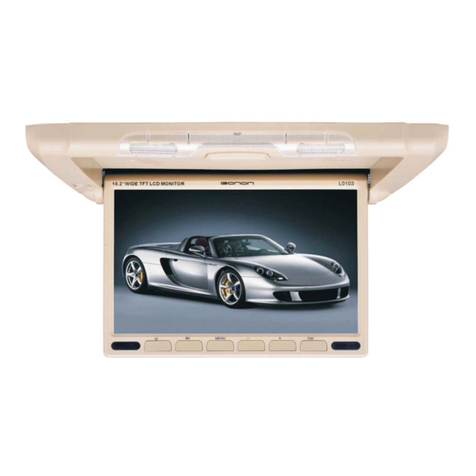
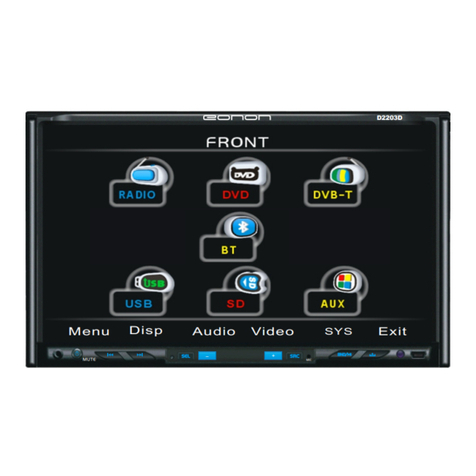
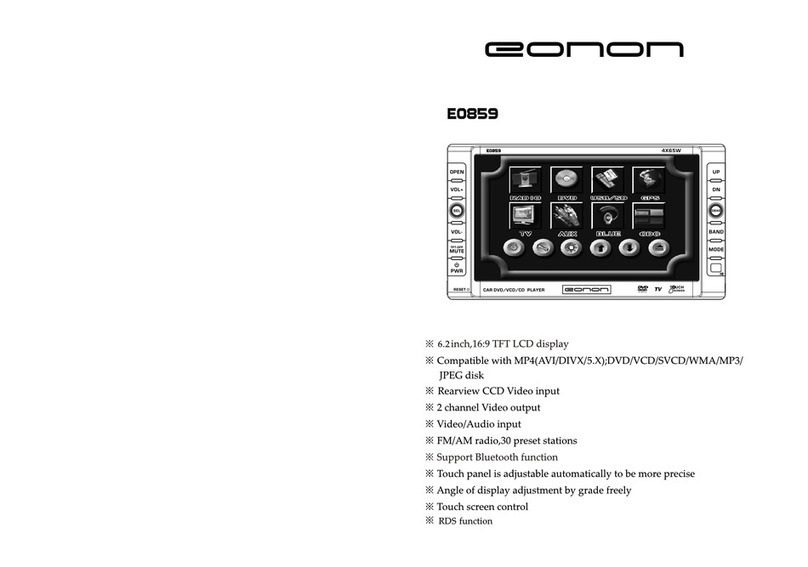
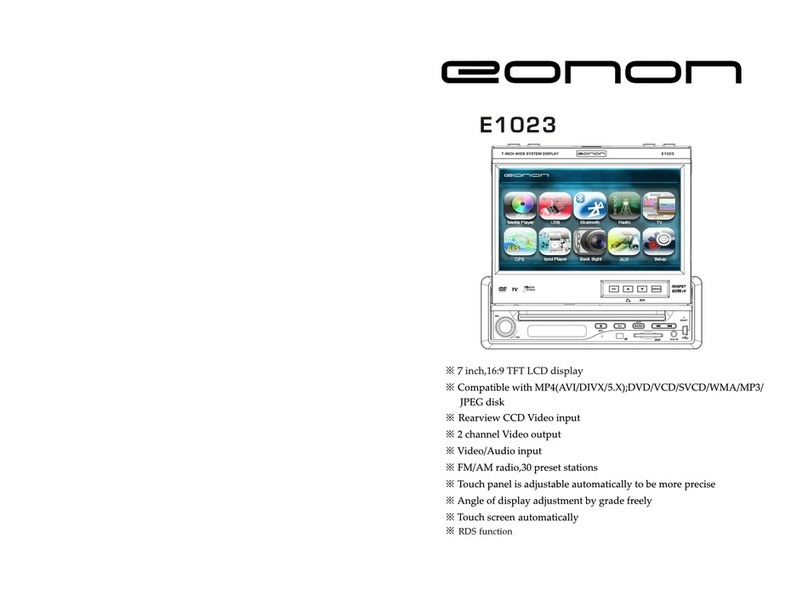
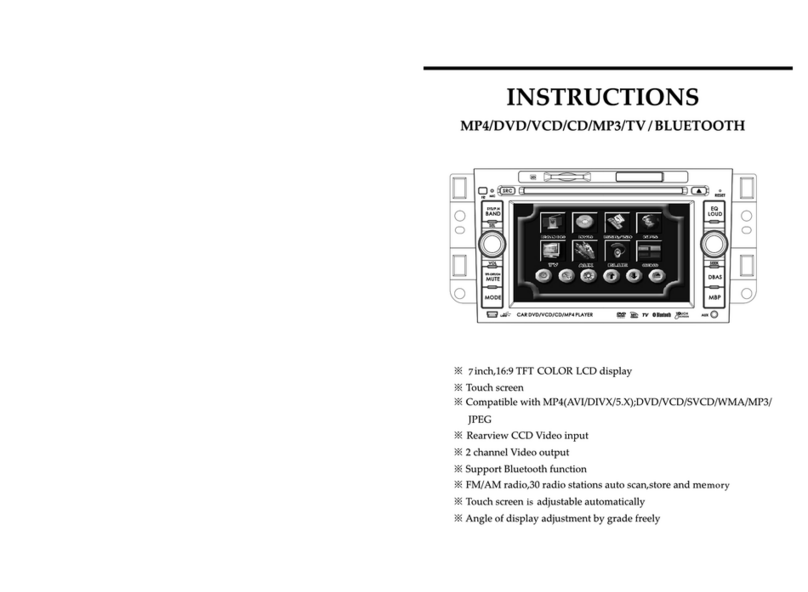
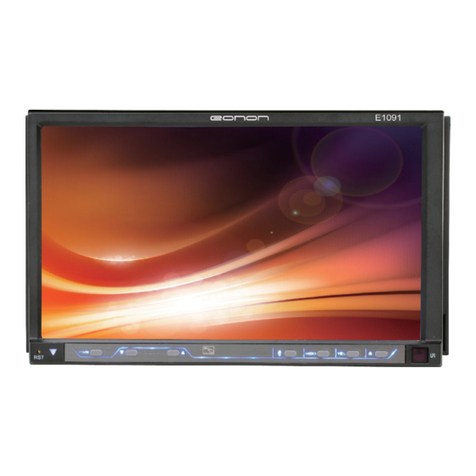
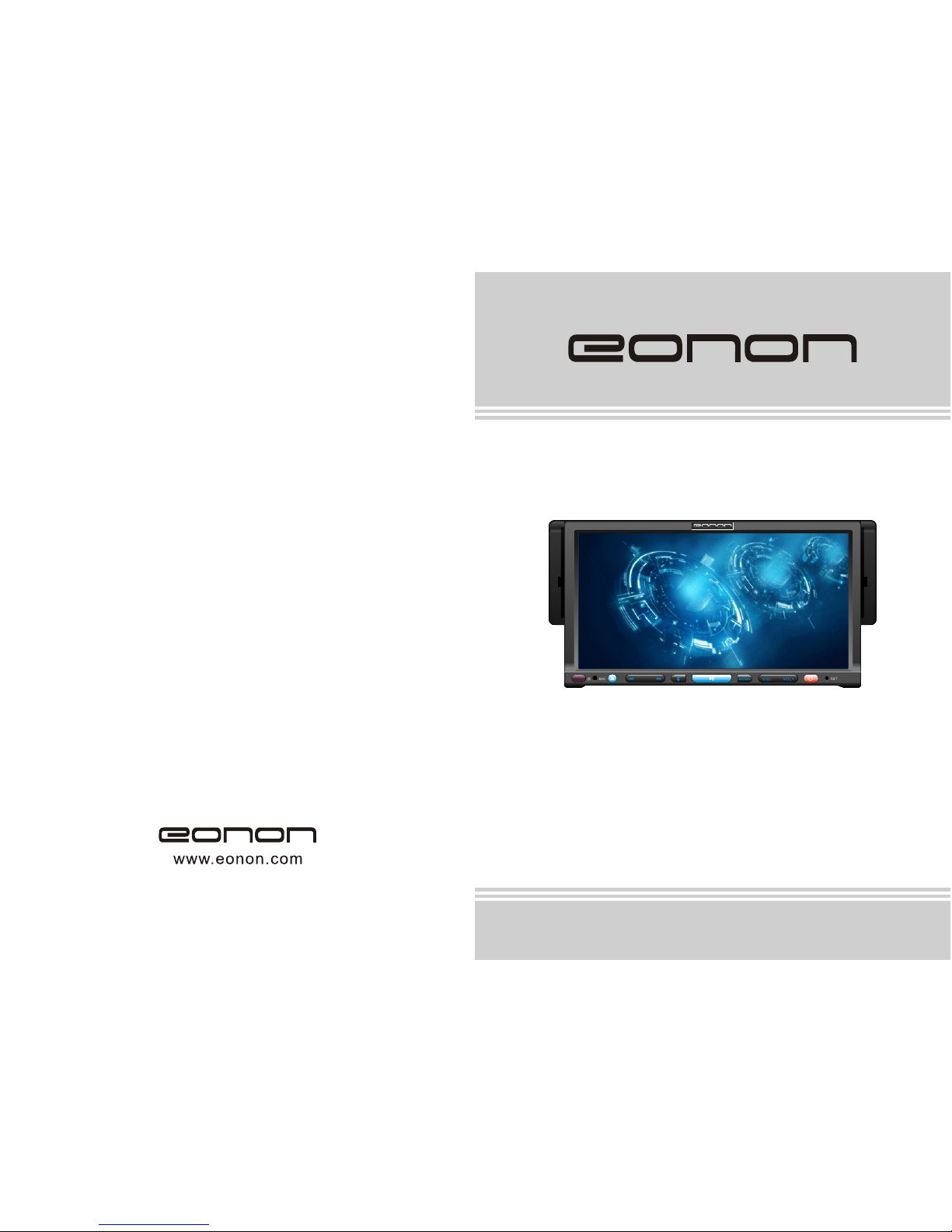
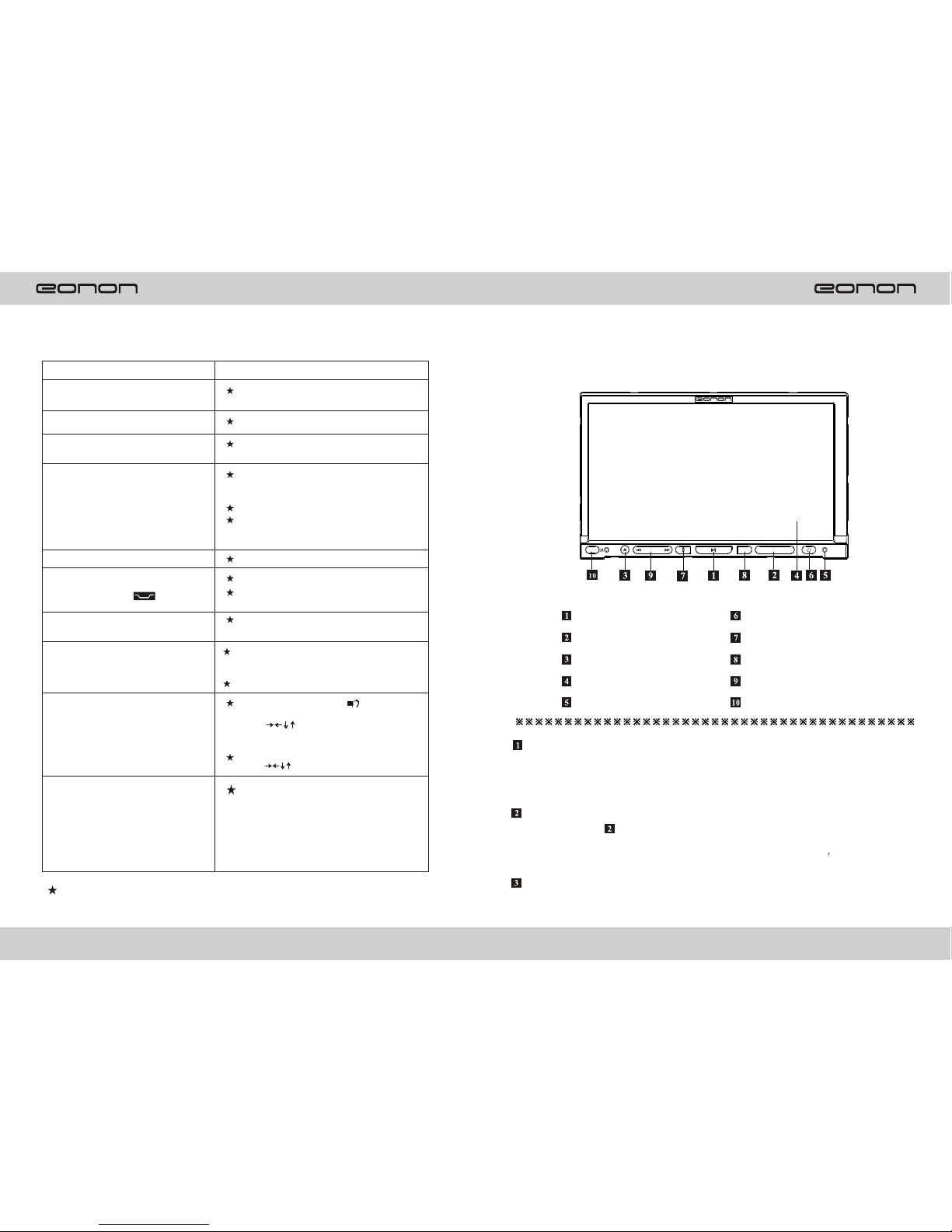
Panel illustration
SIMPLE TROUBLESHOO TING GUIDE
Problem Cause/solution
No power Check the fuse. Replace with the proper
value if necessary
Some errors occur in the LCD or no
function when pressing the button Press the RESET button
Unable to receive stations Check and make sure the antenna is
properly connected.
Poor effect on receiving
Antenna may not have proper length. Make
sure the antenna is fully exten ded. If broken
replace the antenna with a new one.
The broadcasting signal is too weak.
The antenna is poorly grounded. Check and
make sure the antenna is properly grounded
at its mounting location.
CDs cannot bo loaded A CD is loaded in the mechanism.
The stereo indicator" "is flashing
Tune in the frequency accurately
The broadcasting signal is too weak.
(Set to the MONO mode)
No picture The video line from main unit to the TV is
not connected properly .
Picture distortion
Improper setting of the color system. Set the
color system to PAL or NTSC, according
to the connected television.
The CD is dirty or damaged.
Wrong region code
Under DVD mode ,press" " on
remote control pad twice, the press
arrow on remote control pad,
and press pad 0-6according to your region
For example, if disc region is 1, press
arrow and 1 on the remote control.
No memory on radio sation
Press the station for 3 seconds to
memorize preset station.
For example, if a user wants to
Preset radio frequency FM 88.10
On station 1, just simply press
station 1 for 3 seconds when
frequency is tuned at FM 88.10
Note:If any of the problem persist, consult your nearest service dealer.
Never attempt to disassemble the unit by yourself.
326
VOL-MODE VOL+
MIC RST
D1201
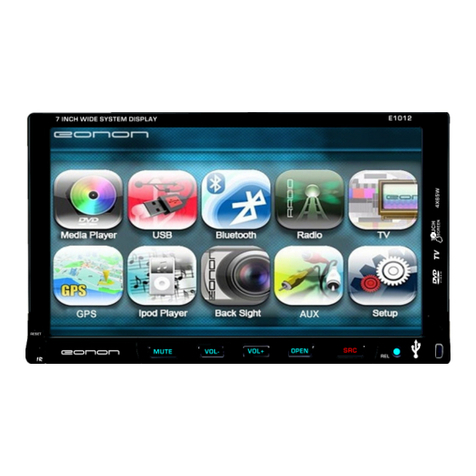
Play/Pause button
Reset button
Touch screen
Angle button
Eject button
Power port
Vol+ Vol- button
Remote control sensor
Seek+/Seek-
Mode button
Press it to pause the playback, and
press it again to resume to normal
playback.
Vol+ Vol- button
Play/Pause button
For volume control , press Vol+,Vol-
clockwise to increase the sound level
and anti-clockwise to decrease the
sound level.
Eject bu tton
A. When there is no disc in the unit,
press it and the front panel will
flip down to shown the disc slit in
the main unit, Insert the disc into
the CD slot, and the mechanism
wills automatically playback the
Disc.
B. When there is a disc in the unit,
press it, the front panel will
automatically flip down and eject
the disc, if you don t take the
disc away within 5 seconds, the
mechanism will automatically slot
in the disc, lock the front panel and
select radio mode.