ESCO – Equipment Supply Company
15270 Flight Path Drive Brooksville, FL 34604 ●Phone: 800-352-9852 ●Fax: 352-754-4508
Step 5:
Connect the inflator Outlet to a second stable >100 PSI air source.
Step 6:
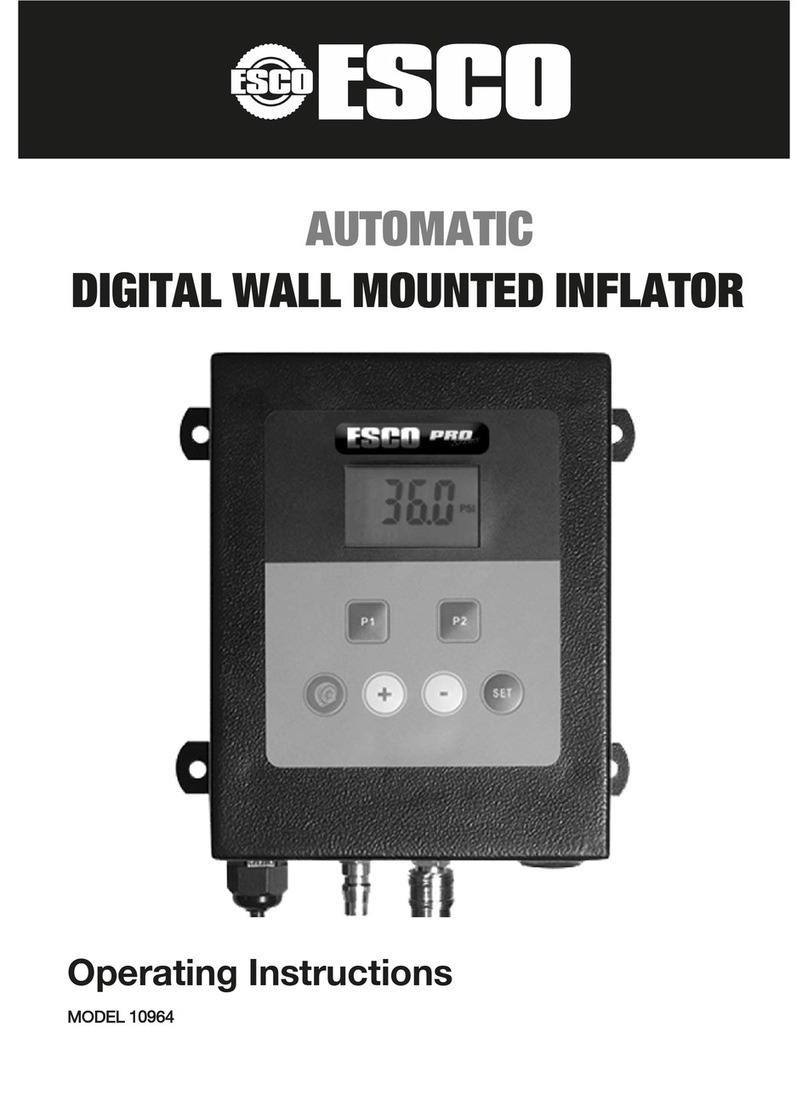
The current air pressure will be shown on the inflator’s LCD display.
Step 7:
Once the air pressure reading is steady and holding its position press the “i/SET” unit
option button once on the inflator.
The display screen will show a reading of “100 PSI”, at this point shut off the air source
and calibration is complete.