5
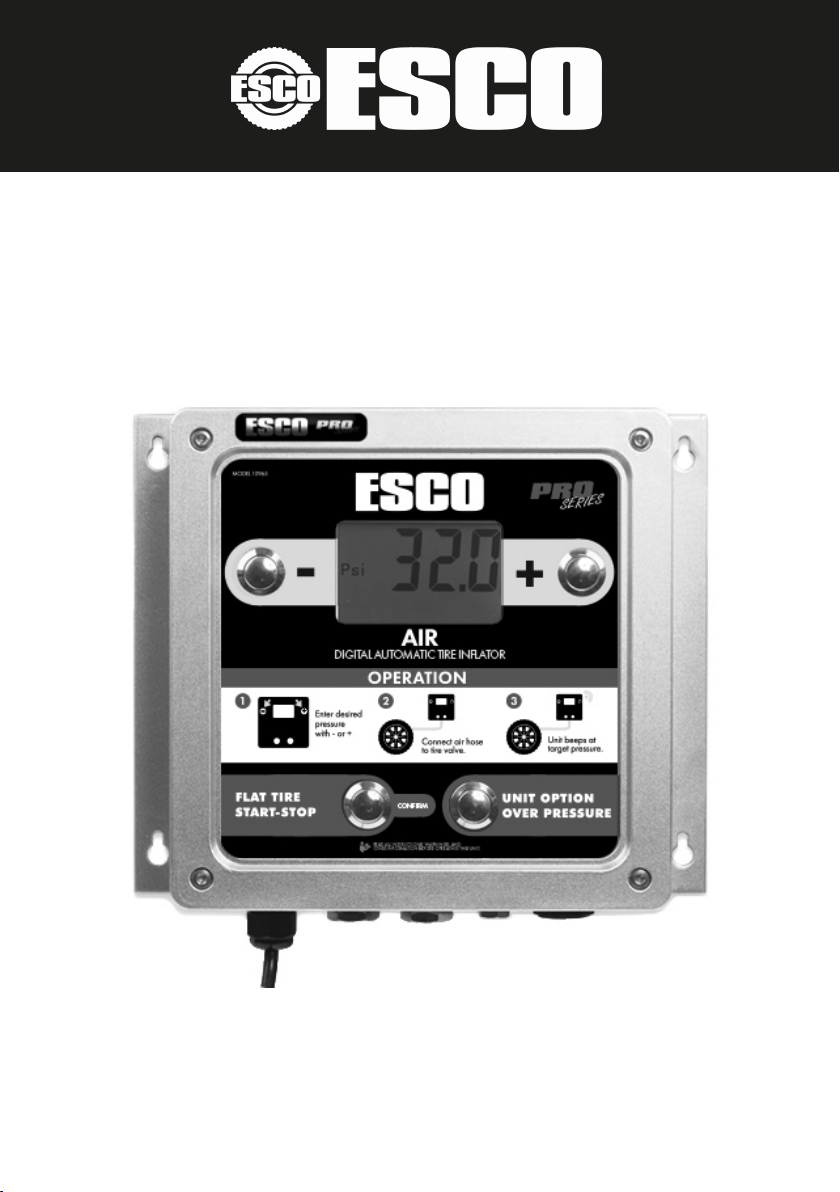
Ination and Deation:
1. Press + or - to select target pressure.
2. Connect with tire, ensure no air leaks,
inflator will start automatically.
3. When inflation is finished, the tire inflator
will stop automatically and BEEP to warn
users that inflation has reached target
pressure.
4. Disconnect the air hose from tire.
Functions:
1. Press UNIT OPTION to enter the function
setting mode. After selecting the unit, press
UNIT OPTION again to enter the OPS
setting directly, press UNIT OPTION three
times and the device will exit out of the
setting mode without saving the selection.
2. When OPS function is on, the device will
inflate to target pressure plus OPS value
first, then deflate to tire pressure desired,
for example:
A final target of 32 psi or 2.2 bar with an
OPS setting of 16 psi or 1.1 bar gives a
sum of 48 psi or 3.3 bar. This sum of 48
psi or 3.3 bar is the Over Pressure setting
for the tire. The tire will inflate to the sum
value and deflate to the final target
pressure.
3. I f tire pressure is lower than 3 psi or 0.2
bar, the device will not start automatically.
Press FLAT TIRE for 2 seconds to start
manually.
4. During inflation, the device will check tire
pressure automatically, the rolling bar
shows inflation/deflation in progress and
left to right means inflating, right to left
means deflating.
OPERATION
The device includes the OPS (Over Pressure
Setting) function which allows for the tire’s
pressure to be set very high and then reduced
to the pre-determined pressure. This is very
handy for use when a new tire is fitted to a rim.
Unit of measure select:
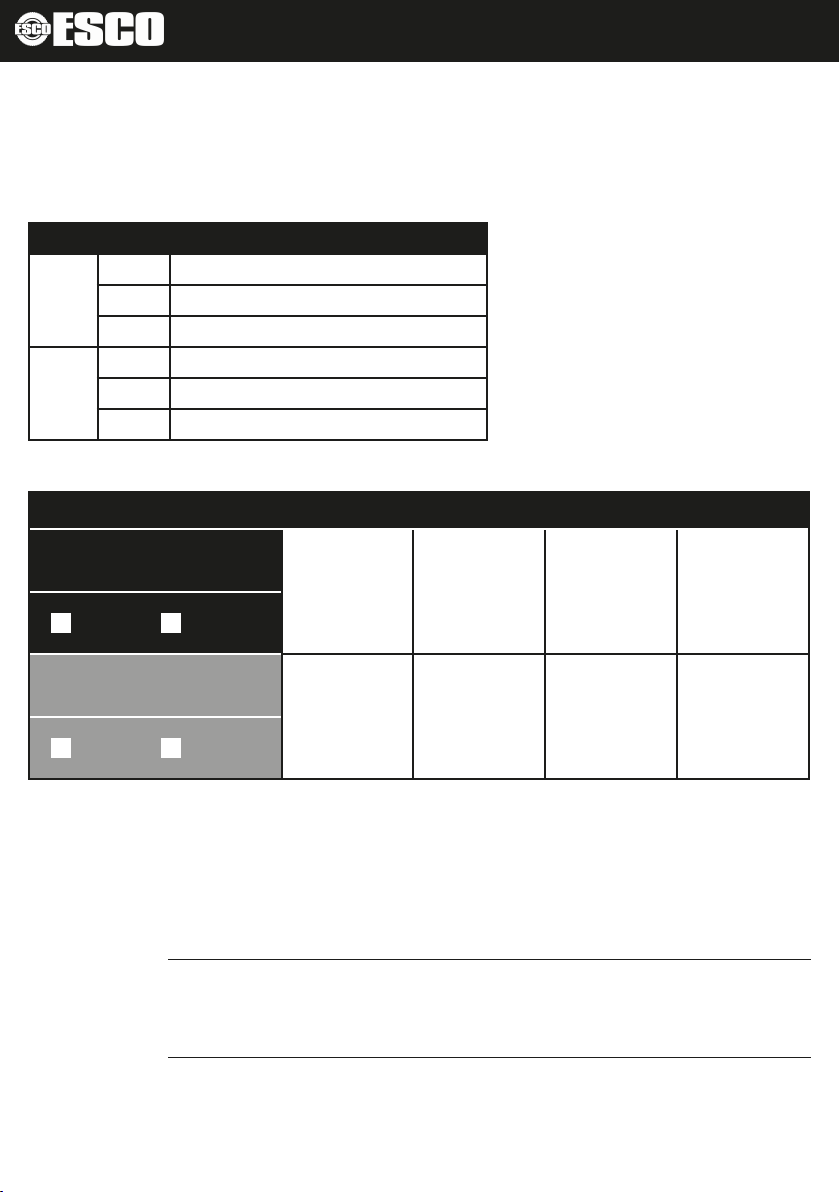
This device has four units of measure that can
be chosen by the user:
• kPa - kilo-pascals
• bar
• psi - pounds per square inch
• kg / cm2 - kilograms per square centimeter
Oncetheunitissethere,itwillbecomethe
defaultunitforfollowingusage.
1. PressUNITOPTIONandSETwillbe
shownontheLCDscreenandtheunitwill
beashing.
2. Press+or-tochoosetheunit.
3. PressCONFIRMtoconrmunitof
measure.
Set OPS:
1. PressUNITOPTIONtwice,SETandOPS
willbeshownontheLCDscreen,OPSwill
beashing
2. Press+or-tochoosetheOPSvalue.
3. PressCONFIRMtoconrm.IfOPSvalue
isnotzero,OPSwillbedisplayedatthe
LCDscreen.