manuals.online logo
Brands
  1. Home
  2. •
  3. Brands
  4. •
  5. FIBARO
  6. •
  7. Accessories
  8. •
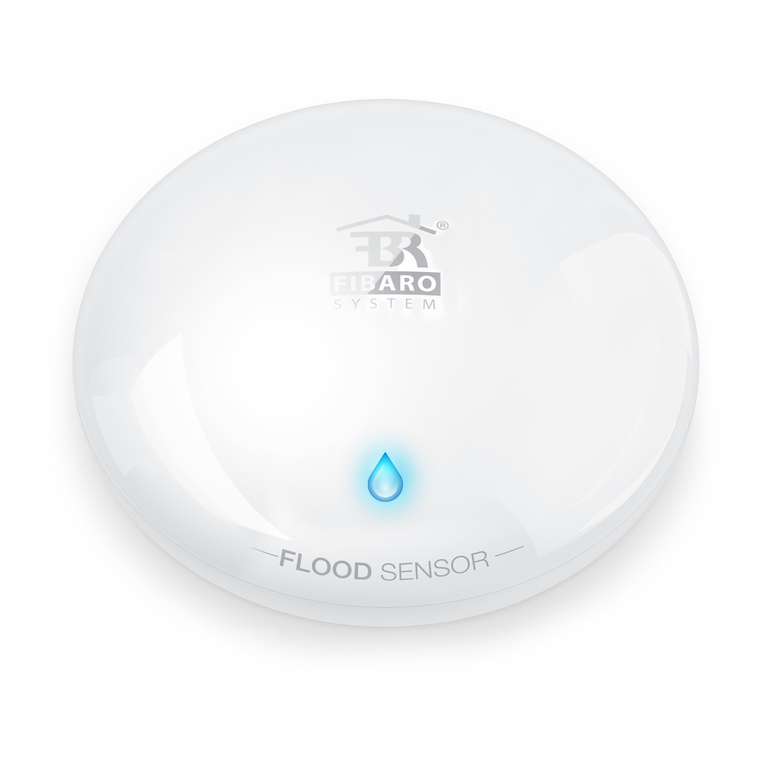
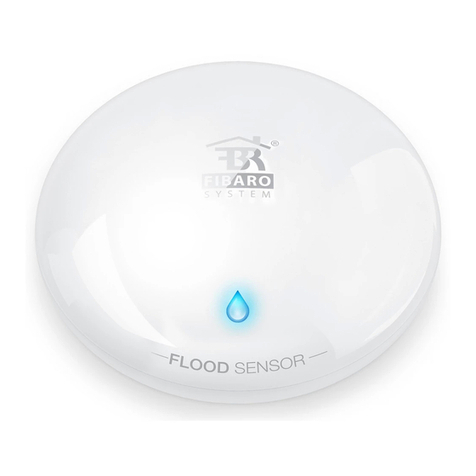
  9. FIBARO Flood Sensor User manual

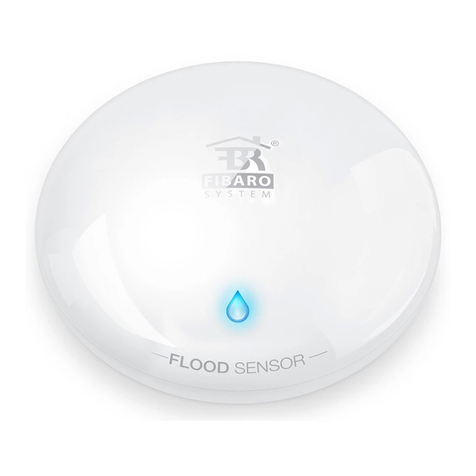
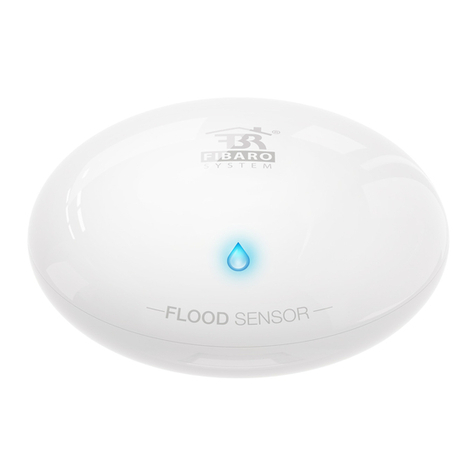
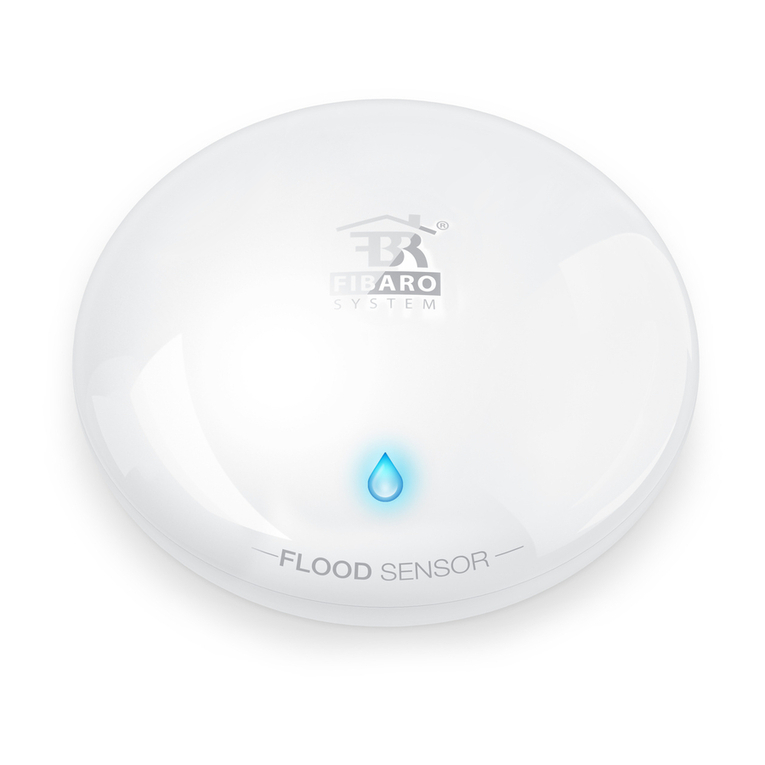
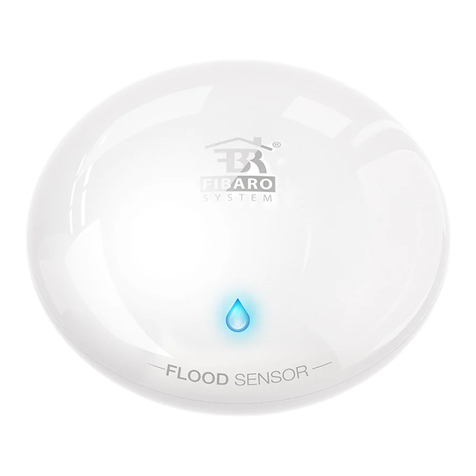
FIBARO Flood Sensor User manual

Other manuals for Flood Sensor

1

Other FIBARO Accessories manuals

FIBARO FGFS-001 User manual

FIBARO

FIBARO FGFS-001 User manual

FIBARO FGFS-101 User manual

FIBARO

FIBARO FGFS-101 User manual

FIBARO FGBHFS-001 User manual

FIBARO

FIBARO FGBHFS-001 User manual

FIBARO FGFS-101 User manual

FIBARO

FIBARO FGFS-101 User manual

FIBARO FGWP-102 User manual

FIBARO

FIBARO FGWP-102 User manual

FIBARO FGWPG-111 User manual

FIBARO

FIBARO FGWPG-111 User manual

FIBARO CO Sensor FGCD-001 User manual

FIBARO

FIBARO CO Sensor FGCD-001 User manual

FIBARO FGMS-001 User manual

FIBARO

FIBARO FGMS-001 User manual

FIBARO Flood Sensor User manual

FIBARO

FIBARO Flood Sensor User manual

FIBARO FGK Series User manual

FIBARO

FIBARO FGK Series User manual

FIBARO FGFS-101-EN-A User manual

FIBARO

FIBARO FGFS-101-EN-A User manual

FIBARO FGWPB-111 User manual

FIBARO

FIBARO FGWPB-111 User manual

FIBARO FGWOE-011 User manual

FIBARO

FIBARO FGWOE-011 User manual

FIBARO FGBHDW-002 User manual

FIBARO

FIBARO FGBHDW-002 User manual
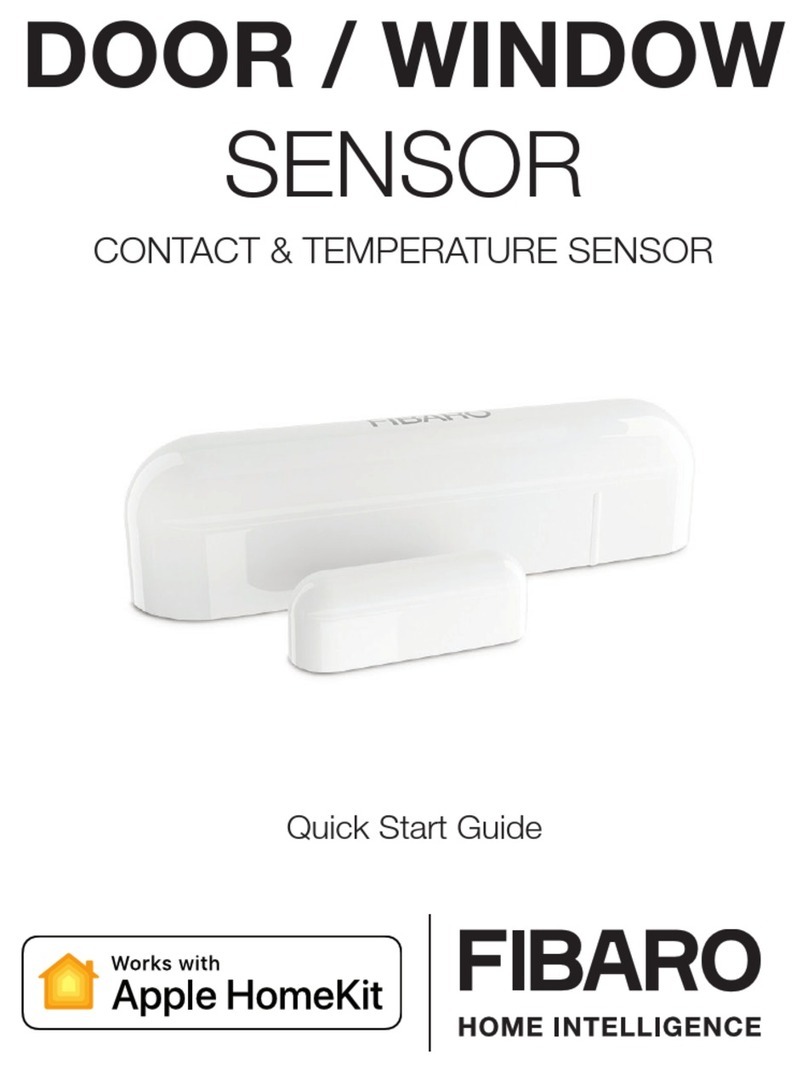
FIBARO FGBHFS-101 User manual

FIBARO

FIBARO FGBHFS-101 User manual

FIBARO Walli Outlet E User manual

FIBARO

FIBARO Walli Outlet E User manual

FIBARO FGFS-101 User manual

FIBARO

FIBARO FGFS-101 User manual

FIBARO FGBHDW-002 User manual

FIBARO

FIBARO FGBHDW-002 User manual
FIBARO FGMS-001-USA-A-V1.01 User manual
FIBARO

FIBARO FGMS-001-USA-A-V1.01 User manual

FIBARO FGBHMS-001 User manual

FIBARO

FIBARO FGBHMS-001 User manual

FIBARO FGFS-101-ZW5 User manual

FIBARO

FIBARO FGFS-101-ZW5 User manual

FIBARO FGWPG-111 User manual

FIBARO

FIBARO FGWPG-111 User manual

FIBARO FGFS-101 User manual

FIBARO

FIBARO FGFS-101 User manual

FIBARO FIBEFGMS-001-ZW5 User manual

FIBARO

FIBARO FIBEFGMS-001-ZW5 User manual

Popular Accessories manuals by other brands

Quincy lab 140AE-1 operating manual

Quincy lab

Quincy lab 140AE-1 operating manual

HomePro ZIR000 user manual

HomePro

HomePro ZIR000 user manual

DOL 20SCR Technical user guide

DOL

DOL 20SCR Technical user guide

RAB Smart Task installation manual

RAB

RAB Smart Task installation manual

Kemppi KMS 300 quick guide

Kemppi

Kemppi KMS 300 quick guide

Stearns 57,500 Series Installation and service instructions

Stearns

Stearns 57,500 Series Installation and service instructions

iGuzzini TWILIGHT COPENAGHEN manual

iGuzzini

iGuzzini TWILIGHT COPENAGHEN manual

Adelaide Annexe & Canvas Avan Deluxe installation guide

Adelaide Annexe & Canvas

Adelaide Annexe & Canvas Avan Deluxe installation guide

OHAUS 5000 instruction manual

OHAUS

OHAUS 5000 instruction manual

HOME8 WLS1300 quick start guide

HOME8

HOME8 WLS1300 quick start guide

MAXBOTIX MaxSonar quick start guide

MAXBOTIX

MAXBOTIX MaxSonar quick start guide

ioSmart iSmart56 Installation and user guide

ioSmart

ioSmart iSmart56 Installation and user guide

Focusrite Scarlett 18i8 user guide

Focusrite

Focusrite Scarlett 18i8 user guide

Velleman ED38105 user manual

Velleman

Velleman ED38105 user manual

JumpSport SkyBounce user manual

JumpSport

JumpSport SkyBounce user manual

Prima-Temp PRIYA Instructions for use

Prima-Temp

Prima-Temp PRIYA Instructions for use

Tefcold BC85I-BC85I W user manual

Tefcold

Tefcold BC85I-BC85I W user manual

Vaisala WMS302 user guide

Vaisala

Vaisala WMS302 user guide

manuals.online logo
manuals.online logoBrands
  • About & Mission
  • Contact us
  • Privacy Policy
  • Terms and Conditions

Copyright 2025 Manuals.Online. All Rights Reserved.

INSTRUCTION MANUAL
SmartThings Quick Start
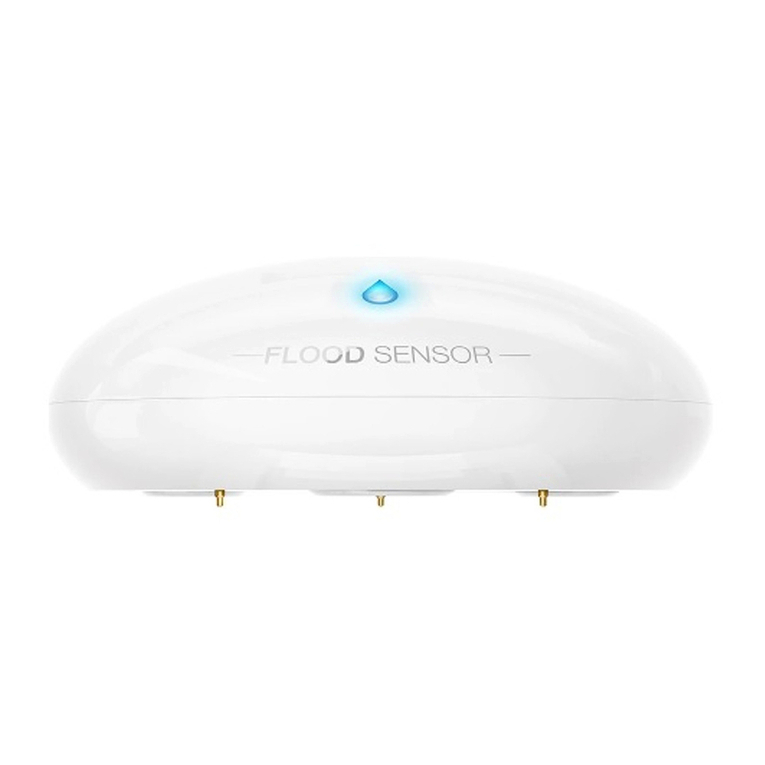
FIBARO FLOOD SENSOR
Flood sensor Temperature sensor
Feature Highlights
Tilt sensorSignal and
light alarm
Start the device
STEP 1
Twist open the casing.
Take off the casing.
STEP 2
Inclusion Process
STEP 1
Tap Marketplace in bottom
right corner
Inclusion Process
STEP 2
Tap Connect New Device
Inclusion Process
STEP 3
The app will say "I'm looking
for Things
Beep!
STEP 3
Remove the battery tab
“I’m ready”.
Start the device
You will hear a beep while LED
diode blinks red.
Check if the battery
is placed correctly.
STEP 4
STEP 5
Quickly, TRIPLE CLICK the
button in order to wake up the
device.
*Wake up the device
*If the app does not automatically find the Flood
Sensor then perform this step. (If automatically
found then skip this step)
Inclusion Success!
STEP 6
Success, sensor was found,
now tap below to configure.
Completing inclusion
STEP 7
Name the device and select
which room it is in.