1
2
3
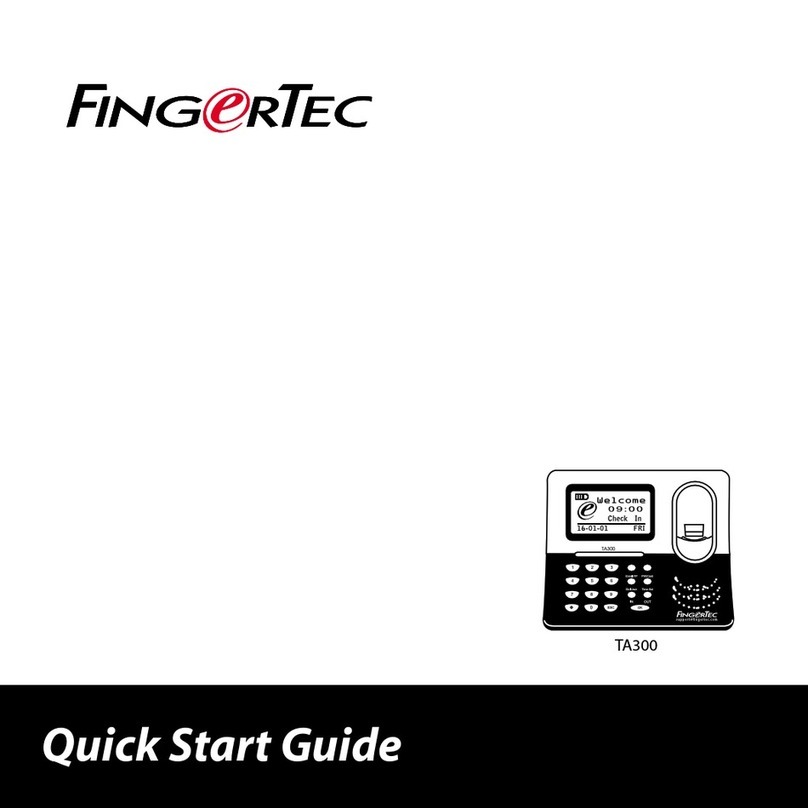
Quick Start Guide
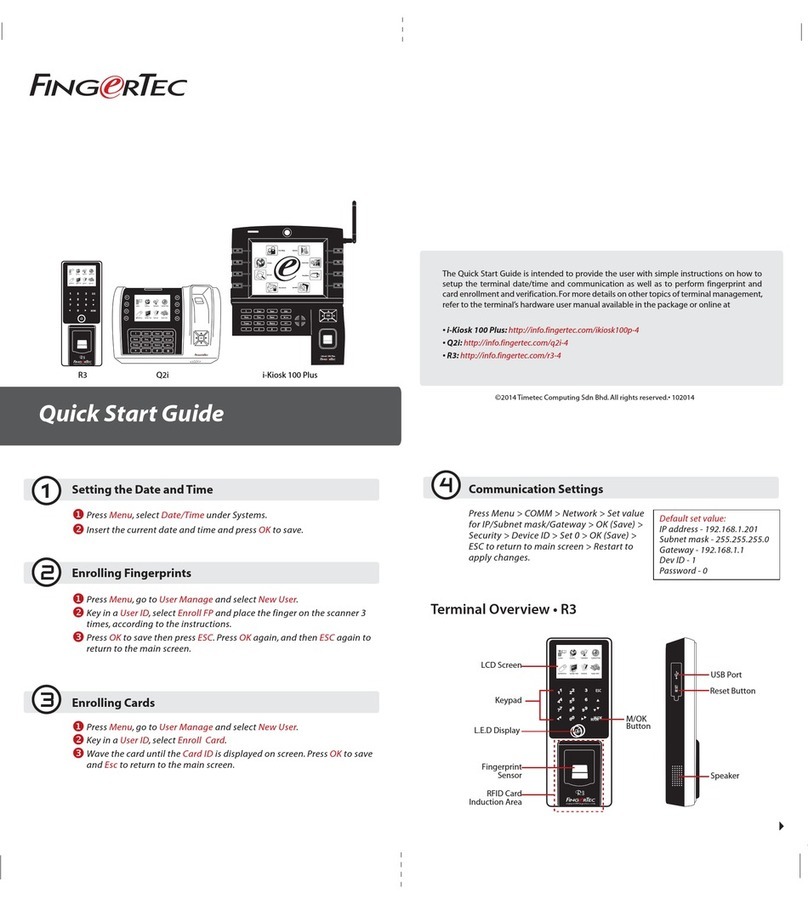
The Quick Start Guide is intended to pro-
vide the user with simple instructions on
how to setup the terminal date/time and
communication as well as to perform fin-
gerprint and card enrollment and verifica-
tion. For more details on other topics of
terminal management, refer to the termi-
nal’s hardware user manual available in the
package or online at
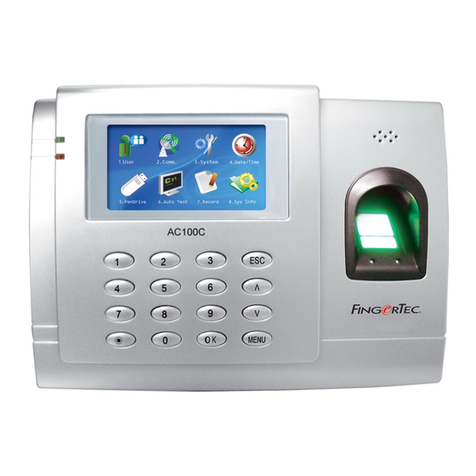
• AC100C
http://info.fingertec.com/ac100c-4
• TA100C
http://info.fingertec.com/ta100c-4
• TA200 Plus
http://info.fingertec.com/ta200p-4
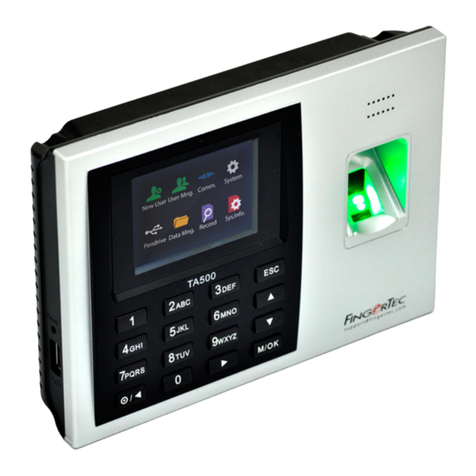
• TA500
http://info.fingertec.com/ta500-4
Setting the Date and Time
1. TA100C, AC100C & TA500:
Press Menu, select System,select Date/
Time and set the value.
TA200 Plus: Press Menu, select Date/
Time and set the value.
2. Press OK to save the settings, then press
ESC to return to the main screen.
Enrolling Fingerprints
1. Press Menu, go to User Manage and
select New User.
2. Key in a User ID, select Enroll FP and
place the finger on the scanner 3 times
according to the instructions.
3. Press OK to save then press ESC. Press
OK again, and then ESC again to return
to the main screen.
Communication Settings
Press Menu > COMM > Network > Set
value for IP/Subnet mask/Gateway > OK
(Save) > Security > Device ID > Set 1 > OK
(Save) > ESC to return to main screen >
Restart to apply changes.
Default set value:
IP address - 192.168.1.201
Subnet mask - 255.255.255.0
Gateway - 192.168.1.1
Dev ID - 1
Password - 0