manuals.online logo
Brands
  1. Home
  2. •
  3. Brands
  4. •
  5. Flexispot
  6. •
  7. Indoor Furnishing
  8. •
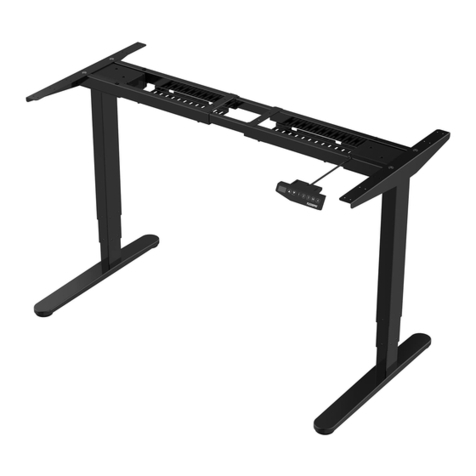
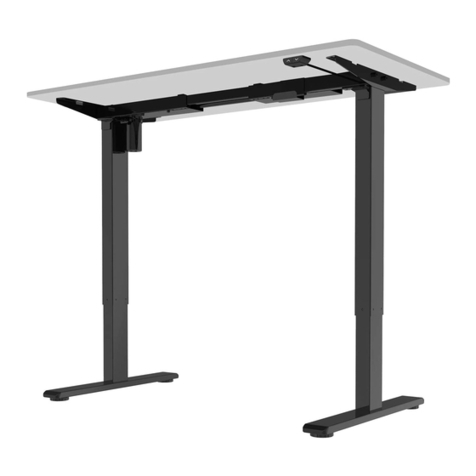
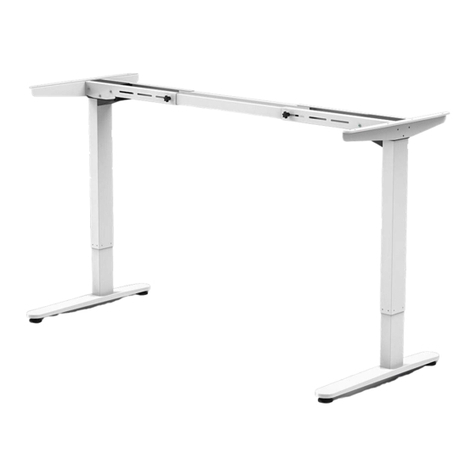
  9. Flexispot ET103 User manual

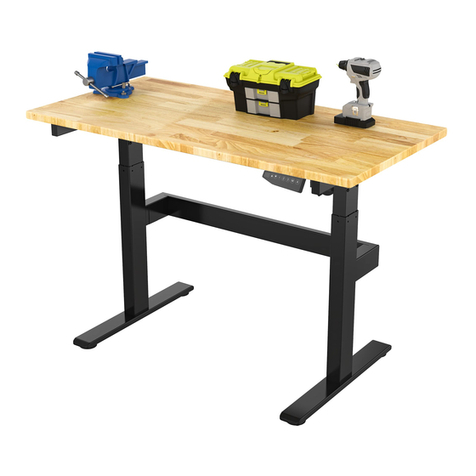
Flexispot ET103 User manual

Other Flexispot Indoor Furnishing manuals

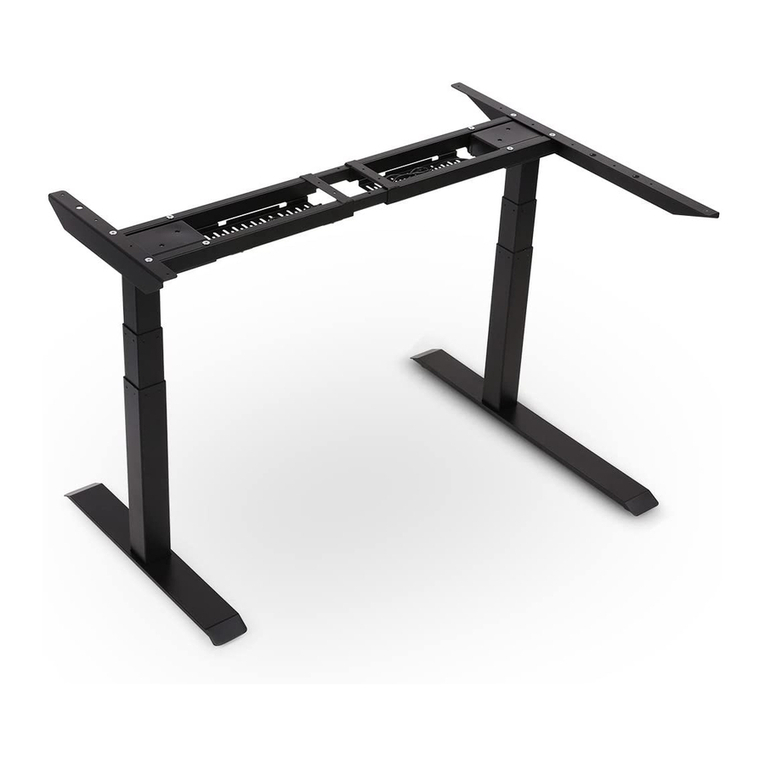
Flexispot ET026-7040 User manual

Flexispot

Flexispot ET026-7040 User manual

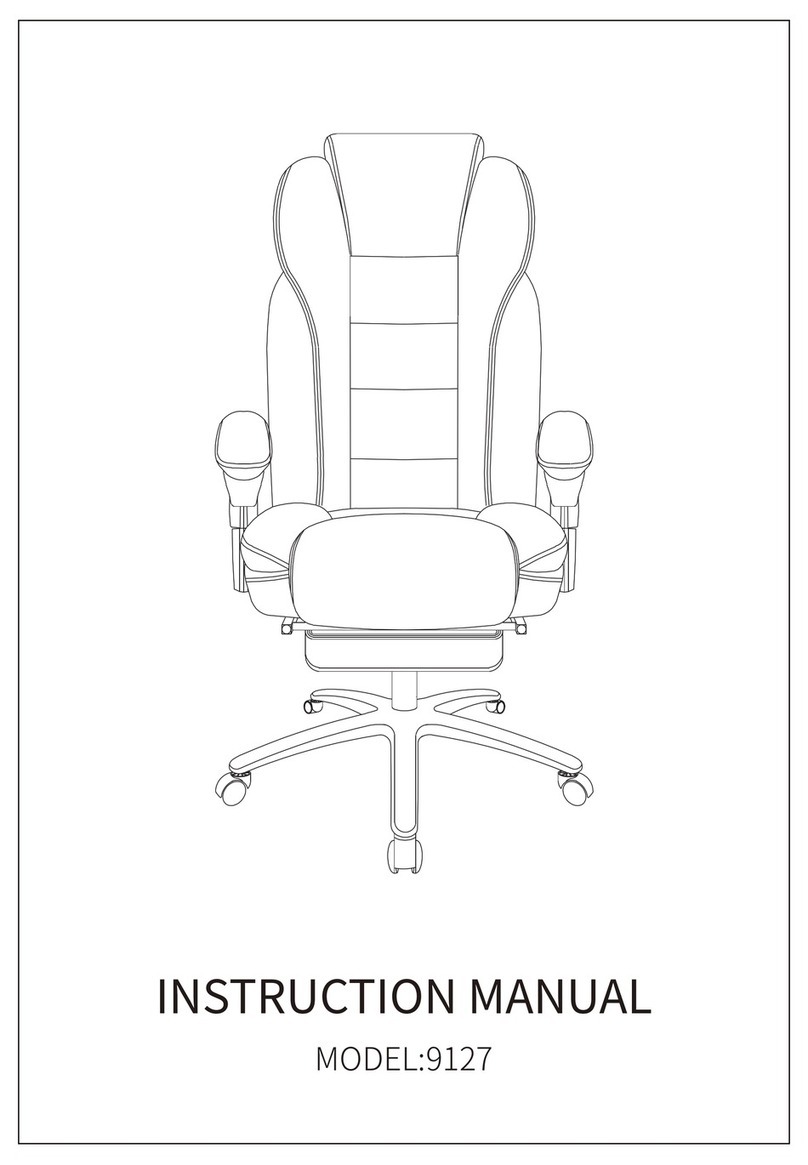
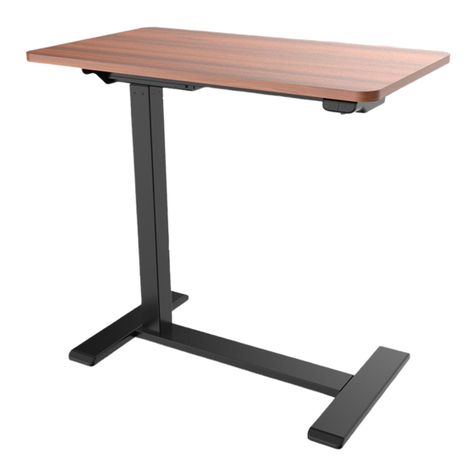
Flexispot 9127 User manual

Flexispot

Flexispot 9127 User manual

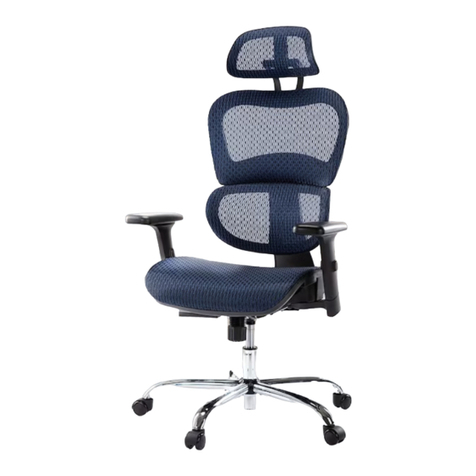
Flexispot S07MB User manual

Flexispot

Flexispot S07MB User manual

Flexispot GC01 User manual

Flexispot

Flexispot GC01 User manual

Flexispot ErgoKid SD02+ User manual

Flexispot

Flexispot ErgoKid SD02+ User manual

Flexispot E7CB User manual

Flexispot

Flexispot E7CB User manual

Flexispot OC5G User manual

Flexispot

Flexispot OC5G User manual

Flexispot Comhar EG8B User manual

Flexispot

Flexispot Comhar EG8B User manual

Flexispot WB101 User manual

Flexispot

Flexispot WB101 User manual

Flexispot H2S User manual

Flexispot

Flexispot H2S User manual

Flexispot EF1 User manual

Flexispot

Flexispot EF1 User manual

Flexispot Comhar Pro Q8 User manual

Flexispot

Flexispot Comhar Pro Q8 User manual

Flexispot CB31B User manual

Flexispot

Flexispot CB31B User manual

Flexispot S05P User manual

Flexispot

Flexispot S05P User manual

Flexispot EC1B User manual

Flexispot

Flexispot EC1B User manual

Flexispot M5B User manual

Flexispot

Flexispot M5B User manual

Flexispot E2W User manual

Flexispot

Flexispot E2W User manual

Flexispot S09-BB User manual

Flexispot

Flexispot S09-BB User manual

Flexispot FlexiHome EB011Q User manual

Flexispot

Flexispot FlexiHome EB011Q User manual

Flexispot F3B User manual

Flexispot

Flexispot F3B User manual

Flexispot E2W User manual

Flexispot

Flexispot E2W User manual

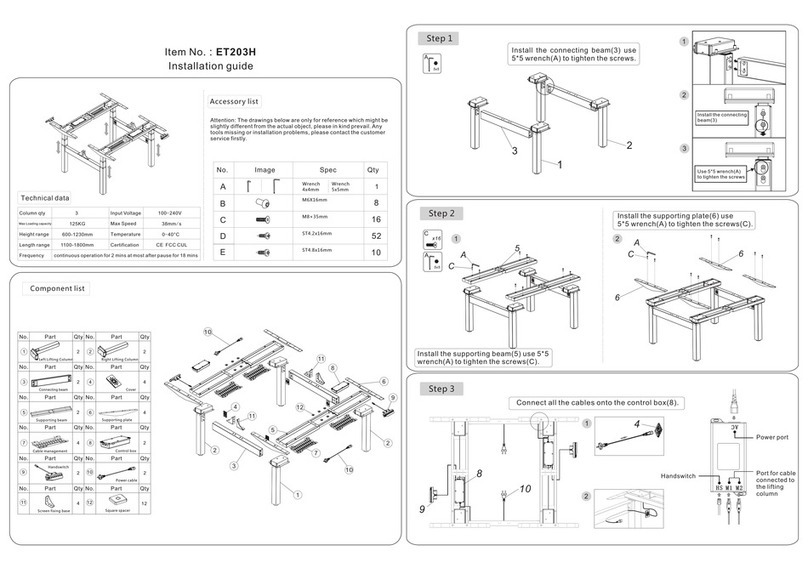
Flexispot ET203H User manual

Flexispot

Flexispot ET203H User manual

Flexispot GC02-BW-US User manual

Flexispot

Flexispot GC02-BW-US User manual

Flexispot UD1B User manual

Flexispot

Flexispot UD1B User manual

Popular Indoor Furnishing manuals by other brands

Regency LWMS3015 Assembly instructions

Regency

Regency LWMS3015 Assembly instructions

Furniture of America CM7751C Assembly instructions

Furniture of America

Furniture of America CM7751C Assembly instructions

Safavieh Furniture Estella CNS5731 manual

Safavieh Furniture

Safavieh Furniture Estella CNS5731 manual

PLACES OF STYLE Ovalfuss Assembly instruction

PLACES OF STYLE

PLACES OF STYLE Ovalfuss Assembly instruction

Trasman 1138 Bo1 Assembly manual

Trasman

Trasman 1138 Bo1 Assembly manual

Costway JV10856 manual

Costway

Costway JV10856 manual

moss DESIGN Caisson Credenza Assembly instructions

moss DESIGN

moss DESIGN Caisson Credenza Assembly instructions

Aquaglide FULL DECK 15.0 owner's manual

Aquaglide

Aquaglide FULL DECK 15.0 owner's manual

AREBOS AR-HE-SW30 user manual

AREBOS

AREBOS AR-HE-SW30 user manual

Till-Hilft Fulda 87005.330 Assembly instructions

Till-Hilft

Till-Hilft Fulda 87005.330 Assembly instructions

Twoey Outside 2010 quick start guide

Twoey Outside

Twoey Outside 2010 quick start guide

Hettich Easys 200 operating instructions

Hettich

Hettich Easys 200 operating instructions

The bedboss RELAX 404 Series owner's manual

The bedboss

The bedboss RELAX 404 Series owner's manual

Oeseder Möbelindustrie Bern 991 720 Assembly instructions

Oeseder Möbelindustrie

Oeseder Möbelindustrie Bern 991 720 Assembly instructions

Costway HW68469 user manual

Costway

Costway HW68469 user manual

Next ALIX A27743 Assembly instructions

Next

Next ALIX A27743 Assembly instructions

BROSA Hans Assembly guide

BROSA

BROSA Hans Assembly guide

Prodigg MINIKA PBA015T-FUR installation manual

Prodigg

Prodigg MINIKA PBA015T-FUR installation manual

manuals.online logo
manuals.online logoBrands
  • About & Mission
  • Contact us
  • Privacy Policy
  • Terms and Conditions

Copyright 2025 Manuals.Online. All Rights Reserved.

A
C
D
B
E
Ax8
E
4x4
1
2
AE
AE
Cx4
E
5x5
E
C
3
1
2
2
3
4
5
7
4
6
8
Cx4
E
5x5
C
E
4
Item No.: ET103
Installation guide
100KG
690-1170mm
1100-1800mm
2
32mm/s
0-40°C
CE F CC C UL
100-240V
Technical data
Max. Weight
Capacity
Column Stage
Height Range
Width Range
Duty Cycle 10%, Max. 2 min on/ Min. 18 min off
Input Voltage
Max Speed
Temperature
Certification
Accessory list
Attention: The drawings below are only for reference which might be slightly
different from the actual object, please in kind prevail. Any tools missing or
installation problems,please contact the customer service firstly.
No. Image Spec Qty
8
26
8
1
6
M6×16mm
Allen Key
4x4mm
Allen Key
5x5mm
ST4.2x20mm
M8×35mm
Adhesive Pad
Component list
7 1 8 1
3 1 4 2
1 2 2 2
5 2 6 1
No. Part Qty No. Part Qty
Feet Lifting Column
Side Bracket
Supporting Beam
Cable Management Tray
Hand Switch
Control Box
Power Plug
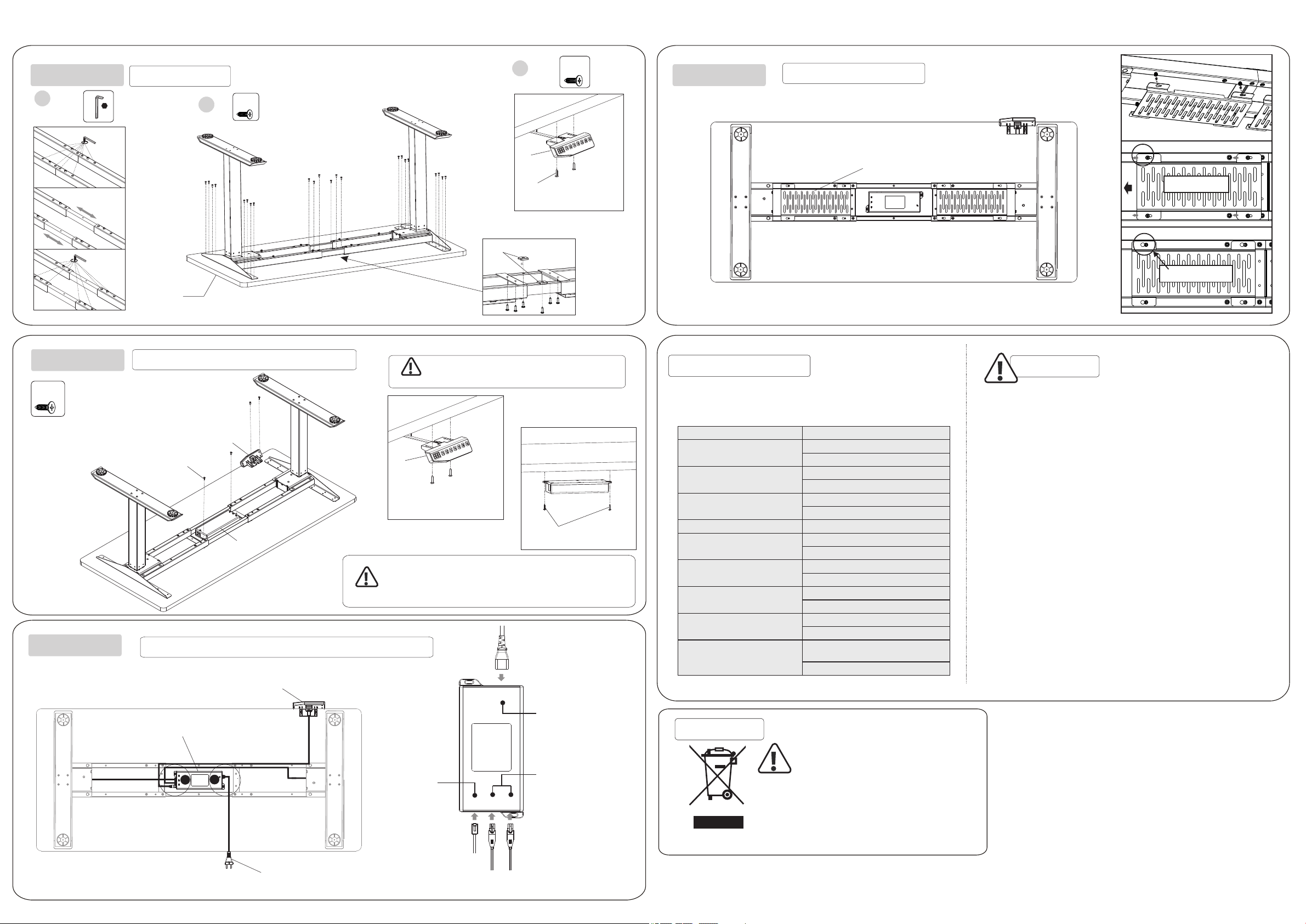
STEP 1
Place the feet(1) on the bottom of the lifting
column(2). Fix the feet using screws(A) with
Allen Key(E)
STEP 2
Insert the lifting columns into the ends of the
supporting beam(3). Fix the lifting columns
using screws(C) with the Allen Key(E).
STEP 3
Attach the side brackets(4) to the ends of
the supporting beam using screws(C) as
show with the Allen Key(E).
A C
H S M 1 M 2
1E
4x4
B
7
Bx2
3
2Bx22
D
Bx2
B
7
7
B
6
7
8
12
6
5
Loosen
Adjust
Tighten
Stick the adhesive pad(D)
Attach the hand Switch (7)
to the bottom of tabletop
Tabletop
STEP 4
STEP 5 Please choose a proper position according to
actual circumstance.
Attention
Attach the hand Switch (7)
to the bottom of tabletop
Attach the Control box (6)
to the bottom of tabletop
Install the Tabletop
Install the Control Box(6) and the Hand Switch(7)
Attention
The control box (6) can be attached to the cable management
tray (5) or the tabletop as shown. However, if you use
CB38M2A(IB) control box, it has to install to the tabletop only.
Otherwise, the anti-collision system will not work well.
STEP 6 Connect the cables to the control box (6) as shown in the diagram below.
Port for
hand switch
Power port
Port for cable
connected to the
lifting column
STEP 7
Slide the plate
Tighten the screw
Install the cable management tray
Common fault treatment
The following tips will help you detected and eliminate the common fault
and error.If the fault you met is not listed below, please contact with your
supplier. Only themanufacturer and professionals are capable for investigating
and correcting those fault and error.
Fault phenomenon Method
No response while long pressing
down arrow after connected with
a power supply
1.Check if all the cables be connected well
2.Contact your supplier or dealer
No response while pressing up
arrow/ down arrow after
connected with a power supply
Rising in a low speed
1.Check if overloaded, max loading: 100kg;
2.Contact your supplier or dealer
The motor not move as instructed 1. Contact your supplier or dealer
1.Reposition
2.Contact your supplier or dealer
Go down but not go up
Downward sliding
Frequently Reposition
Overwork
(Duty cycle:Max 2min on/18min OFF)
1.Restart after suspend for 18mins while
connecting with power;
2.Contact your supplier or dealer;
1. Press "M"and "3" together for 3 seconds or
more, after hearing continuous beeping for twice,
it will restore factory settings
Not enough up&down height
2.Contact your supplier or dealer
Attention
1. Power supply: AC100V-240V,50/60Hz
2. Service Environment: 0-40℃
3. Unplug the power plug before cleaning, wipe the dust on surface with slight wet
dishcloth when cleaning, be careful not to let the drops into the internal parts, not loose
the connector.
4. The electric box contains electronic components, metals, plastics, wires etc., so
dispose of it in accordance with each country's environmental legislation, not the
general household waste.
5. Check carefully to ensure correct and complete assembly before using.

6. Be familiar with all functions and program settings of the product before first use.
7. Children are forbidden to play on the product because of unforeseen action when
playing, so any dangerous consequences caused by this improper action will not be on
8. Slight noise caused by the V-ribbed belt or brake system due to structure will not
have any effect on the use of the equipment.
9. Corrosive or abrasive materials are forbidden to clean the equipment. Must ensure
that the cleaner used will not pollute the environment.
10. This appliance can be used by children aged from 8 years and above and persons
with reduced physical, sensory or mental capabilities or lack of experience and
knowledge if they have been given supervision or instruction concerning use of the
appliance in a safe way and understand the hazards involved. Children shall not play
with the appliance.
11. Cleaning and user maintenance shall not be made by children without supervision.
12. If the supply cord is damaged, it must be replaced by the manufacturer, its service
agent or a similarly qualified person in order to avoid a hazard.
13. Please make sure there is no hazard sources in your operating environment. e.g.,
do not litter the tools around. Always be careful to treat the packaging materials in order
to avoid any possible danger, e.g. plastic bag may lead to choking hazard to children.


14. Keep the original package of the equipment if necessary in case of the future use in
transportation.
Waste disposal This marking indicates that this product should
not be disposed with other household wastes.
To prevent possible harm to the environment or
human health from uncontrolled waste disposal,
recycle it responsibly to promote the sustainable
reuse of material resources. To return your used
device, please use the return and collection
systems or contact the retailer where the
product was purchased. They can take this
product for environmental safe recycling.