manuals.online logo
Brands
  1. Home
  2. •
  3. Brands
  4. •
  5. FrontLine
  6. •
  7. Safety Equipment
  8. •
  9. FrontLine FD9 User manual

FrontLine FD9 User manual

Other FrontLine Safety Equipment manuals
FrontLine STB01 User manual

FrontLine

FrontLine STB01 User manual

FrontLine RORS01 User manual

FrontLine

FrontLine RORS01 User manual

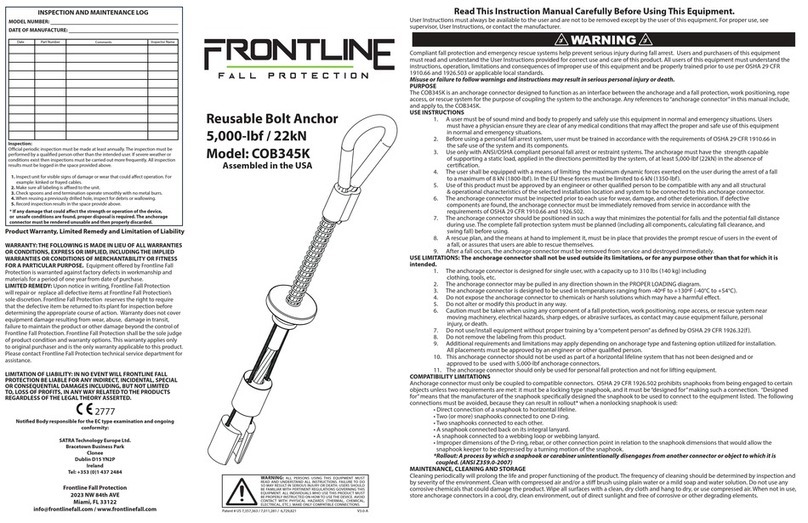
FrontLine COB345K User manual

FrontLine

FrontLine COB345K User manual

FrontLine COP01 User manual

FrontLine

FrontLine COP01 User manual

FrontLine ROB01 User manual

FrontLine

FrontLine ROB01 User manual

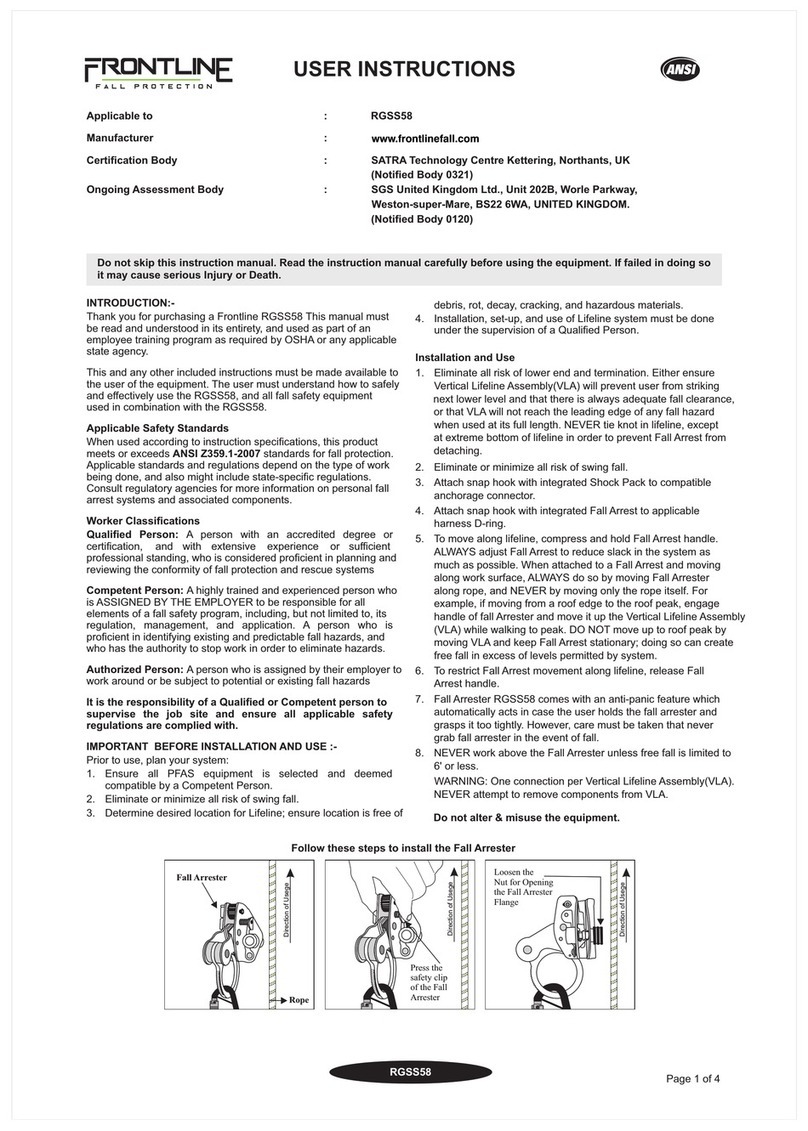
FrontLine RGSS58 User manual

FrontLine

FrontLine RGSS58 User manual

FrontLine GPB200 User manual

FrontLine

FrontLine GPB200 User manual

FrontLine HLK1004 Operator's manual

FrontLine

FrontLine HLK1004 Operator's manual

FrontLine RO4W User manual

FrontLine

FrontLine RO4W User manual

FrontLine ST30H User manual

FrontLine

FrontLine ST30H User manual

FrontLine COB345K User manual

FrontLine

FrontLine COB345K User manual

FrontLine RPA061S Operator's manual

FrontLine

FrontLine RPA061S Operator's manual

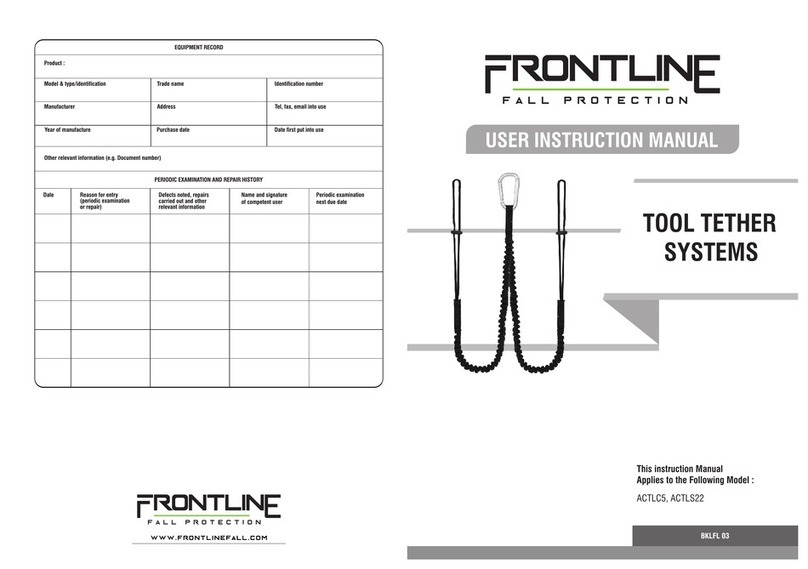
FrontLine ACTLC5 Operator's manual

FrontLine

FrontLine ACTLC5 Operator's manual

FrontLine X27 User manual

FrontLine

FrontLine X27 User manual

FrontLine DT602 User manual

FrontLine

FrontLine DT602 User manual

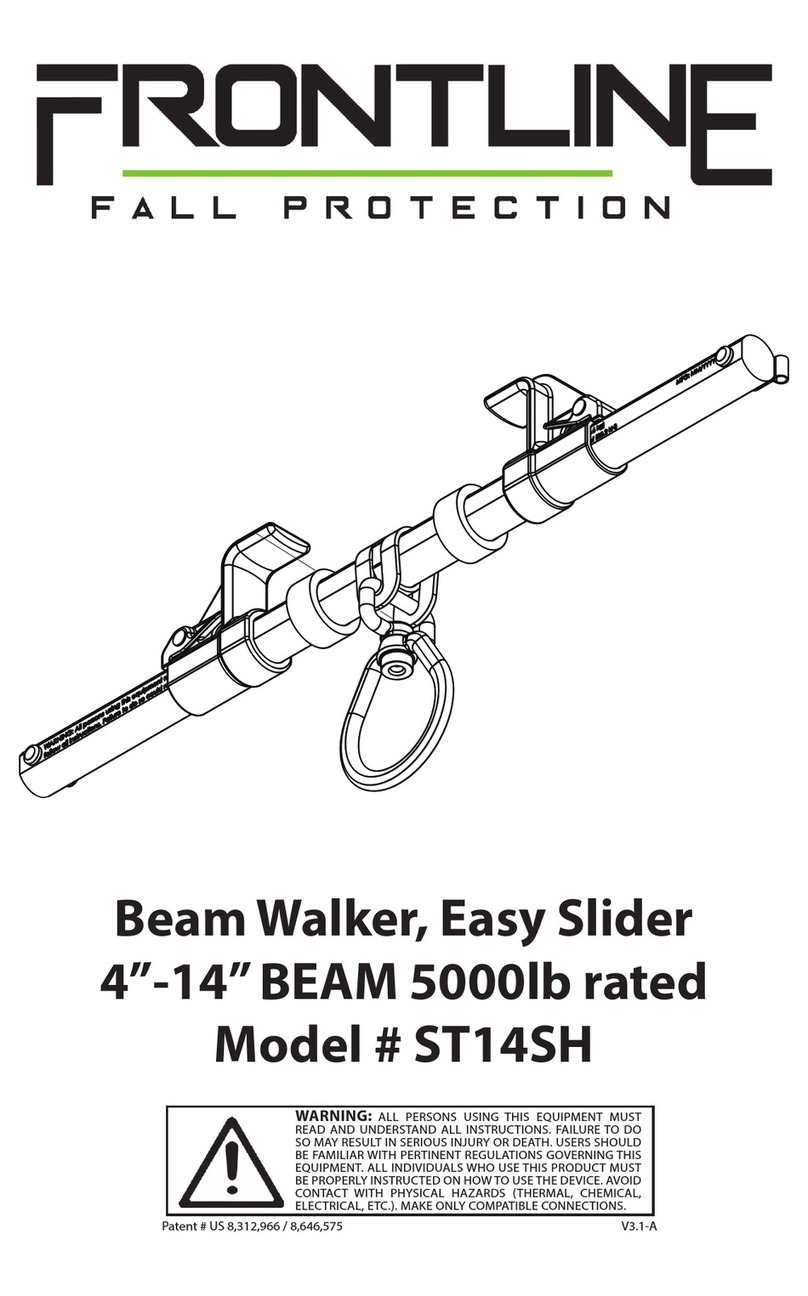
FrontLine ST14SH User manual

FrontLine

FrontLine ST14SH User manual

FrontLine COM345K Guide

FrontLine

FrontLine COM345K Guide

FrontLine COM3410K Guide

FrontLine

FrontLine COM3410K Guide

FrontLine COB01SW User manual

FrontLine

FrontLine COB01SW User manual
FrontLine WDJ50 User manual

FrontLine

FrontLine WDJ50 User manual

FrontLine RPA061S Operator's manual

FrontLine

FrontLine RPA061S Operator's manual

FrontLine RPG10 User manual

FrontLine

FrontLine RPG10 User manual
FrontLine ST10HT Guide

FrontLine

FrontLine ST10HT Guide

FrontLine ST18AV User manual

FrontLine

FrontLine ST18AV User manual
Popular Safety Equipment manuals by other brands

Lanex PB-20 instruction manual

Lanex

Lanex PB-20 instruction manual

SKYLOTEC ANCHOR ROPES Instructions for use

SKYLOTEC

SKYLOTEC ANCHOR ROPES Instructions for use

Besto Buoyancy Aid 50N Instructions for use

Besto

Besto Buoyancy Aid 50N Instructions for use

TEUFELBERGER NODUS Manufacturer's information and instructions for use

TEUFELBERGER

TEUFELBERGER NODUS Manufacturer's information and instructions for use

Troy Lee Designs Tbone Product owners manual

Troy Lee Designs

Troy Lee Designs Tbone Product owners manual

Innova Xtirpa Instruction and safety manual

Innova

Innova Xtirpa Instruction and safety manual

bolle SAFETY B810 quick start guide

bolle SAFETY

bolle SAFETY B810 quick start guide
SHENZHEN FANHAI SANJIANG ELECTRONICS A9060T instruction manual

SHENZHEN FANHAI SANJIANG ELECTRONICS

SHENZHEN FANHAI SANJIANG ELECTRONICS A9060T instruction manual
Hiltron security POWER8E Installation and use manual
Hiltron security

Hiltron security POWER8E Installation and use manual

Salewa MTN SPIKE user manual

Salewa

Salewa MTN SPIKE user manual

Hatco B-950P installation guide

Hatco

Hatco B-950P installation guide

Sitec TX MATIC operating manual

Sitec

Sitec TX MATIC operating manual
TEUFELBERGER GRIP 12 Manufacturer's information and instructions for use

TEUFELBERGER

TEUFELBERGER GRIP 12 Manufacturer's information and instructions for use

MSA PremAire System Operation and instructions

MSA

MSA PremAire System Operation and instructions

AMC 1022M Series instruction manual

AMC

AMC 1022M Series instruction manual

Trinity CASS S3 Assembly manual

Trinity

Trinity CASS S3 Assembly manual

CMC Helitack HotSeat quick guide

CMC

CMC Helitack HotSeat quick guide

ACM SAFETY D200 Instructions and warnings

ACM

ACM SAFETY D200 Instructions and warnings

manuals.online logo
manuals.online logoBrands
  • About & Mission
  • Contact us
  • Privacy Policy
  • Terms and Conditions

Copyright 2025 Manuals.Online. All Rights Reserved.

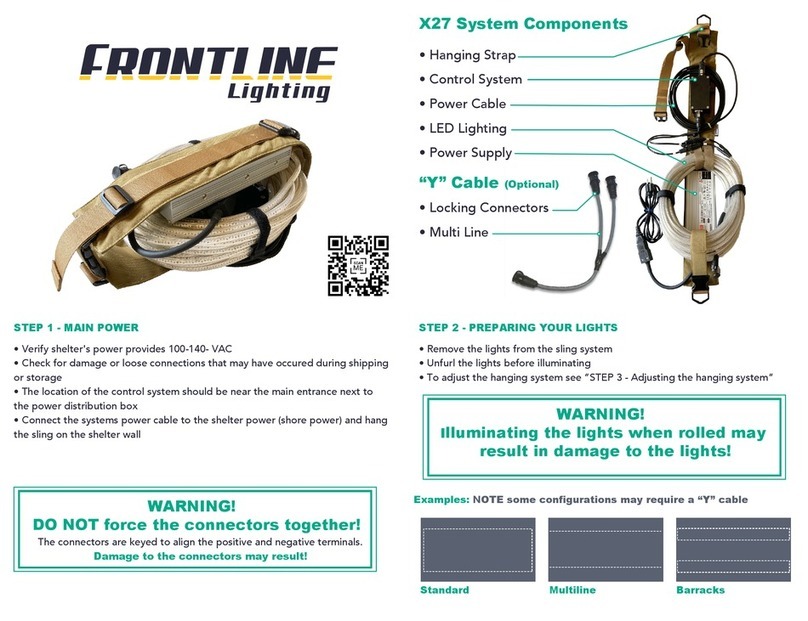
FD9 System Components
WARNING!
DO NOT force the connectors together!
WARNING!
Illuminating the lights when rolled may
result in damage to the lights!
• Hanging Strap
• Kit Bag
• Protected Control system
• Internal Power Supply
• LED Lighting
• Hanging System
• Connectors
STEP 1 - MAIN POWER
Standard Barracks
Examples: NOTE some configurations may require a “Y” cable
Multiline
• Verify shelter's power provides 100-140- VAC
• Check for damage or loose connections that may have occured during shipping
or storage
• The location of the control system should be near the main entrance next to
the power distribution box
• Connect the systems power cable to the shelter power (shore power) and hang
the sling on the shelter wall
The connectors are keyed to align the positive and negative terminals.
Damage to the connectors may result!
STEP 2 - PREPARING YOUR LIGHTS
• Unfurl the lights before illuminating
• The lights come pre-installed with a hanging system
• To adjust the hanging system see “STEP 3 - Adjusting the hanging system”
STEP 4 - STORAGE
• The FD9 can be coiled and stored like a typical extension
cord and then stored inside the kit bag
• Use the kit bag itself to contain and store the system.
LIGHTING REPAIR
• Installation video is availble online
• Downloadable manual is also available
• Visit www.frontlinelighting.com or scan the QR code
TROUBLESHOOTING
If, after checking the above, the system is still not
operating as desired. Please contact Frontline
Lighting for direct assistance.
www.frontlinelighting.com
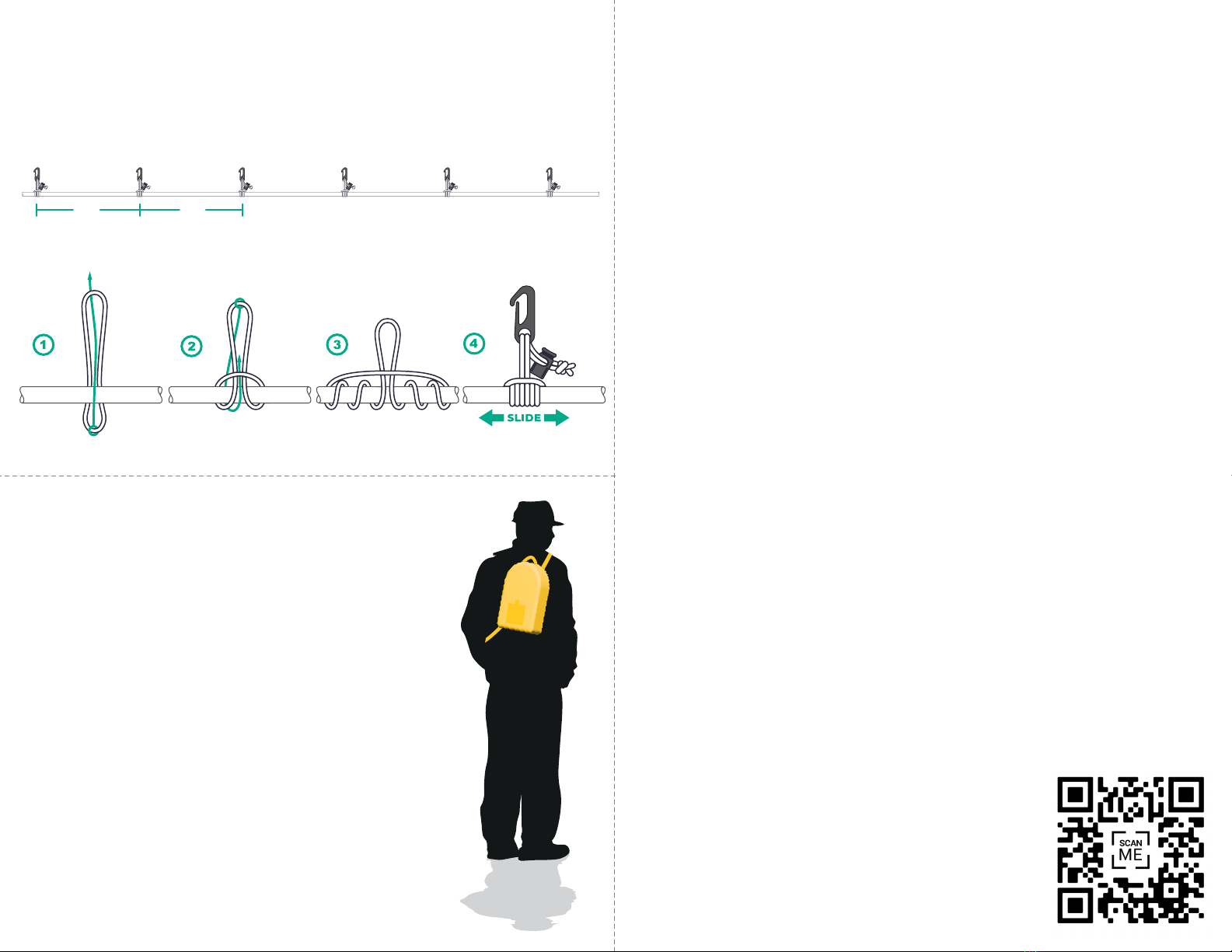
STEP 3 - ADJUSTING THE HANGING SYSTEM
• Hanging clips come pre-mounted onto the flex lighting
• The lighting configuration should be supported every 5 feet
• Slide knot along the LED light to desired position close to hanging point
• Pull the knot tight and put tension between LED light and hanging point
5ft 5ft
PRUSIK KNOT - TYING THE HANGING KNOT
LED Light
Lights not operating
• Ensure main power is active and connected
• Check plugs and connections are firmly in place and connected
• Examine connections for loose pins or exposed wires
• Check power switch is in the “ON” position
• If battery is being used, make sure battery is charged and properly connected
Sections of lights are not operating
• Repair kits can be purchased from Frontline Lighting
• Replacement flex lengths can be purchased
Lights are flickering
• Too many lights lengths of light may have been connected
• Utilize “Y” connection cable to split the light lengths
Control system not operating
• Ensure main power is on and connected
• Visually examine connections for loose pins or exposed wires
• Check control knob or switch are not loose and can freely move
Lights are twisting
• Turn lights on for a short perod of time and then re-align the LED’s to face in
the desired direction.
• Increase the amount of hanging points being used
Power supply is becoming hot
• Contact Frontline Lighting
Components are damaged or missing
• Contact Frontline Lighting