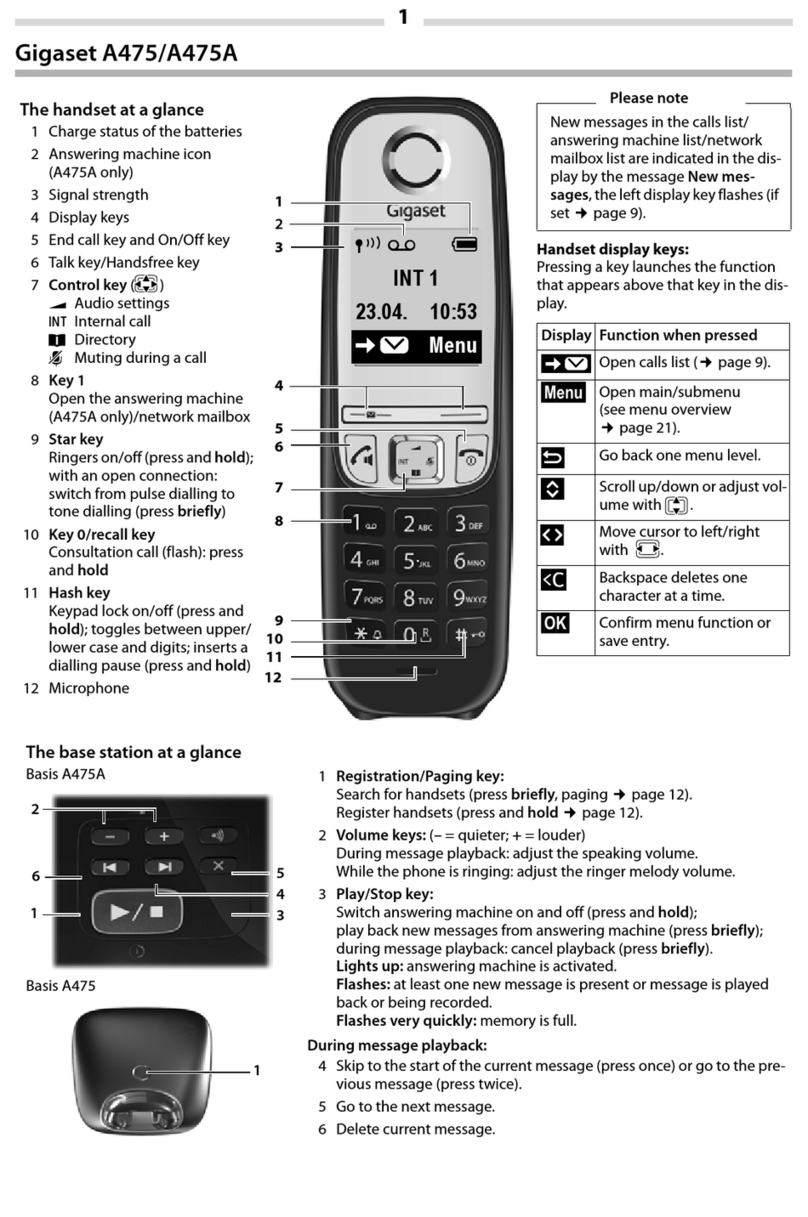
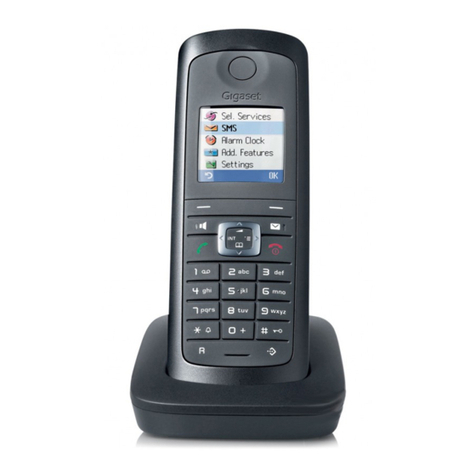
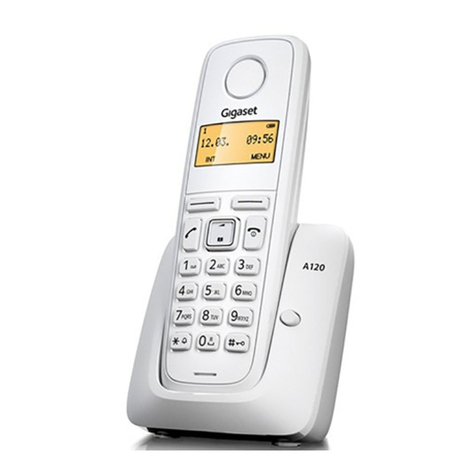
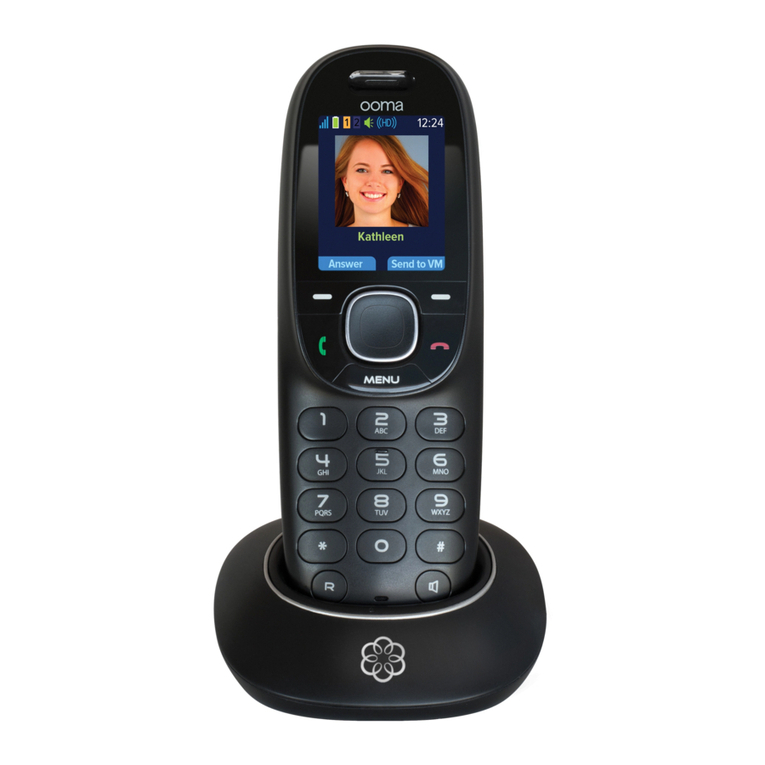
Display Icons and Symbols
Display Icons and Symbols
Icon Name
Behaviour Description
Battery
1. Steady on 1. Displayed steady for capacity indication (Full = more than 1 hour talk time remains);
2. Blinking
Animating when battery is being charged or when it remains less than 1 hour talk time
When battery is discharge (few minutes talk time remain), associated with battery low
tone.
Phone
1. Blinking 1. Blinking when receiving incoming call;
2. Steady on 2. Steady ON during a call
MWI
1. Blinking 1. Blinking when new MWI (CID icon is also blinking )
2. Off 2. No MWI
Call log
1. Blinking when there is new MWI in call log
2. Steady on There are new records in the call log or when the user is reviewing the new call log,
3. Off When call log empty, or there are old records in the call log, call log icon will be off
Phonebook Steady on Turns on during phonebook review mode.
Alarm Steady on Turn ON when alarm is activated
Speaker Steady on Display when speaker phone is ON
Ringer Off Steady on Display when ringer volume is set off
Antenna
1. Blinking 1. Blinking when handset is out of range or not subscribed
2. Steady on 2. Steady ON when handset is linked with base
-- Digits on right Steady on Turns on when there is more digit(s) on the right for display.
Downward Steady on
Turns on when there is more menu option(s)
Turns on when there is more phonebook or CID record(s) for viewing during
phonebook or CID review mode.
Turns on during call to indicate that the audio level can be reduced
Upward Steady on
Turns on when there is more menu option(s)
Turns on when there is more phonebook or CID record(s) for viewing during
phonebook or CID review mode.
Turns on during call to indicate that the audio level can be increased
OK Steady on Turns on when confirmation of selection or programming is available
Back Steady on
Turns on during phonebook editing mode to cancel the last digit.
Turns on during menu mode when user is allowed to go back to the previous state or
previous step.