Lombok A150/A150A/A250/A250A / UK-IE / A31008-M2702-L101-1-7619 / Lombok.fm / 22.08.2016
Version 4, 16.09.2005
3
Frequently asked questions
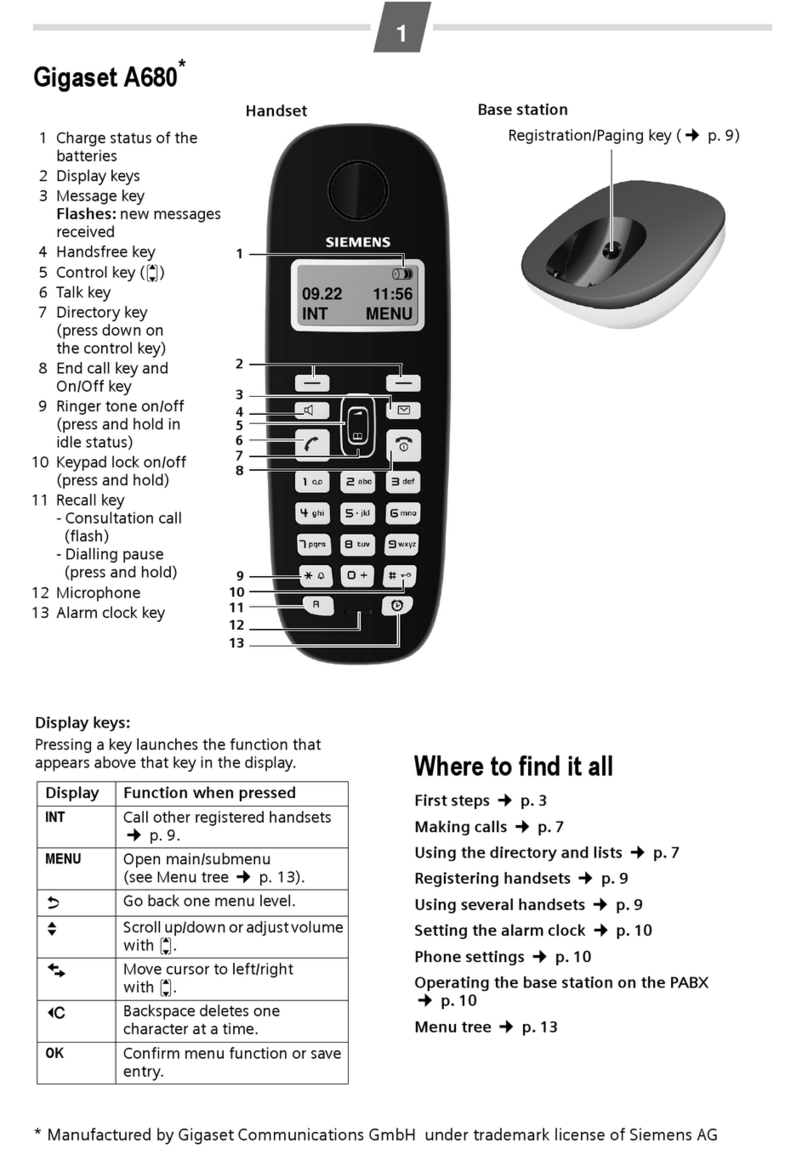
Q: There is no dial tone.
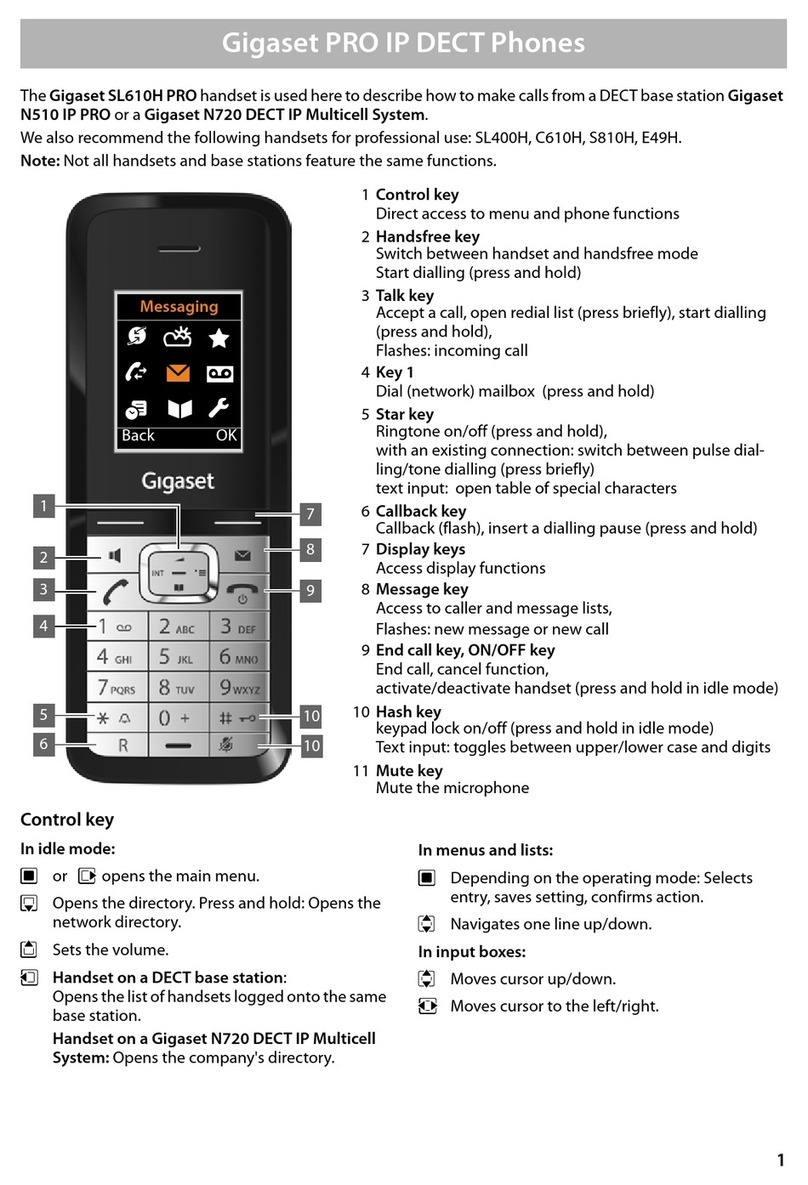
A: Press call button for 2 seconds (long press) to obtain dial tone.
A short press opens the redial list.
Q: The line is crackling / not clear.
A: Have you used the new line cable provided? Please do not use an old cable.
Q: The display is not clear / seems to be broken.
A: The display is protected by a plastic film, please make sure you have removed
theprotective film.
Q: The handset is not registered.
A: If your handset is not registered, please follow the Registration handset procedure
(¢page 9).
Q: The caller ID is not working.
A: Have you subscribed to this service (CLIP) from your provider?
Please check:
Have you used the phone cord supplied
Have you fully inserted the power cable into the base station
Have you inserted the batteries correctly
Have you charged the batteries for 6.5 hours
Have you set up the Date/Time
To download the latest manuals, visit our web-site: http://www.gigaset.com
You have questions? As a Gigaset customer, you can take advantage of our compre-
hensive service offerings. You can find help quickly in this User Manual and in the ser-
vice pages of our Gigaset online portal: http://www.gigaset.com
If you have problems setting up or operation this product please call
GIGASET UK HELPLINE 020 369 53111
GIGASET IRL HELPLINE 0818 200 033
Product may not be fully compatible with the national telephone network.
It is clearly specified on the box near theCE mark for which country/countries the
equipment has been developed. If the equipment is used in a manner inconsistent
with this advice or with the instructions of the manual and on the product itself, this
may have implications on the conditions for warranty or guarantee claims (repair or
exchange of product).
In order to make use of the warranty, the product purchaser is asked to submit a
receipt which proves the date of purchase (date from which the warranty period
starts) and the type of goods that have been purchased.
First steps
Check the pack contents
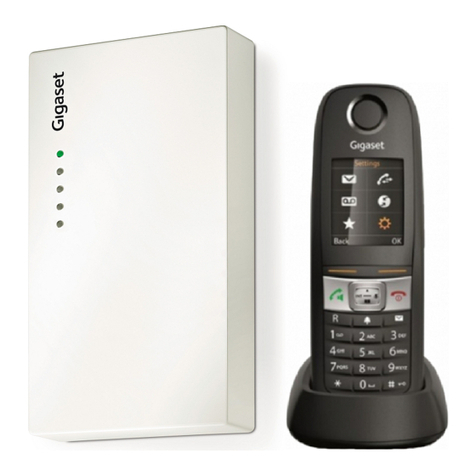
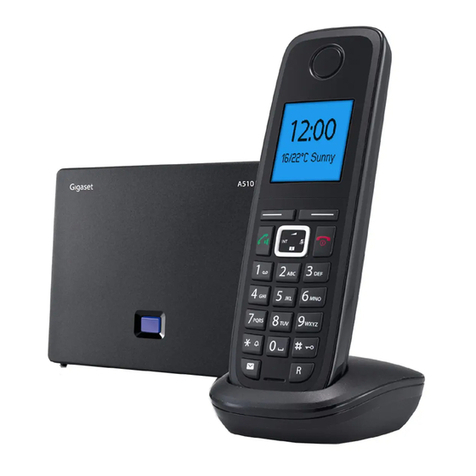
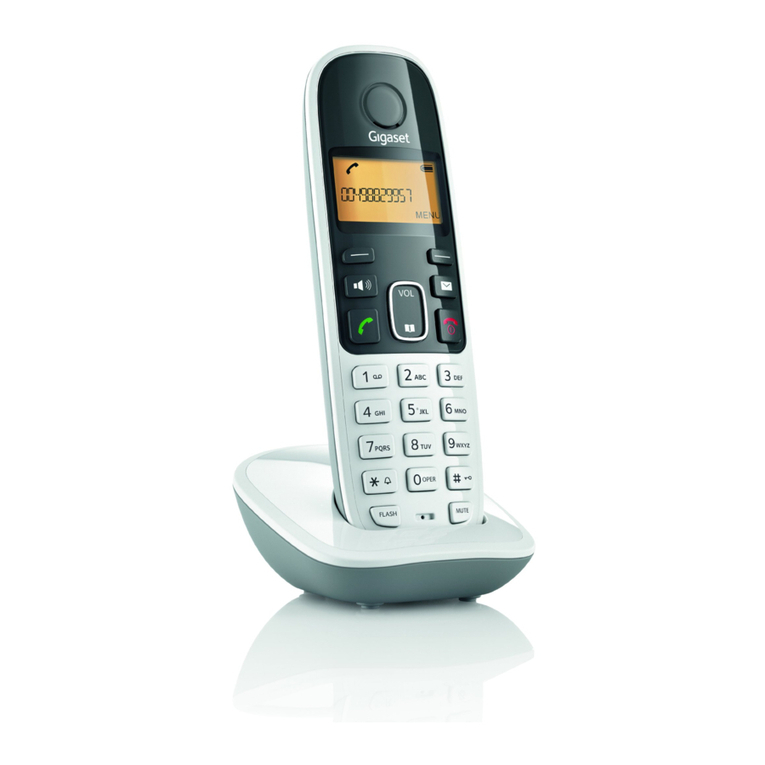
One Gigaset A150/A150A/A250/A250A base station, one mains adapter, one Gigaset
handset, one phone cord, two batteries, one battery cover, one user guide.
If you have purchased a model with multiple handsets, the package should contain
two batteries, a battery cover and a charging cradle with mains adapter for each addi-
tional handset.
Setting up the base station and charging cradle (if included)
◆Set up the base station at a central locationon a flat, non-slip surface in your house
or apartment. You can also mount the base station and charging cradle on the
wall.
◆Pay attention to the range of the base station. This is up to 300 m in unobstructed
outdoor areas and up to 50 m inside buildings.
◆The base station and charging cradle are designed for use in enclosed dry rooms
in a temperature range of +5 °C to +45 °C.
◆Care: Wipe down the base station and handset with a damp cloth (no solvents) or
an antistatic cloth. Never use a dry cloth. This can cause static.
◆The phone's feet do not usually leave any marks on surfaces. However, due to the
multitude of different varnishes and polishes used on today's furnishings, the risk
of marks on the surfaces cannot be completely ruled out.
◆Never expose the telephone to the influence of heat sources, direct sunlight or
other electrical devices.
◆Protect your Gigaset from moisture, dust, corrosive liquids and vapours.