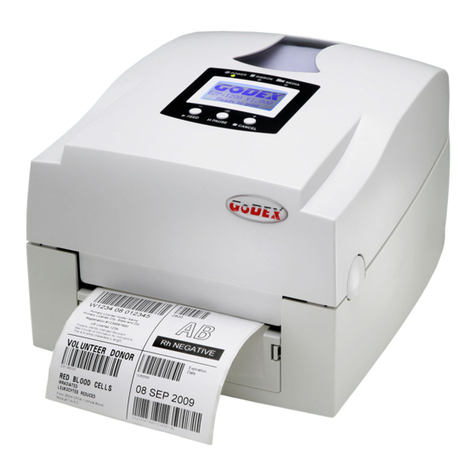
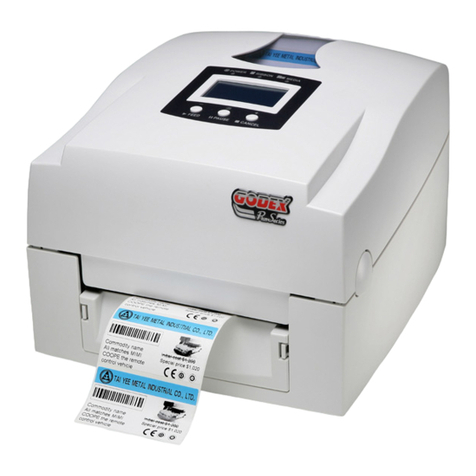
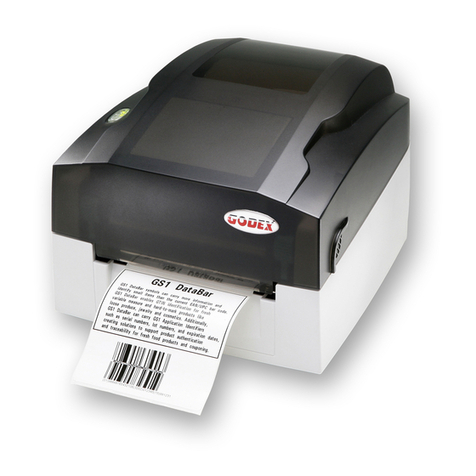
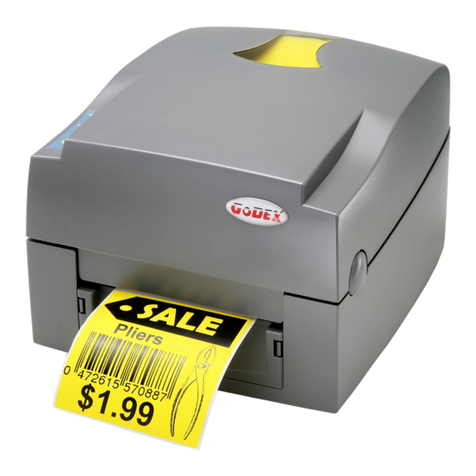
EZ100/EZ300/EZ500 Series
CONTENTS
1. Barcode Printer...............................................................................................2
1-1 Box Content..........................................................................................................................2
1-2 Getting To Know Your Printer.............................................................................................3
2. Printer Setup...................................................................................................5
2-1 Open The Printer Cover.......................................................................................................5
2-2 Open The Printing Mechanism ...........................................................................................6
2-3 Loading The Ribbon ............................................................................................................7
2-4 Loading The Label Roll........................................................................................................9
2-5 Loading The Label Roll (Label Dispenser Model)...........................................................11
2-6 Loading The Label Roll (Cutter Model)............................................................................14
2-7 Installing The Label Supply Hub Base On Internal Diameter ........................................15
2-8 Preparing For Tag Printing................................................................................................16
2-9 Connecting The Printer To The Host Computer ............................................................17
2-10 Installing The Driver.........................................................................................................18
3. Operation Panel............................................................................................21
3-1 LED Operation Panel ........................................................................................................21
3-2 Error Alerts .........................................................................................................................22
3-3 Label size calibration and Self Test Page........................................................................23
3-4 Operation Panel..................................................................................................................24
4. NetSetting for Ethernet................................................................................25
4-1 Installing The NetSetting software...................................................................................25
4-2 The interface of NetSetting ..............................................................................................26
5. Maintenance And Adjustment.....................................................................33
5-1 Cleaning The Print Head....................................................................................................33
5.2 Adjusting The Print Head Pressure..................................................................................34
5-3 Adjusting The Print Line....................................................................................................34
5-4 Cleaning The Cutter (Cutter Model) ................................................................................35
5-5 Troubleshooting.................................................................................................................36
Appendix -EZ100 Series Printer Specifications ....................................................................37
Appendix -EZ300/EZ500 Series Printer Specifications ........................................................38