1. BARCODE PRINTER ..................................................................... 1
1-1. Box content.............................................................................................1
1-2. Specifications..........................................................................................1
1-3. Interfaces.................................................................................................3
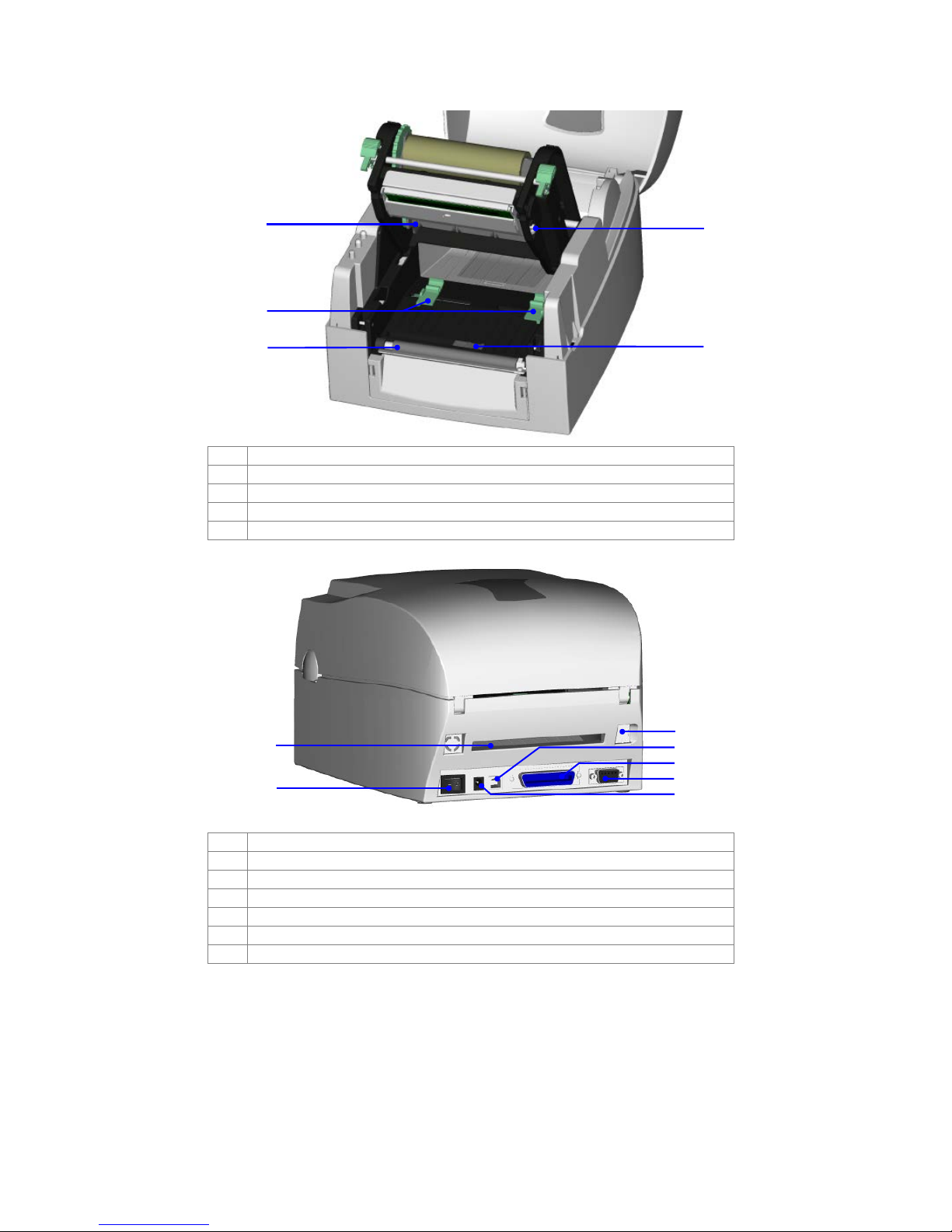
1-4. Getting to know your printer ................................................................5
2. PRINTER SETUP............................................................................. 7
2-1. Loading the ribbon ................................................................................7
2-2. Loading the label roll.............................................................................9
2-3. Installing the label supply hub............................................................10
2-4. Preparing for tag printing....................................................................11
2-5. Connecting the printer to the host computer.................................12
2-6. Installing the driver ...............................................................................13
3. OPERATOR PANEL..................................................................... 15
3-1. FEED button...........................................................................................15
3-2. LED indicators........................................................................................15
3-3. Label size calibration ...........................................................................15
3-4. Self test...................................................................................................16
3-5. Error alerts ..............................................................................................17
4. ACCESSORIES........................................................................... 18
4-1. Installing the label dispenser...............................................................18
4-2. Installing the cutter...............................................................................21
4-3. Installing the Ethernet module............................................................23
4-4. Installing the WLAN module................................................................25
4-5. Installing the CF card adapter...........................................................29
4-6. Instructions for using the CF card.......................................................30
5. MAINTENANCE AND ADJUSTMENT.......................................... 31
5-1. Cleaning the print head......................................................................31
5-2. Adjusting the print head pressure......................................................31
5-3. Adjusting the print line.........................................................................32
5-4. Adjusting the cutter..............................................................................32
5-5. Troubleshooting ....................................................................................33